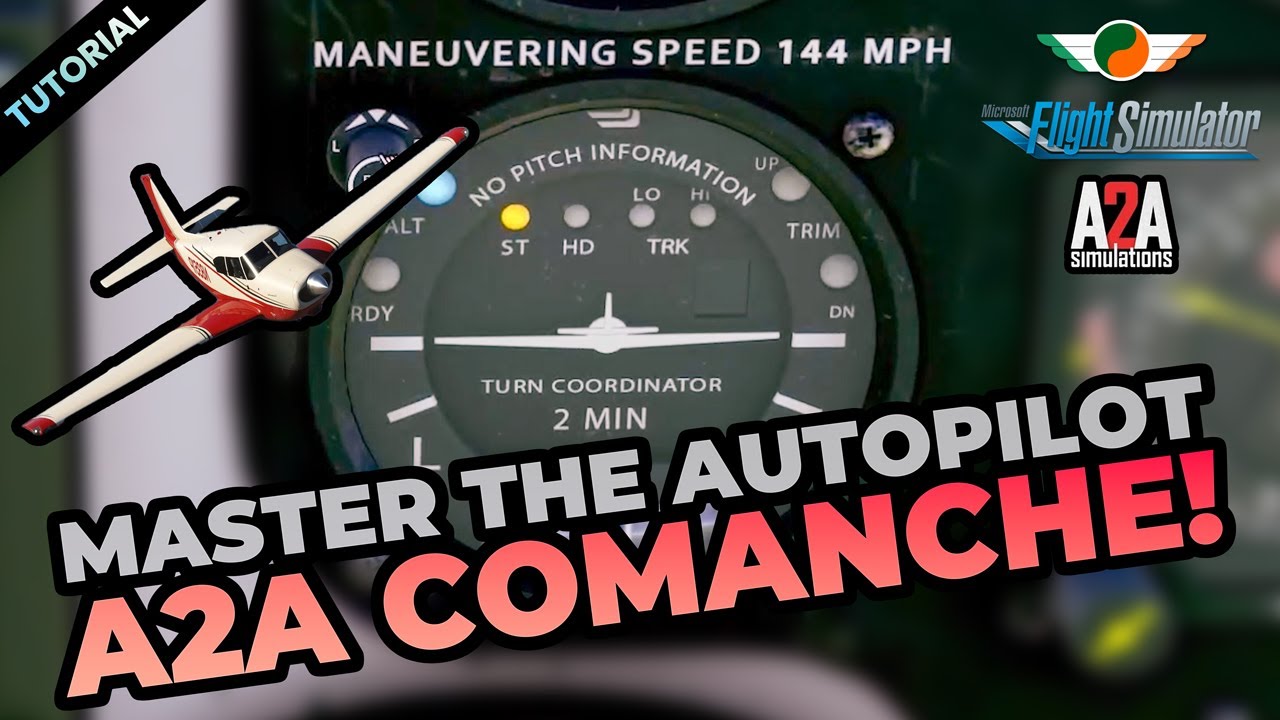
ST - stable mode, maintains current bank angle and possibly climb angle, I’m not sure
HD - heading mode
TRK Hi/Lo follow the programmed flight path with different degrees of accuracy
Desired alt must be reached manually and then the AP will maintain it. But it will signal you to adjust trim manually up or down with the lights on the right.
I now get that the altitude control is pretty primitive. Thanks. Having a hard time getting the trim right.
This really is complete different from the G1000. Hope it flies an ILS.
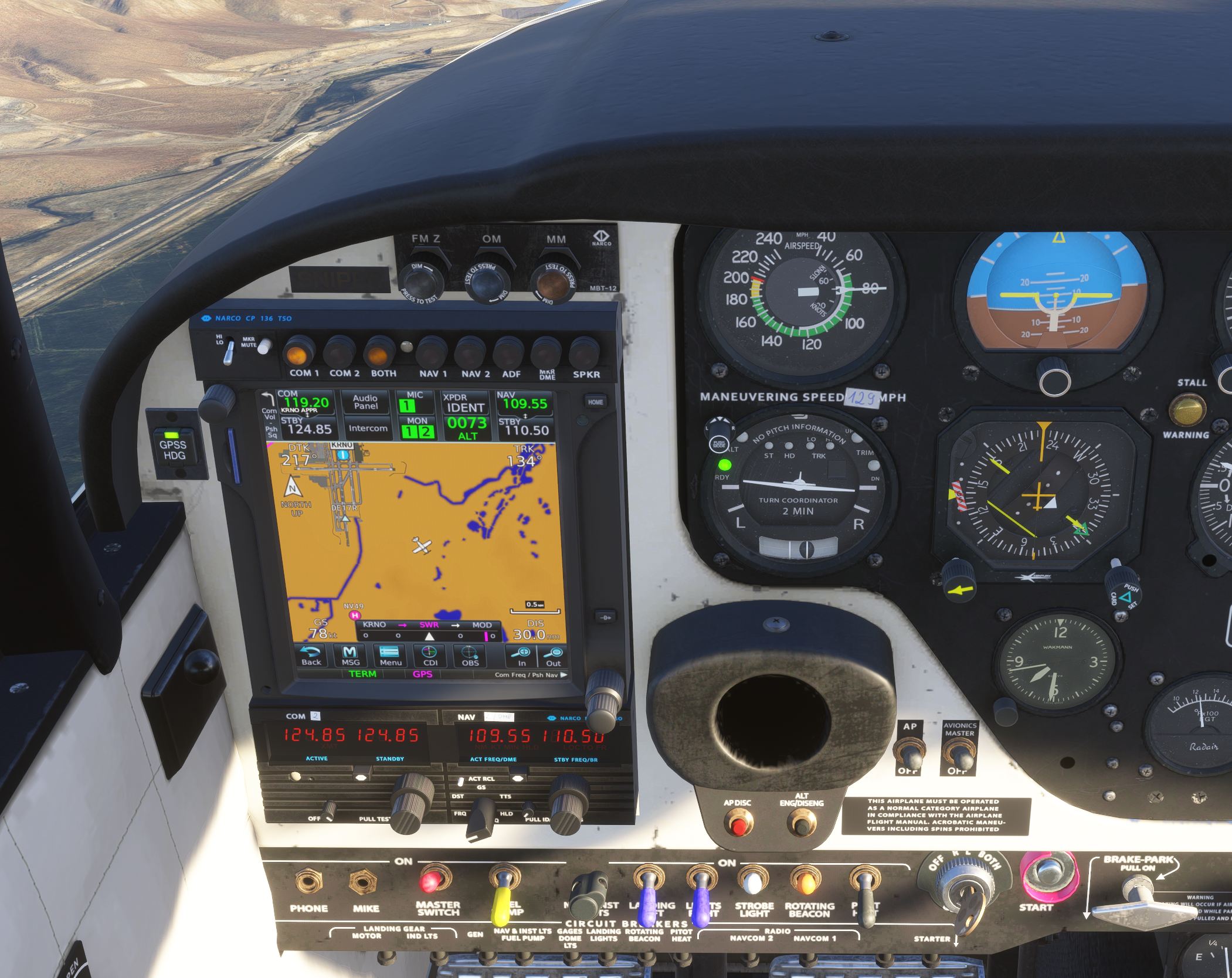
Autopilot toggle switch must be on ( next to avionic switch).
You toggle through the various modes by pressing the knob at the top left of the dial. You set your heading bug on the hsi.
There is no control of vertical speed via autopilot, it must be done via power and manual trimming.
1press..
ST mode is steering mode. It will capture whatever your present course is and follow it.
Next press.
HD is heading mode, it will follow your heading bug on the hsi.
Next press.
L TRK Low track, it follows your chosen flight path to destination set in your gps.
HTRK. High track. Follows your path more accurately. Never bother with it. It has a tendency to fishtail along the track.
None of the above have altitude hold capability. You need to directly engage alt hold…
Alt eng /D eng button on yoke. Press button to engage and blue light appears on your autopilot dial indicating it has captured your present altitude. Press again to disengage altitude selection. When engaged it will maintain present altitude during straight flight and turns.
Beep and yellow light “Up” AP is running out of its elevator authority in keeping the nose up due to low speed and needs manualy trimming nose up till it is happy again.
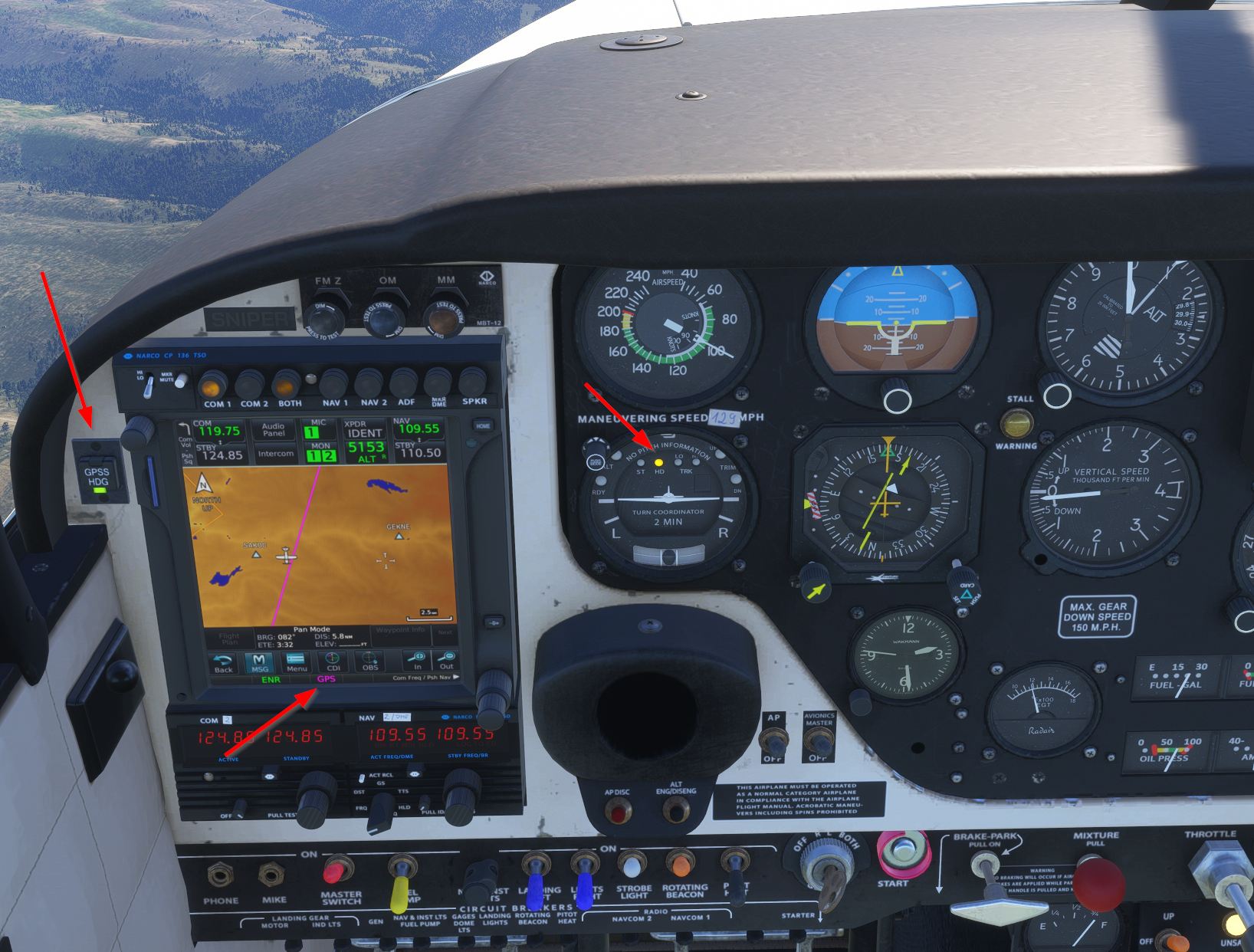
I am still fine tuning my understanding of the Autopilot. I believe it does not transition too easily from Heading to GPS tracking. Can somebody take a look at this shot and see if my settings look reasonable?
Transition I hit the button on the L: GPSS HDG?
The AP light is on HDG (Not Lo or Hi Sense)?
What does the Magenta GPS on the bottom mean? In range?
Bear in mind that since (I think) SU4 the GPSS button (on the left) hasn’t worked properly. I abandoned using it and do the turns manually. Hopefully A2A will fix it soon.
Re trim I have a couple of buttons set for ‘trim up’ and ‘trim down’ that work well. There is an altitude hold - the right most button the stick - which helps a lot. If it can’t maintain the height using the current trim then you’ll get warning lights on the AP
I checked my default bindings and they have been changed I guess in SU6! I had up and down mapped to the up and down on my HOTEC joy stick and now there are 6 duplicate bindings!
Yes, I took a good look at the button last night and it is INOP and/or confusing. I understand this is supposed to be a different AP, but in my humble opinion this is pretty limited… maybe this is what it is in real life:
GPSS button there but basically INOP.
NAV or LNAV does not make turns on plight plan reliably without headings interventions
Intercept of a flight plan leg requires being within 1-2 miles