A new update should come out soon with 50+ bug fixes and much more.
No when you look down at the EFB an it´s suction cups it becomes visible that the window frame and the window have a gap. (The screenshots from camera positioned on the front of the cockpit over the glareshield was for Fenix to show the position of the glass, this is not a normal camera position.)
Yes that might be true. Some people on Discord gave me the advise to establish my own Fenix cult, praising at least two hours every day about how absolute awesome and glorious the Fenix is and that the holy grail of flightsimming has finally be found… 
Hm I worked as an ad writer for four years unfortunately I can only write in excessive superlatives when it comes to digital world wonders, like the Fenix…
This will make pure perfection even better! I am going to release an updated XML version that will make the side window handles clickable again as soon as the gap in the glass is patched - and it will be more glorious than ever before opening these beautyful patched to absolute perfection Fenix cockpit windows!
50 bug fixes - and I have found only THREE! (Sidewindow glass position when window is slid open, reading lamps in the overhead panel don´t throw a light shine, and two minor texture glitches that are not visible under normal circumstances I have patched in my cockpit overhaul like some small texture glitch in the cabin seats and in the upper rail on the slide windows)…
I can find only three visual bugs (and one empty page on the MCDU) and they find 50 bugs - and plan to bugfix this bird to beyond perfection!
These guys from Fenix are absolut awesome and have the eyes of an eagle.
We have the seven wonders of the world, it now it is time to declare the seven digital world wonders. The Fenix should be the first one!
Oh and a new FO has arrived in the Fenix…
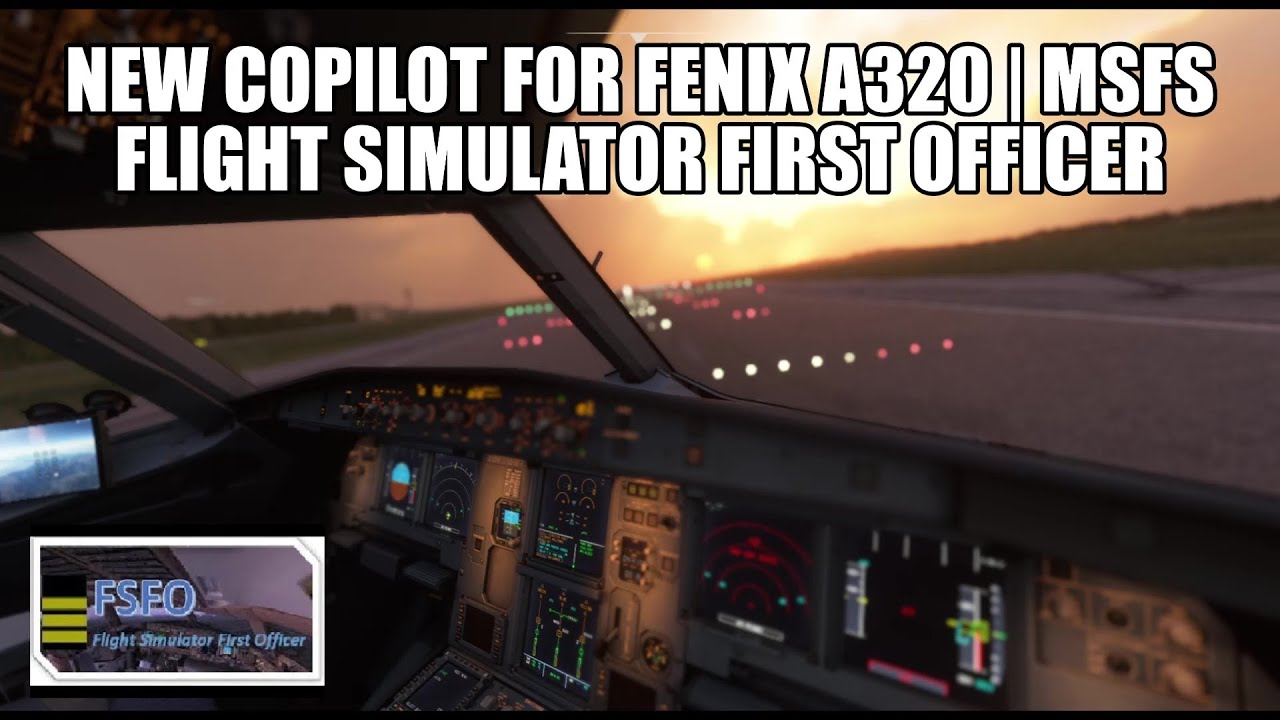
Looks like the next time when trying to arm the spoilers accidentally shuts down ENG1 (this happend already three times… because it´s almost the same clickspot) the Co-Pilot can start the APU and restart ENG1 
How much longer for the next update
You mean the update that will bring these absolute AWESOME IAE V2500 turbines the Airbusses I was flying with always had?
I really should have gone to the business end of that beautyful turbine nacelle to make a few pictures too!
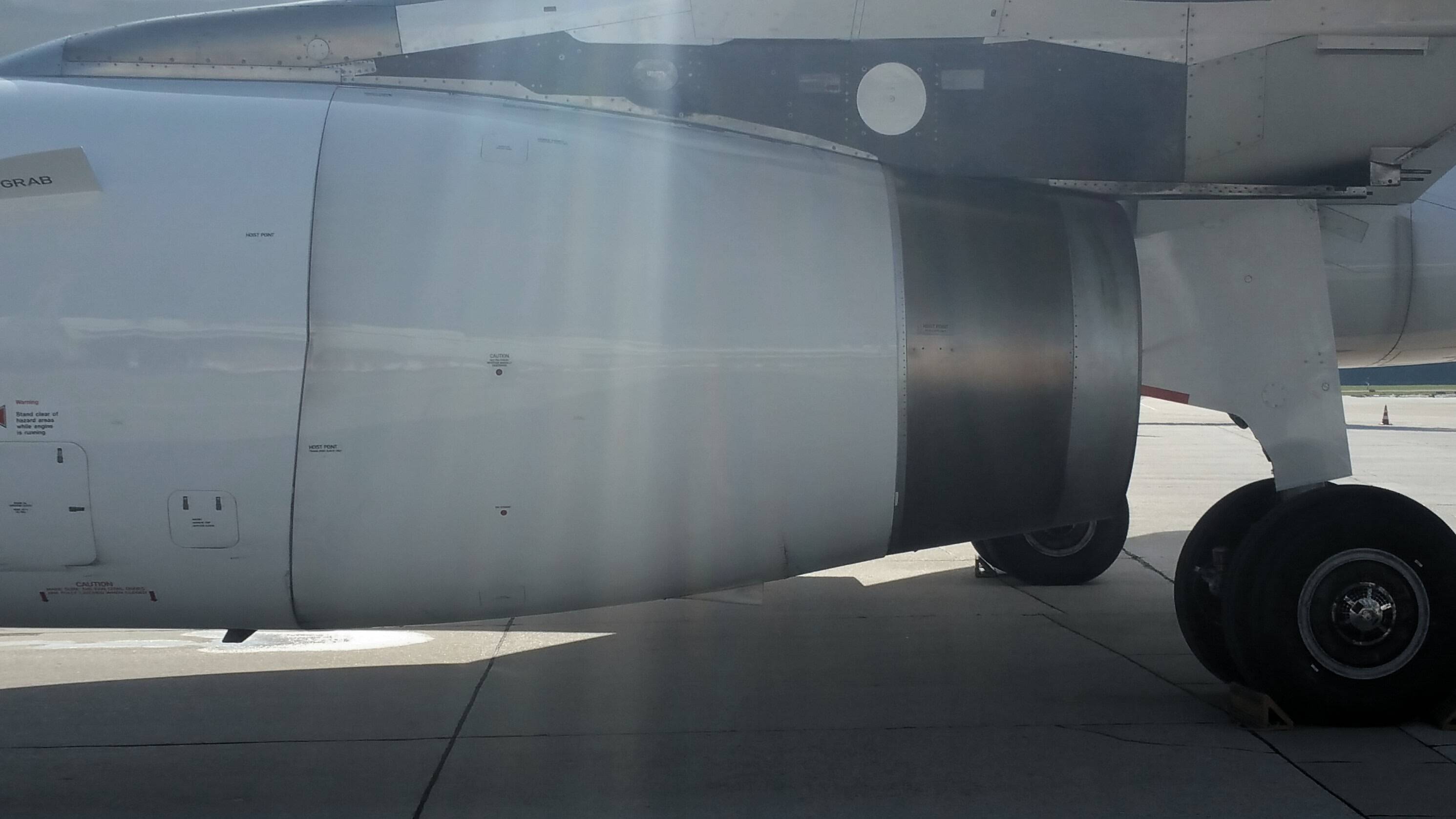
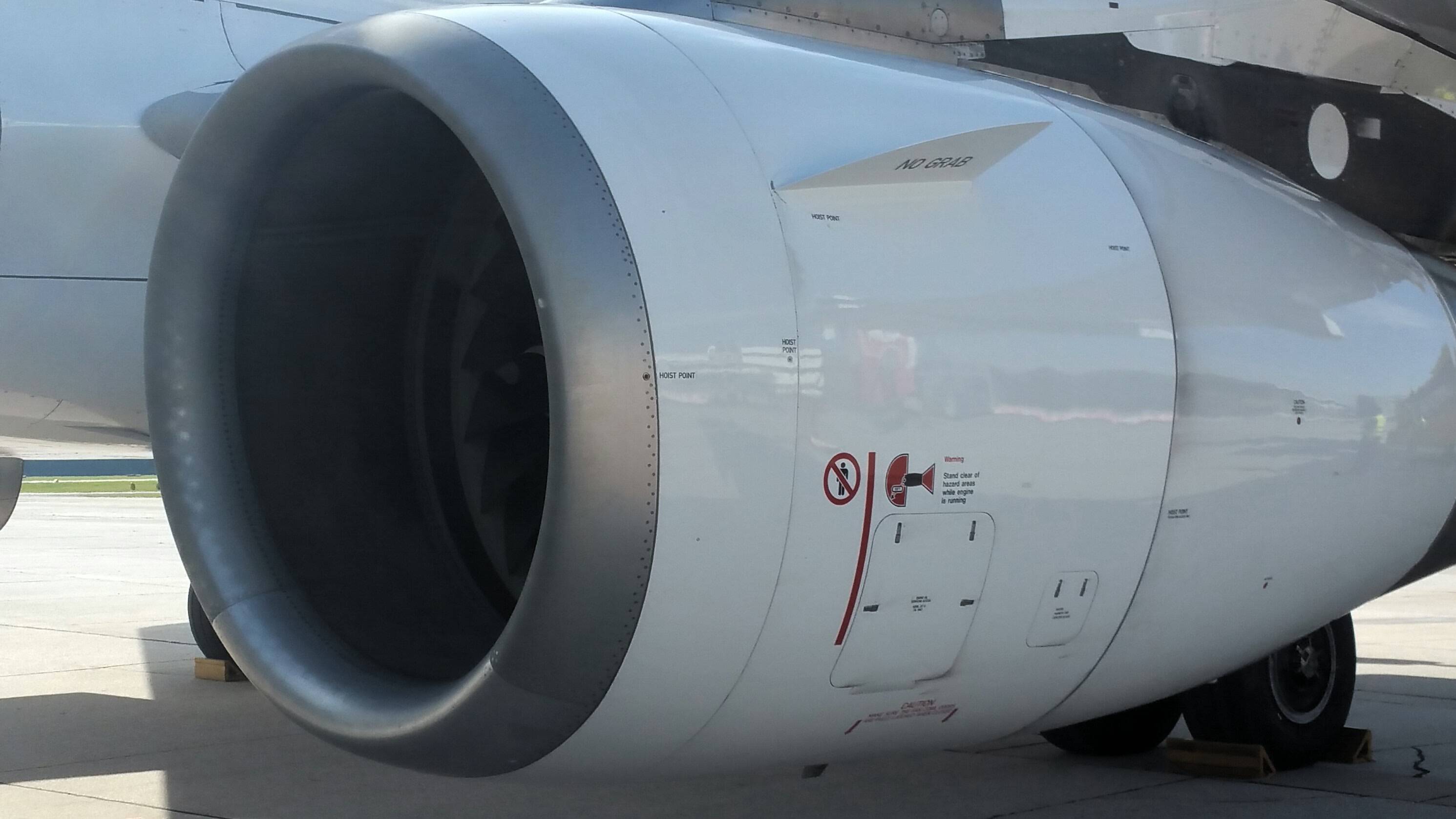
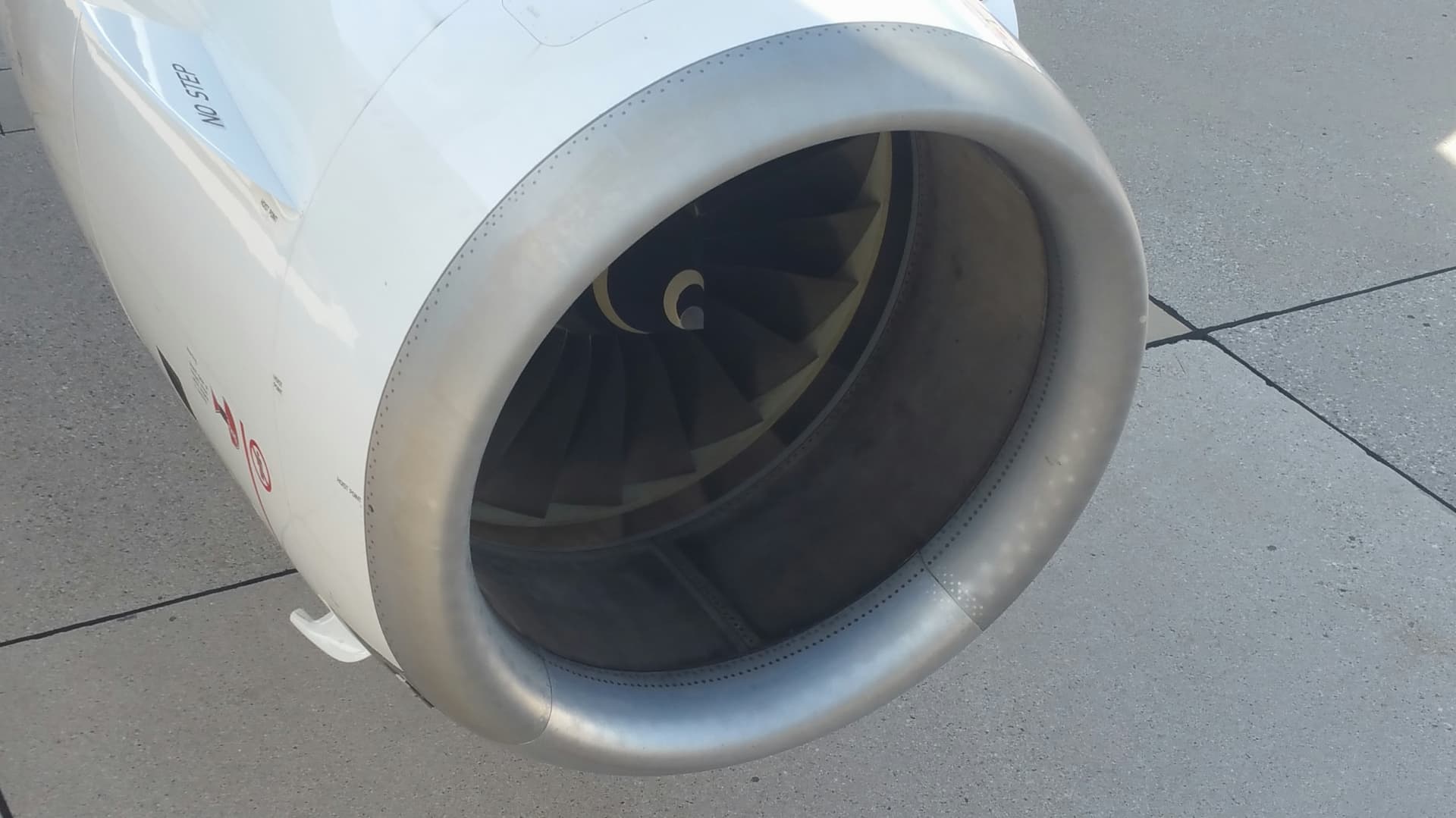
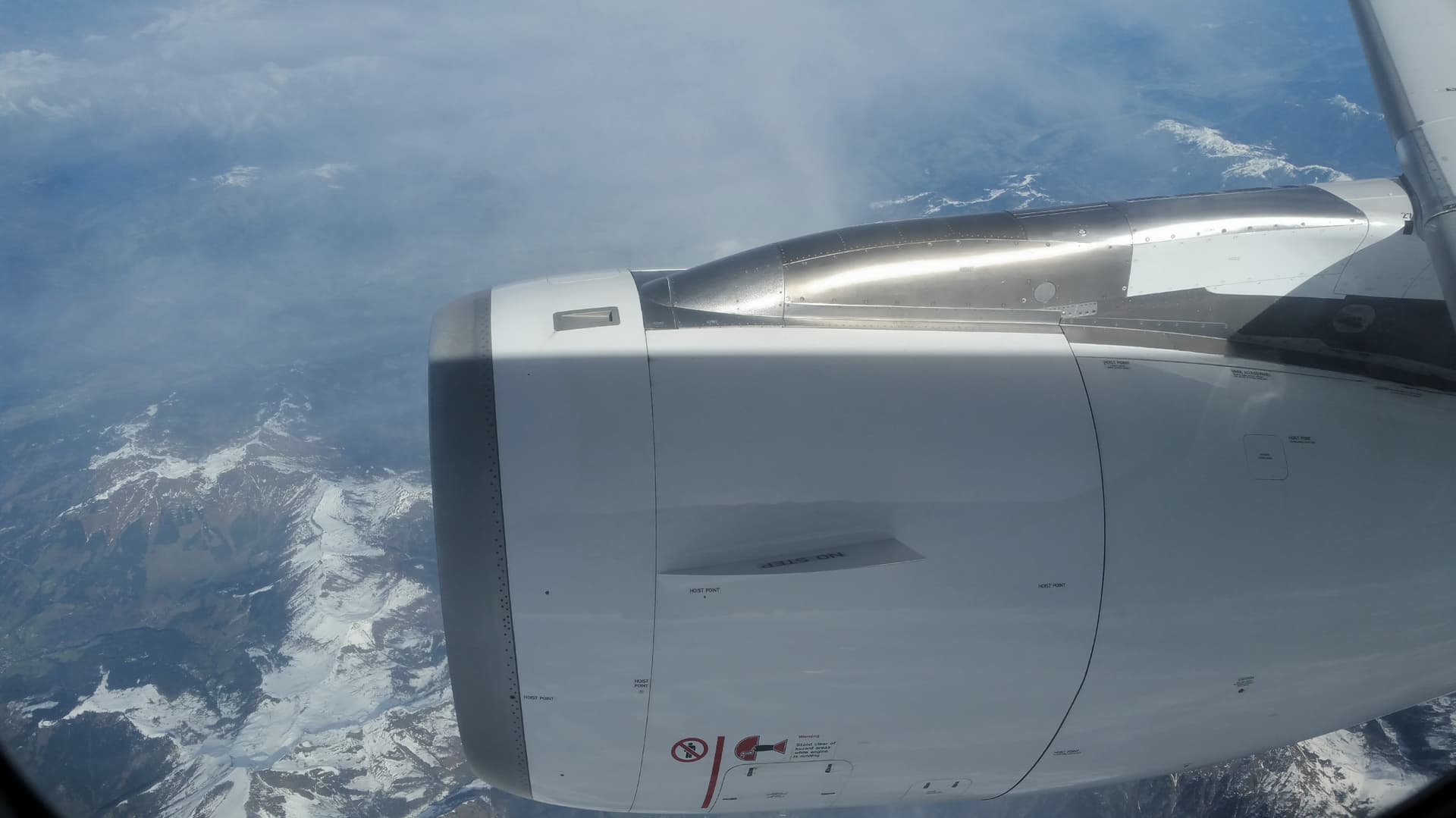
These turbines look so sleek and aerodynamic and beautyful, they will be a superb visual enhancement for the Fenix A320!
But I still don´t know if it was an A320 or an A319 I took my last flight with, I cannot separate one from another just by looking at it from the outside…
I am curious now, what Airbus is this? A319, 320, or 321? Is there any way to tell by just looking at it from the outside?
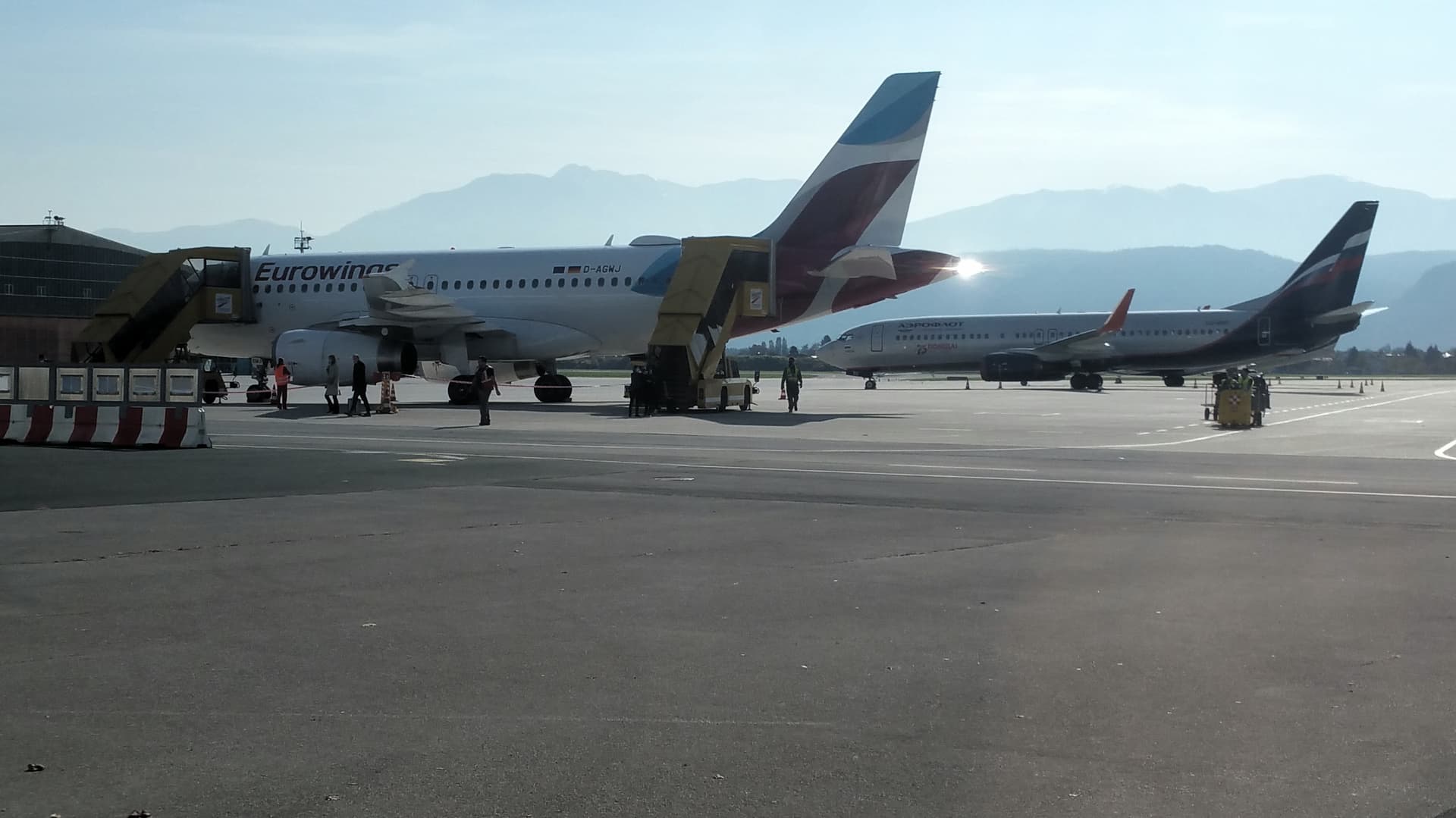
A319 according to the registration.
Ah from 1993!
And she has been everywhere, there is even a picture of Korfu and who knows where else she was strolling around …
The 1993 cockpit is surely classic EIS1 design.
And she has the powerful IAE engines, I always thought only the sports edition of the A320, and the A321 heavy freighter use the strong IAE2500 turbines.
Interesting that the small A319 sometimes used the strong IAE too!
The IAE looks so gorgeous and sleek…
Hit your disconnect button twice.
Strange, strange.
On my flight from Hawaii to Lihue (Kaua’i) the Fenix had clearly a top of descent visible on both flight plan and arc display.


But she just did not start to sink, and stayed an 10.000 feet Altitude instead.
Arrow up and arrow down for managed altitude did not change anything…
She also did not start to sink after catching the glide slope for the CATIII landing.

These were the engaged autopilot modi:

She just did not sink no matter what I tried but always stayed on the altitude I had manually set in the autopilot.
Went down to 5000 to make her catch the glideslope, but she stayed on 5000 the whole approach and just flew over the destination airport at 5000 ft.
Landed her by hand after overflying the airport without sinking…

It was not the runway, but almost…

Can anyone please tell me what wrent wrong during this flight? Why did the manage altitude and the manage altitude during CATIII autoland absolutely not work during this flight?
What do I have to do to make her sink down to an altitude to automatically catch the glideslope? Instead of stay of example on 10.000 of 5000ft until the runway is right beneath the plane and never sinking to begin the approach?
(Start approach phase was activated in the FMC.)
It looks to me like you have a lower alt constraint to go down to after the 5000? The ILS GS has a certain distance it reaches with its signal. Usually its recommended to intercept the GS from below from what I know. Sorry just had a quick look need to head out. If someone else can chime in..
Aha so my mistake was waiting until the Airbus would start do sink on her own, but I should have gone down to 3000 feet manually to ensure that she catches the glideslope?
Hm I thought she begins to sink on her own when starting the Approach Phase in the MCDU during the last quarter of the flight so this was the error  thank you very much.
Oh another stupid question… There are two buttons on the Autopilot panel, one is LOC for Localizer and one is APPR for approach, which one of these two buttons makes the Airbus catch the ILS glideslope and begin to follow the flight director automatically?
For tod I think you still need to manually use the knob to dial in the cleared altitude of atc and press up (managed mode) for it to engage and it won’t do all decision on its own, just the vnav will base on your input and calculated target distance to descend and warn you for more drag in pfd if you don’t have enough drag to descend to the input profile.
For ILS landing after in LS mode seeing the ILS indicator you need to press the approach button for it to actually engage landing mode
You have to start descend always manually. Close to the T/D you can enter your glideslope altitude and engage managed display. The aircraft will descend following the optimum path and complying with all constraints until you catch the ILS or you can engage the RNAV APR. mode.
Sometimes you will get a “MORE DRAG” warning, in this case deploy speed brakes to max. 50%. There is a green dot in the altitude tape showing if you are above or below your descent path.
Works great to me 100% of the time.
My landings are not always great though, sometimes I veer off runway (probably because I over react on the rudder when there is some cross wind).
On your second question, I think you should engage LOC first. When you are on the runway track, engage APR to catch the glide slope or the RNAV descent (you must skip the LOC step if RNAV).
And you should capture the glideslope always from below.
Excellent thank you very much for the information.
It started with manually going down to 3000 feet in managed descent mode. The vertical glideslope diamond was in the upper right corner. Catching the glideslope from below.
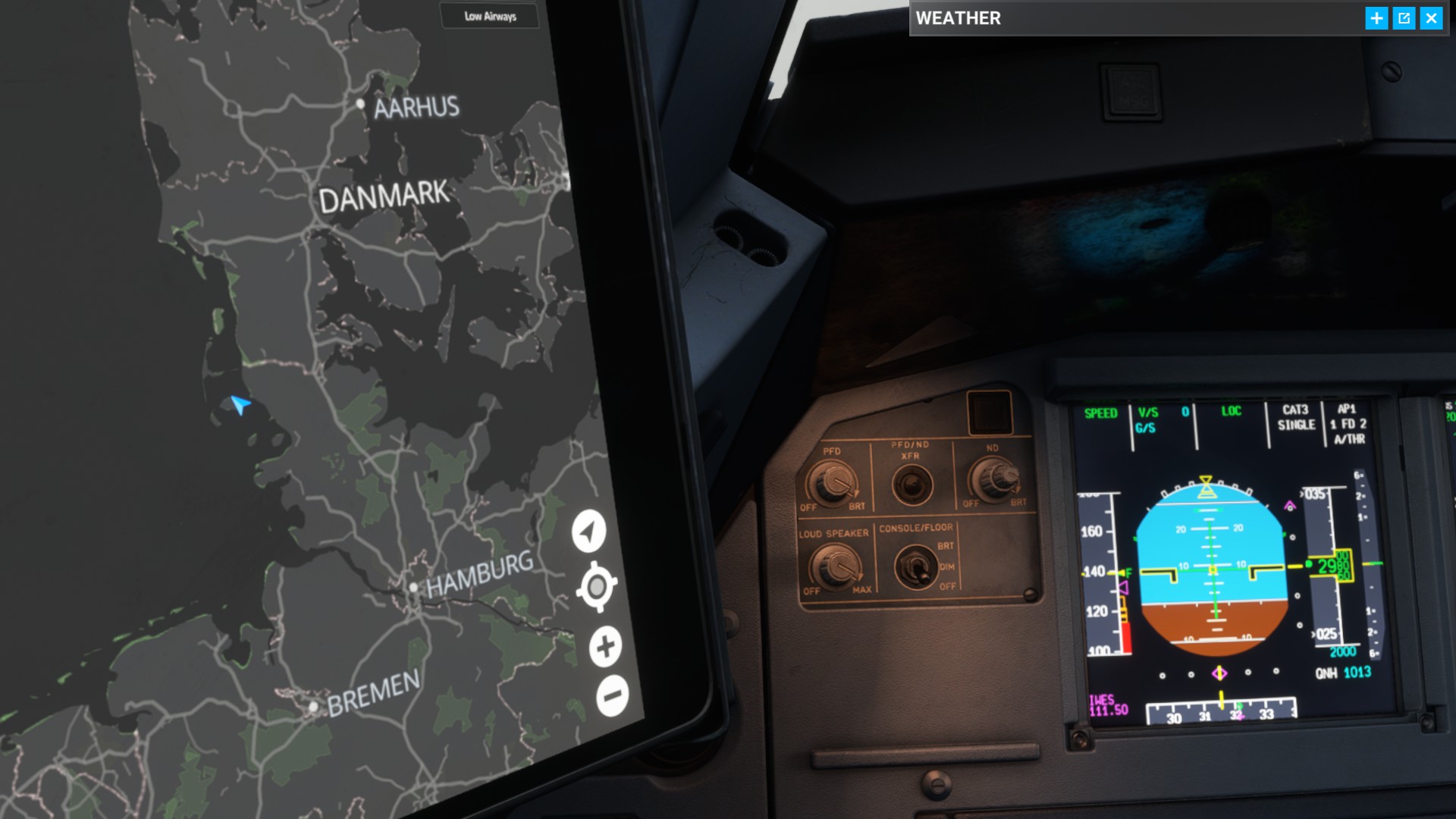
And gotcha
The weather over Sylt was thunderstorm with 20 knots side wind.

The rest of the landing did my flying computer a.k.a. Airbus perfect as usual…
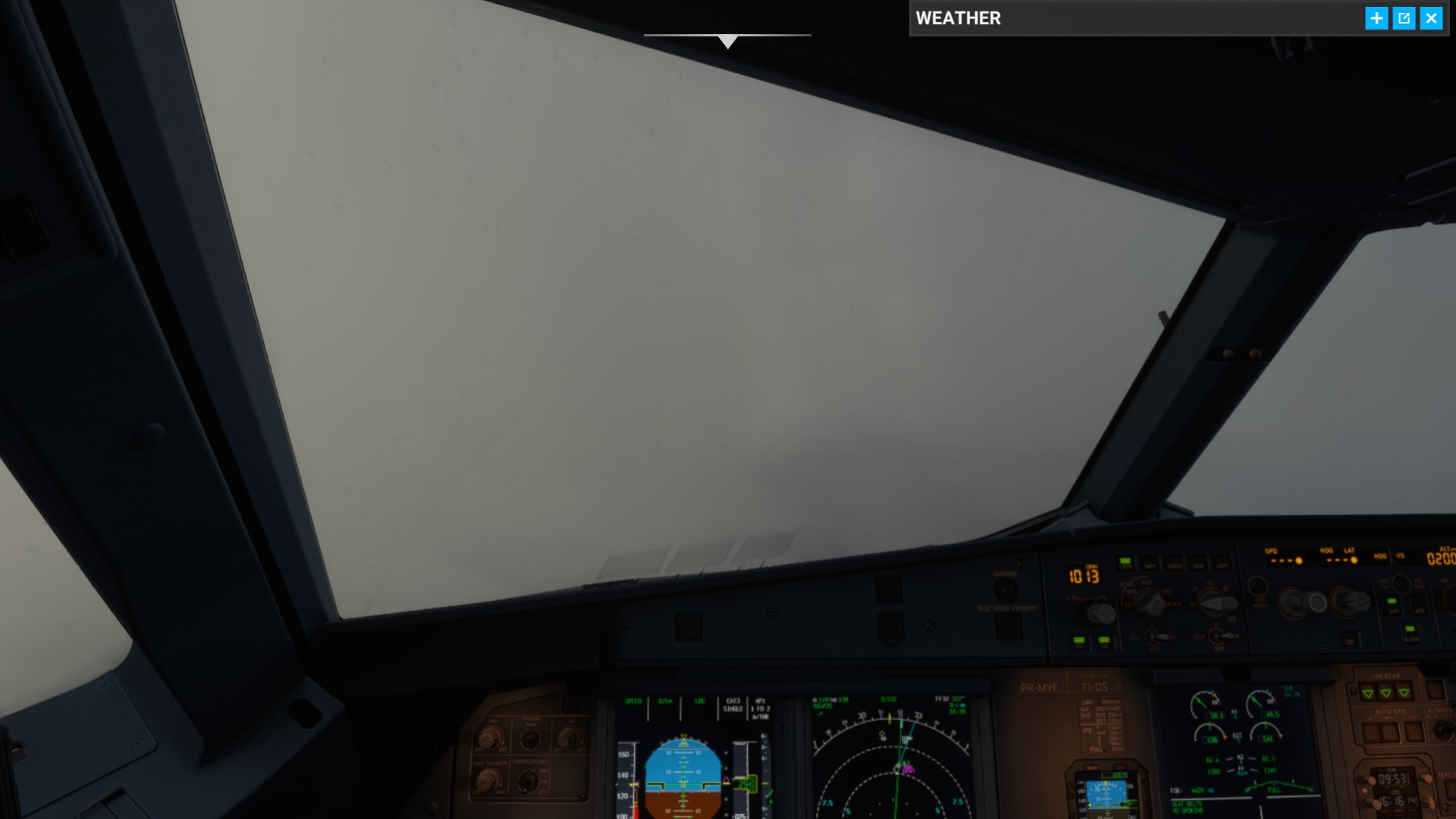
There is one thing I always forget: Switching on the second right Autopilot button. But so far it never made any difference and I don´t know if two autopilots are even simulated.
In the chat someone told me that the LOC button catches the localizer, and the APPR button catches the localizer and the glideslope.
The localizer is the direction to the runway, the glideslope gives the airplane a path how fast to sink:
So it looks like the APPR button must always be on when doing ILS landings.
But what purpose has the LOC button, is it for pure directional guidance to the runway when doing manual landings?
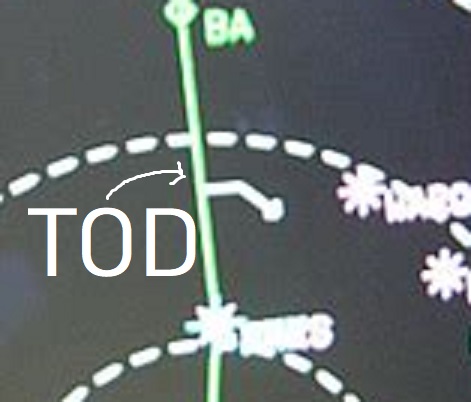
Ah and the Top of Descent or TOD (which means “Death” in German haha) has this icon and means a manual descent. Excellent! I did not know this and always thought the Airbus is sinking on her own, and I was wonderung the whole time because there were already two of these TOD icons in the PFD and the altitude always stays the same…
How do yo get access to the world map in the EFB?
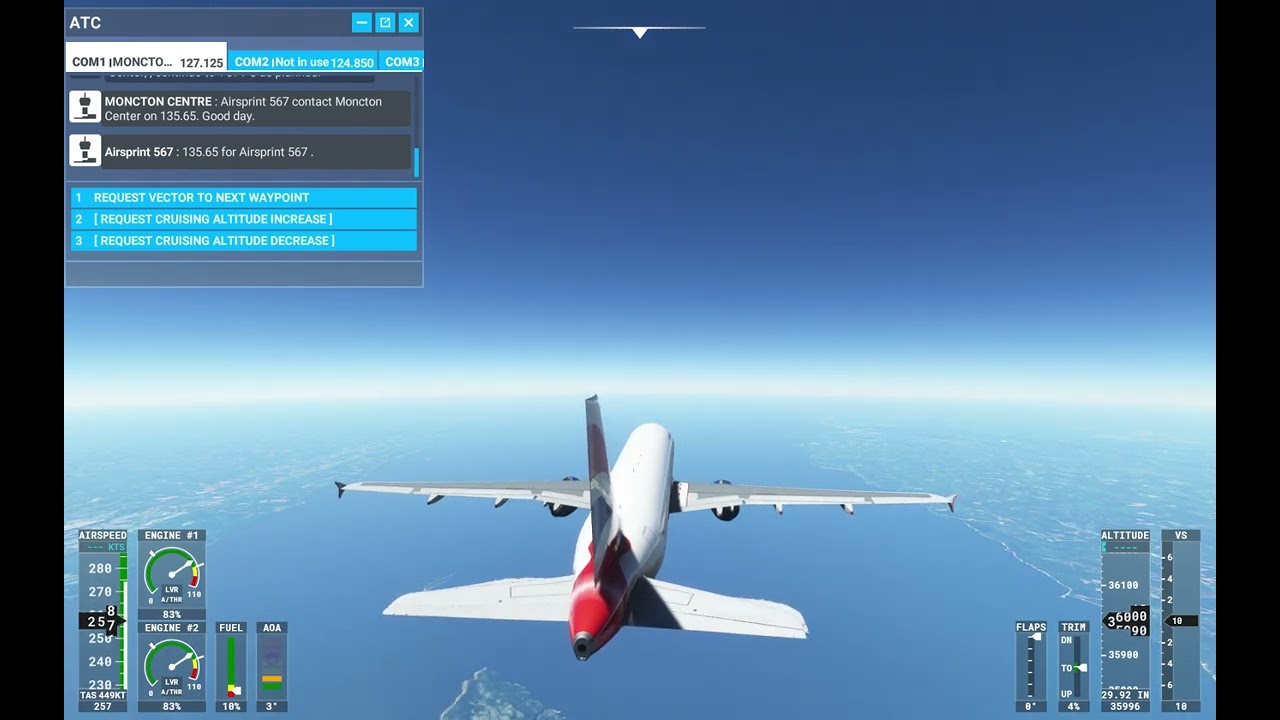
did a run out of fuel trip from EGKK to KLGA, flamed out just before touch down and managed to land that.
seems the ram air turbine don’t work with animations?
Hi VivaceDegree989, the moving map can be accessed by clicking on that blue map icon, and clicking in the menu on the “ROUTE”.
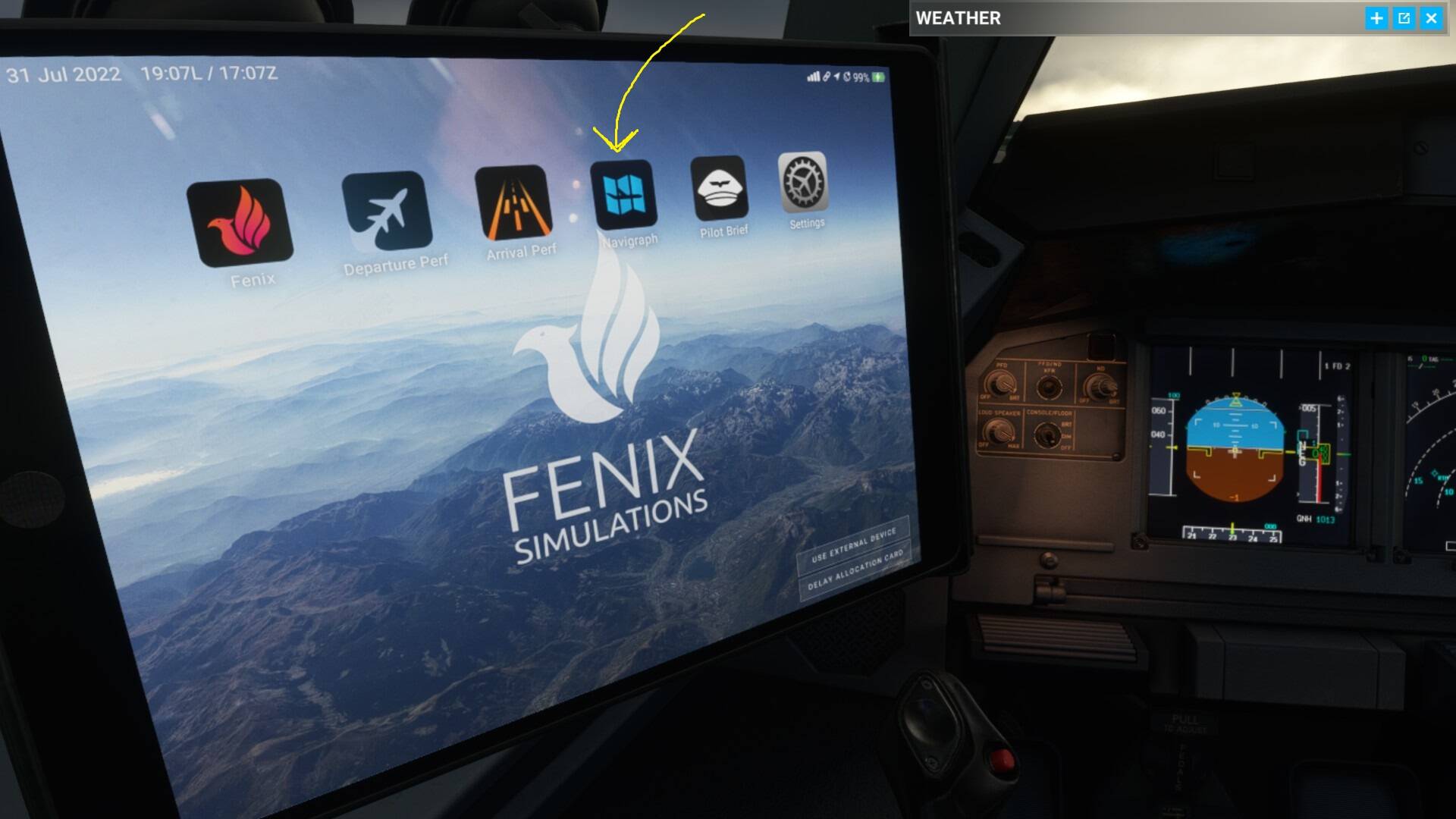
Some smartphone code appears, click “SKIP THIS STEP AND VIEW ROUTE” below. This is for the first Simbrief Login I guess, but I don´t use Simbrief…
Aaand here it is

I wish there was a weather radar too in this awesome EFB!
Thank you man
Technically, it’s a managed descent because you’ve engaged VNAV pathing. A manual descent would be using open descent or vertical speed. The difference is that after dialing a lower altitude the Airbus won’t automatically start a descent at TOD like a Boeing.
The descent is still a bit difficult to handle…
The ILS Glideslope is now rather easy to catch, when calculating it it´s most of the time 2.5° or 3° and 3000 feet altitude in 10 miles distance.
But on the primary flight display there is a TOD icon appearing.
What to do now? Going down manually to 10.000 or 7.000ft altitude and setting the autothrust to 250kn manually?
There seem to be no other way because when pressing just nothing on the autopilot panel, the Airbus will fly to the airport and over the runway - in 30.000ft altitude.
I am clearly doing something wrong (or don´t input enough data in the MCDU) when standing at the departure airport and programming the route, the descent, and the approach, isn´t it?