I just hope I’ll be still alive to witness these updates. I’m a bit disappointed by the pace.
Twist the camera view until the “ant crawling” effect goes away then save it as a custom view and use that instead of the default overhead view.
I am looking forward to hearing which will be their next project! After the unbelievable quality of the 320 I am eager to see something else from the team
■■■■, never thought about that.
thanks
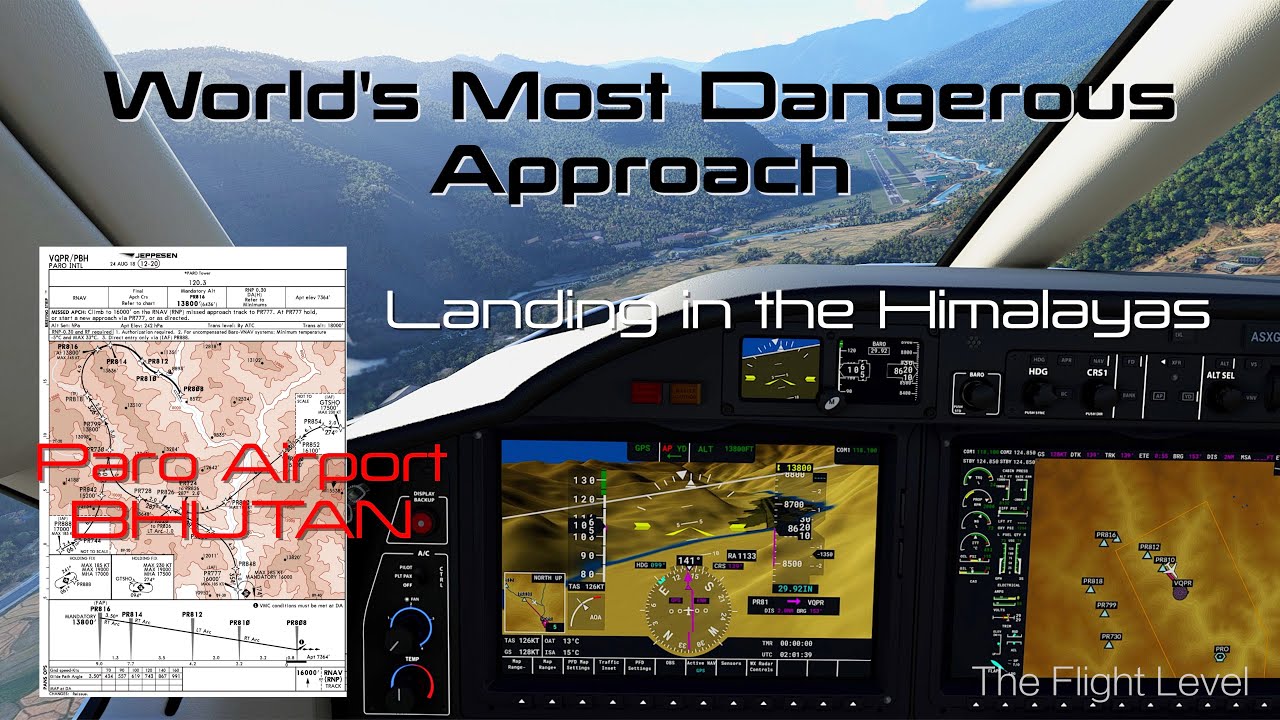
another PARO landing, this time the FPM seems on the smooth side but landing point seems kind of off.
not sure if it’s acceptable spot for PARO for real life, but seems following the RNAV pattern my descend rate was really high already and still can’t get it to the desired spot, any suggestions?
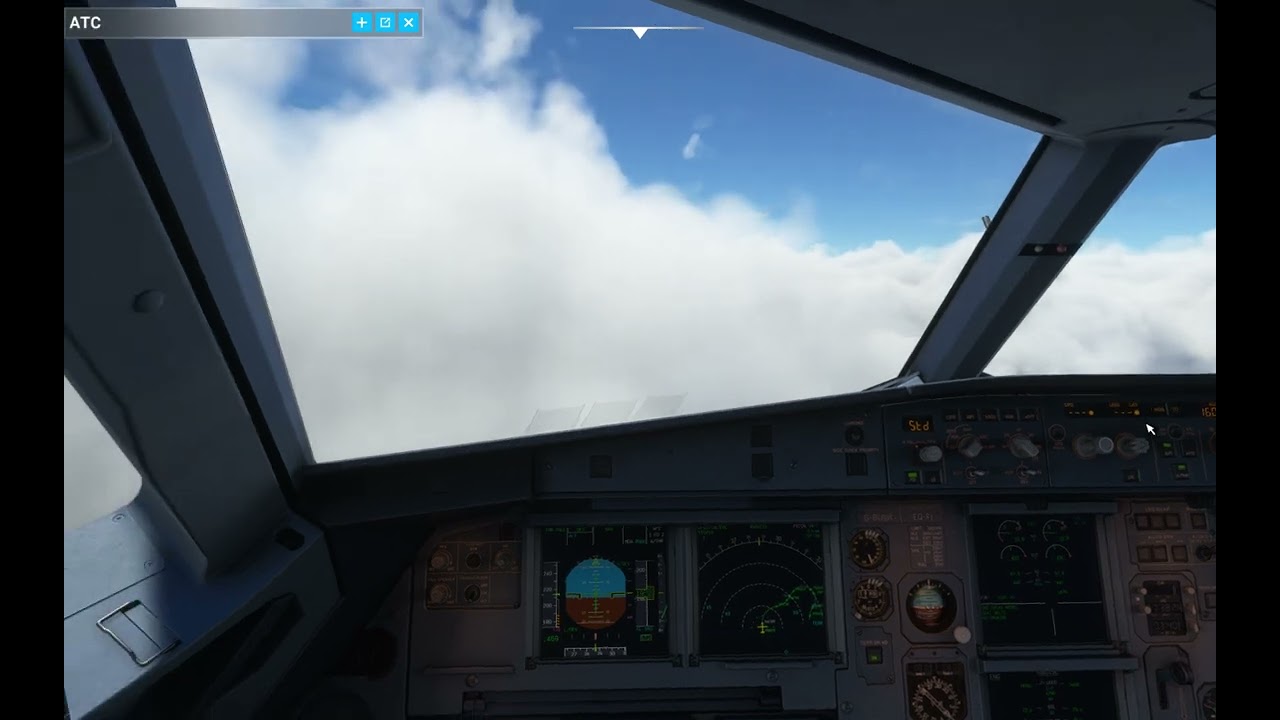
What fps may be expected with fenix at a complex airport like Aerosoft brussles. I have i712700k, rtx3070, 32 Gb @3200MHz and 1440p.
Has GSX been released?
Hard to say but with fenix and ebbr you will loose some frames.
Dont buy GSX at the moment it is buggy as hell. See the threads here.
Thanks. I manage just over 20 fps and it is smooth so far.
Saw gsx posts and will hold for now; I am sure things will be sorted out in a couple of weeks. Waited so long, can wait a few more weeks.
Only option may be to watch, again and again yt videos on actual landing.
I’ve been there and landing was super exciting with hills both sides, peaks same altitude or higher. Last minute manoeuvres to align with the runway were really something where so much happens so quickly!
Anybody else notice blurry glass cockpit gauges while in G2 VR I have an AMD 6900 so, this is not a DLSS problem that everybody else with Nvidia cards is having right now. Doesn’t matter if I’m using DX11 or DX12 same blurry glass gauges
Before this Bata10 started last month my glass cockpit was crystal clear now I have to lean in to read the gauges. I’ve tried everything to clean them up, but nothing works
Just wondering if anyone else using the G2 sees this like I do and if you have any idea why this is happening or how to fix.
Thanks In Advance
Hm if it gets updated before end of October I am sure I will be alive to see the full glory of the Fenix 
Yes this is caused by too low resolution and antialiasing switched off.
Based on chat and forum rumors their next project will be a Fenix Boeing 737 MAX.
This is interesting, I have just watched a video to have a close look how realistic the Fenix MCDU is compared to real Airbus MCDU computers, and it´s impressive! Very realistic in all sub menues and so on…
But there is one interesting feature I would love to know - reminds me of christmas - having all lights illuminated in the MCDU like here:
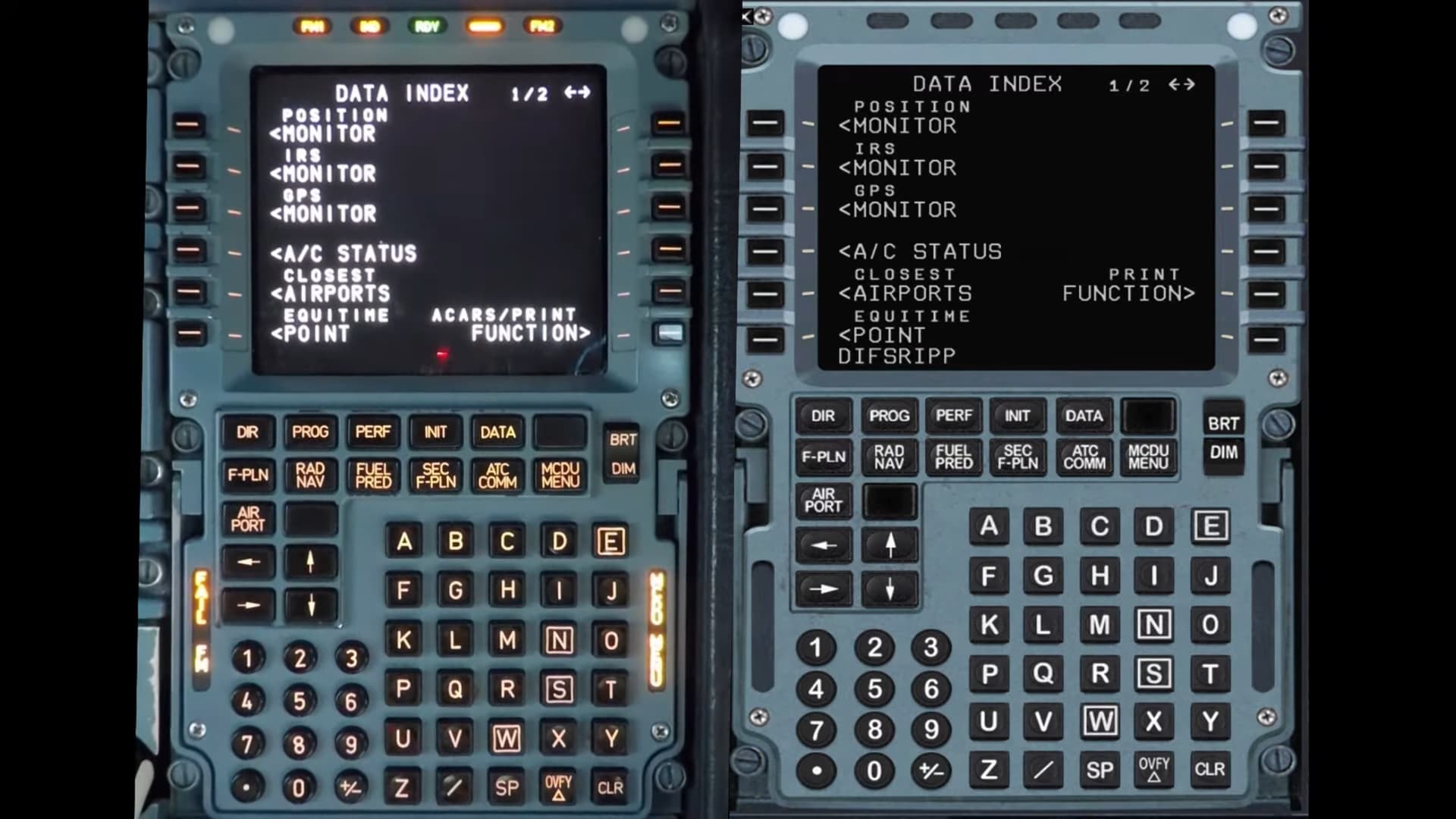
Where is that MCDU anounciator light test button hidden? I would love to try this in the Fenix …
Ohhh, that´s sad news… (for me)
Nothing against Boeing aircraft, they are great, but based on the quality of this A320, I was really crossing my fingers for them to develop an A350… I know there is a freeware project in the pipeline, but my experience with the Fenix -both, the product itself and online support- is so good, I really hoped they would take on the challenge…
I´ll have to keep on dreaming…
No one knows. I myself did mention and making the case for the 737 MAX in the chat a while ago. Looking at what planes are already in the making and seizing a chance to generate a huge cashflow the MAX would be the logical choice. I personally would like to see a 350 or 767 but these are not nearly as popular. We’ll just have to wait and we can only guess for we don’t know the knowledge Fenix has besides the A320.
You are very close to the real life alignment and touchdown. You want to make that final turn more quickly when abeam to the monastery on the left. I have not performed the landing in the Airbus but did a video with the TBM930 and landing on the same RWY. I also included real world clips of the aircraft landing. Check out the first 3 minutes and you will see the planes are lined up further back from the runway threshold. I think you need to be a touch higher also as you make the final turn and then drop quickly.
Aren’t the static views from drone cam included on Fenix. These are the ones that you get to drone came mode and then just click A on keyboard for getting to different pre defined ones. The NX and default a/c have it.
If you can afford to buy it, you can afford to staff it, unless you literally bankrupted yourself with the purchase.
For any other 737 drivers out there, there’s a gentleman who is highly prolific in making videos about the PMDG plane, and one thing I’ve learned from him is how to make ‘Rings around the Runway’.
These are 10 and 5 (IMC) or 4 (VMC) nm rings around the RW threshold using the “Fix” button and associated features.
Is there an equivalent way to do the same thing with the Fenix?
I have already talked about this in the PMDG 737 thread. You can draw the fix rings in the MCDU too but it’s a bit complicated and longer procedure than in the 737 FMC.
“With MCDU I must click on the left button next to any waypoint (except the runway itself because then it doesn’t offer me to go to FIX page), click on enter fix (or something like that) and manually type the runway identifier, enter radius and then type it again on a different page with another radius.”
So for example if you need a fix ring for KLAS runway 26R you can’t go to the LEGS page and simply copy RW26R there and paste it into FIX info like in the 737 FMC. In the MCDU you must go to the enter fix page as described above (or I’m missing something and there is an easier way how to get there) and type KLAS26R and put 4 into the radius field. And then move to another fix page with → and type KLAS26R again and put 10 as the radius.
Yes in F-PLN via LSK1R you can put in any waypoint or the destination runway, i.e. EDDH33 and add fix info.
https://docs.flybywiresim.com/pilots-corner/advanced-guides/flight-planning/fixinfo/
Edit: LSK1L then LSK1R in FPLN page
I’m assuming you’ve got the PMDG 737-600?