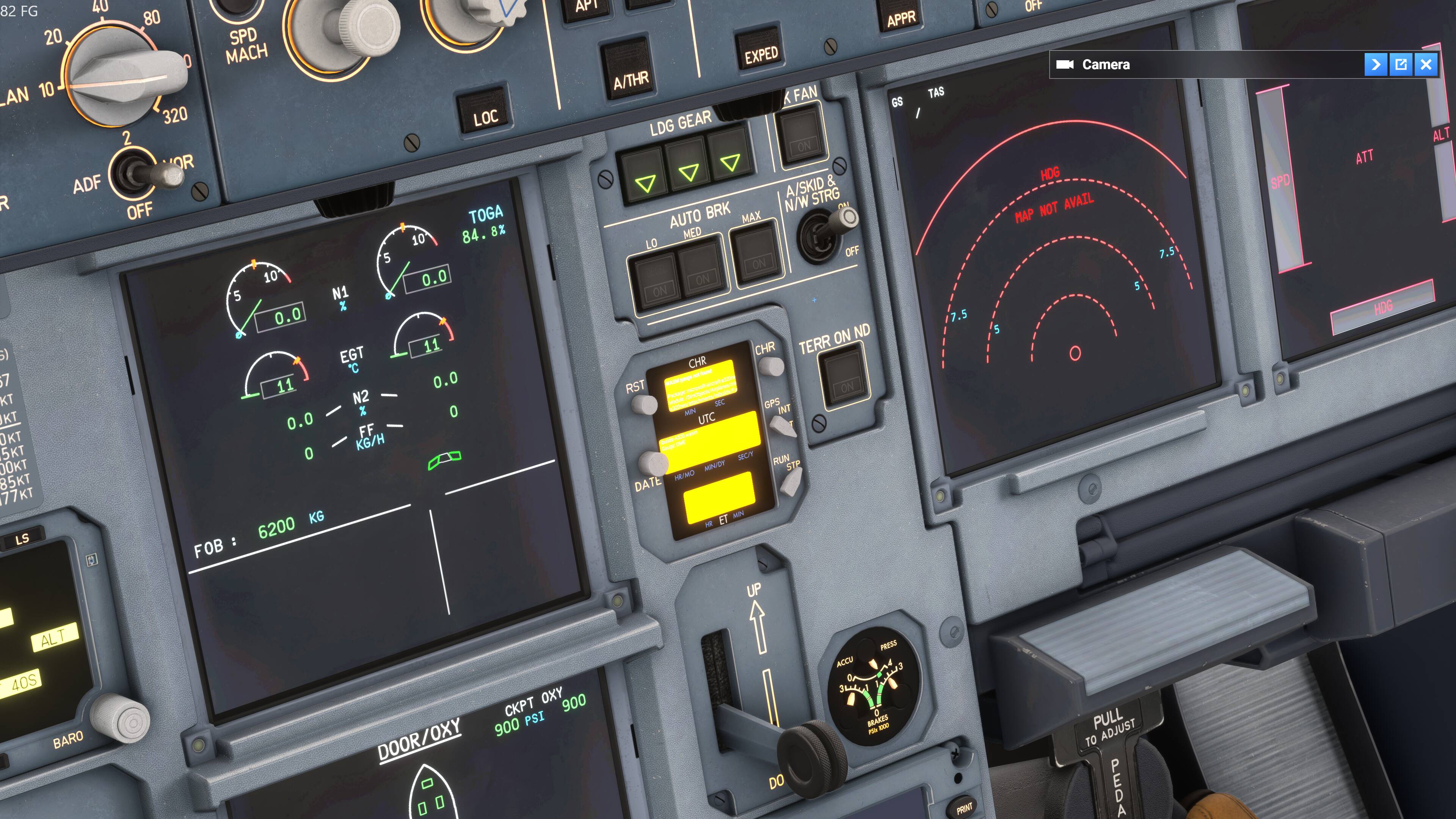
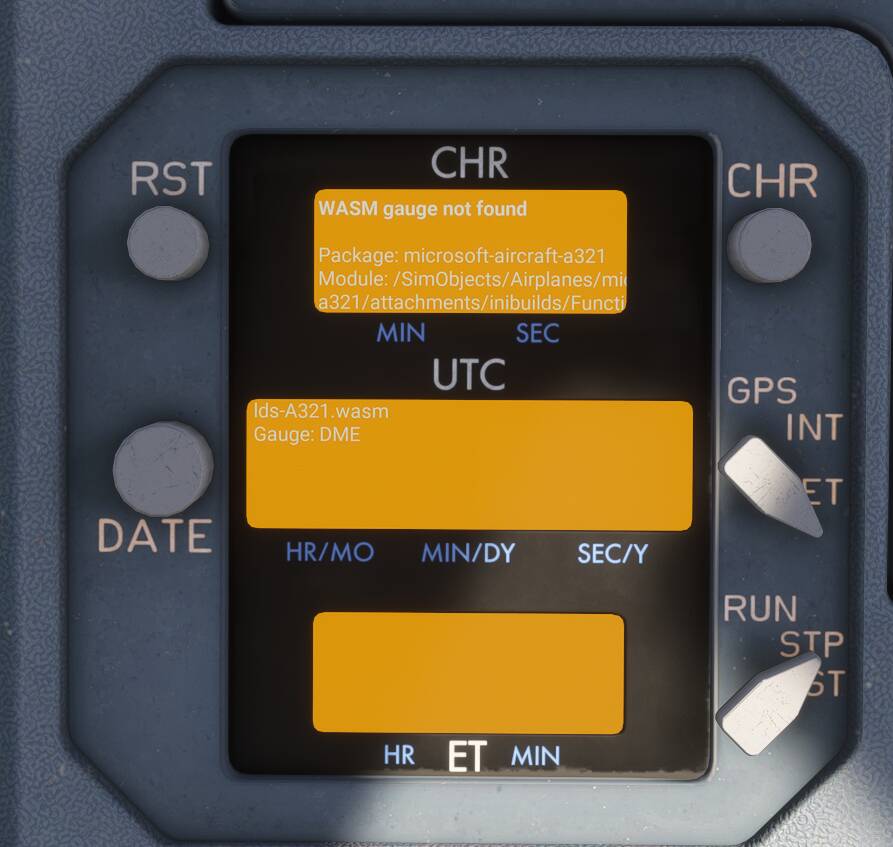
I’m not sure how the game caches this, but as a WASM dev myself i know cached files can interfere with updated files. Has anyone experiencing this problem tried clearing their rolling cache and restarting their console/pc? (As you should after each update actually, i don’t know if the game does this automatically after an update)
Same problem, did two flights last night with no problems, and few hours later when I loaded in to try an airport that I added, that’s when it started happening… Thought it was because of the airport, so I removed it(even though I know it makes no sense, but it was weird coincidence so I had to try it), no joy. Ended up re-installing the sim, which also didn’t help… So I figured it has to be on their end something. I hope they get it fixed soon.
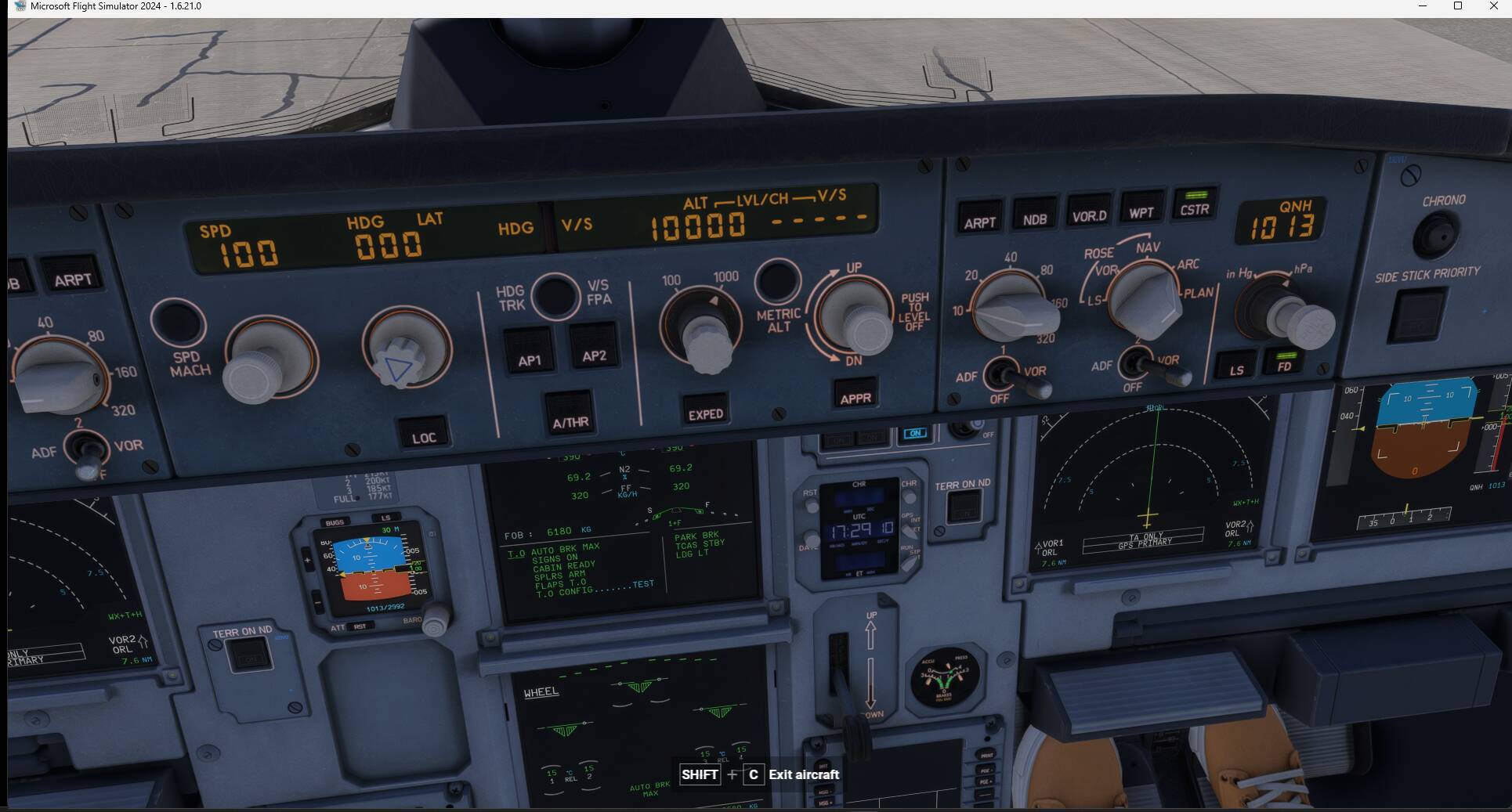
I’m thinking that Inibuilds may have done this on purpose because the chronometer may be using too much memory and causing performance issues. The A20N is performing much better for me since the chronometer is not working.
The orange screen is something that Asobo added for all kinds of WASM issues, not just for inibuilds aircraft. There hasn’t been an update to the A320neo itself since SU3.
I noticed same issue yesterday with the A21N. Also noticed lots of the 2020 aircraft not working properly like the ATR, it crashed the WASM module and screen freezes.
We have created an internal ticket to see if our team already has this logged, and if not they will attempt to reproduce the issue and create a new bug report. This item is now marked as feedback-logged. If there is an existing bug report or one is created, we will move this thread to bug-logged.