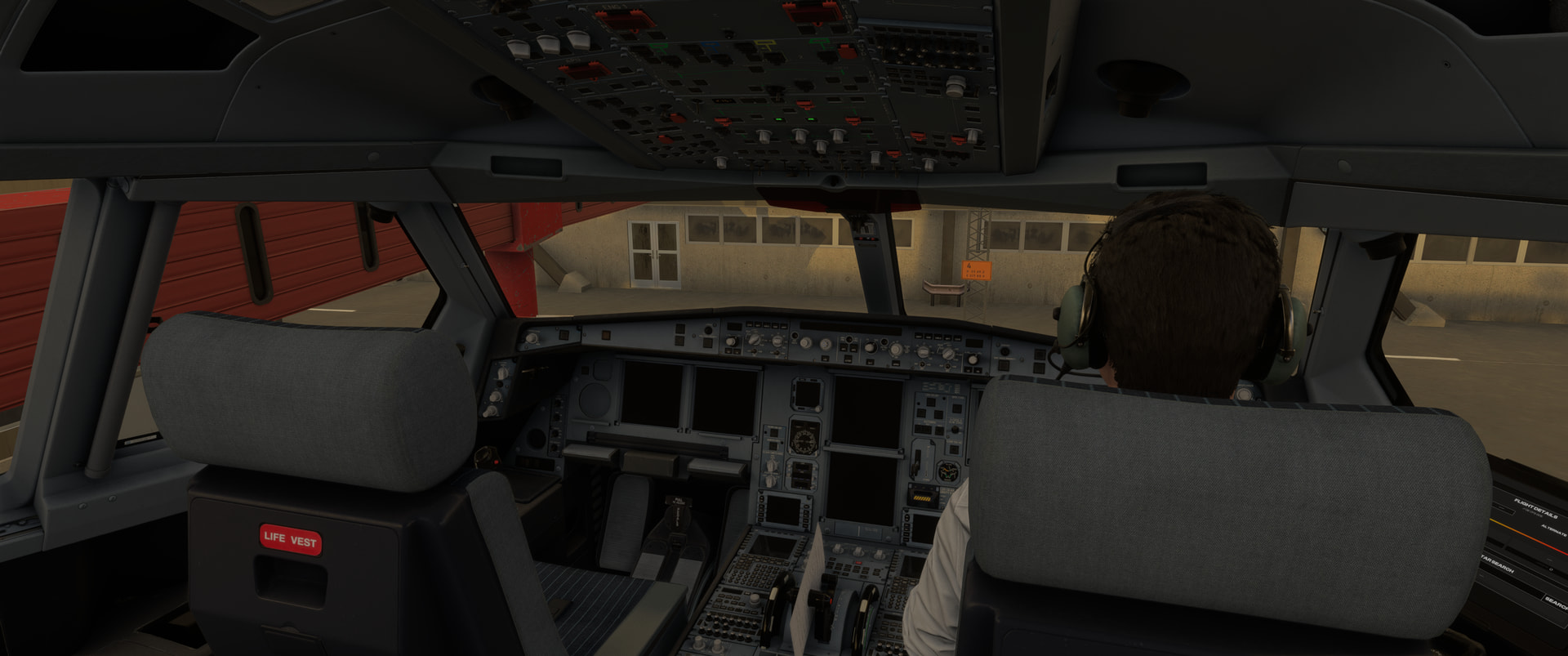
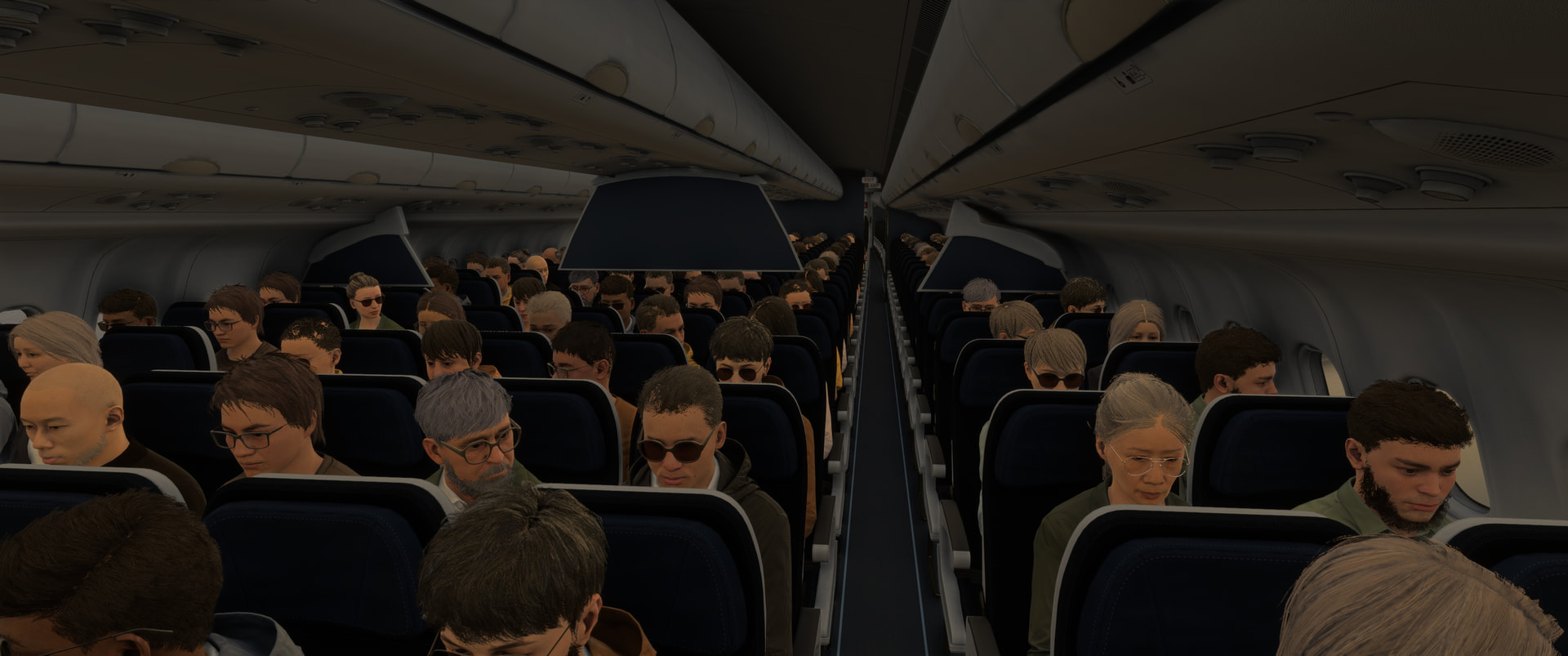
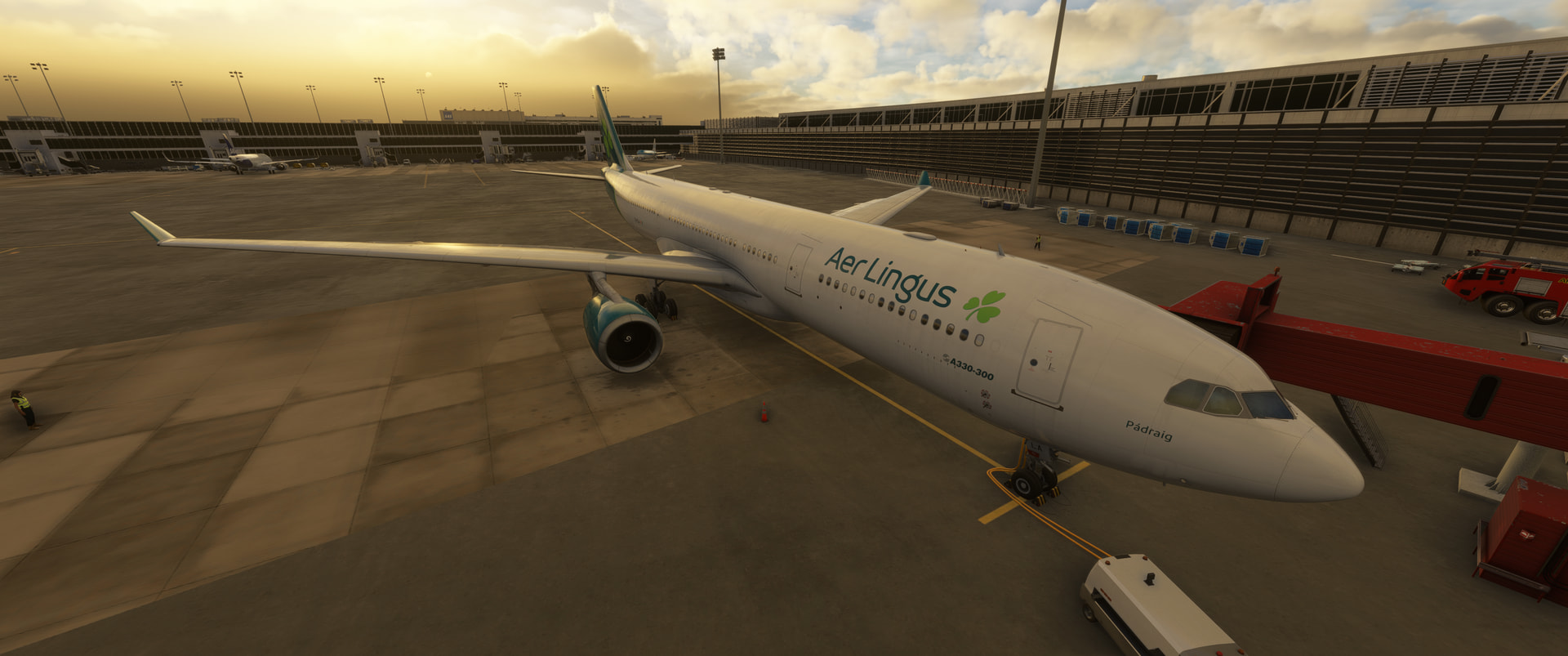
A330-200/-300 empty interior on GeForce NOW after SU6 — RESOLVED
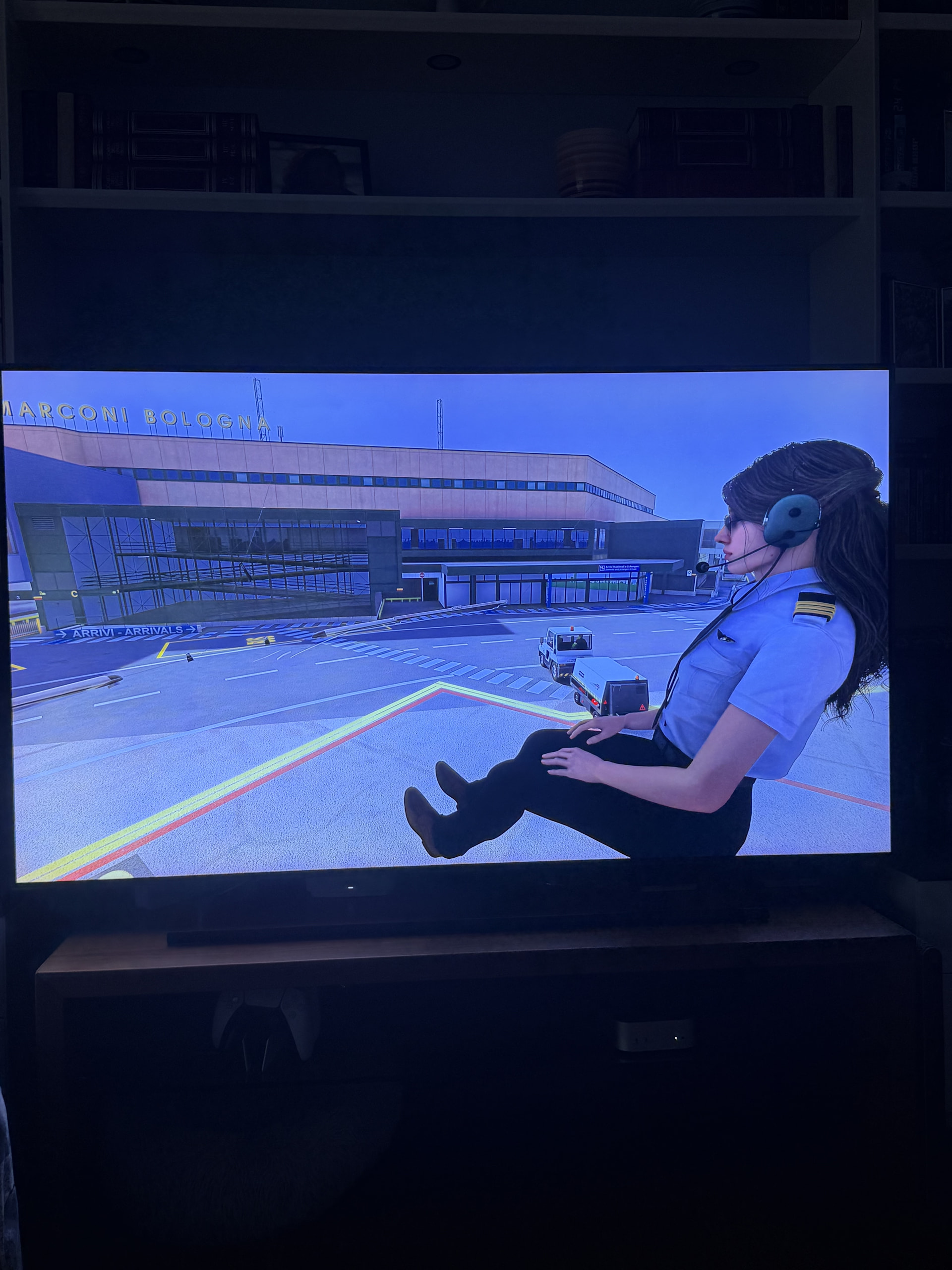
I wanted to post an update because I finally managed to resolve the A330 issue I had been experiencing on Microsoft Flight Simulator 2024 via GeForce NOW.
My original symptoms after SU6 were:
-
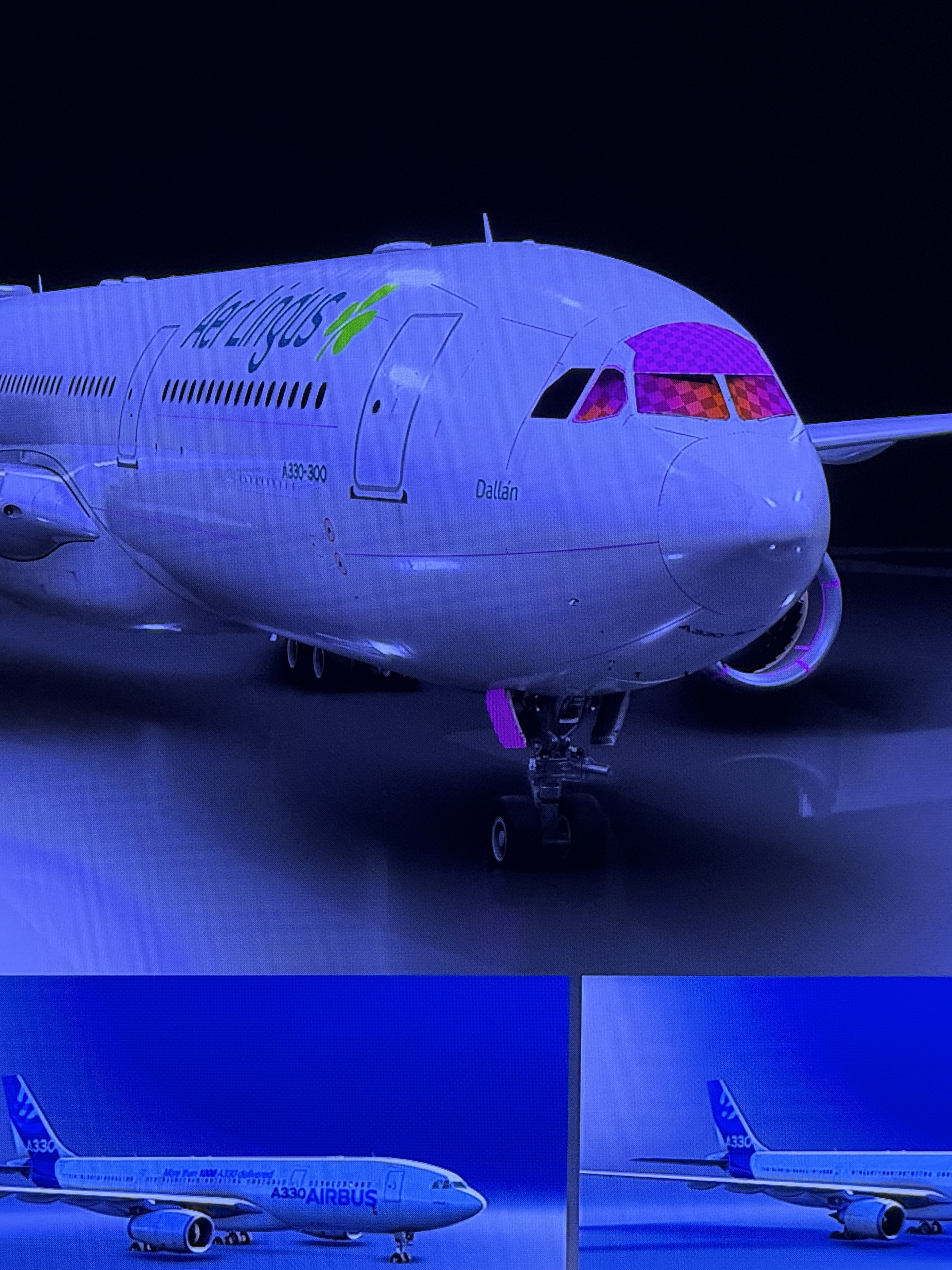
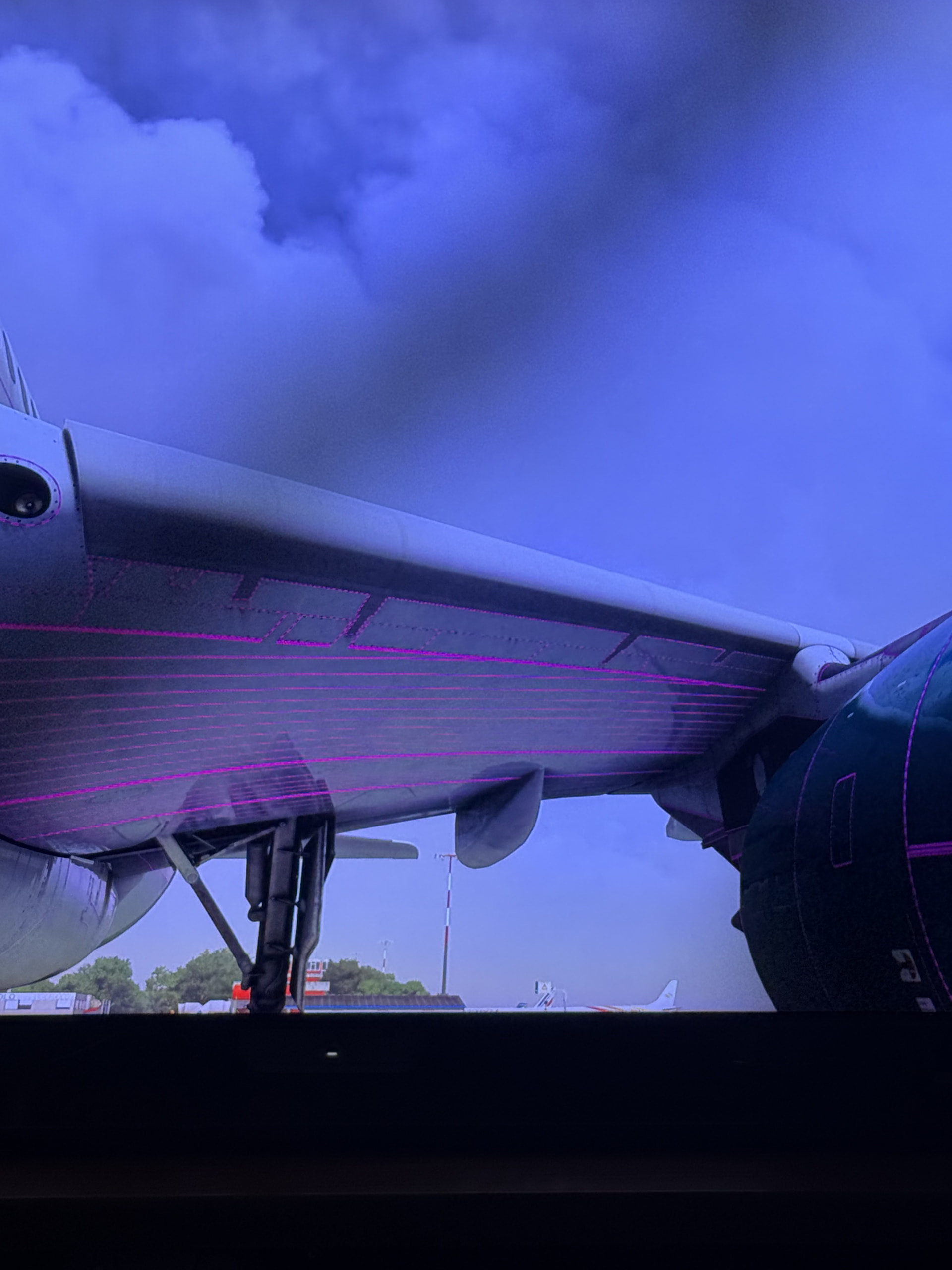
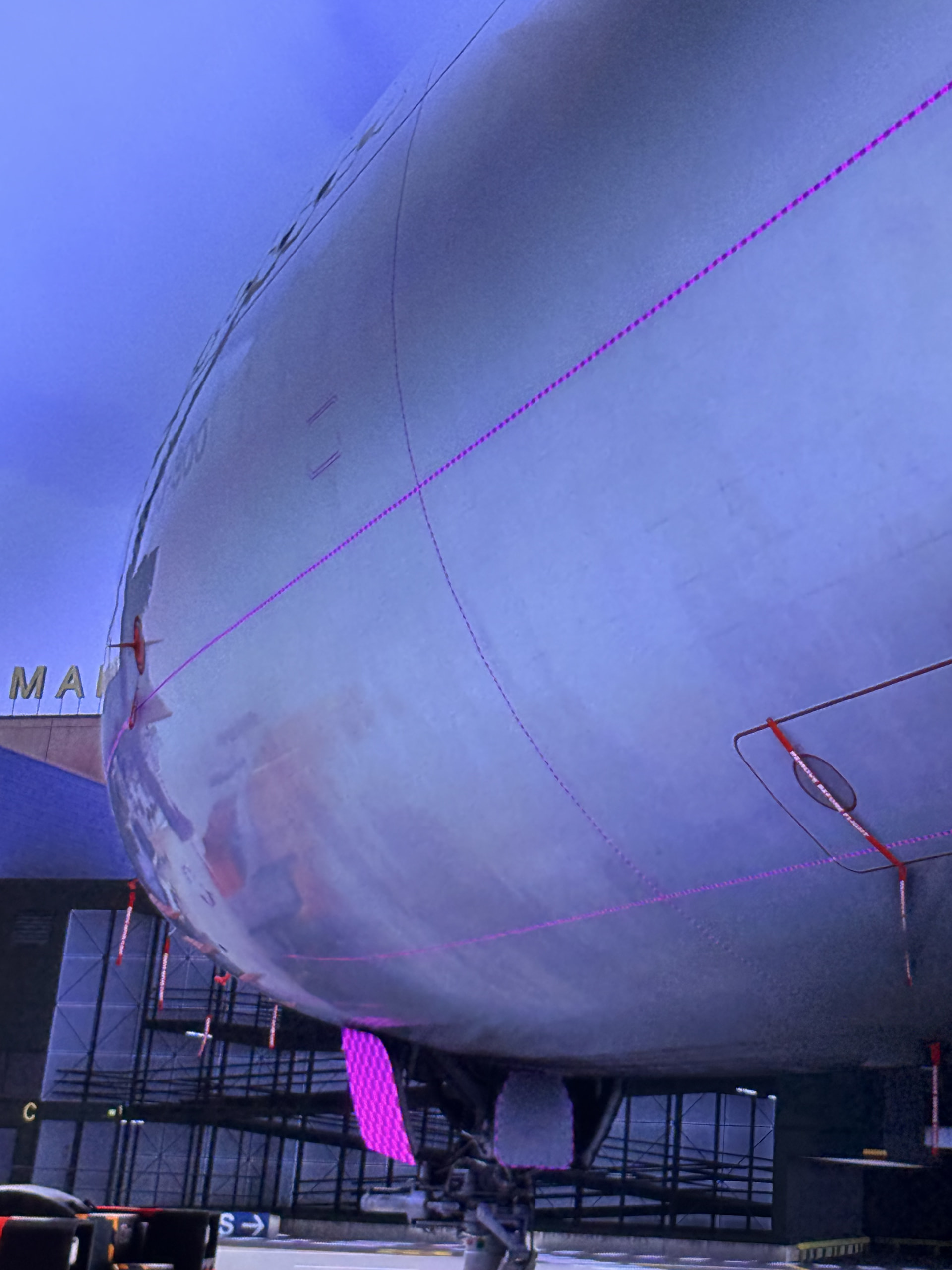
A330-200 and A330-300 loading with the exterior model but no cockpit or cabin at all
-
sometimes CTDs/freezes when loading the aircraft
-
the 707 also frequently crashing while loading
-
in one test, the 707 loaded with pink/pixelated missing textures
-
other aircraft, including the A320neo V2, A300, A310 and BelugaXL, continued to work correctly
Because I use GeForce NOW exclusively, I have no Community folder, no access to local MSFS files, AppData, caches or logs.
The turning point: TouchingCloud
The first major breakthrough was disabling/uninstalling TouchingCloud – Your Wingmen / Air-to-Air Refueling Companion.
This was suggested because there are reports of it conflicting with the 707.
Immediately after removing it, I noticed something beyond the 707 issue: MSFS performance improved dramatically. The UI became much faster and more responsive.
However, the problem was not completely solved. The 707 could now load, but at one point it appeared with heavily corrupted/pink textures, while the A330 was still problematic.
What finally fixed everything
I then removed everything that I had manually set as “Installed” in My Library, leaving Marketplace content to be streamed instead.
After doing this and starting a fresh GeForce NOW session:
-
A330-200 works normally
-
A330-300 works normally
-
cockpit and cabin are fully present
-
707 works normally
-
the texture corruption is gone
-
performance is significantly better
-
I can still use hundreds of Marketplace liveries without problems
So the number of liveries itself was clearly not the issue.
My current conclusion
The problem appears to have been caused by a Marketplace package / dependency / VFS conflict involving installed content, rather than by a broken A330 build on GeForce NOW.
The removal of the TouchingCloud add-on was the key first step because it immediately improved performance and partially changed the 707 behaviour. Removing all remaining manually installed Marketplace content then completely resolved both the A330 and 707 problems.
I cannot identify which additional installed package was responsible for the A330 issue because I removed them all at once, so this is not a fully isolated root-cause test.
My practical rule from now on when using MSFS 2024 through GeForce NOW is:
Keep Marketplace content streamed whenever possible, and only install an add-on locally in the GFN session when there is a specific reason to do so.
If problems start after installing something, I would now look at Marketplace package conflicts before assuming the aircraft itself or the GeForce NOW datacenter is broken.
Hopefully this helps someone else running MSFS 2024 on GeForce NOW who encounters missing cockpits, pink textures, CTDs or unexplained performance degradation.