July 19 2025. I have been having the infamous A400M chocks issues and read over the threads on forums and below seems to be the best chocks issue work around.
For aviators and pilots who are having issues removing chocks and getting a400 to move on ground and those, like me, who do not have a ‘toggle chocks’ option in the inibuilds efb. Procedure below based on several threads on msfs and inibuilds forums. I prefer clear checklists and procedures.
- Load a400 cold and dark. Consider loading away from gates and parking, to avoid default power truck and pushback tug, such as a ‘custom spot’ make sure to load a cold and dark state.
- Upon load up immediately Shift-C enter cockpit.
- In EFB change panel state to ‘On GPU.’
- Green bar ‘chocks removed’ should appear in inibuilds EFB.
- Wait till plane has settled into panel state.
- Shift-C out of cockpit.
- Chocks at nose wheel should be visible.
- Remove those chocks. And any red pins or covers on exterior.
- Shift-C into cockpit.
- Change centre right mcdu screen to ‘wheel.’
- Observe bottom left ‘accu press’ should have 2 green bars.
- Turn off parking brake, green bars should disappear.
- Turn on parking brake.
- It may be best to start engines and test ability to move aircraft before loading in flight plan and flight preparations.
- If this did not work change panel state in inibuilds EFB to ‘ready to taxi.’ Test brakes and movement again.
Good Luck! Remember to follow default insim checklist or JayDee’s checklist and remove red pins and covers on exterior. Enjoy your flight. Thanks, Nighthawk1867. July 19 2025

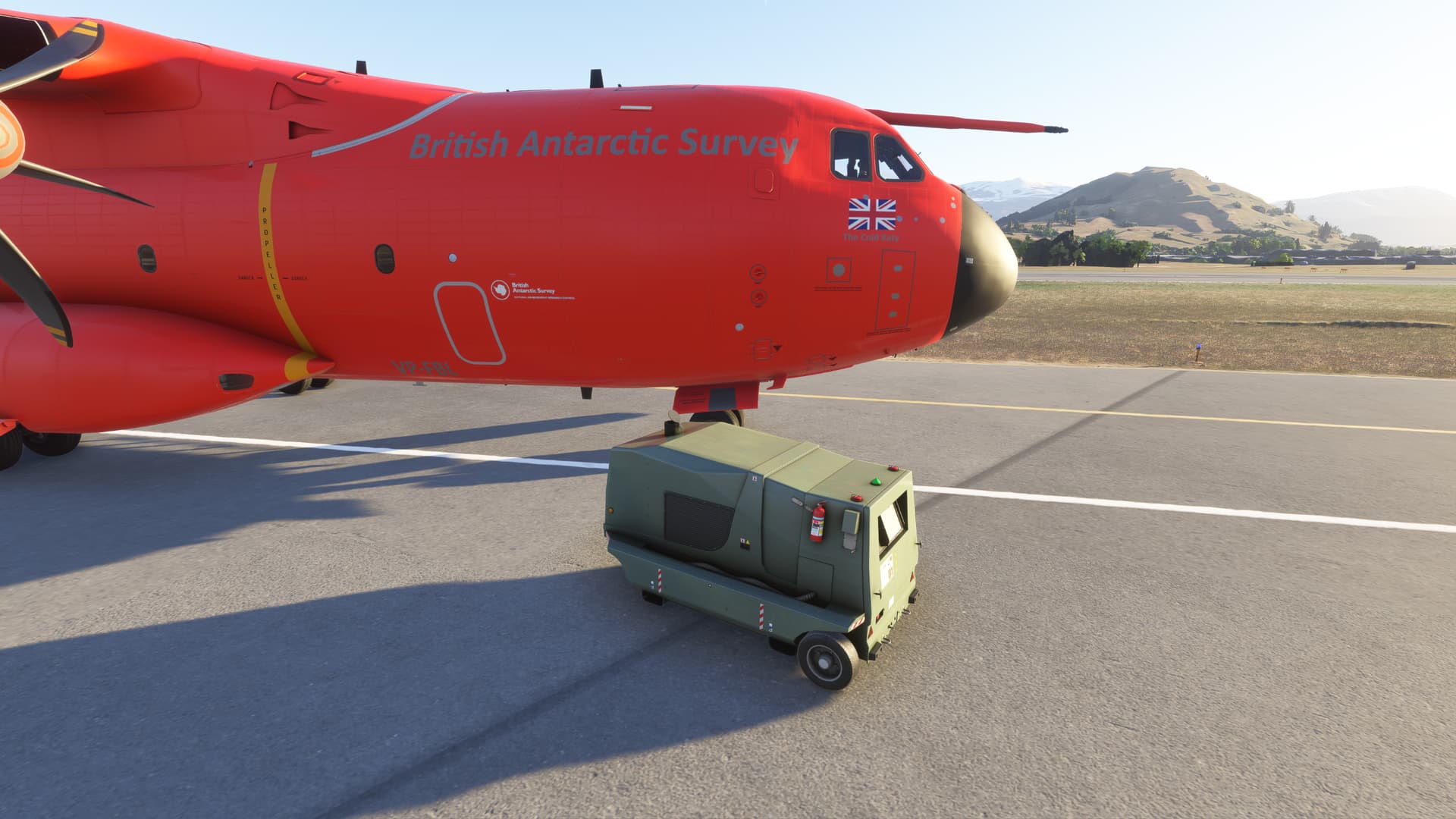
Note [July 22 2025] Loading ‘cold and dark’ is important and you can’t have the default power truck nearby that is why loading in a custom spot away from gates and parking. Consider a taxiway or even grass. After you have changed the panel state to ‘On GPU’ this military power cart should appear.