I am trying to increase the sensitivity of trim inputs (via yoke hat switch or keyboard), as I am finding the trim very slow to adjust on the Just Flight PA-28-161 Warrior II.
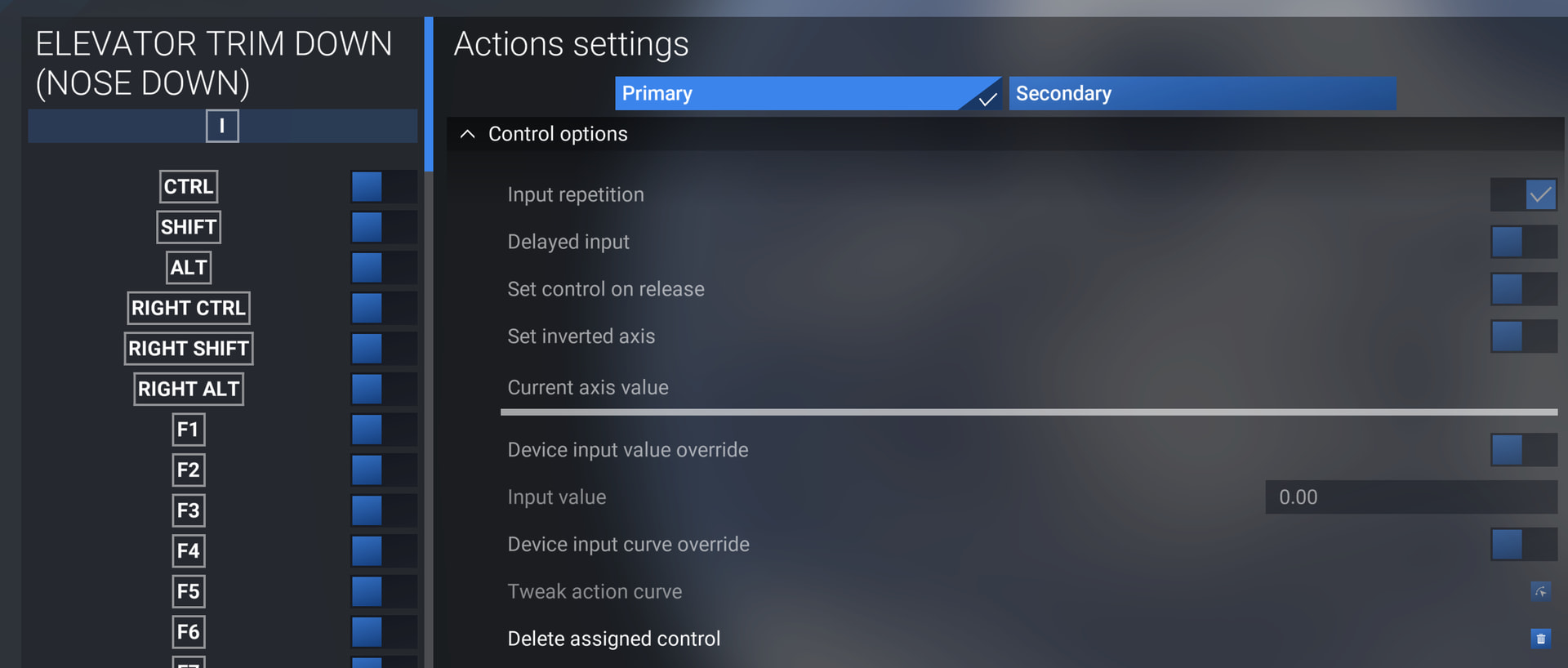
I read that this should be possible via the “Actions settings” (accessed by clicking the cog icon to the right of a control). However, it seems that for elevator trim, the required option “Device input value override” is greyed out.
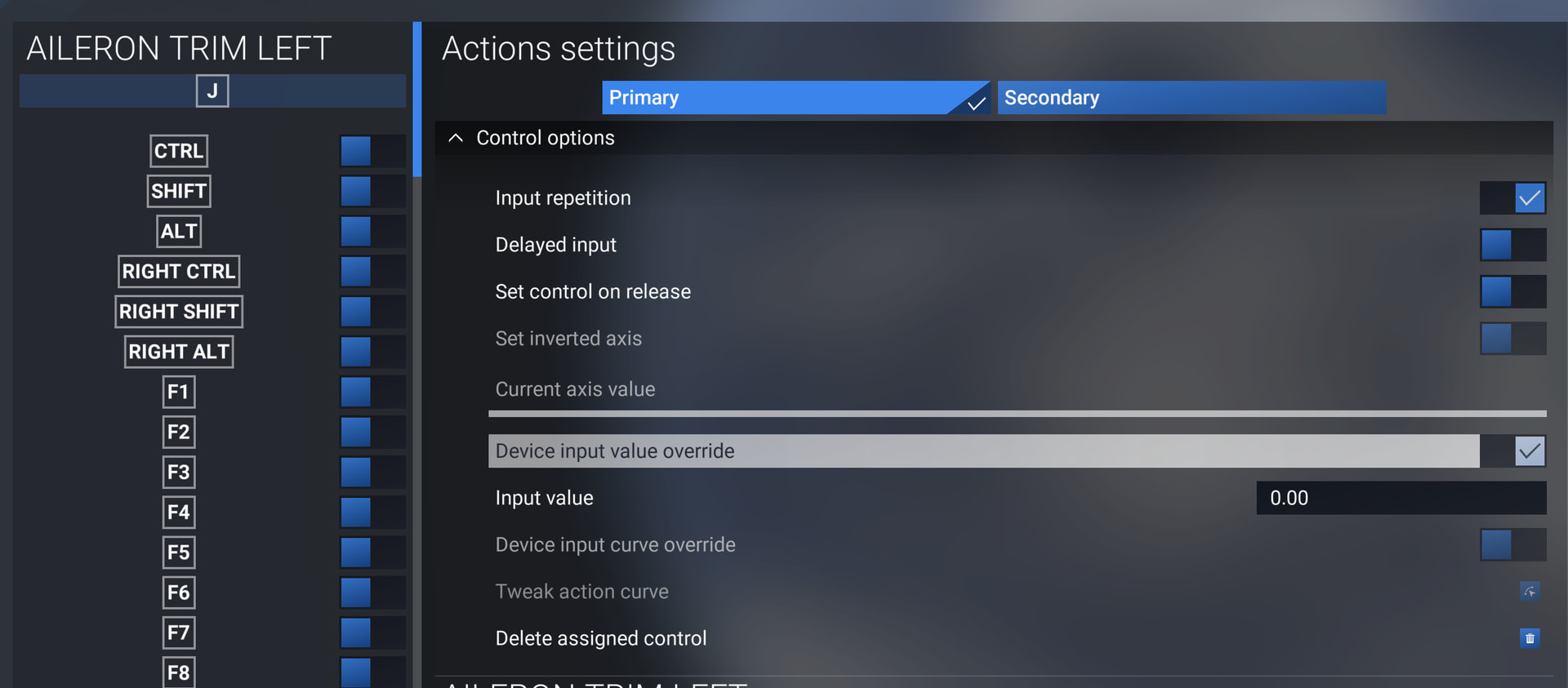
Strangely, for aileron trim, the option is available. I have checked I am not using a locked control profile.
Can anyone advise why this option is unavailable for elevator trim, or alternative means of increasing trim sensitivity for the JF Warrior?
Screenshot 1 - “Device input value override” greyed out for elevator trim down binding:
Screenshot 2 - Same option available for aileron trim left:
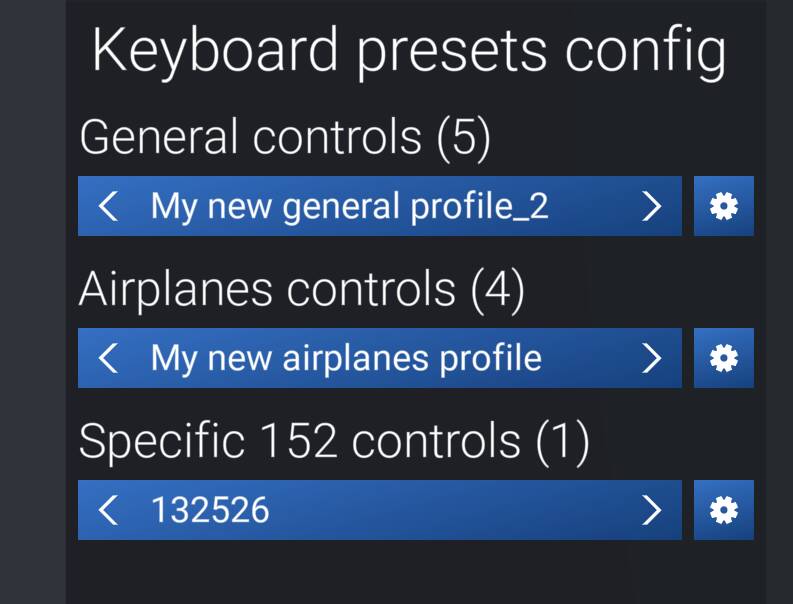
Screenshot 3 - Selected presets not locked: