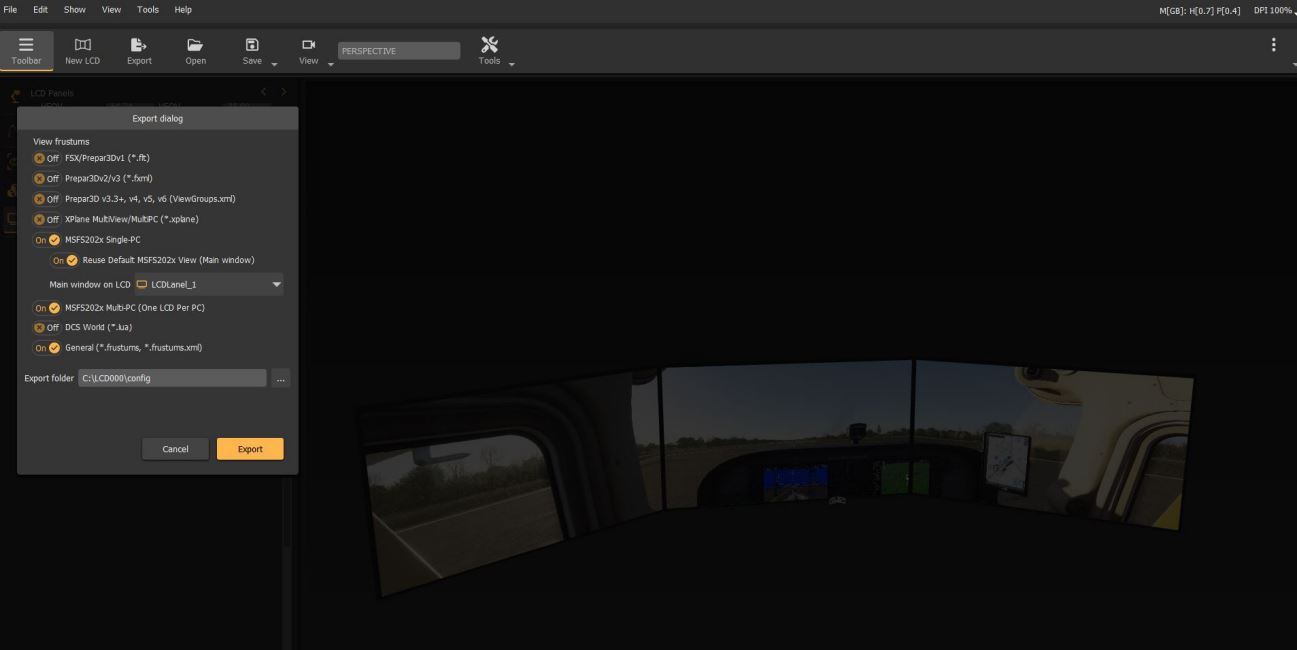
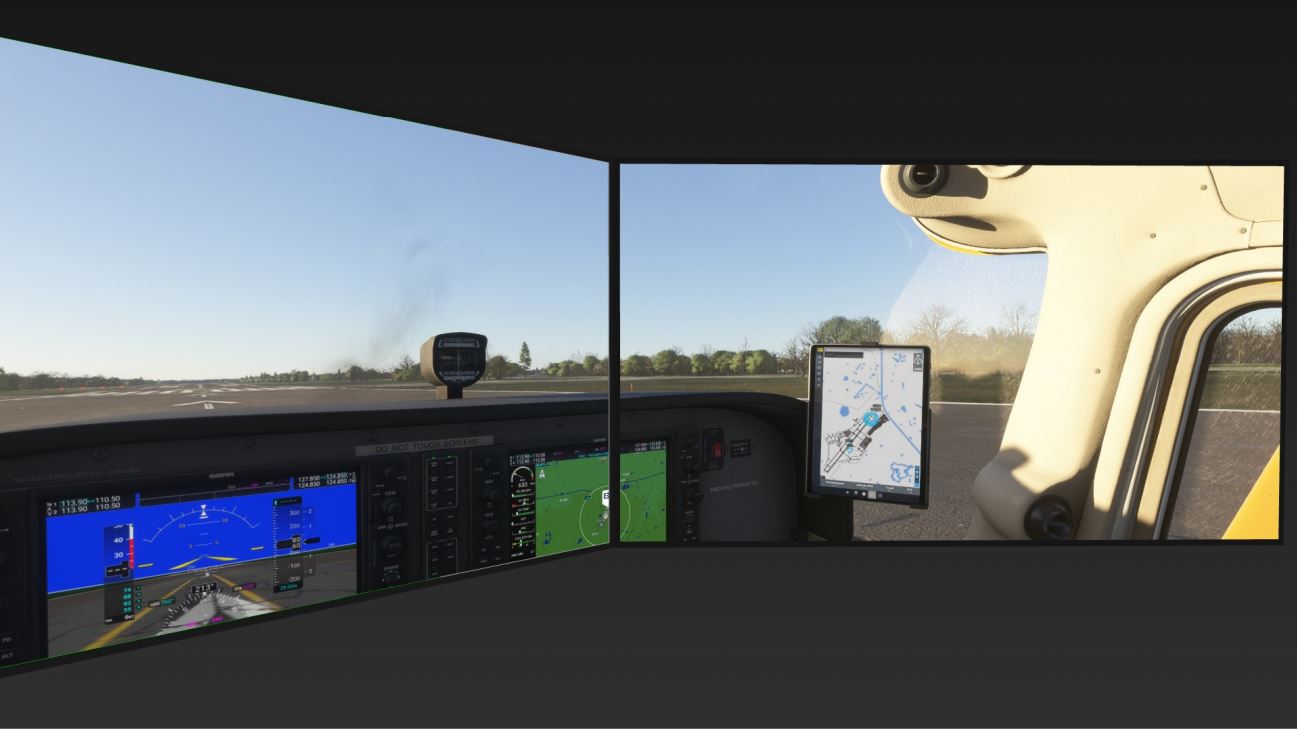
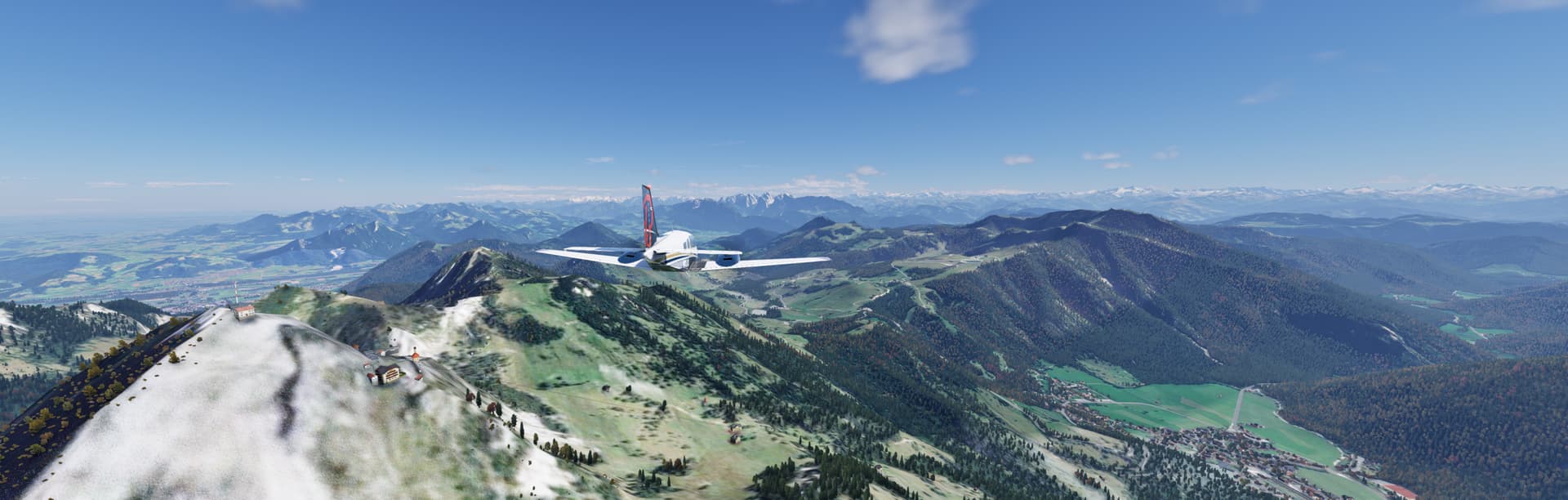
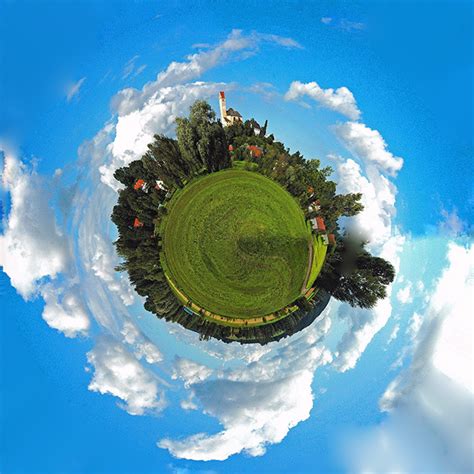
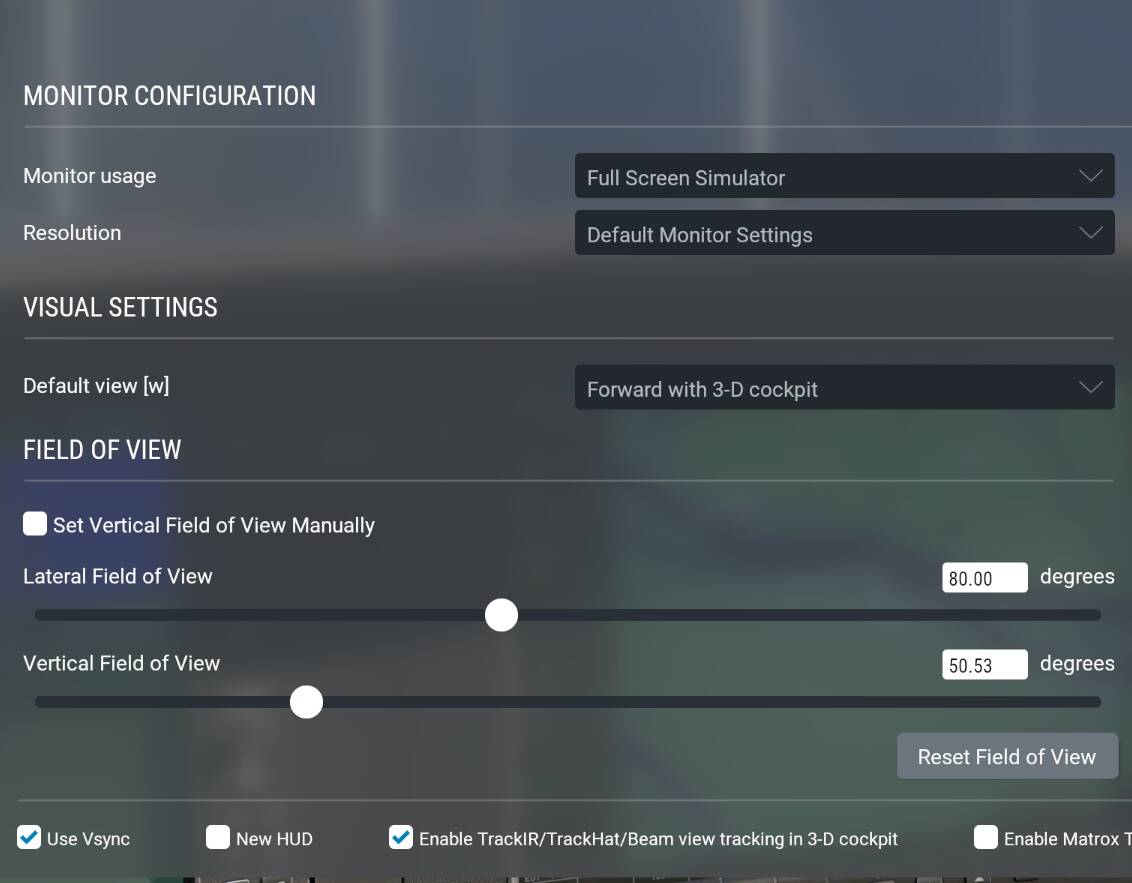
Ok but doesn’t it already work this way since four years ago? The existence of this wishlist item is to ask for a different projection that is more suited to ultrawide screens than the existing, already-present support.
If you’re trying to say something about Xbox-specific monitor support, I’m not familiar with what’s available but that would be a distinct issue and should go in its own wishlist item if it’s not about the projection type.
My take watching the development talks is whenever multi-monitor is mentioned, the dev reactions are blank or “I don’t know” or never ever. It’s a dead end for the Xbox.
I have a feeling single monitor widescreen improvements would gather more support, from a technical marketing and political level.
There’s certainly much less development work and risk to adjust the projection of the single view, compared to emulating Xplane’s complex multi-monitor, multi-camera support.
A friendly reminder: This is a Wishlist topic. Please use the User Support Hub if you need help with specific aspects of the sim. Off-topic posts in the Official Microsoft Flight Simulator > Wishlist category make finding relevant information about the wish more difficult & time-consuming for the Microsoft / Asobo team.
Thanks!
The thing is, SOME AIRCRAFT actually allow you to INCREASE FOV ALOT. So its not like it doesn’t exist. The best example is the Flyinsideinc Bell 206, it allows you to increase fov alot, so much you can over do it.
I would also say, at the moment even with aircraft that have not much fov increase, it is actually pretty good how it is any way, some airacraft just need a bit more of adjustability to make it perfect. Main reason is to give a better sense of speed, with LOW FOV the sense of speed is stupid and u feel like your going super slow.
So they just need adjust ALL aircraft to be able to increase fov just like the bell 206.
I really wish, the product managers and devs would fly regularely with super wide screens / curved 32:9.
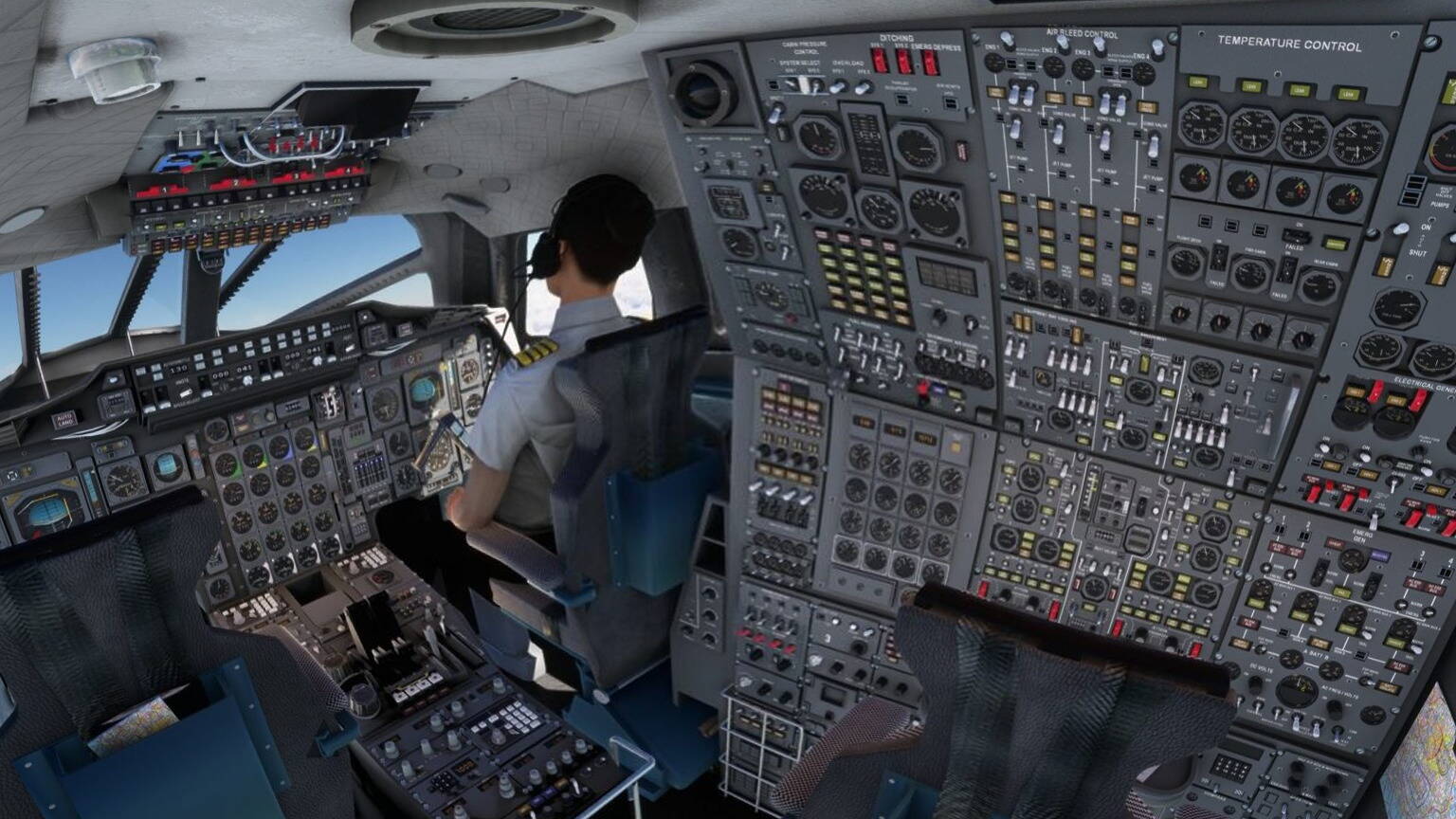
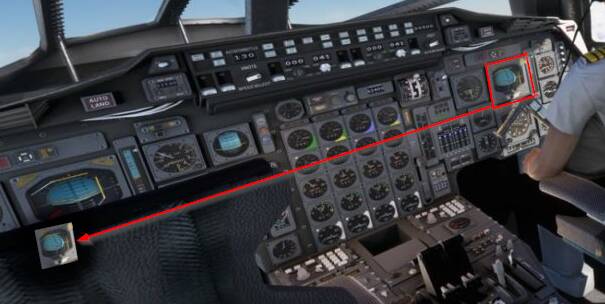
It is so immersion killing if you sit in the airliner, see a huge EFB at the far left. Then you turn your head towards the EFB to check something. The closer to the center of your view the EFB gets, the smaller it gets and you have to zoom in, to be possible to read anything.
No comment from Asobo or Microsoft, not on the wishlist. Simply ignored.
Pardon my ignorance on this topic. I have dual monitors that I use in 2924 when flying 2D and they seem to be easy to set up and look great. I can imagine the distortion that an ultra wide or curved monitor could induce if the rendered image is 16:9 but it sure feels like the fix would not be within the sim code but at the level of the display driver. Sounds like this is Nvidia or AMD’s problem for their graphics cards. With Nvidia I can already span monitors seamlessly with their software. I would imagine they have or should have a way with ultra-wide monitors to get that same spanned look on a single monitor. Then, it’s simply Asobo outputting the image as they always do and counting on the driver to deal with any adjustments to make that image fit. If 95% of users have standard 16:9 single screens, I can’t see asking Asobo to drop other programming tasks that we all want to address something like this. However, Nvidia is used in every game for their cards so it feels the onus falls on them.
That doesn’t explain why X-Plane and P3D don’t have that awful distortion right?
I’m spanning two 1920x1080 views using Nvidia Surround and get measured inclinations on 49° on the screen edges, displays twice as large then in the center when on the screen edges.
But only with MSFS and not in the other Sims. An on the same rig, same screen, same GPU, same driver.
There are enough examples with screenshots and explanations on this topic.
Asobo simply renders the image like seen through a cheap smartphone wide-screen lense. Those pics look as awful.
The biggest issue with that is that distances and speed can’t be estimated turning the head. So a killer for pattern training with a headtracker.
I don’t recall any alternate projection options in X-Plane at all, just vertical and horizontal FOV adjustments. If you set them to the same values as MSFS 2020 or 2024 use you’ll get he same distortions in X-Plane.
If you set the FOV smaller to reduce distortion, just like increasing zoom in MSFS, you’ll find that you see less on screen and can’t fit things in view.
3d projection works the same whether you’re MSFS or X-Plane; it’s just geometry and trigonometry.
Once again I am calling for any actual example of a game with 3-d rendering that has an alternate projection for very wide screens that does not produce distortion at the edges. I have never seen one on this or related threads, only people asserting that other games do better. I have seen one screen recording of a racing game referenced that was claimed to be better that, on looking at it, wasn’t any different from MSFS at all.
I’m not trying to rain on people’s parades; I just want folks to be clear about what they’re asking Asobo to implement. And so far it’s not at all clear what they mean.