Adjusting HOTAS Sensitivity on Xbox

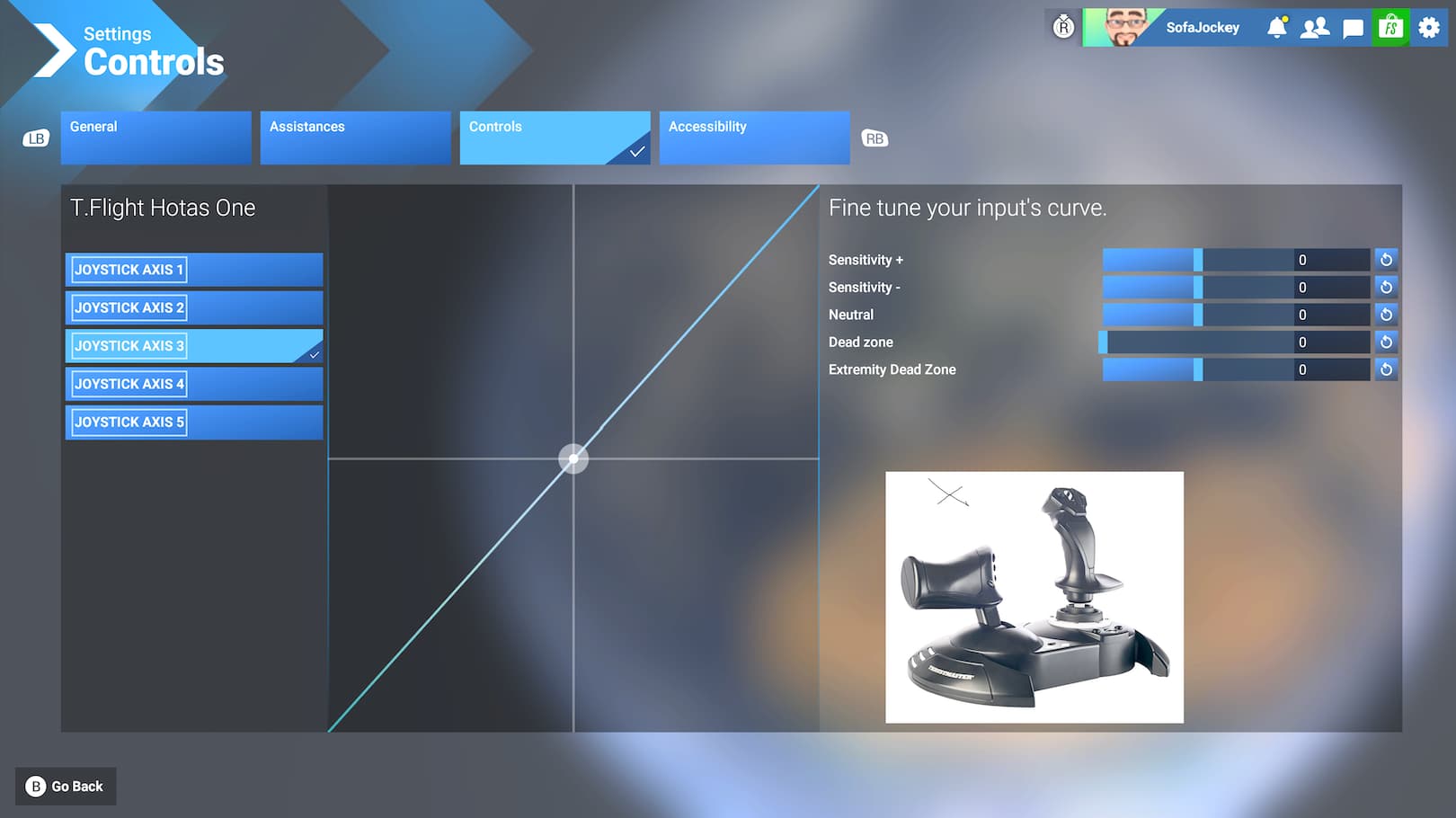
Anyone know how to adjust the HOTAS sensitivity on Xbox, please?
Couldn’t find a way to change the curve numbers.
(once I selected e.g. Joystick Axis 3, the controller right stick does nothing, I can’t get over to the ‘fine tune’ section).

This will make flight training a good deal easier. Thanks.
3 Likes

I managed to do it with the mouse. The lack of a cursor in menus is a bit awkward controllers

The mouse? On an Xbox?

Yeah I’ve got a mouse and keyboard plugged into my Xbox

1 Like

Oh ok. I’ll have too see if I can get a wireless small mouse/keyboard for Xbox then.

Definitely worth it - makes controlling aircraft so much easier

2 Likes

Thanks for the helpful input. I’ve ordered a mini-keyboard with a trackball (USB, wireless). Looks to be compatible. Fingers crossed.

I’m enjoying the sim from my sofa (perhaps unsurpringly) so I’m not at a desk. :grinning_face_with_smiling_eyes:

1 Like

This topic was automatically closed 365 days after the last reply. New replies are no longer allowed.