Aerial Imagery Texture Squares Cancun area - Severe LOD Issue
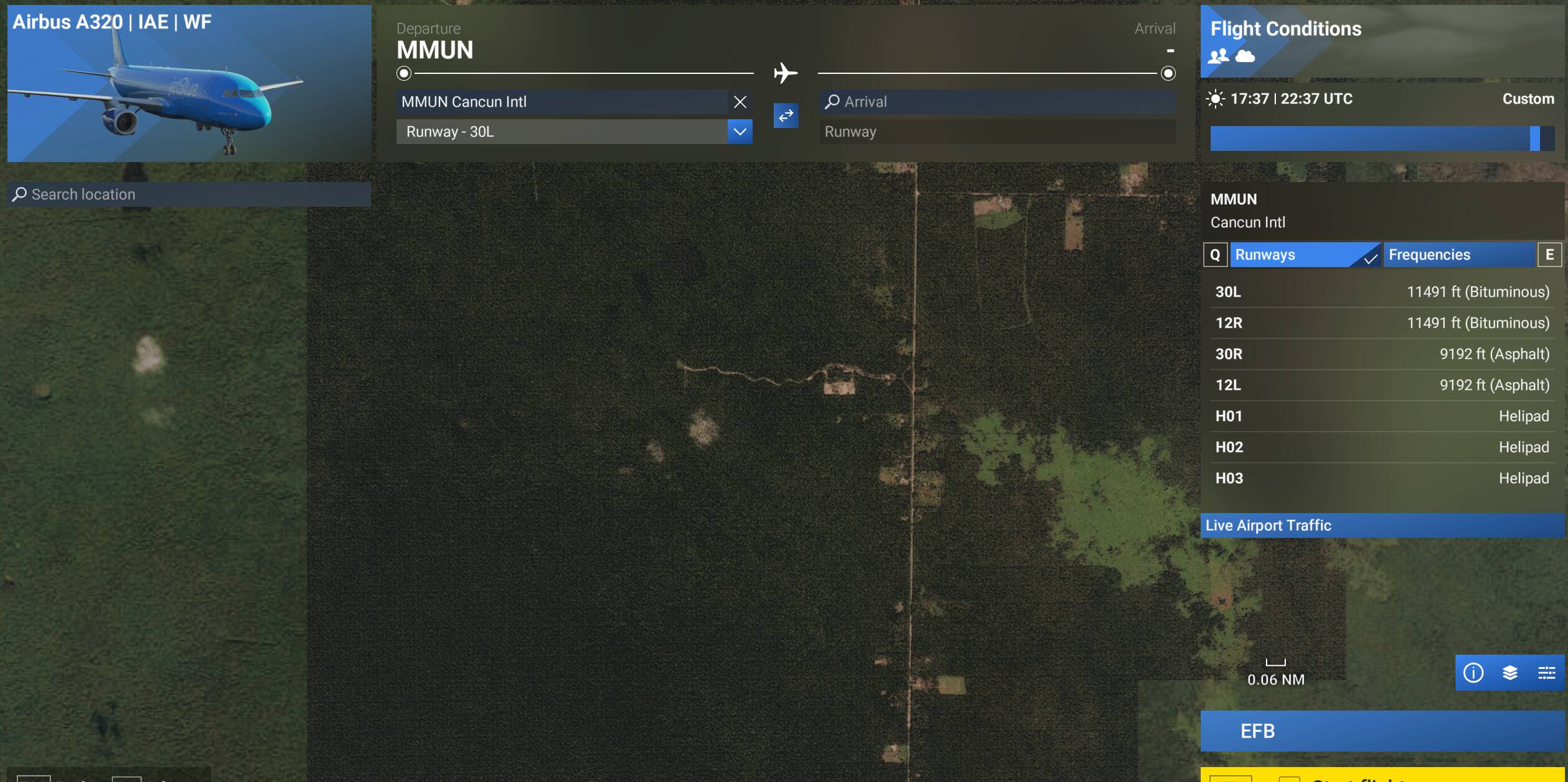
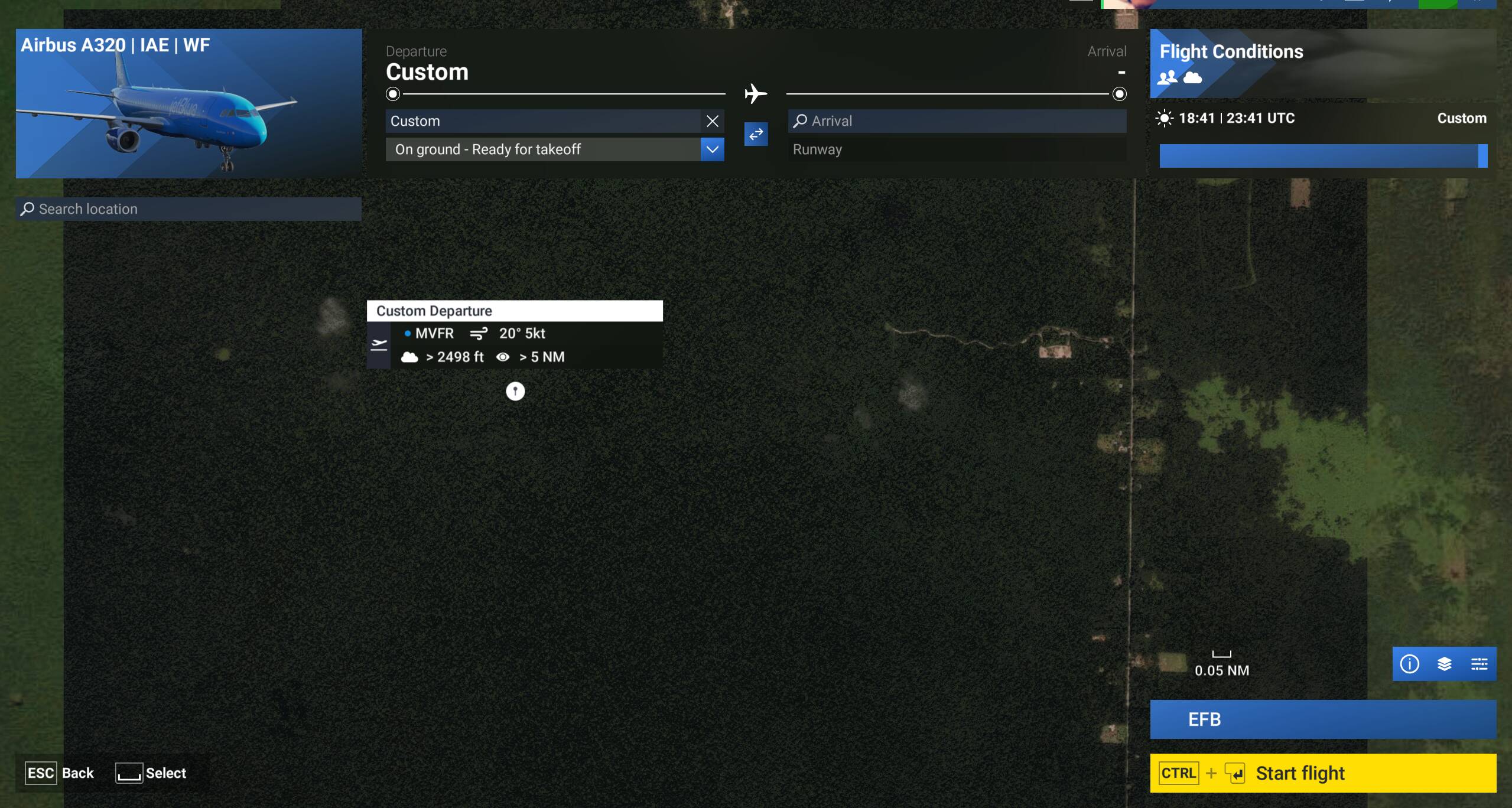
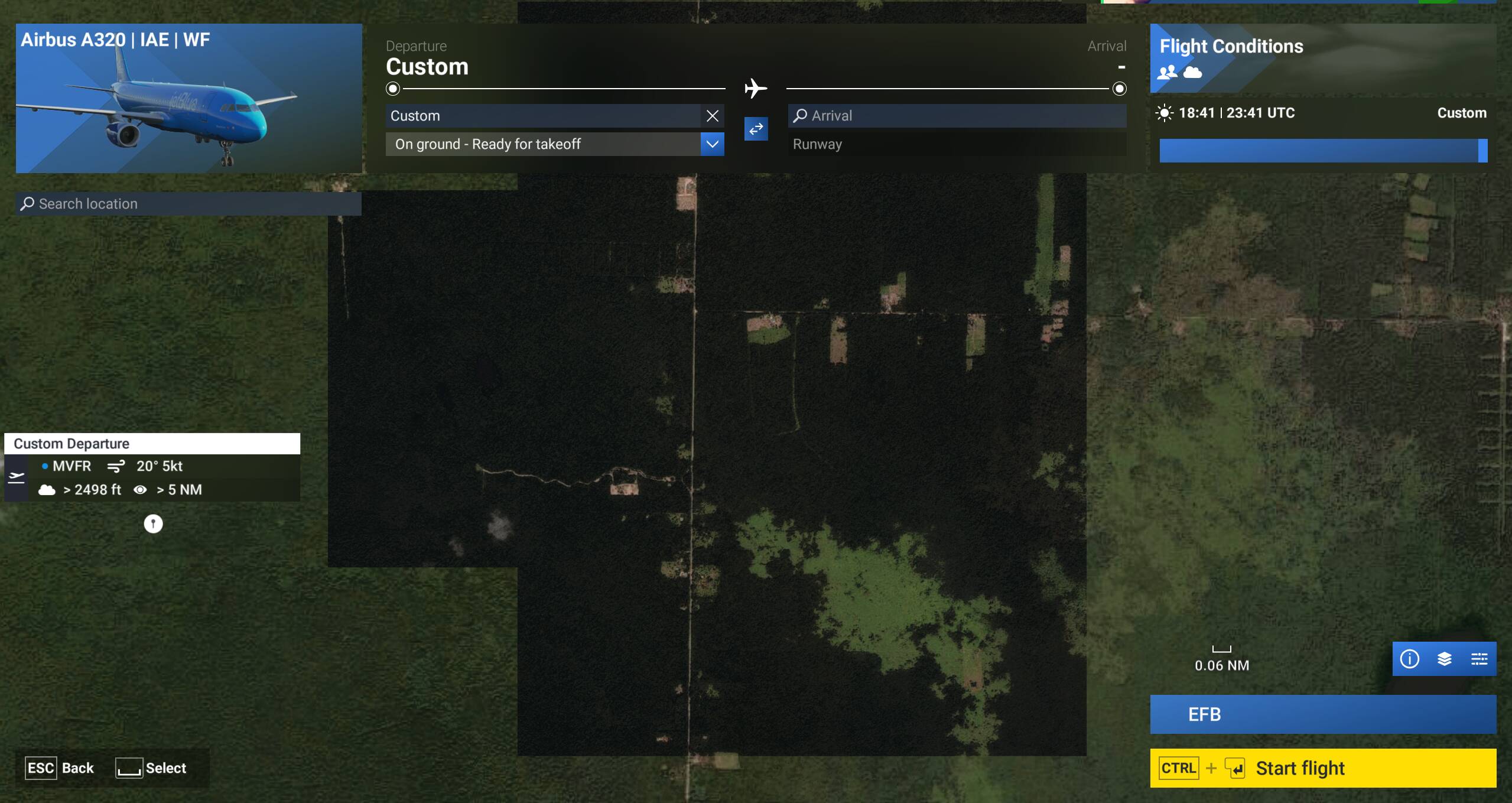
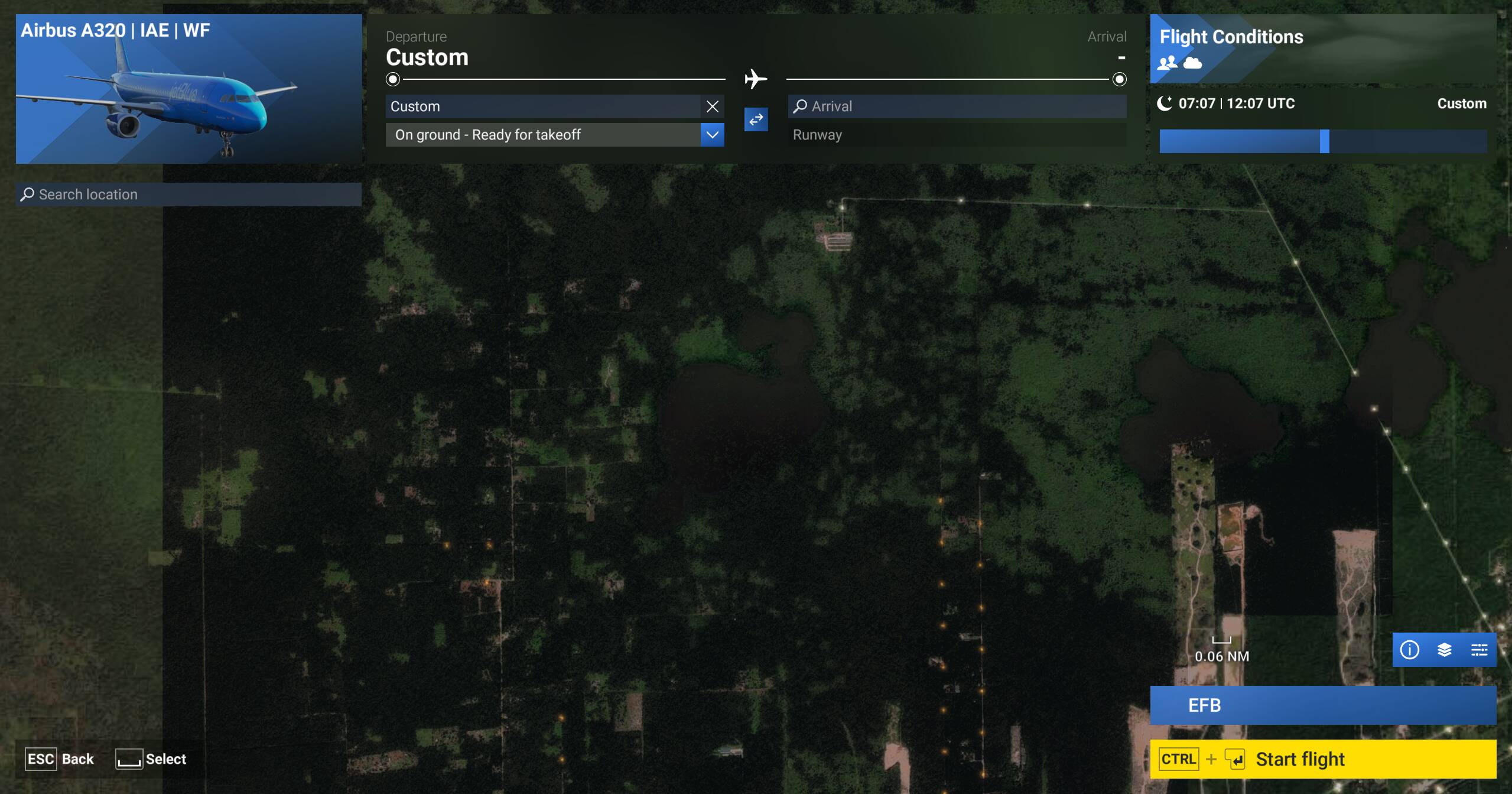
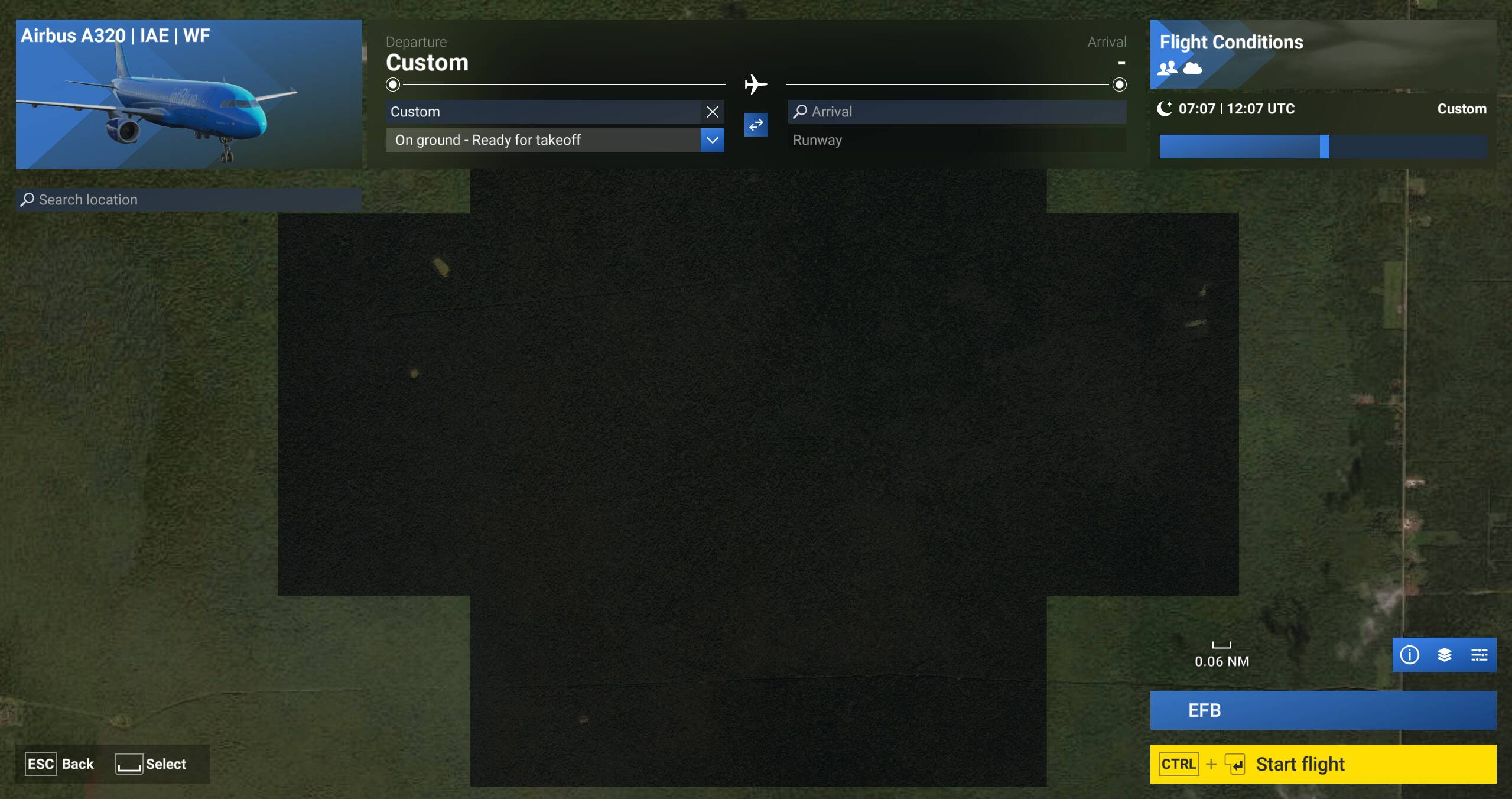
I am experiencing an issue in Microsoft Flight Simulator 2024 where aerial imagery (Bing map textures) loads incorrectly as large square tiles instead of detailed, blended ground textures.
The problem is clearly visible at low and medium altitudes and appears to be related to streamed aerial imagery. The terrain does not smoothly load higher-resolution textures, resulting in obvious square patterns across the ground.
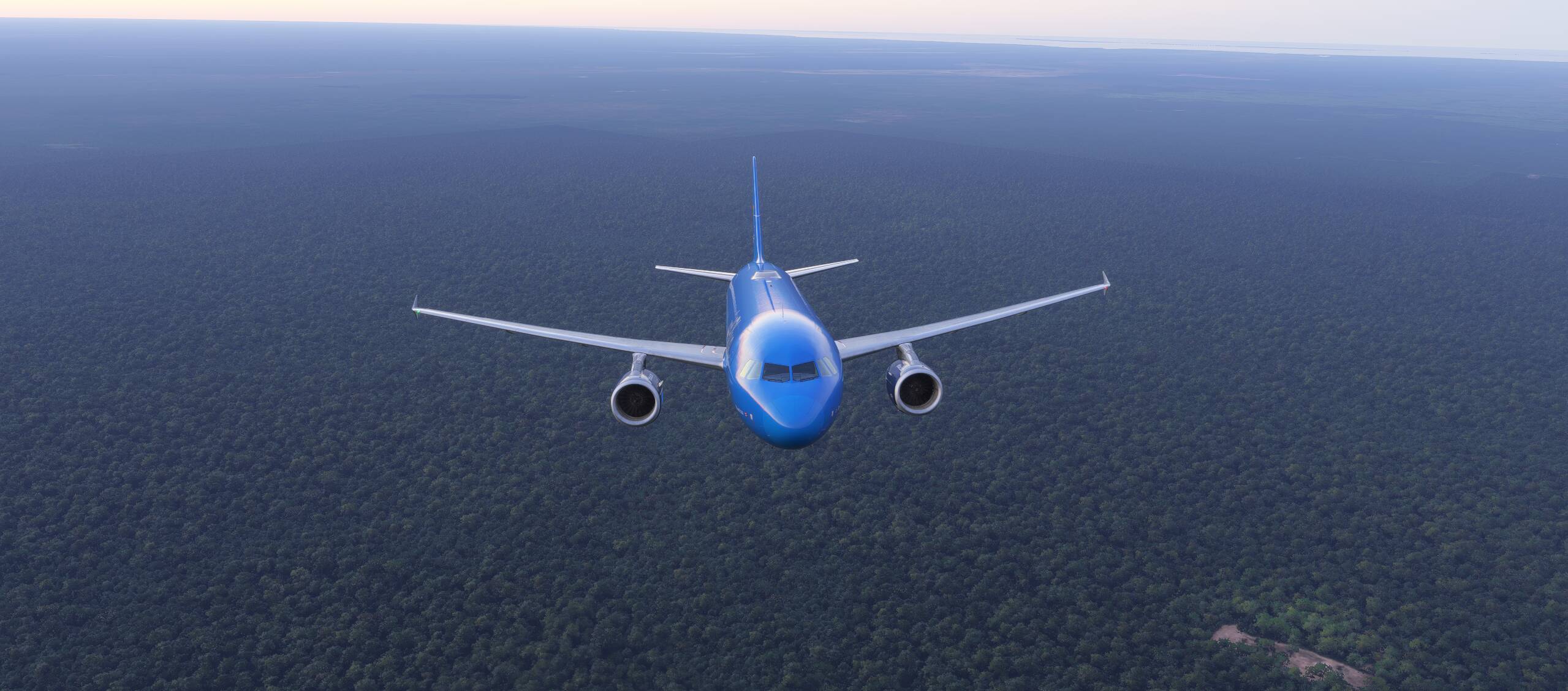
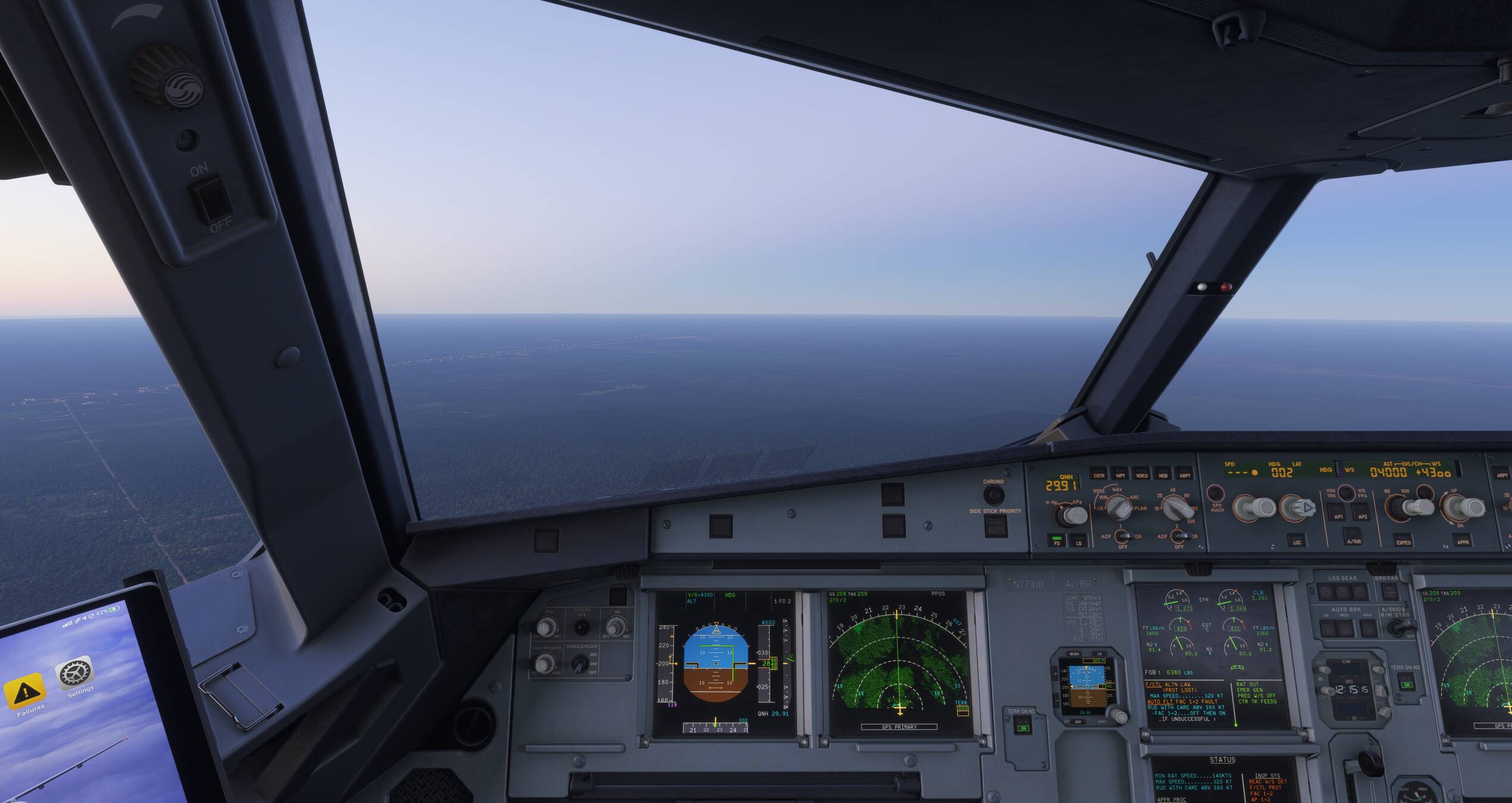
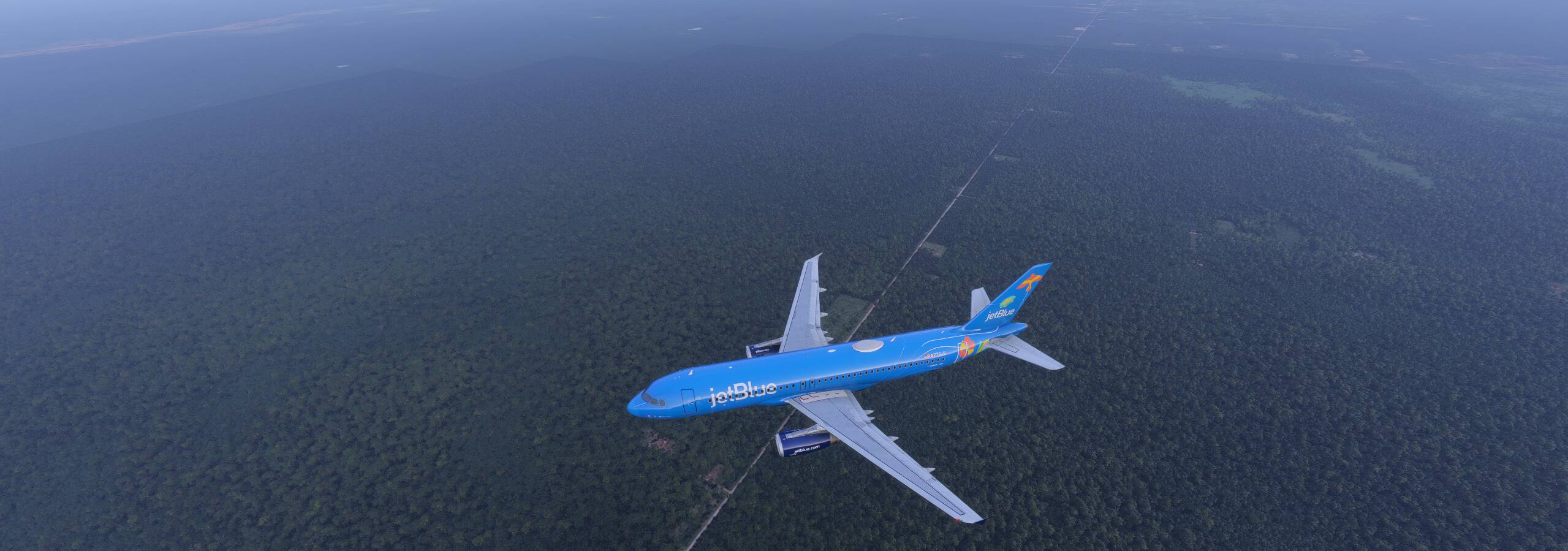
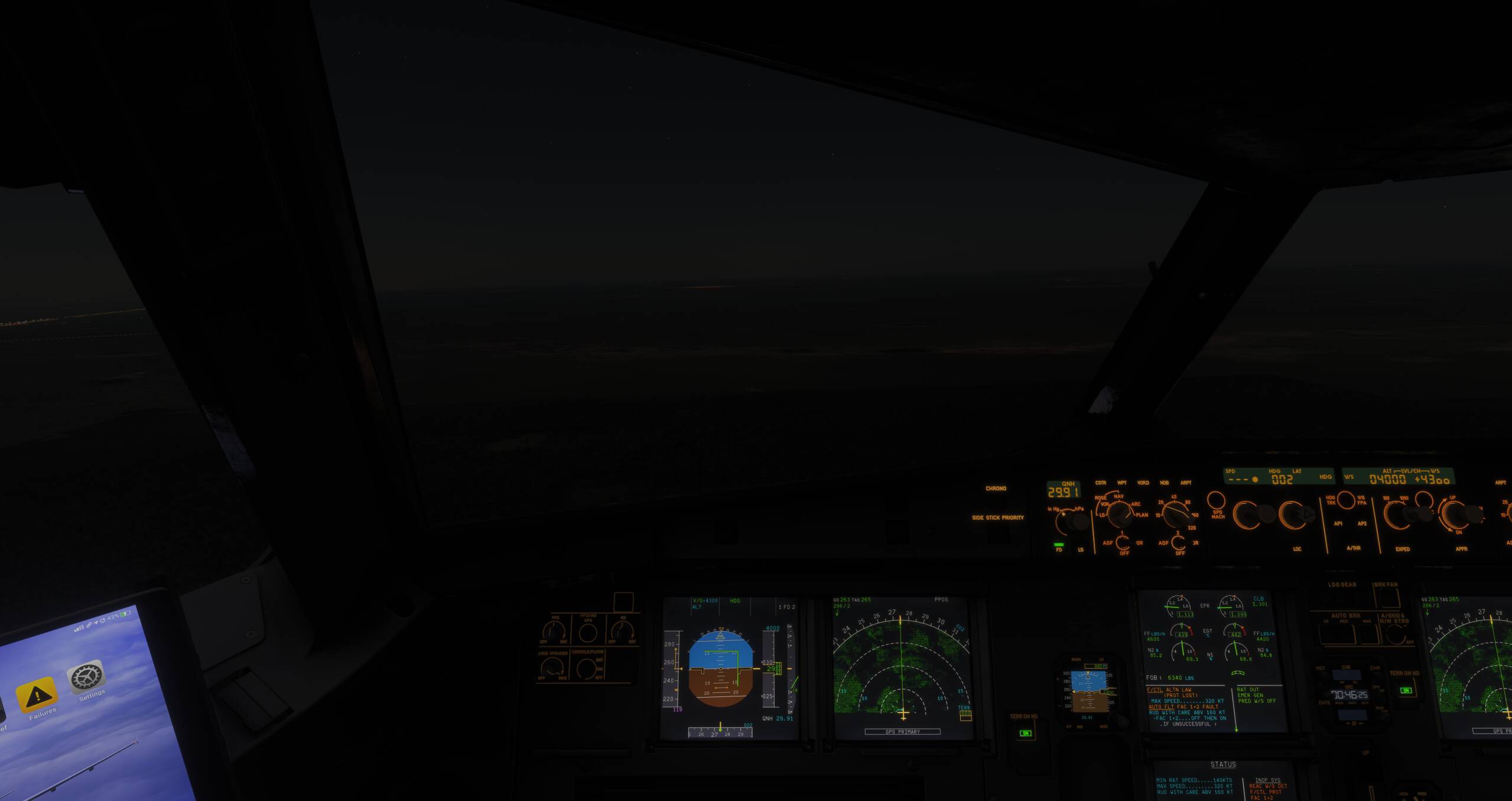
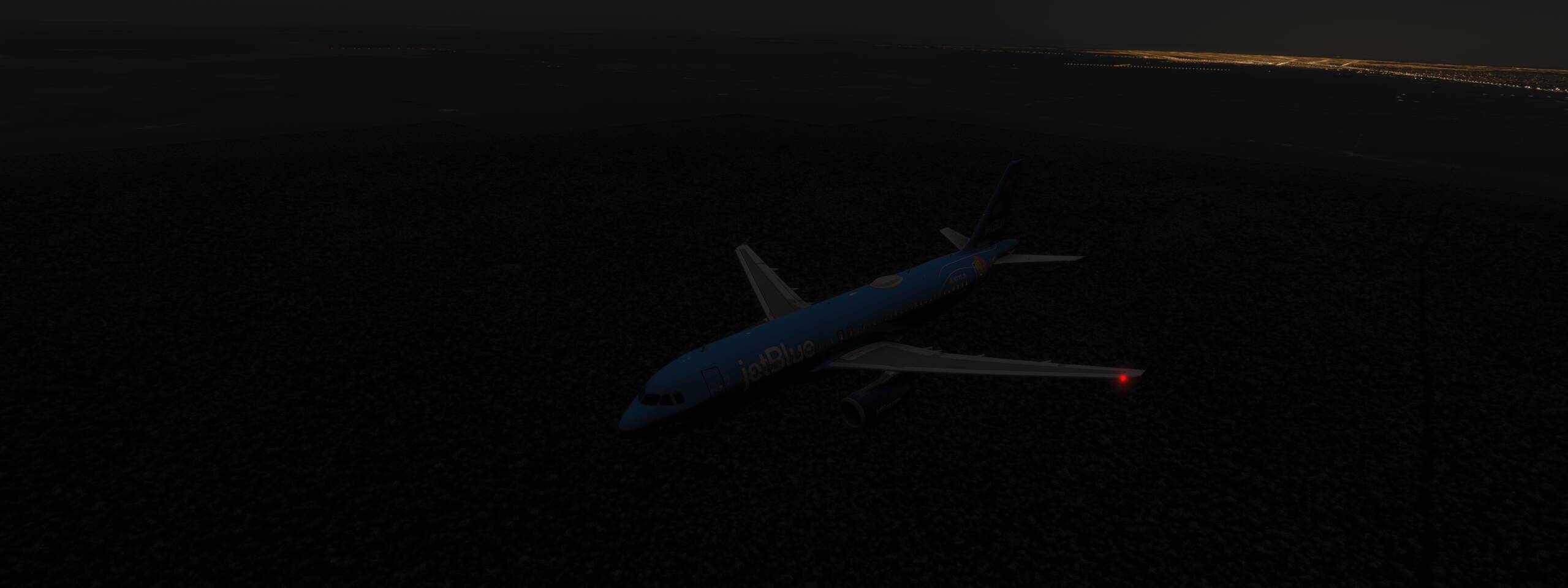
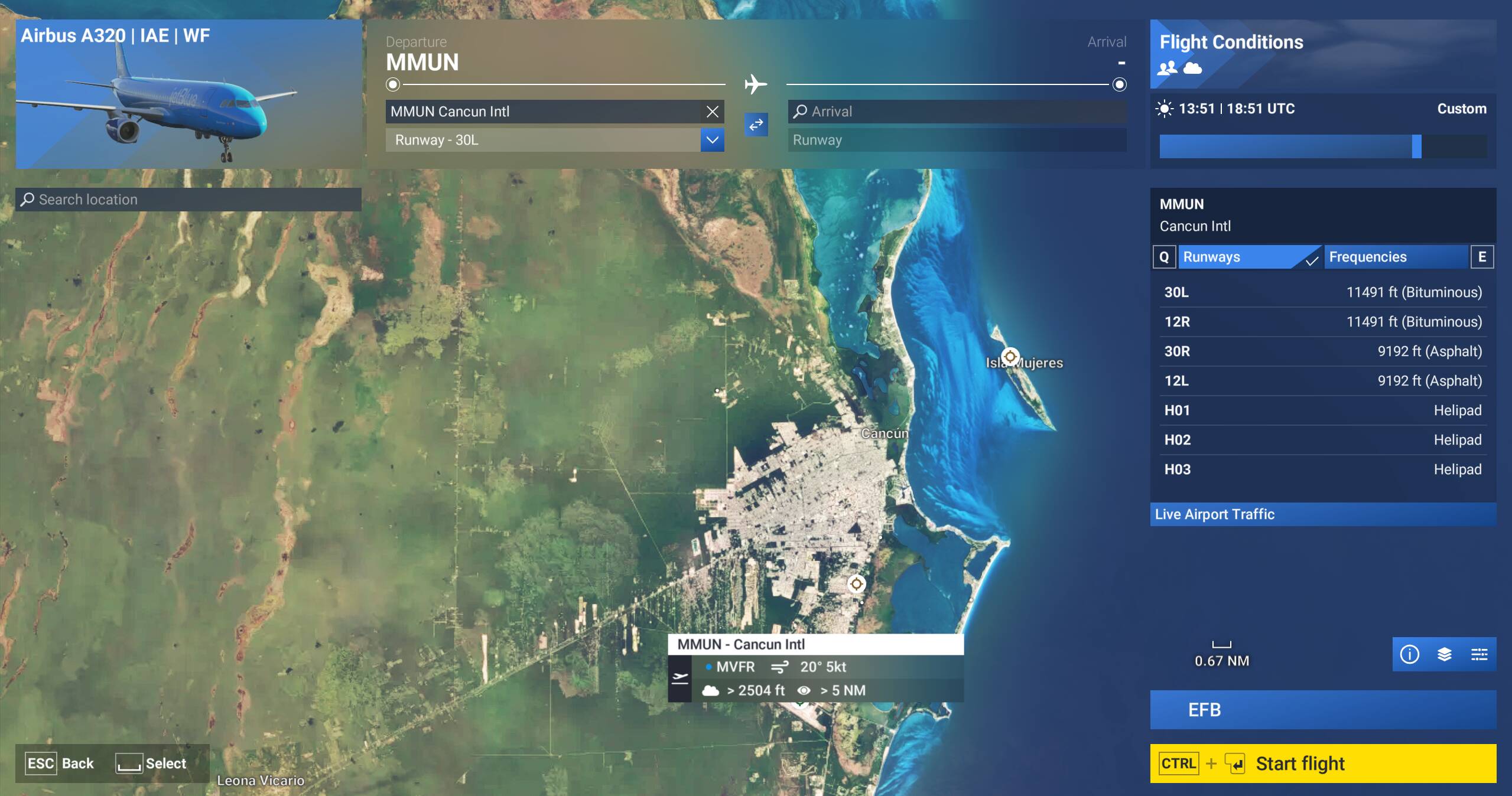
I will attach screenshots captured during the aircraft selection menu and in-flight at different times of day. These images clearly demonstrate the aerial imagery textures loading as large square tiles instead of properly blended terrain. Hopefully, this is a straightforward fix that can be resolved during the beta.
Please take in consideration to reproduce this issue in the point selecction you have to be at 0.05nm, changing to the afternoon around 18:40 pm this problem become more obvious.
Coordinate or location of issue: 21.283152, -87.038419
Mexico, Cancun, all the coast.
FREQUENCY OF ISSUE
How often does this occur for you: This issue is always present when selecting the airport and while flying around the area.
REPRODUCTION STEPS
Please list clear steps you took in order to help our test team reproduce the same issue:
-
Fly from KFLL-MMUN
-
During the approach phase, annoying square loading icons appear around the airplane.
-
Both MMUN Maccosim and the default scenery have the same issue. This problem is not related to the scenery itself; it may be due to the LOD of aerial imagery, which needs to be fixed.
YOUR SETTINGS
If the issue still occurs with no mods and add-ons, please continue to report your issue. If not, please move this post to the User Support Hub.
What peripherals are you using:
[PC Only] Are you using Developer Mode or have you made any changes to it?
No dev mode
[PC, MSFS 2020 Only] Are you using DX11 or DX12?
MSFS2024
[PC Only] What GPU (Graphics Card) do you use?
RTX5070TI
[PC Only] What other relevant PC specs can you share?
I7 13700k
32GB RAM 6000MHZ
2 SSD 1 TB each one