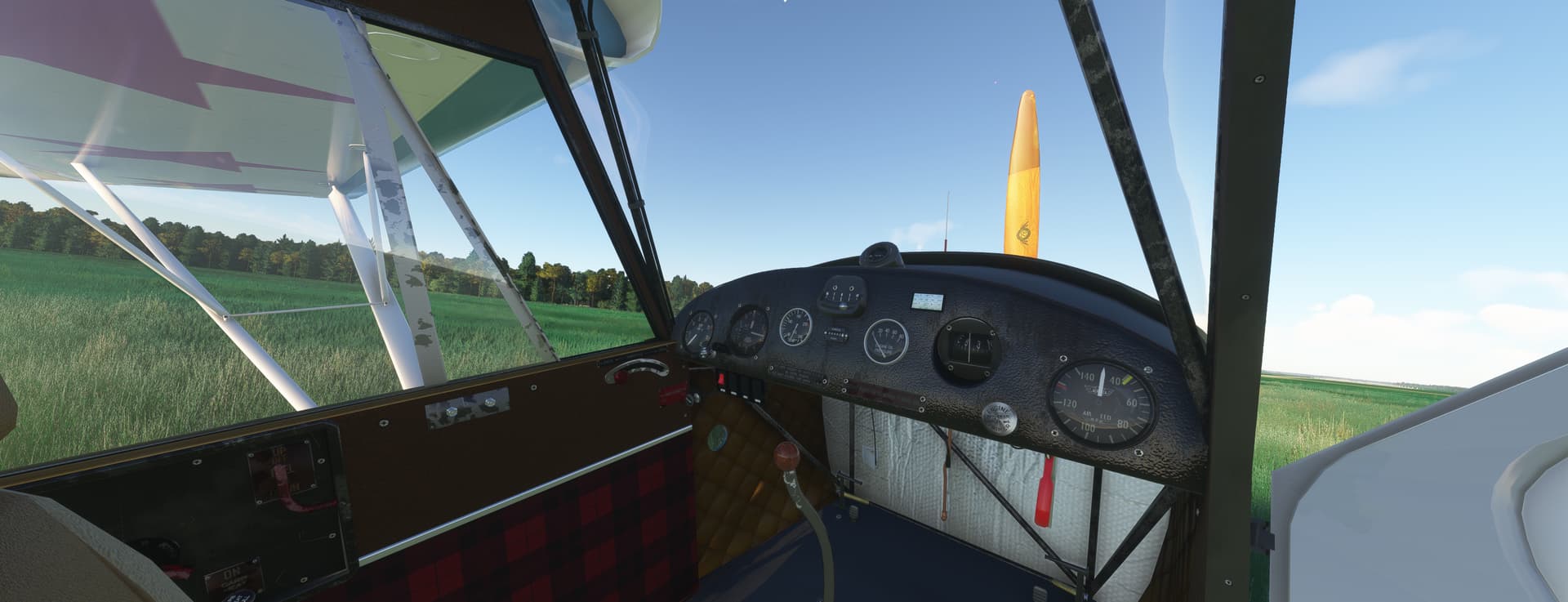
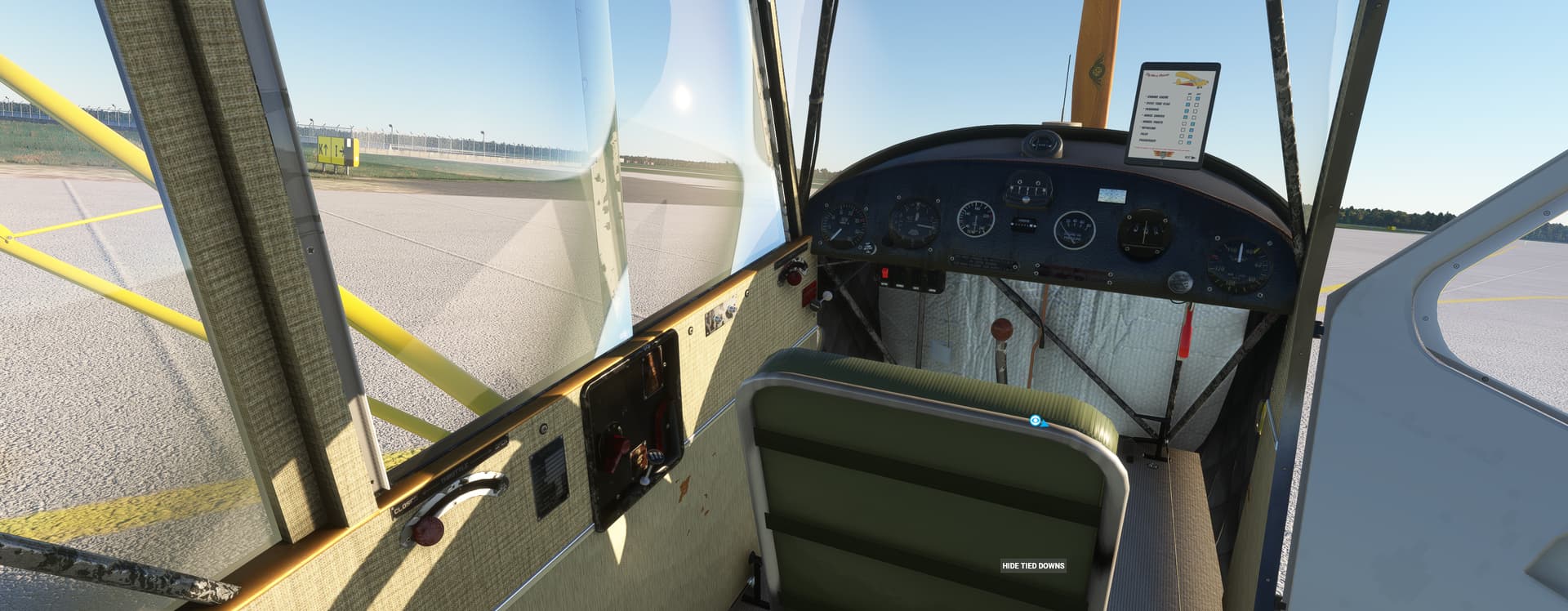
After a few days trying to find the origin of a problem, the solution was finally found and 3D developments could be resumed.
I am still able to show you some images after a short test to validate my changes of the day
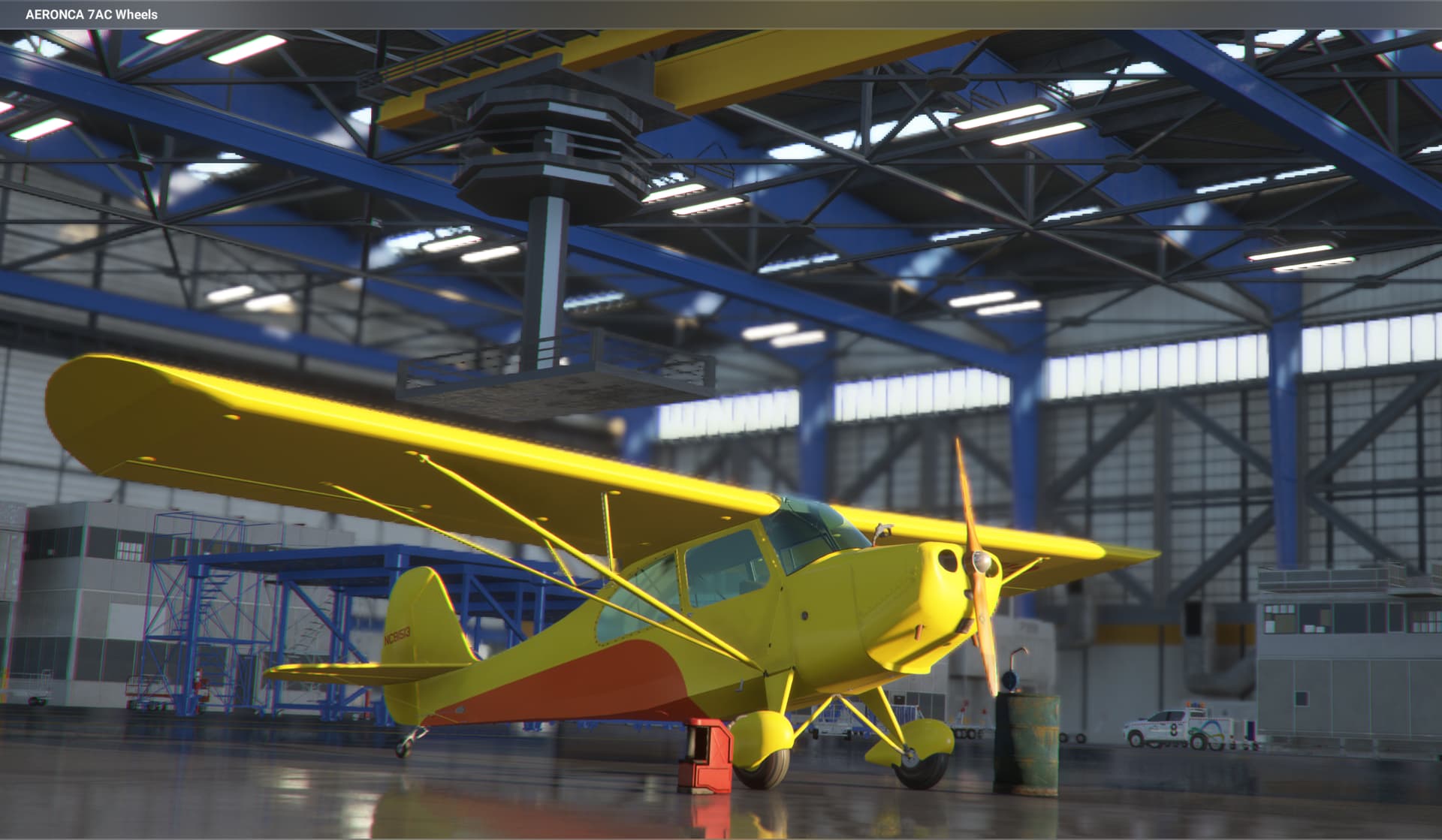
In the hangar:
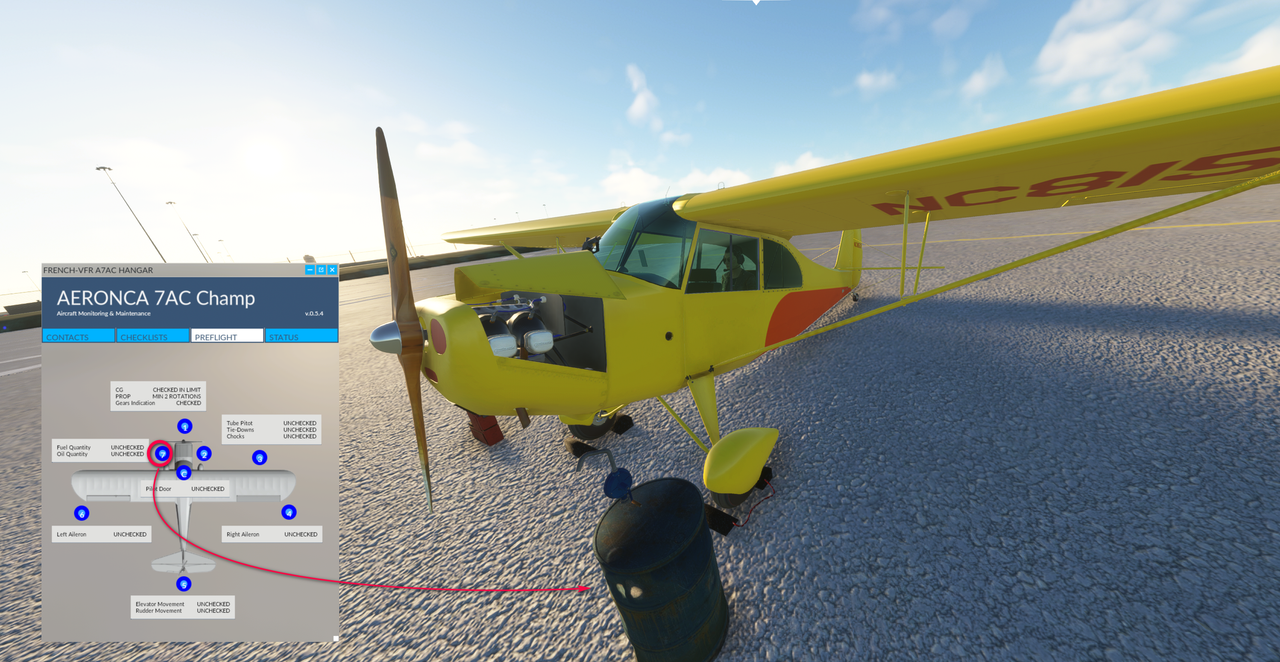
The tablet is now operative:
The pre-flight tab can be used to refuelling (the pipe connecting the pump to the barrel that I will make tomorrow is missing)
If the aircraft needs some oil, it’s possible to verify the level in the tank:
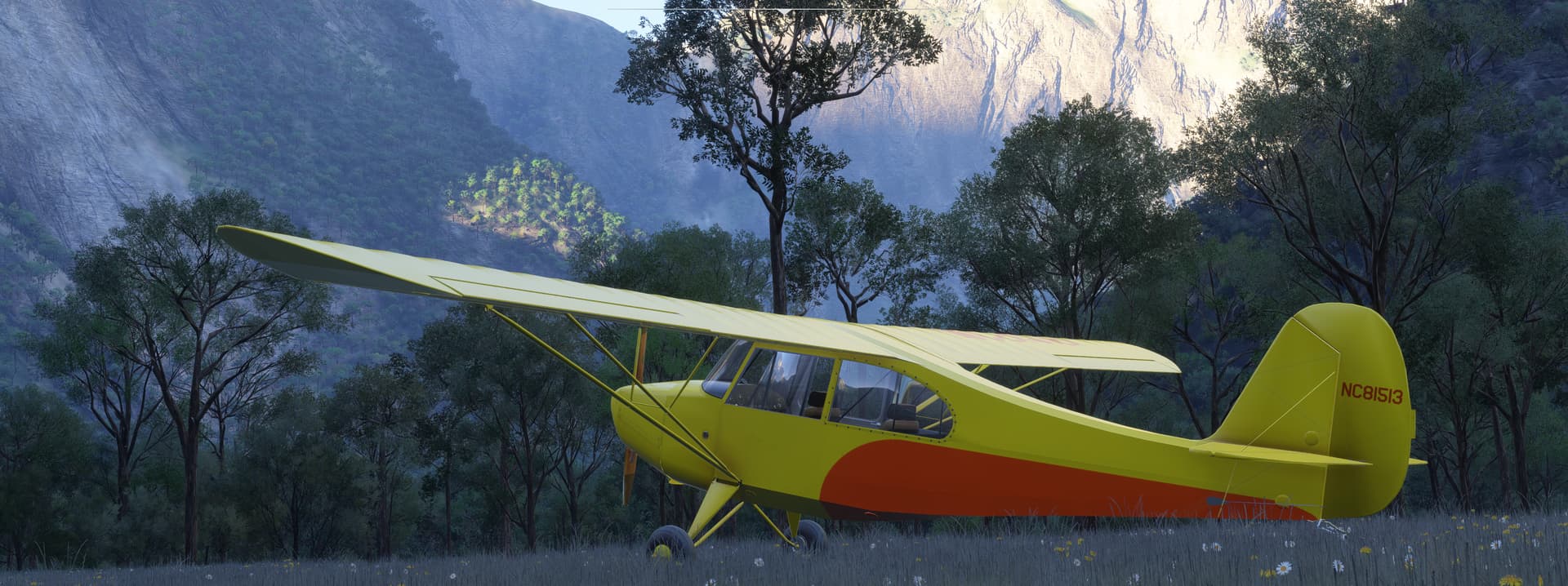
A short flight before the night:
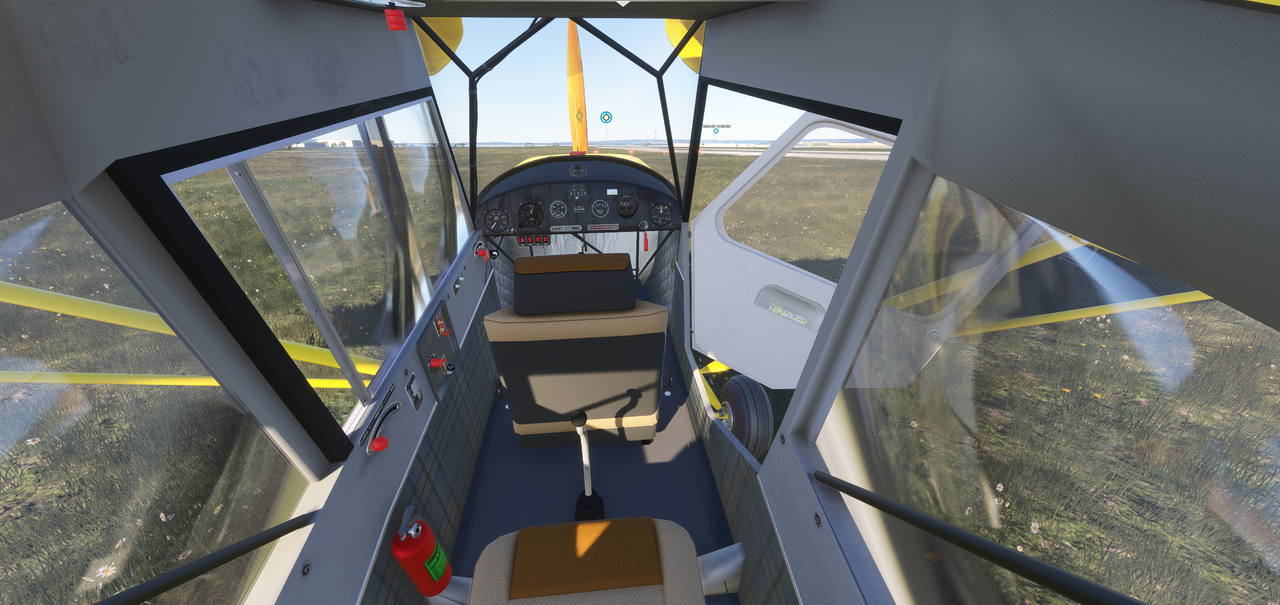
I still have some work to do to animate a few small elements and add some details inside and next week, I think we can start the flight model (with a real pilot qualified on this aircraft) while I would take care of the PBR textures.
After spending about ten days to ensure the official delivery of the Super Stearman and support during the first days, I was able to take care of this freeware again.
During the last point, you noticed that during a magneto test the RPMs did not decrease so I looked at this point precisely.
The animation of the switch of the magnetos is managed by a standard Model Behavior like that which manages the magnetos of the C152 so nothing a priori on this side.
Normally, in the engines.cfg file, there are 3 lines that manage the behavior of the magnetos:
number_of_magnetos = 2
magneto_order_left_right_both = 0  ;1
single_magneto_efficiency = 0.97  ; Efficiency ratio of the engine if it is designed for 2 magnetos but only 1 is currently active.
In our Aeronca, the last line was forgotten.
The default value is 0.97 but you don’t notice anything on the gauge during testing.
The value of 0.92 doesn’t do anything either.
So I pushed it up to 0.87 and if you make the testsat 1500 RP0Ms, you notice a little decrease of RPMs.
Anyway, the RPMs in this kind of aircraft must only decreasel by 50 RPM not more otherwise the engine may stall
Soiurce: magneto check RPM drop | FSDeveloper.
A new version for test has been sended to the Team testers (v0604), a version that greatly improves the engine behavior and fixes a large number of bugs. Not all have been fixed but it is moving forward.
The A65 and A85 engines comply with their 400 RPM IDLE and reach their maximum values of 2300 and 2500 RPMs respectively. The engine’s vivacity has been revised so that the needle of the rev counter goes up faster in the turns when accelerating. The moment of inertia of the propeller has been revised so that when the engine is stopped, the propeller stops much faster
This week I’m thinking of taking a closer look at the “slide” settings to improve the flight behaviour.
In parallel, I started working on the textures to migrate the main ones to PBRs.
Compatibility with FS24 seems good with always this pilots management concern that changed during the passage from FS20 to FS24.
A new version is in preparation for the testers TEAM.
Anyway, to wait before this new version, here are some images (FS24 sim) of this work which focused on :
the improvement of the engine (IDLE and RPMs max for each engine: 65HP, 85HP & 95HP) - the flight_model (slip operations, rudder beahaviour in taxi and flight steps) and
the creation of a first draft for PBR text to test in simulators the effect that it could give.
First, the float version (the exterior textures have not yet been worked on and come from textures of FS2004 version)
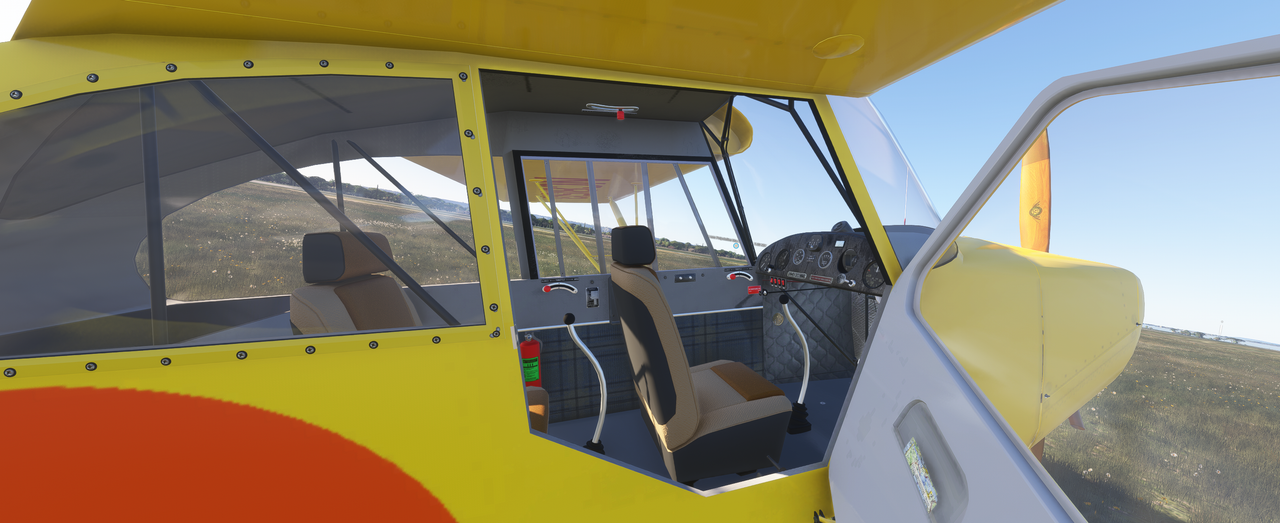
The cockpit and PBR textures:
Trying to improve the propeller behavior (so that RPMs arrive faster when the throttle is set to ON) the IDLE has some problems: the propeller drops from 400 RPMs to 300 RPMS and the engine stalls. To correct this I wil try to increase a little the efficiency/ decrease the friction of the engine in order to obtain a good IDLE engine speed.
Just a note, if you haven’t discovered it yet-
A nice little free version of the Auster Autocrat was released very recently over on Flightsim.to.
I’ve already flown it in FS2024 and can state that it both flies and sounds great in the new sim. It is also said to be compatible with FS2020.
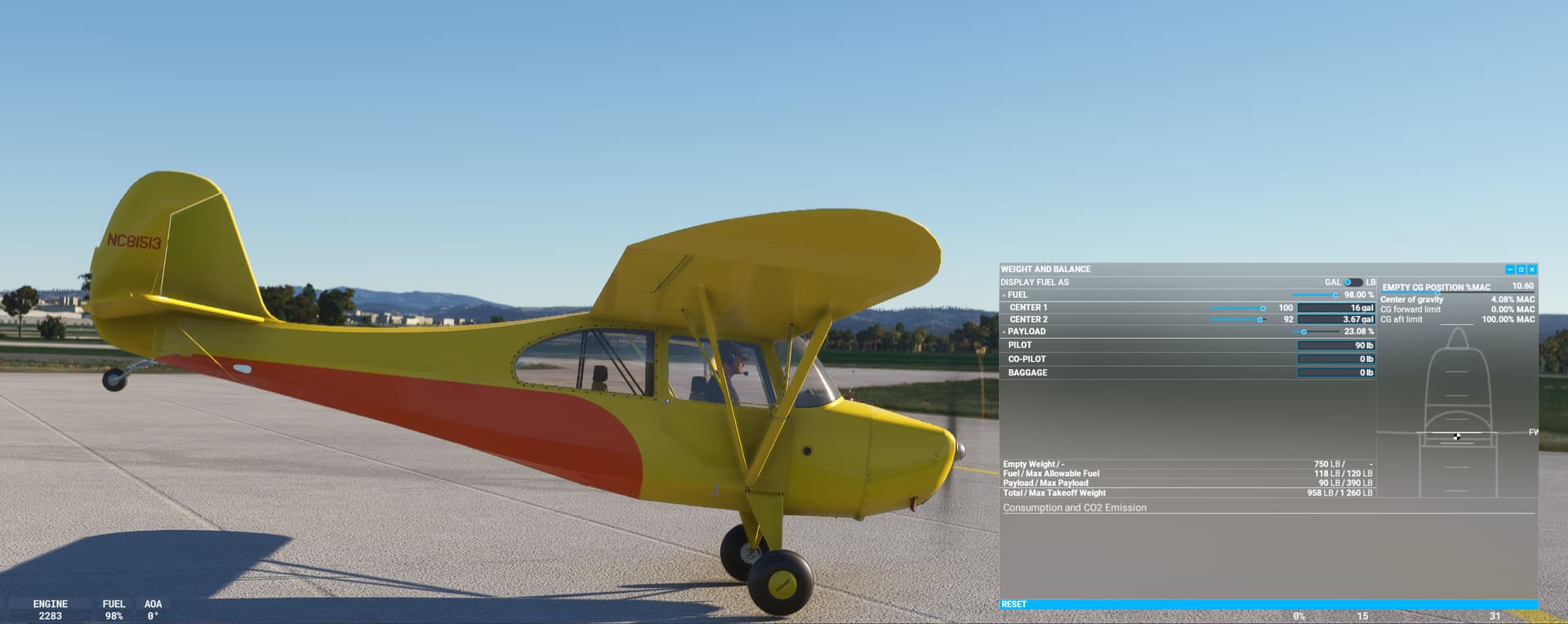
Extensive work was done on the 7AC and its engine to ensure that the actual behaviour of the aircraft when the power is applied to the ground with the brakes tightened.
Tests were done at sea level, we can lift the tail of the aircraft with 100% of full and oil, a single pilot standing on the brakes (brakes that have been slightly hardened). When the pilot push the stick forward (elevator decresase), the tail goes up …
In image, in San Francisco :
Work on the interior textures in PBR format has begun.
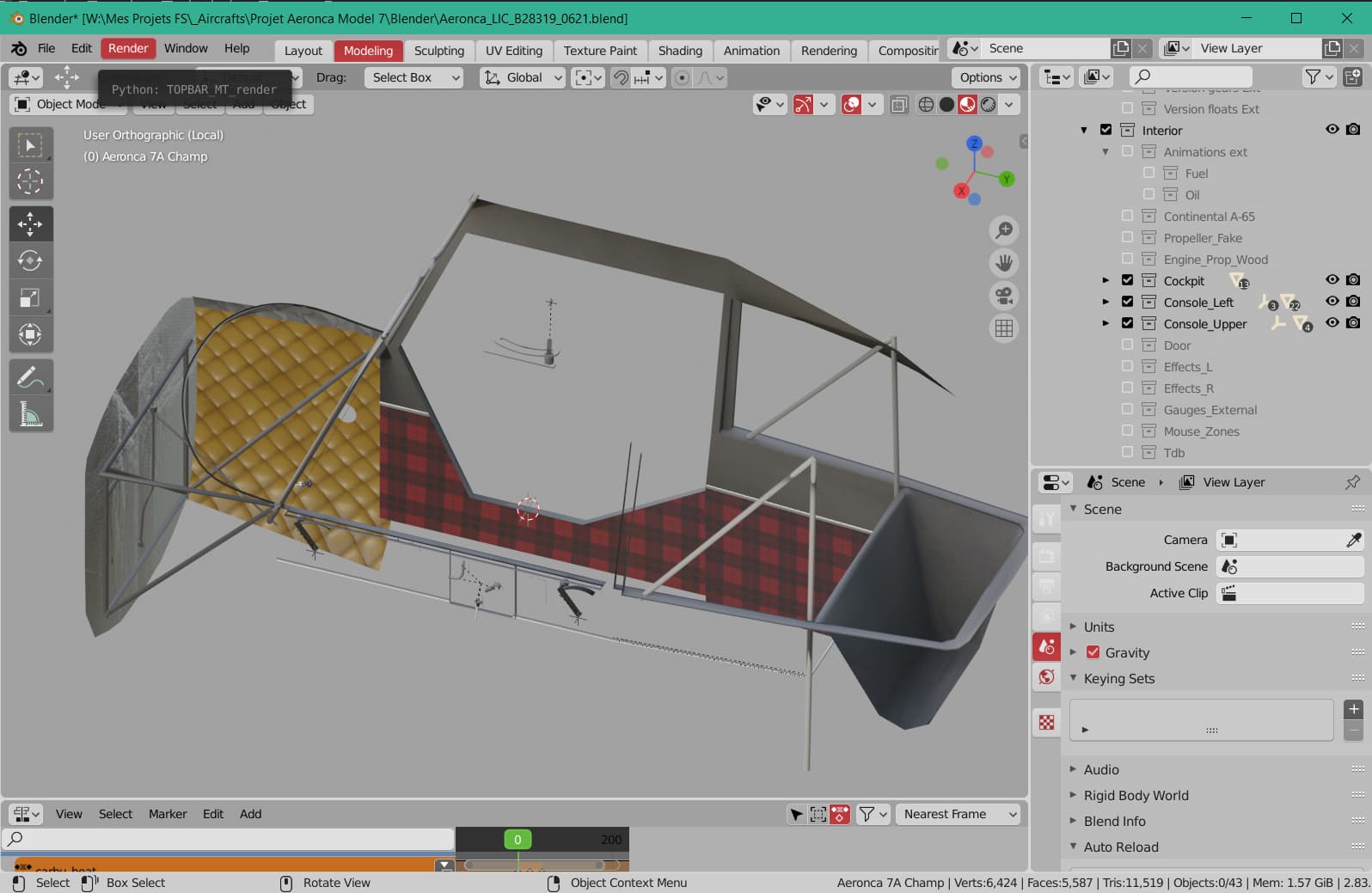
For this, I isolate all the objects that are mapped to a texture to export them in Wavefront OBJ, then in my version of Blender deiée aux textures (version 4.2 plus plugin PBR Painter 3), I import the OBJ file with a texture ID Map to locate the different objects.
By selecting each color of ID map one can work on the layers that will constitute the texture for the designated object. Once all layers have been worked, we move to the bake stage and export the albd, metallic, roughness and normal channels without forgetting the AO.
All that remains is to combine the AOs (the one made with the set of objects in the initial model plus the texture alone) in the Red channel, the Roughness texture in the Green channel and the Metallic texture in the Blue channel to constitute the Comp texture.
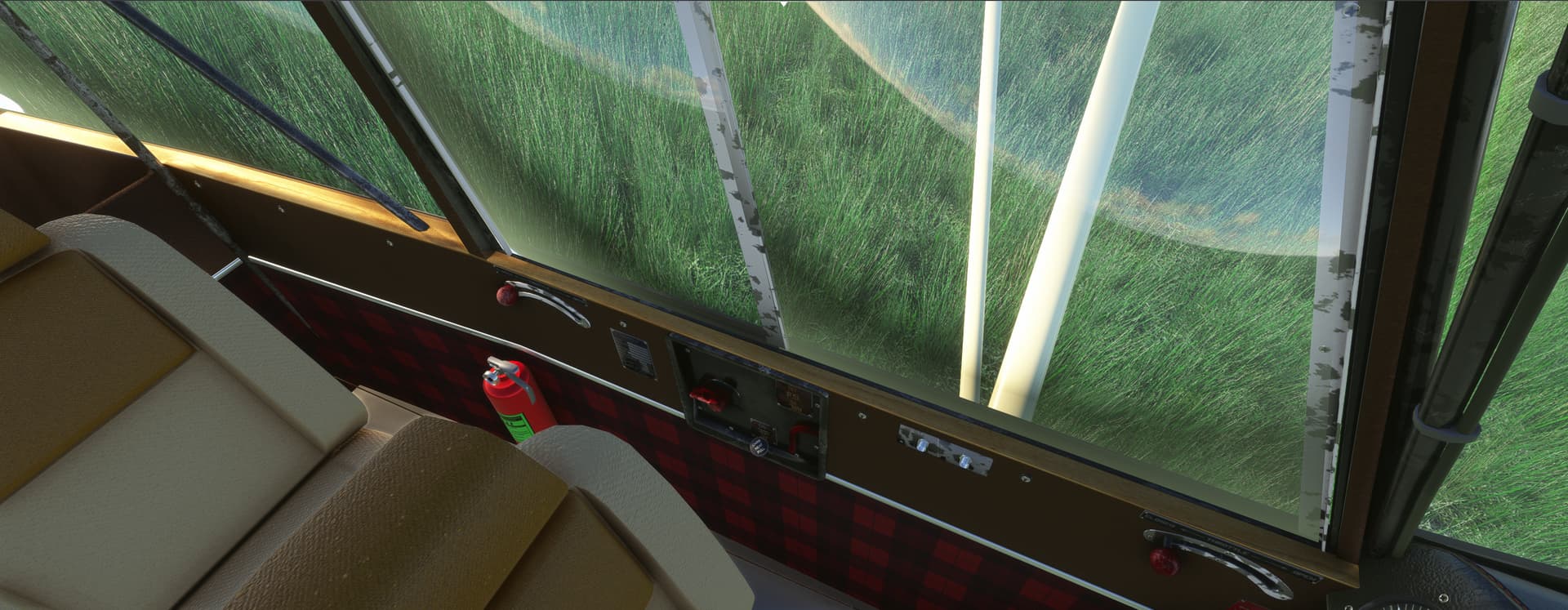
Tthe lower part of the cockpit interior in two set of textures PBR on the same set of textures ALBD, COMP and NRM:
The textures of the cockpit have been re-worked to be aged in order to correspond to a 1943 aircraft.
On these two images, I pushed the cursor a little too far to see how far we could go
To have a little more choice in the interiors, I developed another version with more rudimentary seats (the comfortable seats have an inlay with the siggle AERONCA in bump), like army seat, and the interior textures have been treated with less luxury.
Tomorow, I will begin to work on the PBR exterior textures (with crashes and dust) and add some rivets on the front part of the fuselage.
[EDIT] As the rules of this forum prevent that one answers more than 3 times to a message, if nobody answers I could not give information on the work of the last days.
Yes, I have but due to the limitations of this forum (see my previous EDIT) I could not post anything.
A test version (only on the graphic aspect) has been sent to TEAM.
I’m a fan and I am so excited to know a Champ is in the making for MSFS… <3
And a very good looking one, too!
And reading this thread and looking at the progress photos, my love for this aircraft has been rekindled. I flew PPL for many years but stopped. My dream plane is the Champ, I fell in love with it for its looks after being introduced to it by Richard Bach’s books. Here in Europe they are a rare sight, meaning Ive never seen one in real life. Sometimes I treat myself with a visit to the classifieds to search for champs for sale just to dream outloud. Can’t wait to low and slow in it in MSFS.
Changing projects from time to time makes it easier to find errors.
Now that the Model 75 update for Golden Age Simulations is “almost complete”, I was able to work on the Aeronca and I fixed 3 problems:
the fact of being forced to put 30° trim was due to a misfilled parameter, the “htail_incidence” has been corrected and the aircraft at its cruising speed only needs a few degrees of trim (less than 5)
the engine start was also tuned and the idle was set to 700 RPM as indicated in the manual of the Continental A-65 (joined in Documentation folder)
the max power for the engine has also been set to be exactly 65~66 hp at 2300 RPM.
Tomorrow, I still have to set some values in the configuration files and I could look at the "cracks and wear " on the engine cover.