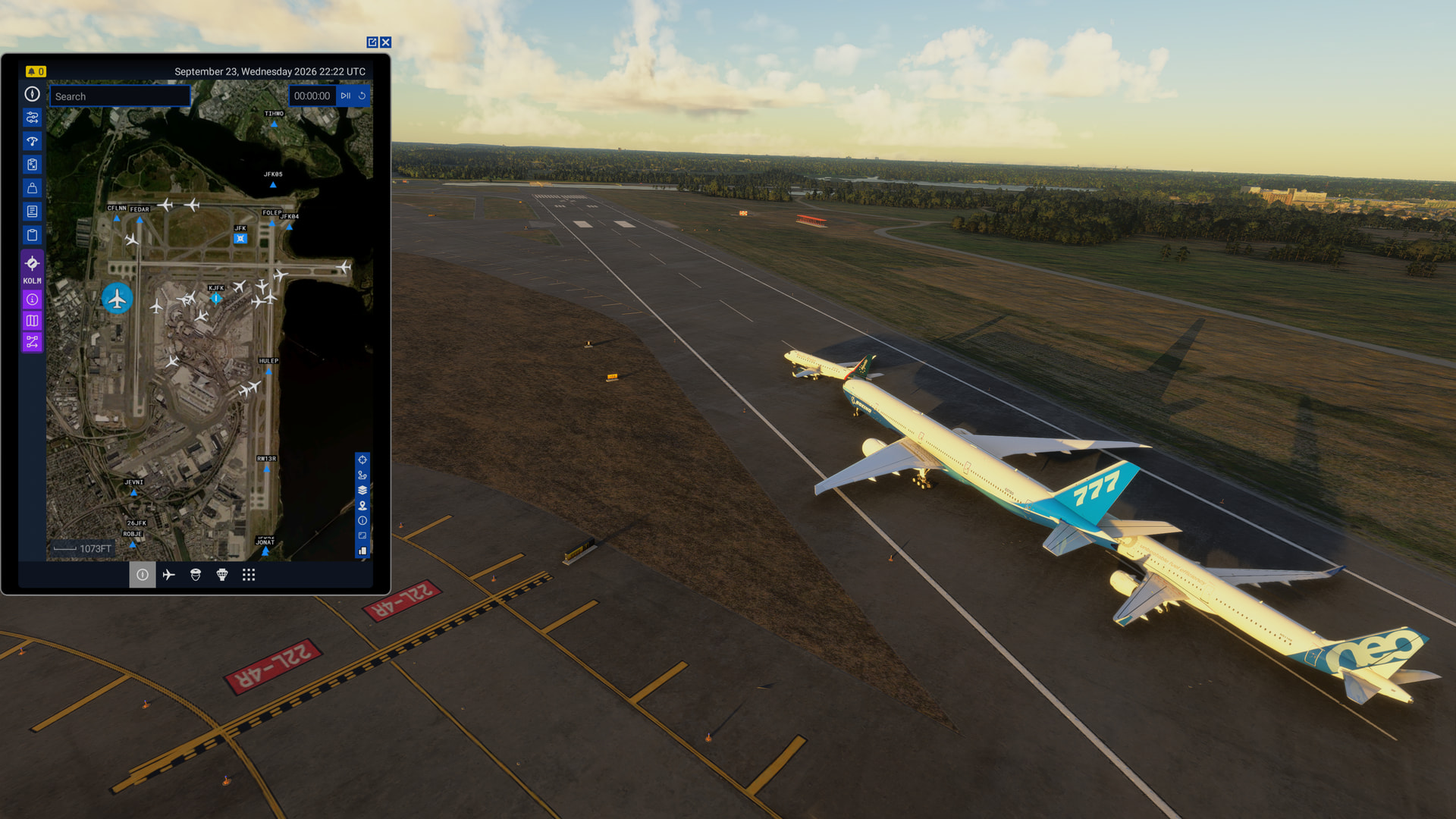
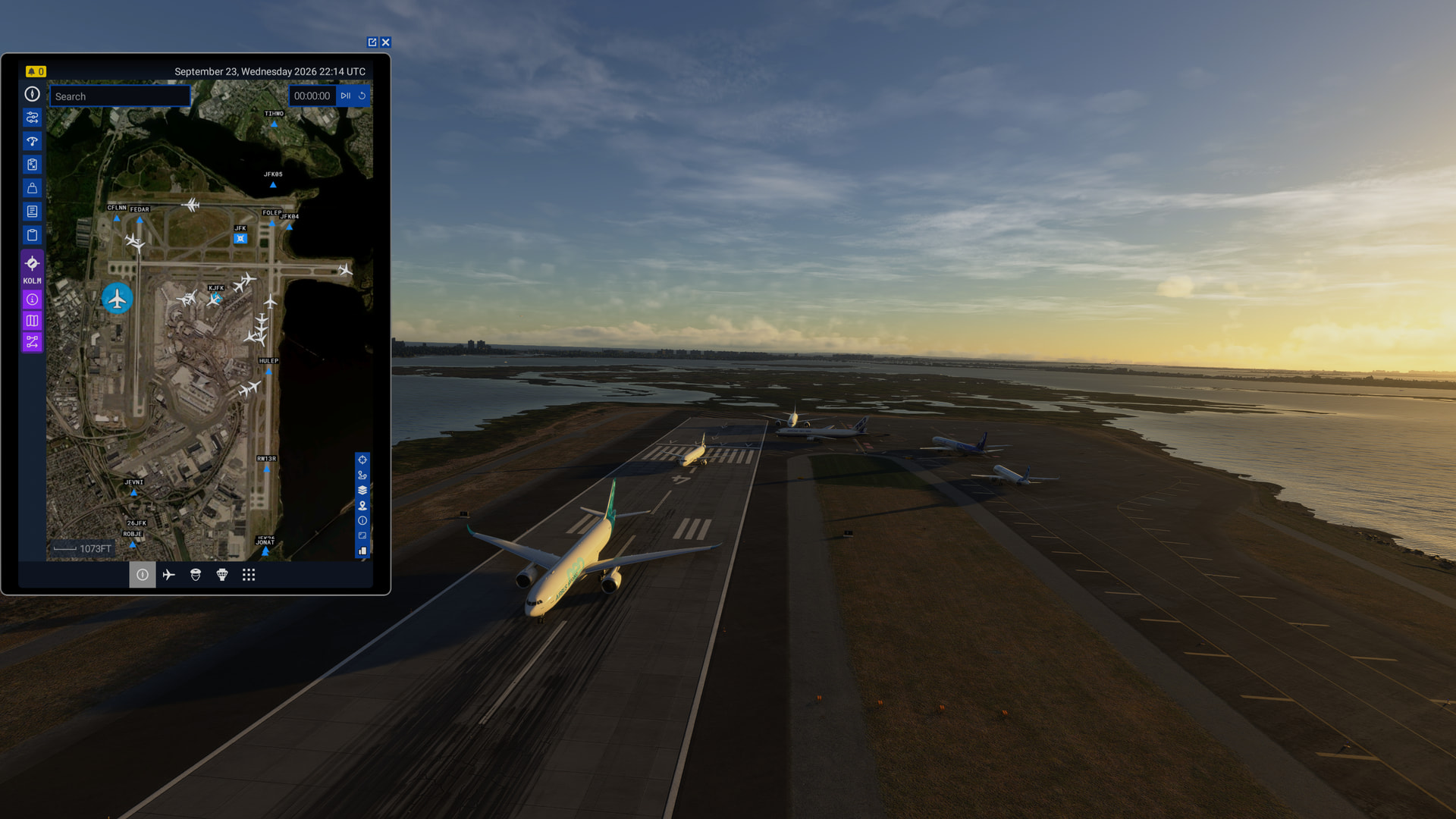
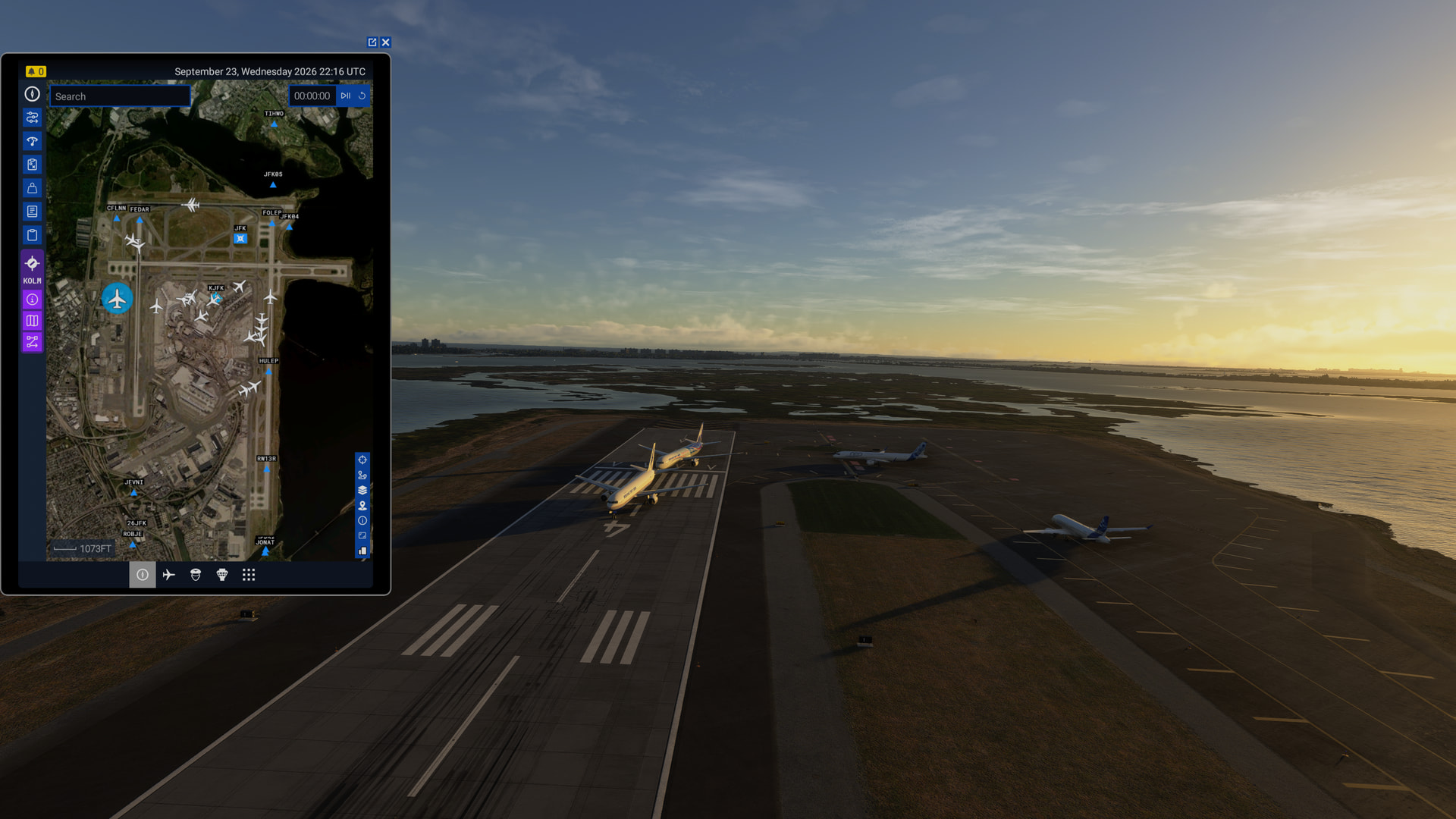
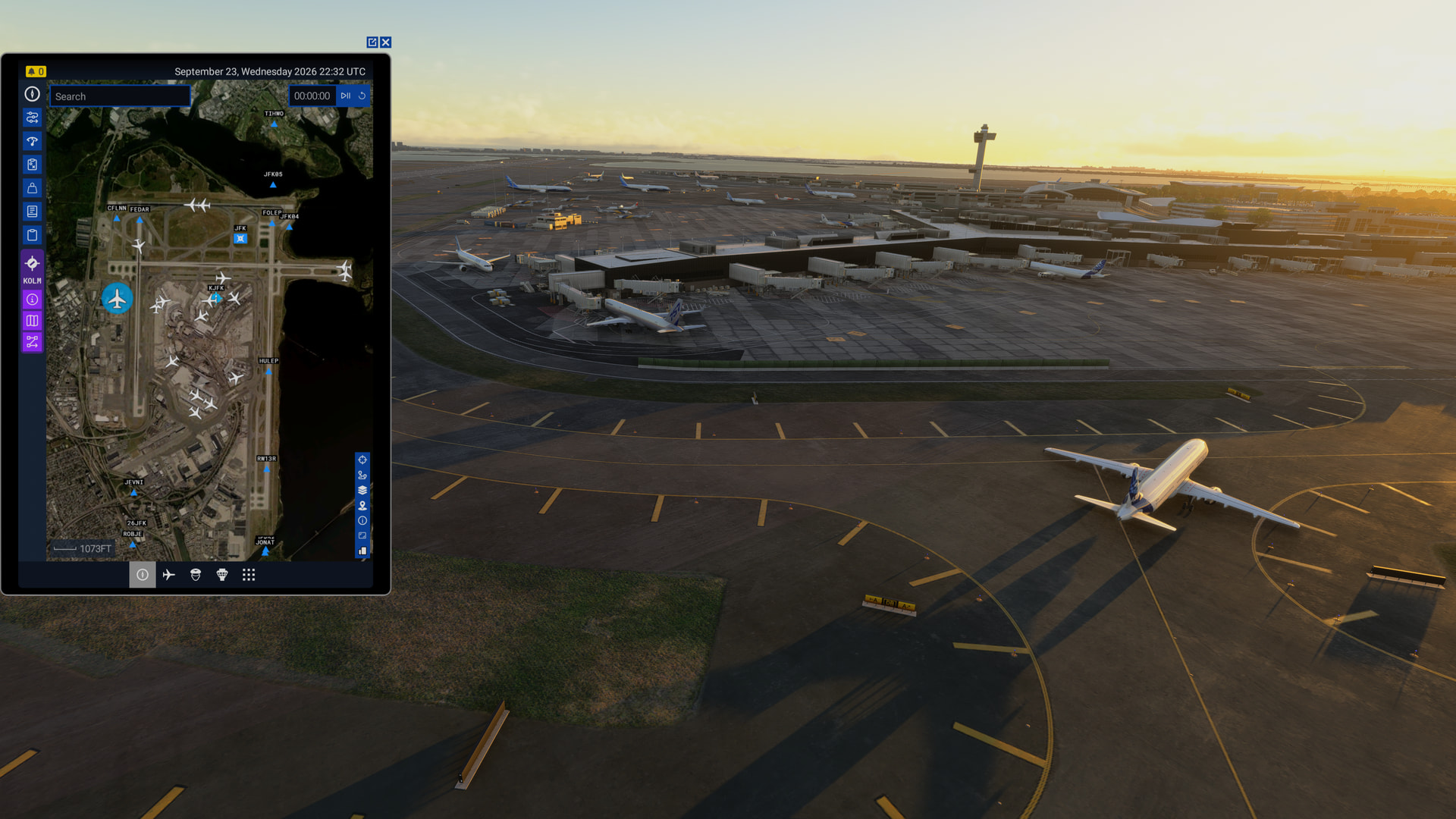
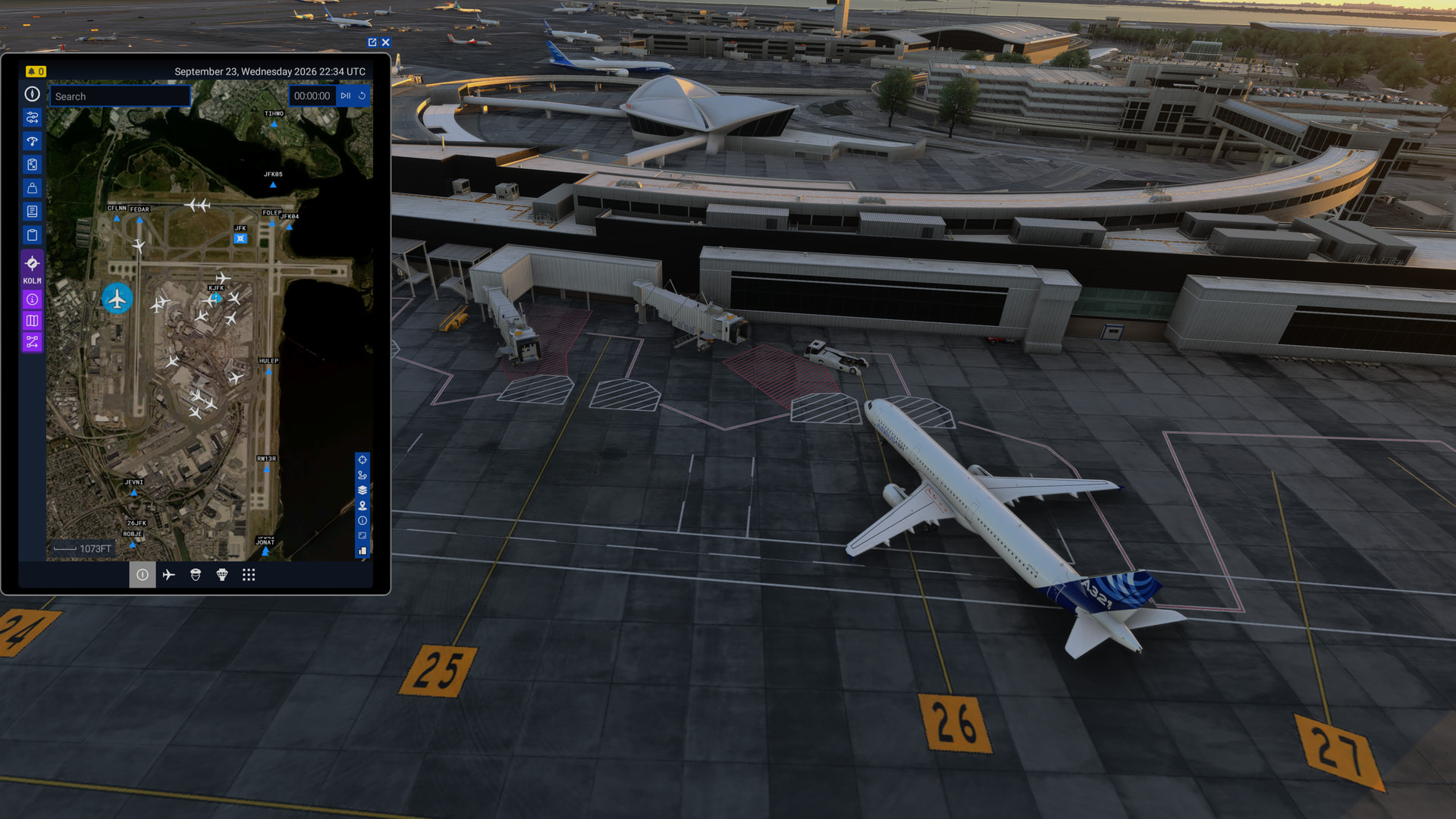
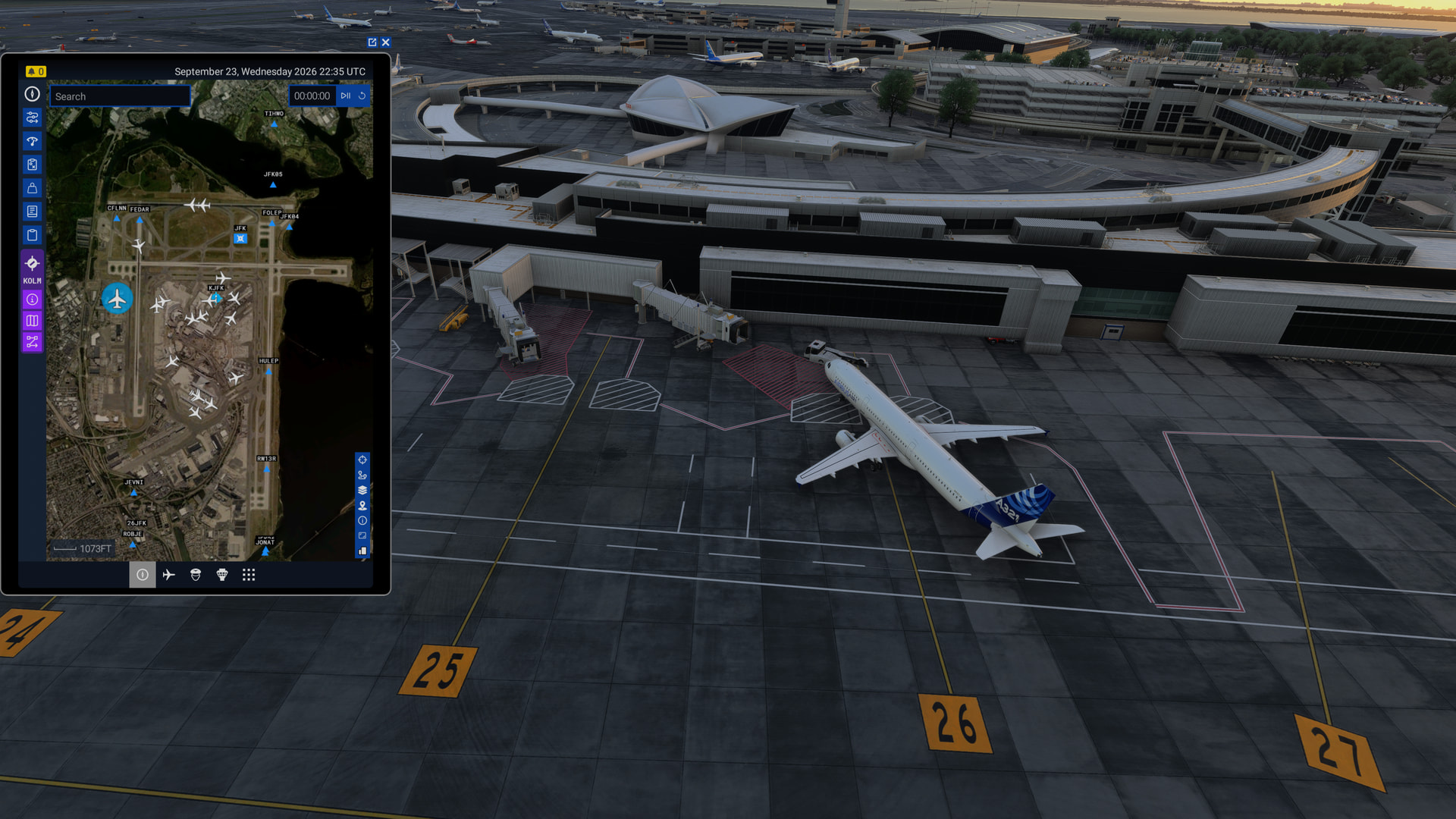
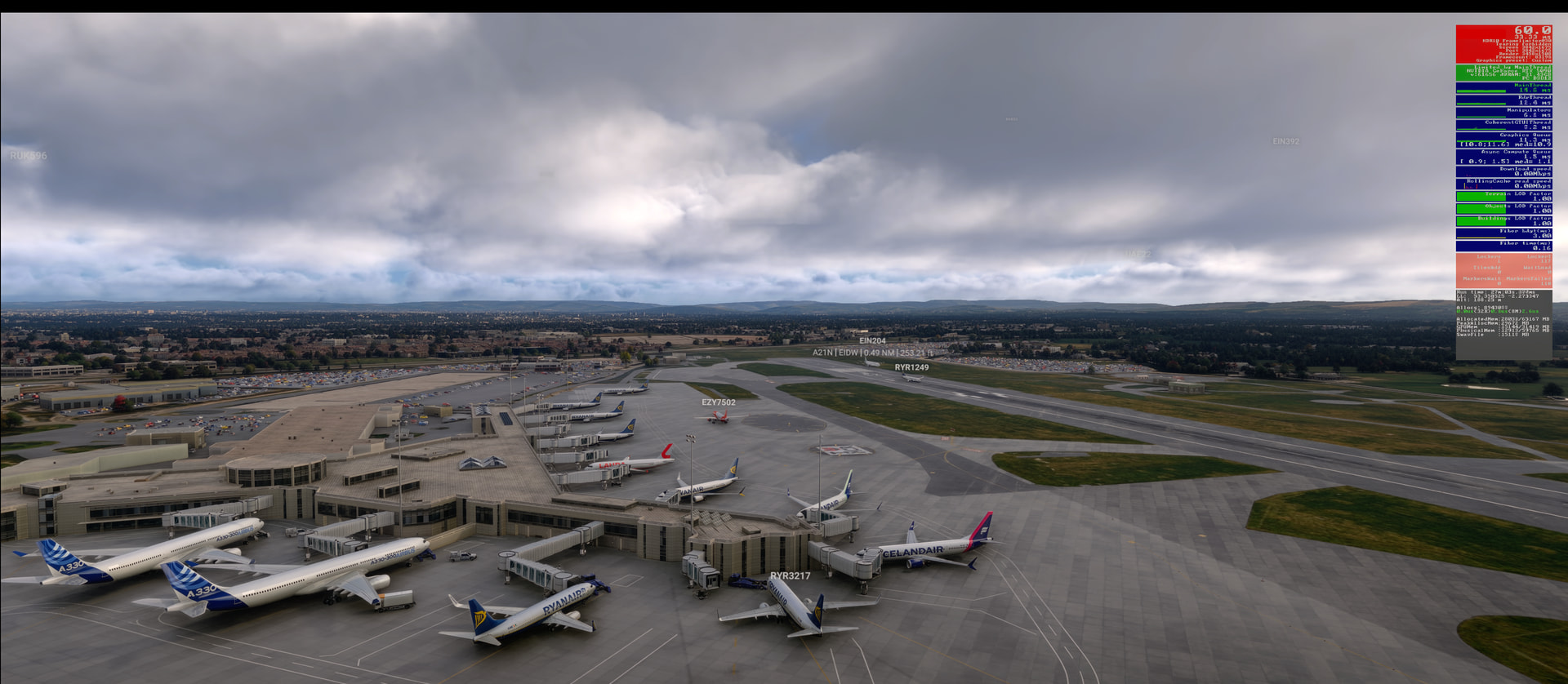
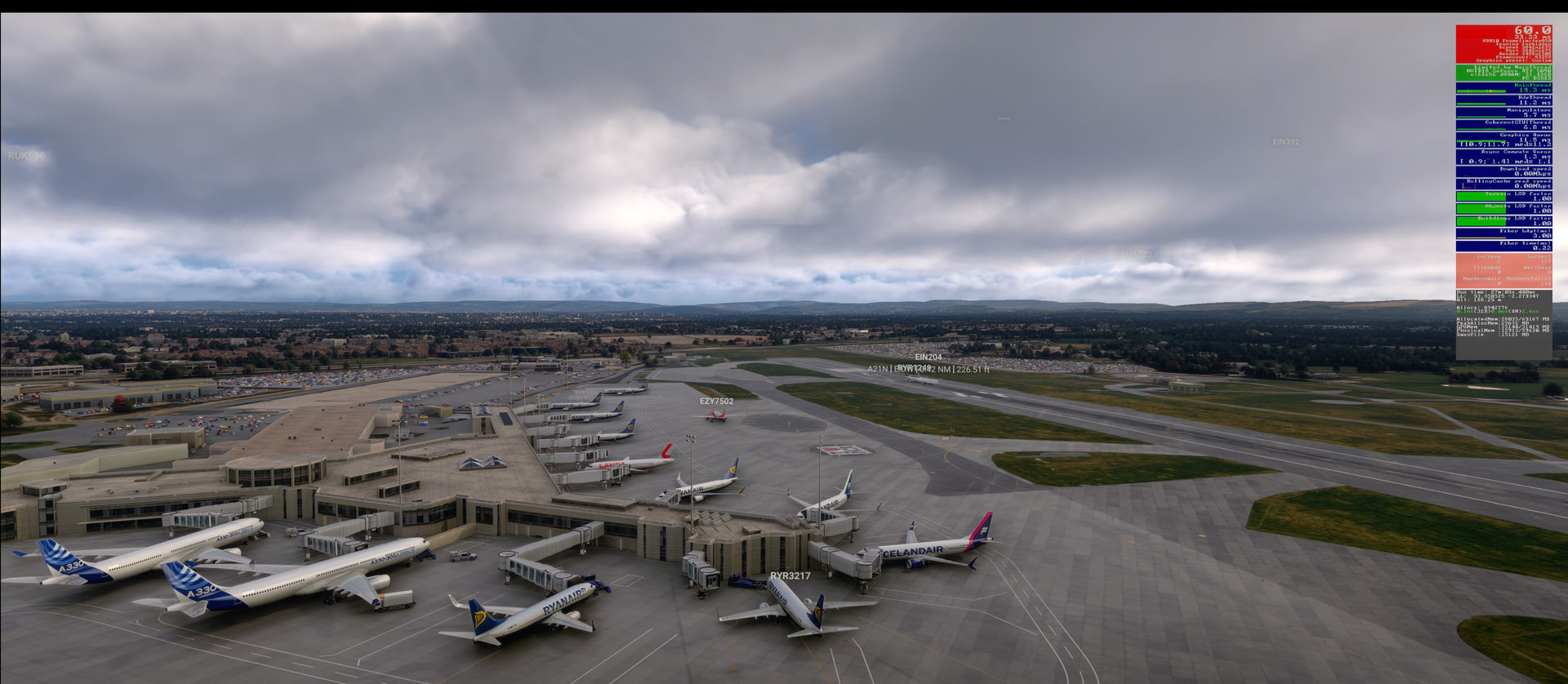
With the latest release, AI plane behavior has gotten even worse than before. The planes show up out of nowhere, more than before (using live traffic), most planes don’t land or take off properly, when they land they disappear quickly or don’t taxi to the gate. A lot of planes (live traffic) show up too late or 3-4 show up at the same time on the runway. It was much better before the latest update although it was still pretty bad and way worse than what we had in MSFS 2004 (more than 20 years ago).
FREQUENCY OF ISSUE
How often does this occur for you (Example: Just once, every time on sim load, intermittently)? Always. A busy airport is a good place to test this.
REPRODUCTION STEPS
Please list clear steps you took in order to help our test team reproduce the same issue:
Start the Sim, go to a busy airport and observe the AI bahavior.
YOUR SETTINGS
If the issue still occurs with no mods and add-ons, please continue to report your issue. If not, please move this post to the User Support Hub.
What peripherals are you using:
[PC Only] Are you using Developer Mode or have you made any changes to it? No
[PC Only] What GPU (Graphics Card) do you use? Nvidia RTX 5090
[PC Only] What other relevant PC specs can you share? AMD 9800X3D, 64 GB Ram
Is this with Real-Time Online or AI Offline (Experimental) enabled, or does this occur irrespective of which is set in the General / Online / Data Connection / Traffic Type setting?
This is hard to repro as I rarely fly into large airports, so my observations are based on memory of past SUs & so purely subjective.
All of the issues you raise:
Most planes don’t land or take off properly
When they land they disappear quickly or don’t taxi to the gate.
A lot of planes (live traffic) show up too late or 3-4 show up at the same time on the runway.
are still present in some form.
I chose in this .12 build to spawn at JFK in real-time. I watched the real-time-online traffic for a little under a half-hour using the drone camera.
Arriving aircraft often over-ran each other on landing - there was insufficient distance between the aircraft during final - and can still get stuck on the runway. Here, the small commuter aircraft is stuck trying to exit the runway:
However, as far as my memory goes, I can’t say that this build is noticably worse than previous SUs. This 1/2 hr example was definitely better than the release build though.
Thank you for trying this. I had been out of town for a few days so last night was the first time I got to try the latest SU7. I fly pretty much every night our of EDDF to various airports and noticed the issues were significantly worse than before. I saw two planes flying slowly over the runway (hovering) at LSGG. The planes would land behind the runway and disappear (did happen before too but not as much). I only saw one plane land and actually get to the gate which is a lot less than before. May be it was a coincidence but the behavior appeared to be way worse than before.
It might also be (pure speculation here) airport dependent. Some airports may have mis-configured AI pathways, or (more speculation) the issue could be affected by the users’ aircraft traffic settings. My aircraft traffic quantity setting was “Low”. If it had been set at “Ultra”, maybe I’d see more issues than I did.
Perhaps you or another user might want to test this supposition at EDDF, LSGG, and some other default airport like Adelaide (YPAD) (with no 3rd-party traffic products installed, of course).
Yes, you may be right, but I am very consistent with my flight operations. Meaning that I pick a hub and fly out of there or to for years! EDDF has been the hub for me for the last 6 months or so and I fly two legs a night (from and to). So my comparison is only before and after at the same airports! Nothing has changed on my side. And I am noticing this degradation after the latest SU7 at the places I fly to and out of routinely.
I am using Aerosoft. But again, I am comparing before and after. Last night was much better and similar to before. So perhaps it was a timing issue with the first try! In general though, not sure if you all are experiencing the same, but the AI planes move stuttery with SU7. Not smooth.
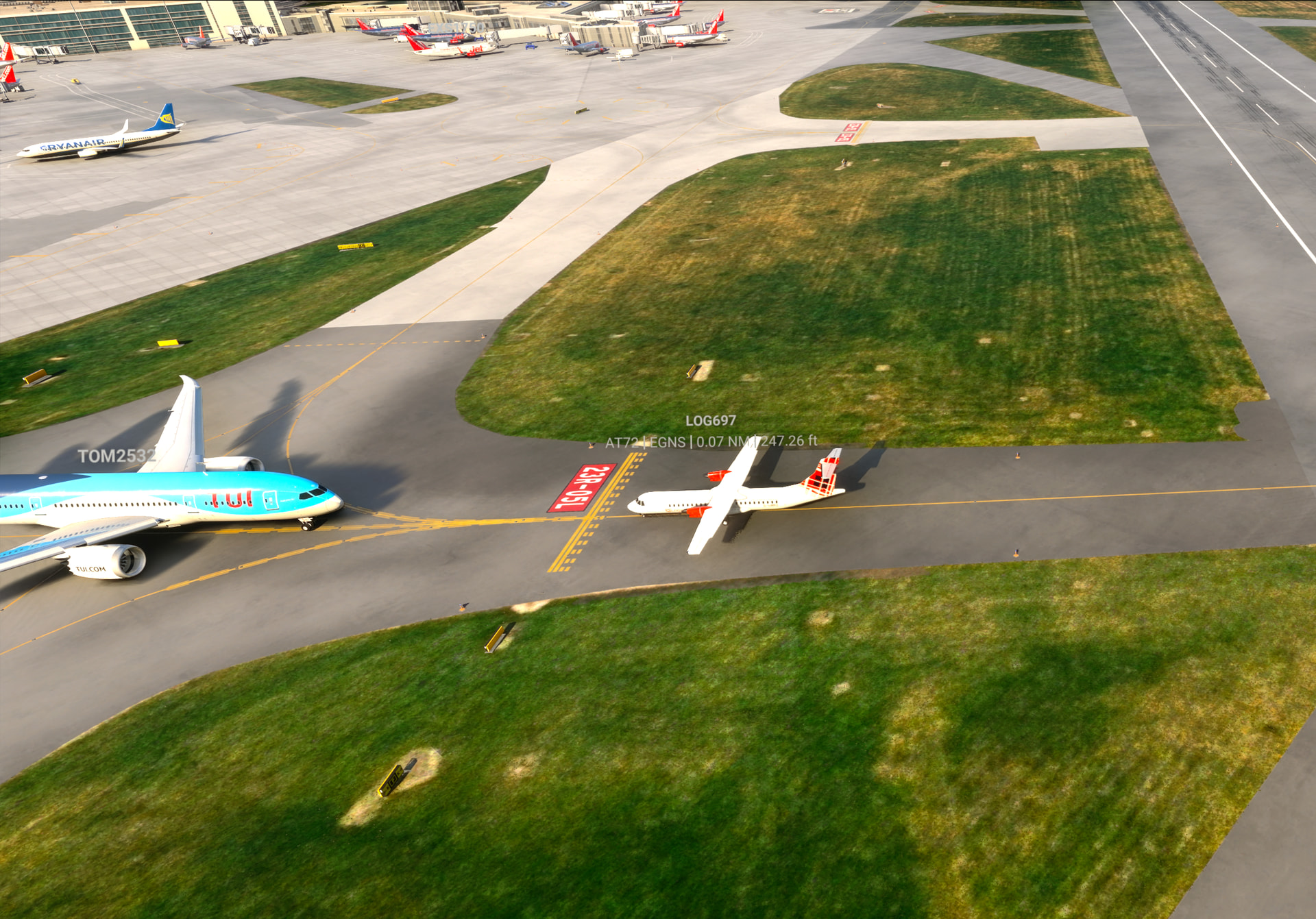
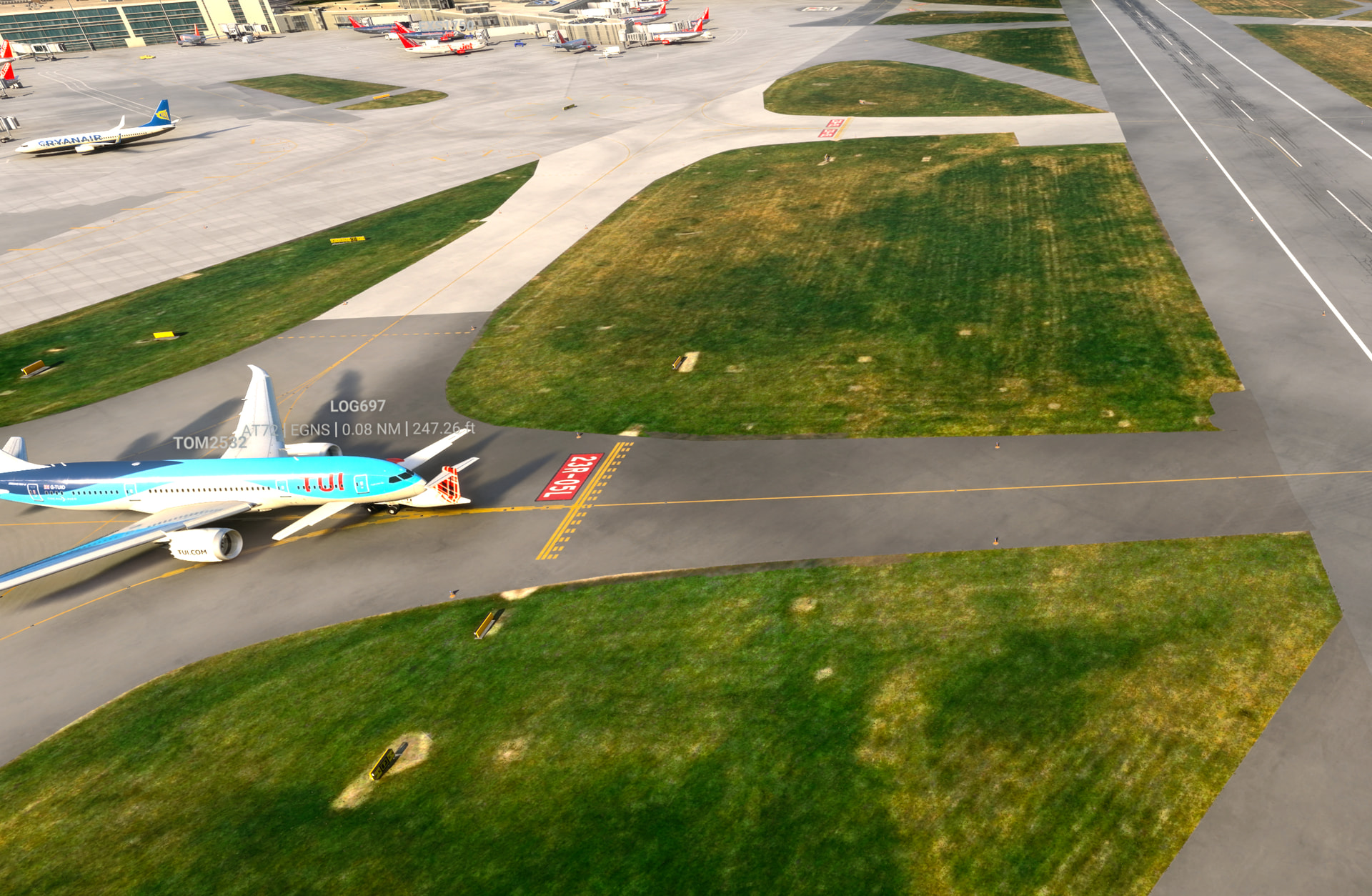
Here are a couple of examples from me. Using default Real Time traffic at Ultra settings. I mostly fly out of EGCC which is default to MSFS2024 but I do use JustFlight models however that should not effect the control of the AI traffic in any way.
I must confess I’m also not sure if this behaviour would have happened less frequently prior to SU7 but there’s obviously some work still needed on AI traffic.