Same here, you can’t have it running in the background, Need to keep an eye on it to clcik ok when prompted.
Trying to setup the last version, but always have this error : « please activate AIGAIM-OCI using the settings ». Impossible to go through.
Do you have an idea? Thanks. Alain
A Reminder: No Support Discussions here.
The Third Party Forums are provided as a Courtesy for General Discussion of Third Party Products.
Go to AIG Forums for help on the product.
1 Like
If you are getting MSFS CTDs with TC injected flightplans (not live), try resetting your trafficAircraft.bgl file back to original name, not letting AIG rename it and making sure AI is turned off in sim.
If you are using the GA mod to add back GA when using TC, then it is explained why it may cause MSFS CTDs and how to change the layout.json file so that it doesn’t happen (without changes MSFS reads the layout.json and looks for the trafficAircraft.bgl file but AIG has renamed it).
If you are getting AIG TC CTDs (MSFS keeps working fine), then that is another issue that AIG is working on.
Dumb question that may have been previously answered and or in the documents somewhere:
How the heck do I get it to “run”? Does the AI Manager need to be running when (before) MSFS is launched? And - if I followed @BritishAvgk’s video (tip of the hat, sir), does that mean things are only going to work for when I’m connected to VATSIM?
Hello  I would like to ask something to all of you:
What do you recomend, using AIG AI traffic with the MSFS live traffic mode enabled or using AIG AI traffic with its own flight plans (AIGTech Traffic Controler) and disabling MSFS traffic? 
I have noted that using AIG AI traffic with the MSFS live traffic mode enabled I have skies full of traffic but very little traffic in the airports, sometimes empty airports. In the other hand, using the AIGTech Traffic Controler and OFF MSFS traffic I have full airports but empty skies.
What do you use and why??
Have a nice weekend everybody! 

Best way I found is offline with ground traffic slider to zero- this way you get proper aircraft at the proper airports- with all gates occupied (if you set the TC traffic density at or near 100%).
I leave the default traffic file unchanged but use the GA mod from Flightsim.to
Hi!
Your first question is no - it’s just an installer in its simplest form. To answer your second question, yes. If you use my Tutorials to get it all installed it’ll work with Vatsim with a vmr file added to vPilot
If you want traffic injected for offline flying though then you’ll want to add and use the AIG traffic manager which runs separate and I think needs to run when running the sim
Ah, thank you!!! It makes more sense now. I’m hoping to get some time to try and dip my toes into the VATSIM water this weekend.
Is it possible to add more liveries to the aig pack for vatsim users? For example in Finland there is lots of Challenger 650 users in vatsim with Jetflite livery (they are flying on vatsim network with x-plane 11), can i add my own made livery inside on of oci-aig pack that is in community folder? That oci folder should rebuild offcourse afterwards. Does those changes mess aig’s own software and aig injector?
My sim keeps crashing, as soon as I inject traffic via the AIG TC I’m committed. I can’t go back to the main menu and start a new flight, the sim will crash during loading. Restarting MSFS doesn’t work, I need to restart the entire computer to get it to work again. I now removed the AIG folder from the community folder, restarted my computer and all is working normal again.
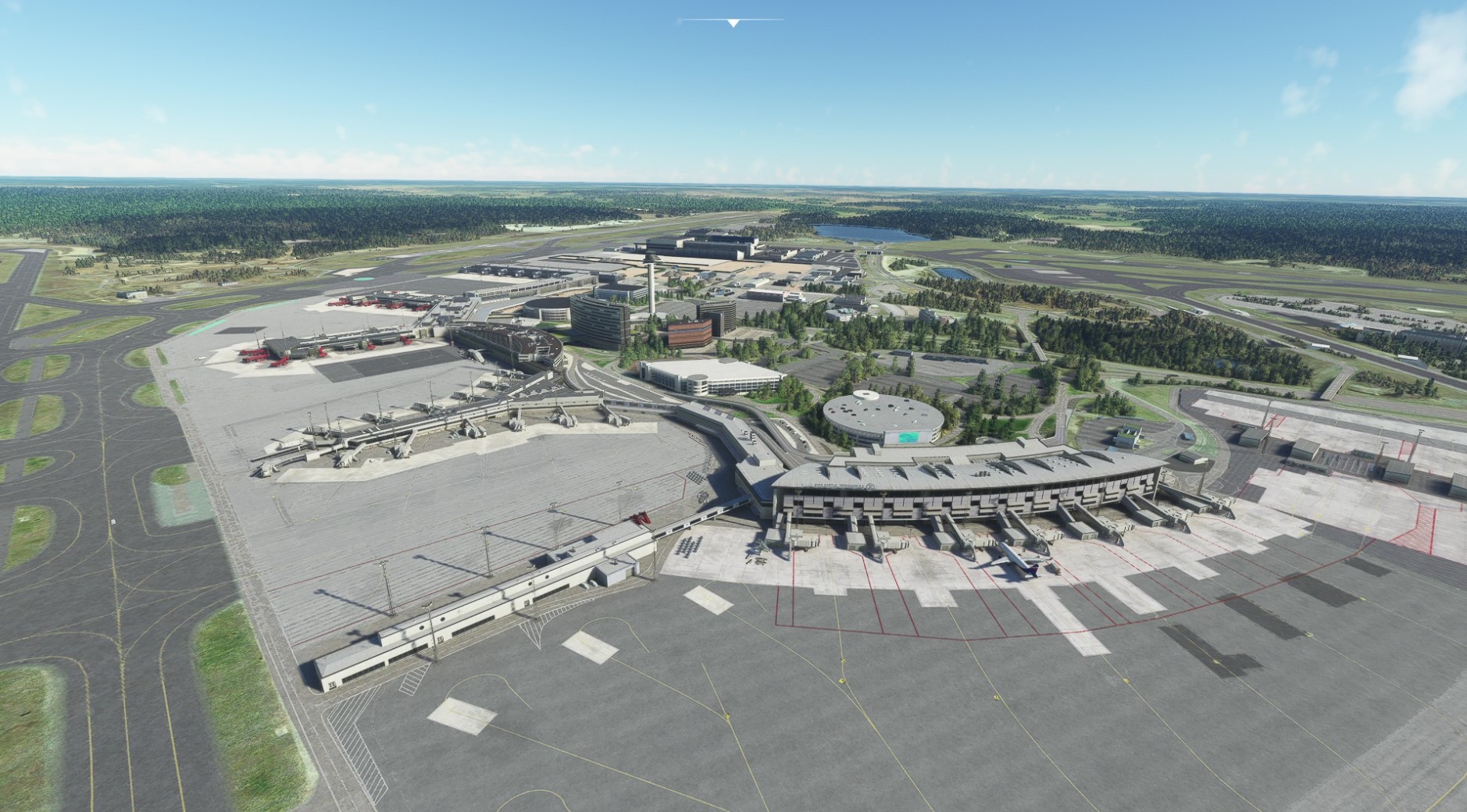
No other traffic mods installed such as this GA thing. Delete traffic via the TC and / or closing TC before going back to the menu all doesn’t work. As soon as I select inject traffic, that’s basically it. Nothing meaningful gets injected anyway, I got one Airbus on the ground in Stockholm with 100% traffic selected.


Could it be because of all the missing liveries due to this server issue? Shouldn’t be as SAS was not one of the airlines affected.
Edit: got it to work in Amsterdam eventually after closing and re-starting the AIG TC many times… At all other places I get a maximum of two planes no matter the size of the airport.
Join AIGs discord and ask for help there, people are comitted to help. Maybe they will need logs.
I don’t use Discord, besides, I have spend enough time on it for now, I let it rest.
Personally I prefer Live traffic and real weather/time. For me live is more realistic, about as close as I can get to actually flying at the real locations in real time. So I use AIG models and live traffic only.
With empty airports? How is that remotely realistic?
Nin - in your picture, you don’t have “autoinjection” on startup selected - meaning it isn’t injecting any traffic into the sim.
Yes it crashes when I do that, thats why I first start-up, then select “inject traffic”.
well, no clear reason for the crash (never seen any report that), but that is clearly why you’re not getting traffic. BTW, it’s recommended to start TC after you have spawned into your plane at a gate.
So “insert traffic” does not serve the same purpose as “automatically insert on start-up”?
where do you see “insert traffic”?