does that mean with off selected you have to hit the “inject” button on TC to get any aircraft ? (note i can not get my inject button to function as nothing happens when I hit it…?)
presume I need to select AI offline?
note i was told on their discord my problems were cause by not selecting the ATC tick box!
do you manually need to hit inject or should it show up automatically?
Out of curiosity, is anyone here who has this working properly on Windows 11?
Thanks.
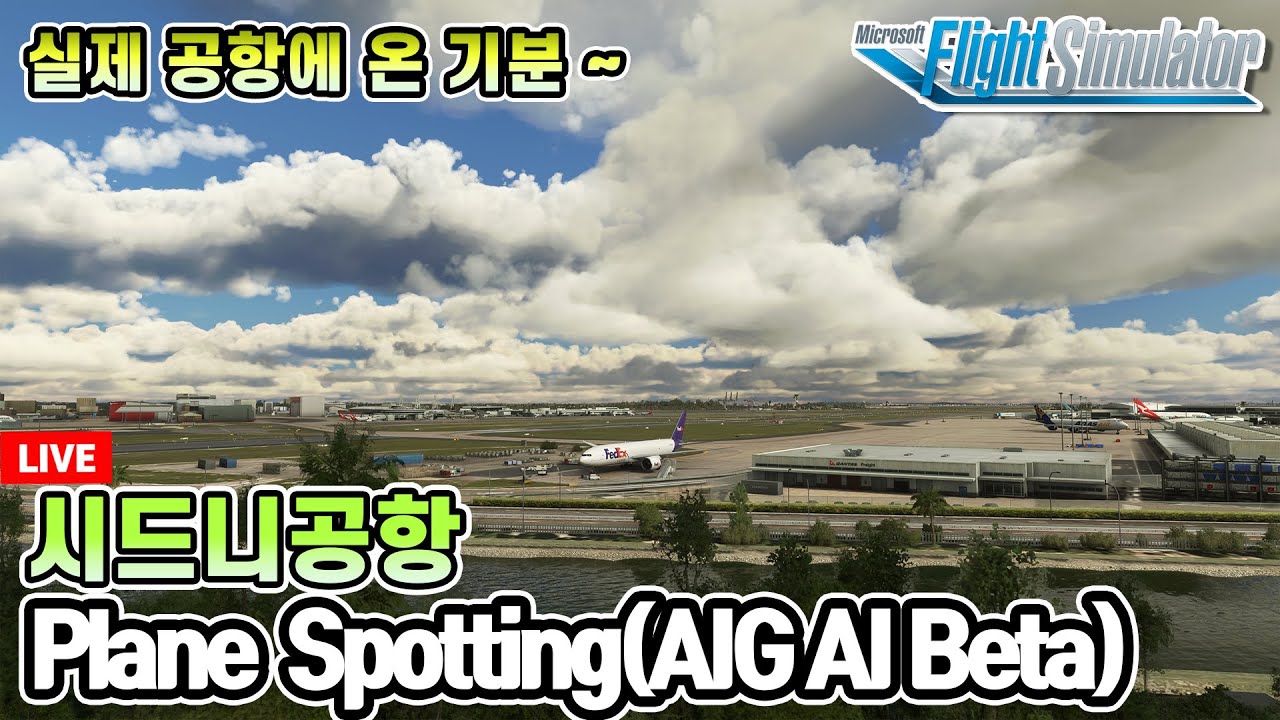
Well, I am still working with installation progress to get it worked, but get inspired by some videos on Youtube to show how new life come to MSFS by AIG AI aircraft:

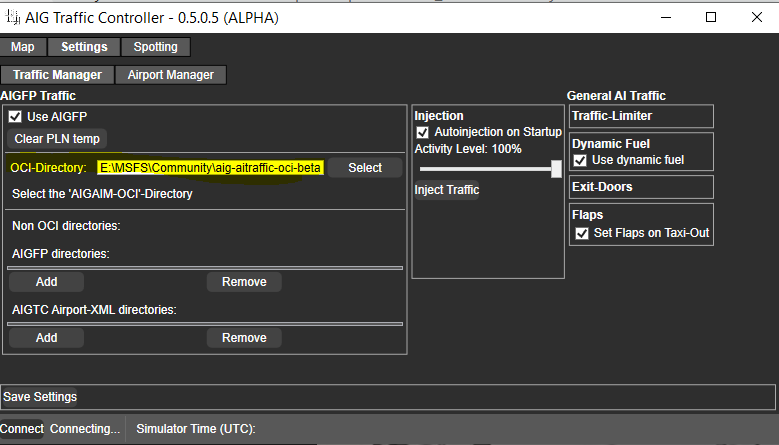
There is a tick box above it that says “automatic inject” i have it ticked so soon as I load a flight A/I is injected. Sorry edit autoinjection on startup. I have that ticked
So for the AIGtech traffic controller shortcut, you have put -MSFS2020 in the target parameter.
Also in the setting AIG traffic controller you in settings you have ticked “Use AIGFP” and the correct OCI-direcory…which is in the community folder " aig-airtrafgic-oci-beta"
Sorry if you have already been through this. BTW my air traffic is off and all correct liveries load.
It works fine for me
And why a lot insist on having traffic off?
Just use real time, as normal + AIG…
I just start the sim, start the flight then start the AIG Traffic controller and the aircraft just start appearing. If you are not seeing anything I think you need to check your setup. The video that was produced is very good if you can play it at a reduced speed.
With the AIG downloader, for the oci you have the correct directory for the AiG traffic contoller, my AIG traffic controller is located in the diwnload folder where I unzipped it.
Also have you gone through AIGAM-OC..then the general tab and pressed setup.
I have windows 11 no probs my end…yet. famous last words ha
Issue fixedby the new version of AITC
It would be handy if you could start the AIG Traffic controller automatically with the simulator via a script! Maybe some wise person can fix it?
No problem with Windows 11 for me!
But what’s the point? The runway is already getting blasted, the radio is active all the time and now you want me to throw more live traffic at it?
actually directory of the TC correctly selected…
however I dont remember hitting a setup button - is this in the AI manager ? (have no general tab only a settings one) - can you provide a screenshot?
In other words you didn’t read the manual and tried to wing it.
I can do just in the middle of downloading a few more liveries typical…soon as it finished will do. Sorry
Can you use AIG MSFS for VATSIM model matching please?
You dont have all the traffic with AIG
Lots are still missing
Smaller airlines are not there for exemple, GA, bizz jets, etc
no - i used the silent video setup guide - step by step 
But I am sure you press settings. Then on the top there should be a tab “AIGAIM-OCI” press that and general tab there should be a setup. Which you can press…