ISSUE DESCRIPTION
Air Traffic is not working properly on Xbox. Unable to see other aircraft flying.
With AI OFFLINE activated, there’s no traffic shown on the Avionics displays. It doesn’t render any Traffic in the Sim World either.
With LIFE TRAFFIC, Avionics displays shows other aircraft in vicinity, but nothing is rendered in the Sim World. I’m unable to see these vicinity aircraft flying. Only when the player is really close to that Traffic, the game renders / loads the other planes.
Parked aircraft on airports works correctly.
FREQUENCY OF ISSUE
It does happen all the time.
REPRODUCTION STEPS
Start any flight, with any aircraft in Free Flight. It doesn’t matter if you start on the ground, air, or any other state. Day or night.
YOUR SETTINGS
Traffic Quantity - MEDIUM
Traffic Variety - MEDIUM
Traffic Type - Real Time Online*
Nameplates - ON or OFF
Multiplayer - ON
Servers - Automatic
*AI Offline doesn’t work either.
MEDIA
Example of LIVE TRAFFIC not rendering at all, despite showing aircraft on the Avionics screen, Nameplates ON:
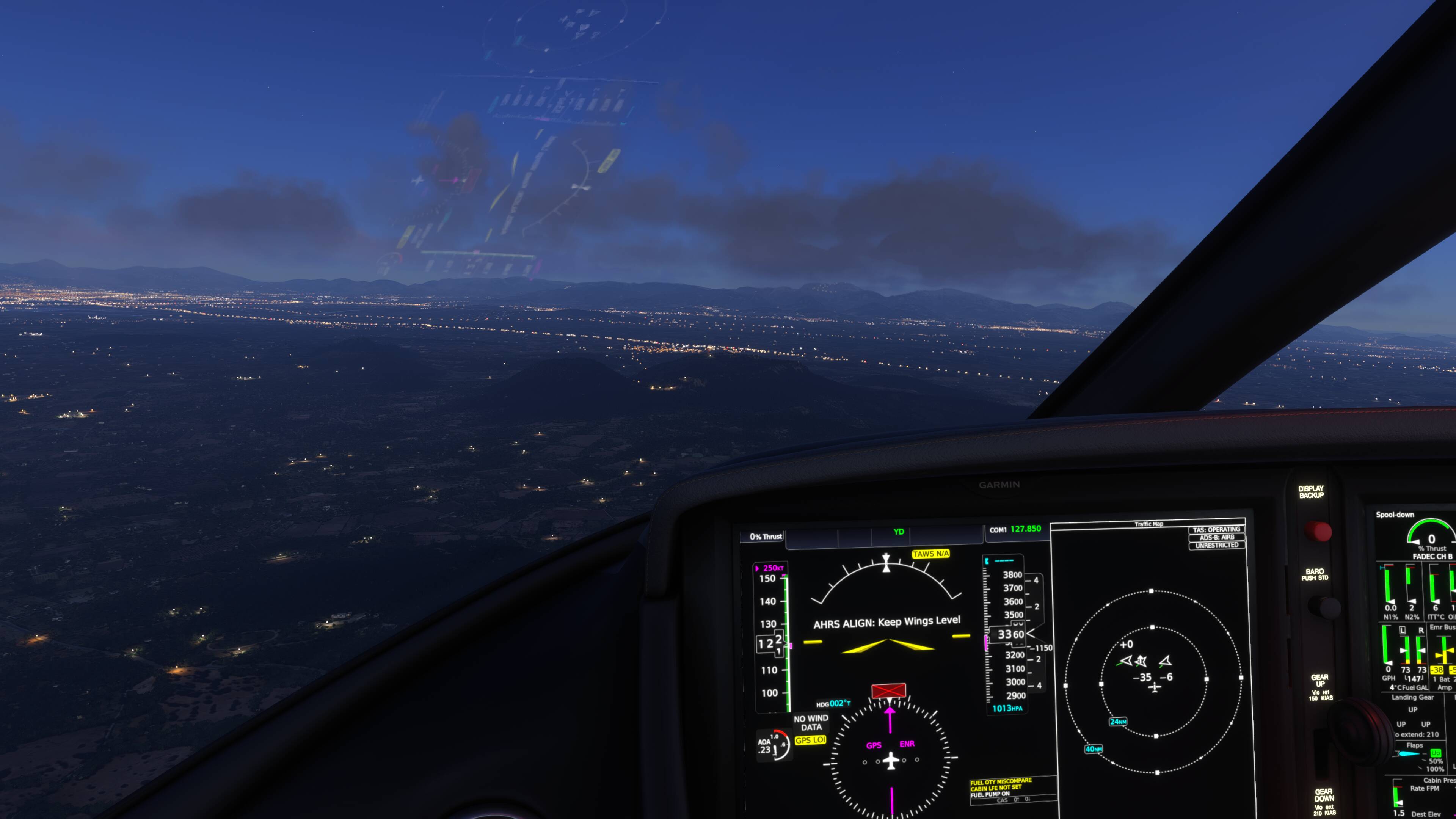
A better example of Traffic not rendering, Nameplates ON:

Example of LIFE TRAFFIC only rendering when very close. Two aircraft are in front of the player (as seen in the Avionics screen) but only one is rendered (see only one nameplate) due to proximity, the second is not showing yet. Only when you’re just a few miles away to the other aircraft, it loads.
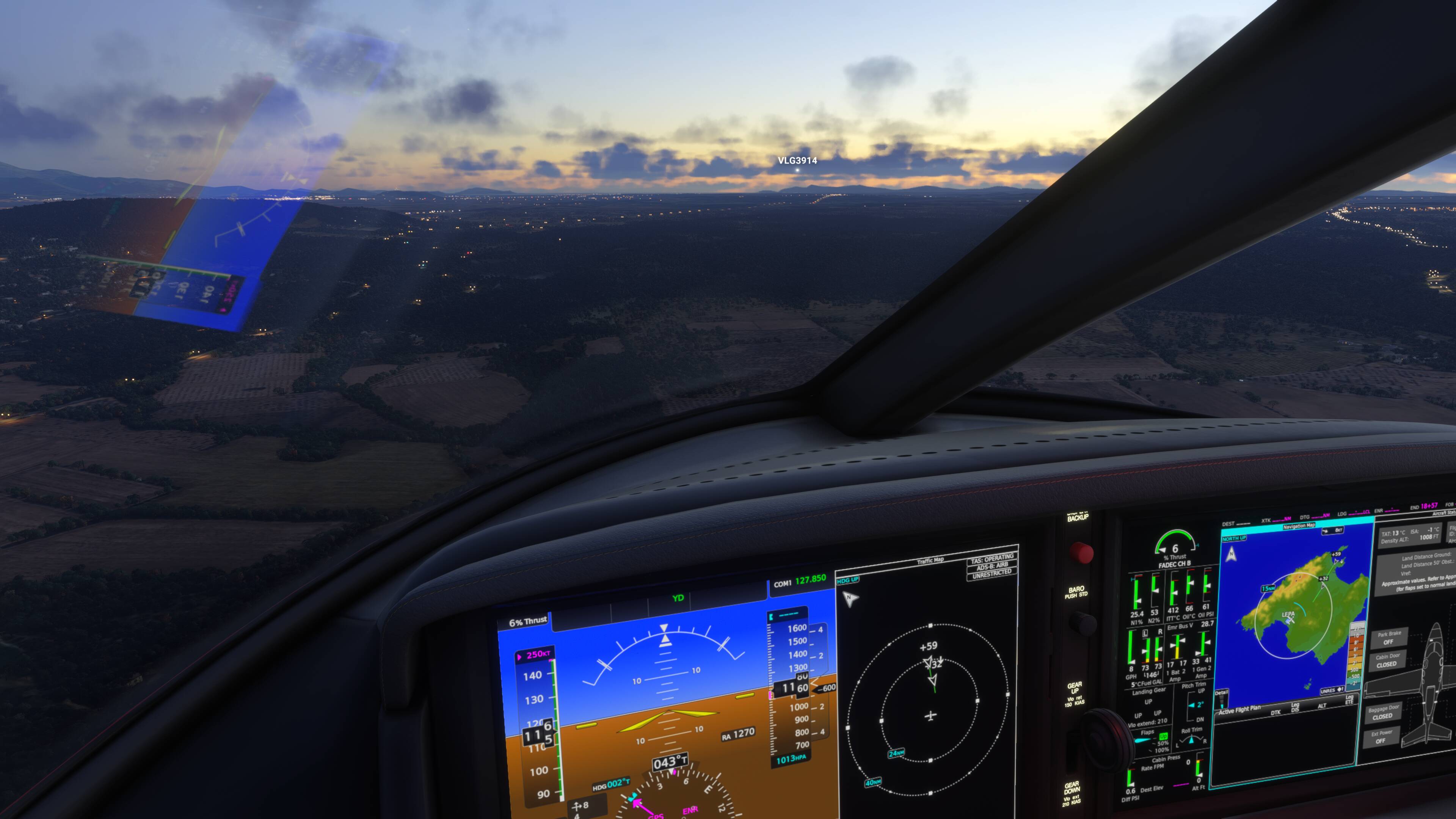
This video shows LIFE TRAFFIC only rendering when very close to the player. I turned ON the nameplates for better visualisation. Both aircraft should have been rendered already, they’re a few miles away.
Next video shows that sometimes, Air Traffic doesn’t render at all, even when being very close.