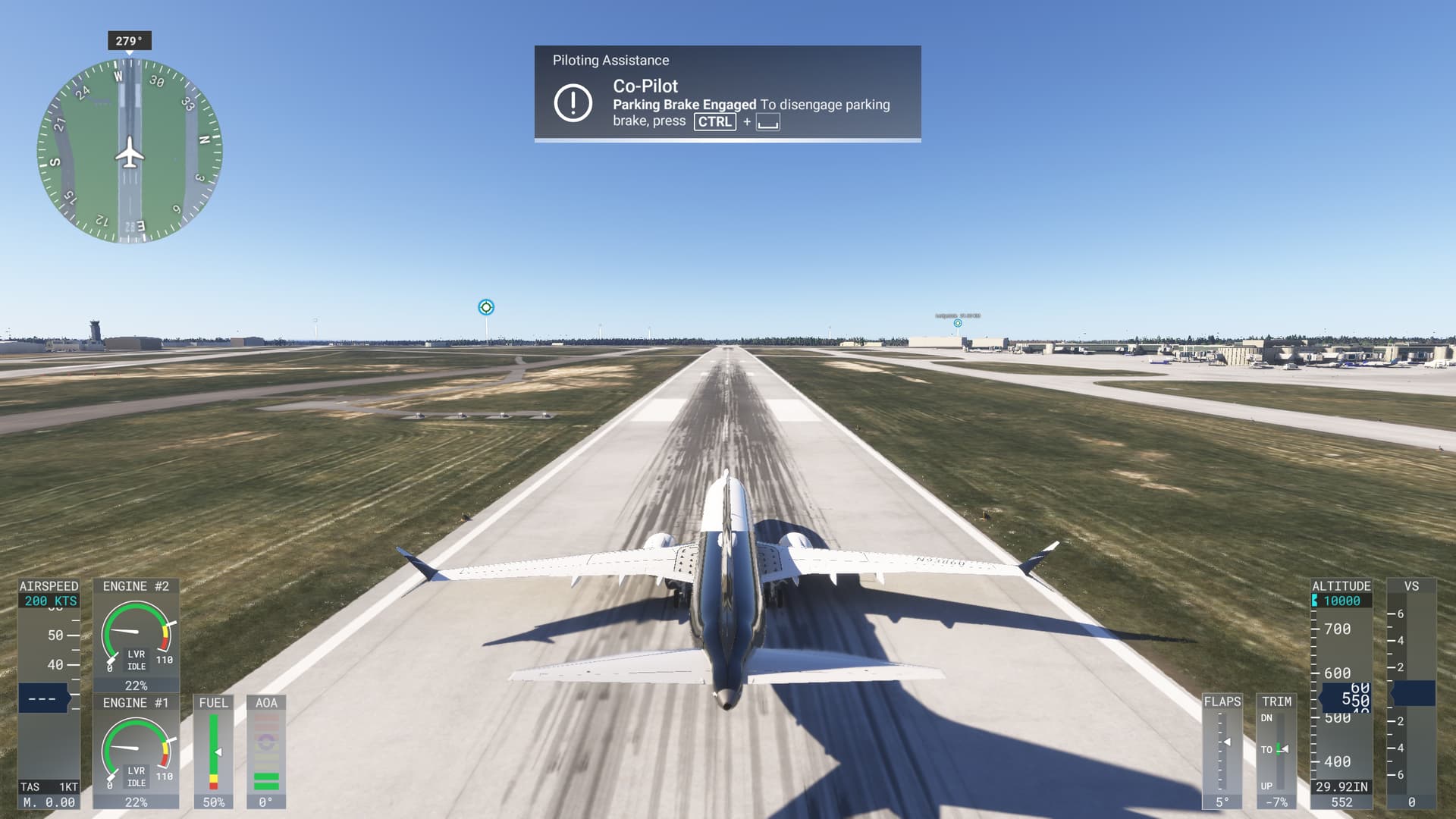
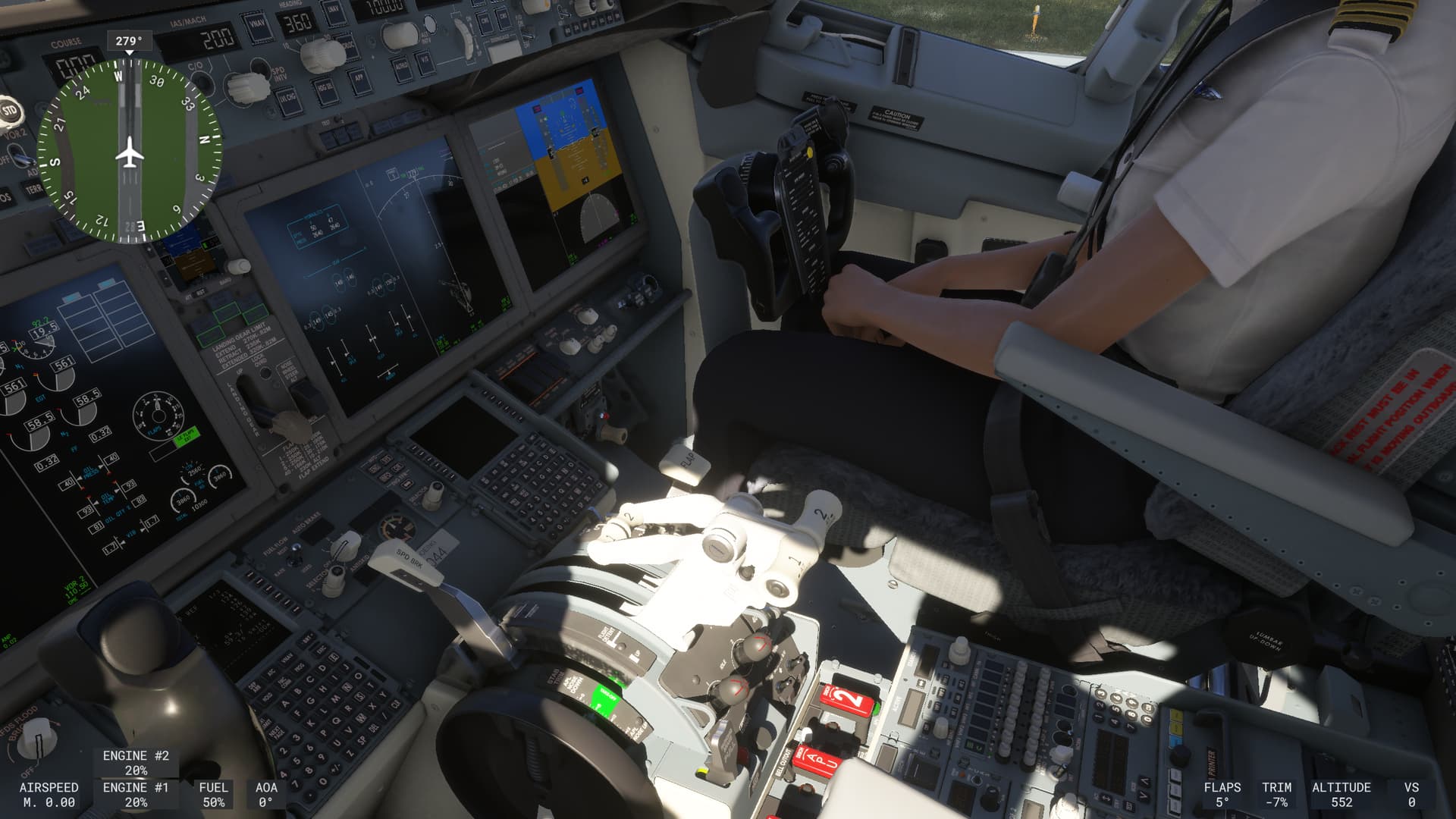
msfs-2020 Hey everyone! First post here. I need some help with the Airbus Throttle Quadrant. I have the Thrustmaster Airbus Throttle Quadrant (Captains Pack) which I’ve been using for quite some time now. I use this to fly on X-Plane (11 and 12) and have been for over a year now and it works completely fine. While playing MSFS (2020) I’ve been having trouble with the calibration. Before I even push the thrust to idle, the thrust in game jumps as high as it can possibly go. This leaves me with about an inch of working space when I fly, which is VERY frustrating. Since I haven’t ever and I’m still not having problems with this in X-Plane, I’m very confused. Any help would be appreciated, thanks!
This video demonstrates the problems that I’m facing while flying. Throttle Quadrant not working correctly