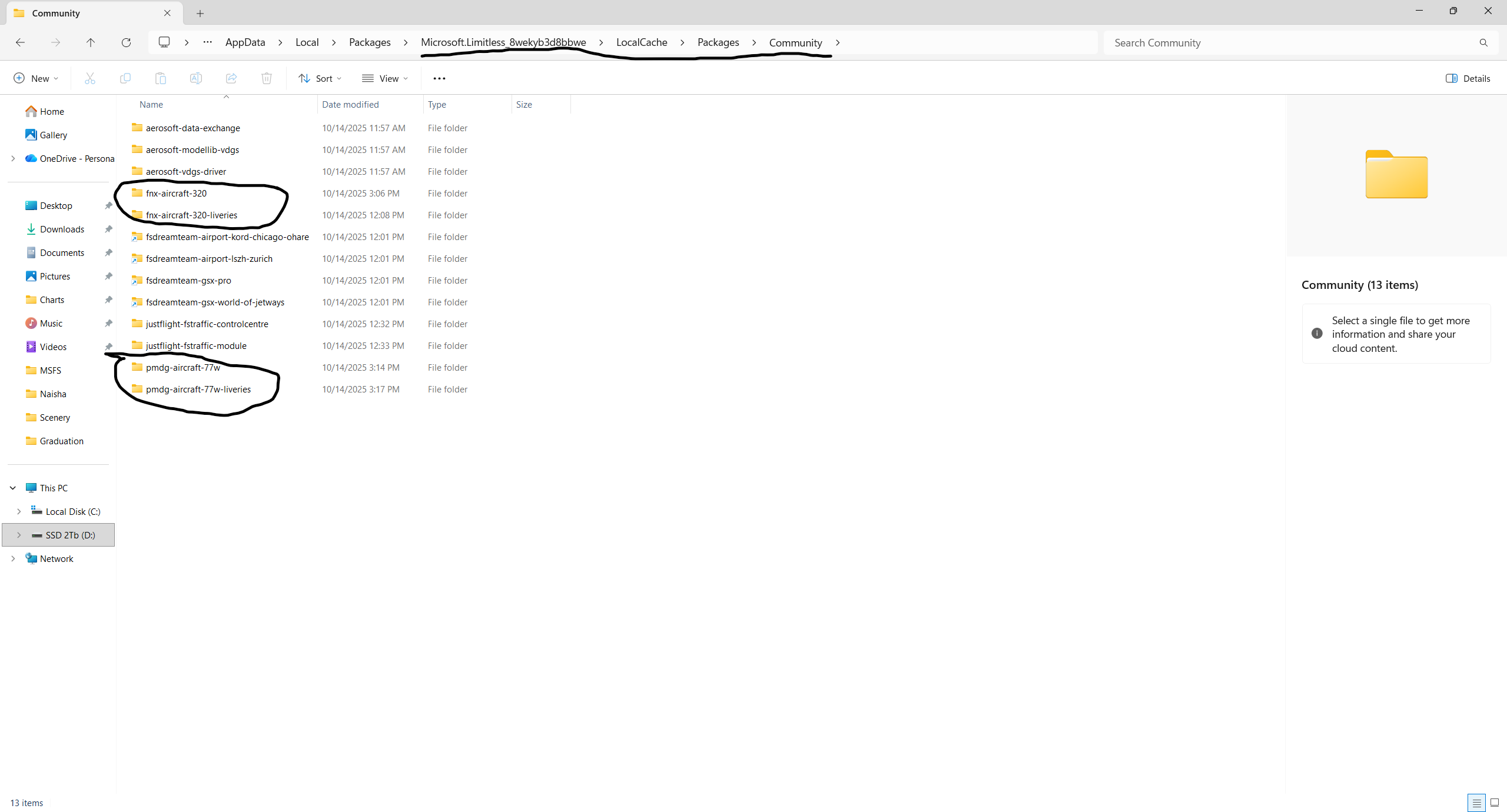
I installed MSFS204 and started it once and exited. Then I used the Fenix and PMDG installers to install A320 and 777-300ER respectively. Although I see their folders in the community, they just do not show up in aircraft menu when I go for a free flight.
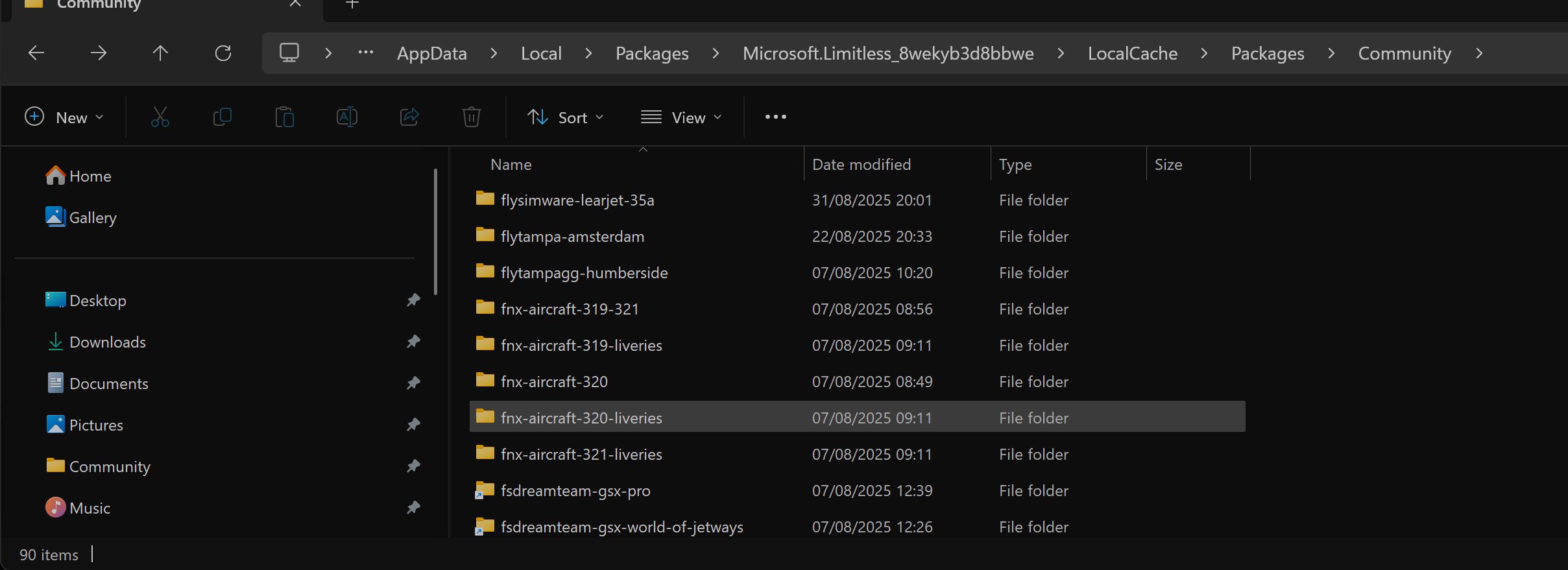
I have both of those aircraft and they both show up fine in FS2024 via community folder. Are you sure they installed to the correct community folder ie 2024 community folder and not fs2020 one?
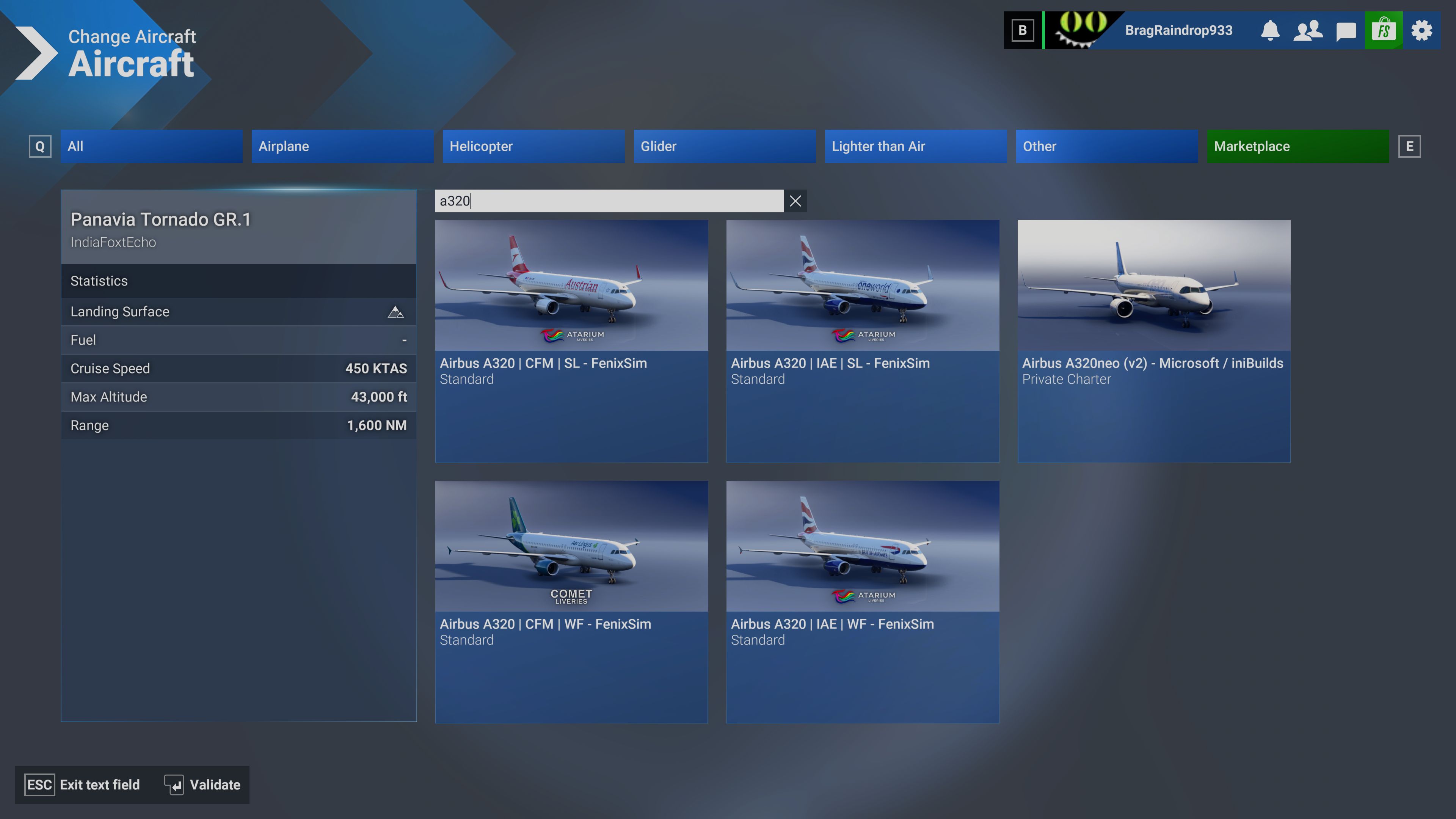
If they are then they should show up in the aircraft menu. You have to search for “a320” (or whatever fenix model you have installed) or “777” as searches for “fenix” or “pmdg” won’t find anything.
If you have all 3 Fenix variants (320/321/319) insalled then there should be loads showing up in as they have an aircraft for every variant + sharklets + non sharklets + engine variatiants. I wish there was a better way to disaplay/switch through them all tbh.
Are you trying to find them in the aircraft menu or in the my library? Are you on beta or not? Because on SU4 beta in My Library there is a strange issue with the community folder right now.
I select free flight and over there I dont see it in the list of available aircraft. It is a fresh installation of MSFS2024 done just a few hours back, no beta enrollment
Do your aircraft install directories have any content in them? Did you re-install a fresh copy of FS2024 after installing these aircraft? Have you tried installing them again then relaunching the sim?
There was an older issue with FS2024 when it first launched where community items didn’t show. But I’m not sure what happened if anything to resolve this.