SIM INFORMATION
- Microsoft Flight Simulator 2024:
- Version Build Number 1.1.7.0
- Game Platform: Steam
ISSUE DESCRIPTION
- **Did you remove all your community mods/add-ons? YES
- If yes, are you still experiencing the issue?** YES
- Description of the issue:
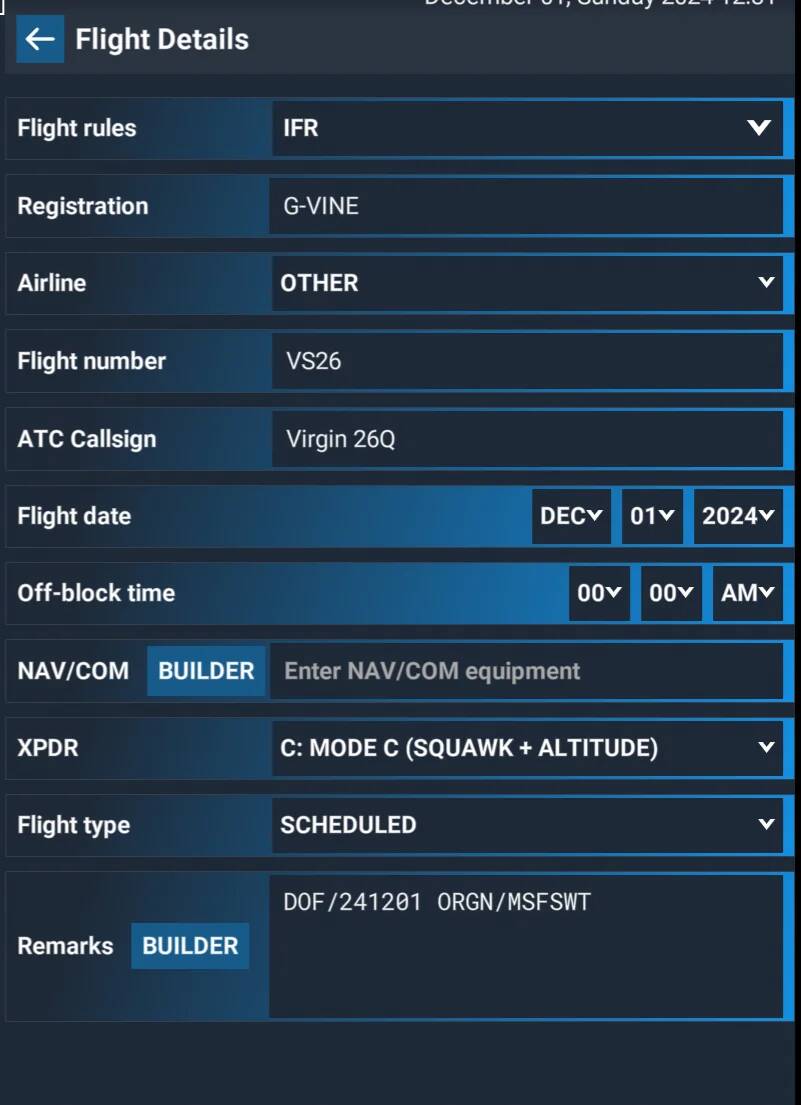
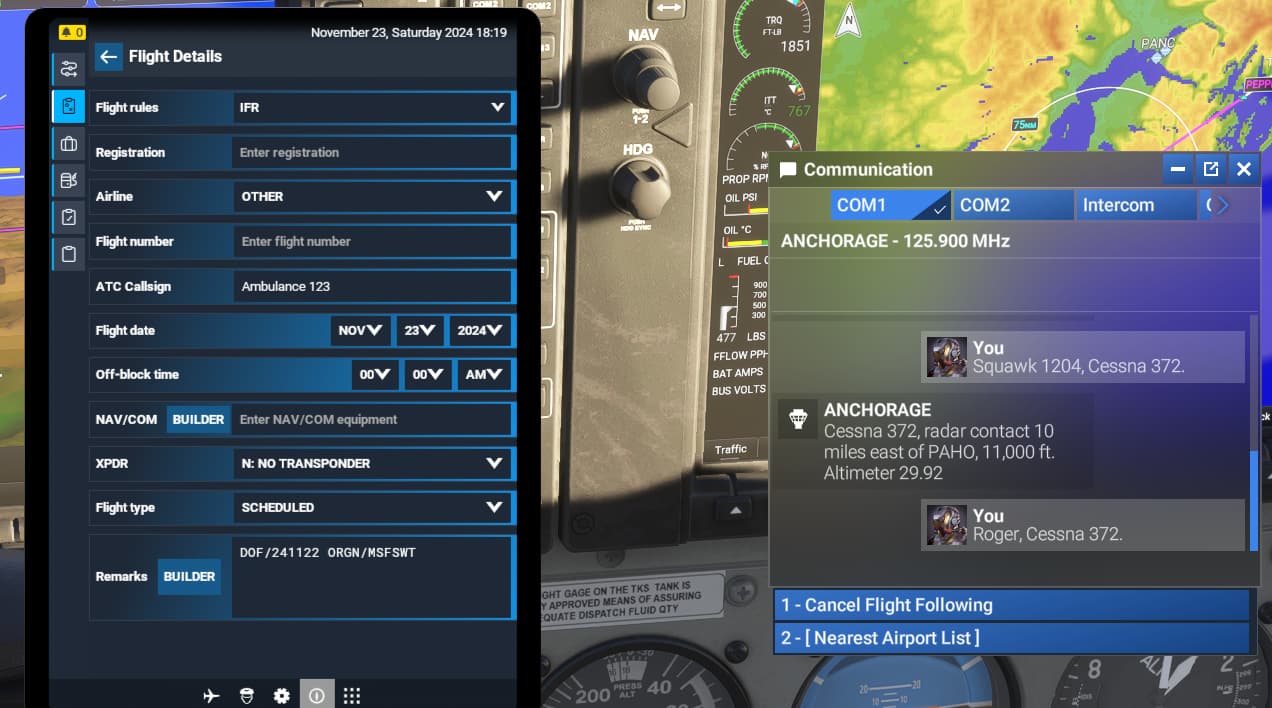
The aircraft callsign that you set in the free flight settings, in the menu area, is not respected once your flight has been launched. Either the callsign written on the plane, either the identification number used by the ATC are different from what you set in the pre-flight menu.
FREQUENCY OF ISSUE
How often does this occur for you? every time on sim load
REPRODUCTION STEPS
Please list clear steps you took in order to help our test team reproduce the same issue.
1.Start-up the game;
2.Enter in free flight mode
3.Set the callsign and identification number of the aircraft in “configure menu” of the selected aircraft
4.Launch the flight, and you will see the aircraft has the wrong callsign written, and also ATC is using the wrong identification number. It seems to be randomly assigned.
YOUR SETTINGS
If the issue still occurs with no mods and add-ons, please continue to report your issue. If not, please move this post to the User Support Hub.
-
What peripherals are you using, if relevant:
Not relevant, but Joystick T16000 Thrustmaster, Thrustmaster Throttle, Track IR -
[PC Only] Are you using Developer Mode or have you made any changes to it? NO
-
[PC, MSFS 2020 Only] Are you using DX11 or DX12? DX11
-
[PC Only] What GPU (Graphics Card) do you use? RTX3070
-
[PC Only] What other relevant PC specs can you share? CPU INTEL 12700K, 32GB RAM, SSD DISK
MEDIA
Please add a screenshot or video of the issue occurring. NOT AVAILABLE
 For anyone who wants to contribute on this issue, Click on the button below to use this template: