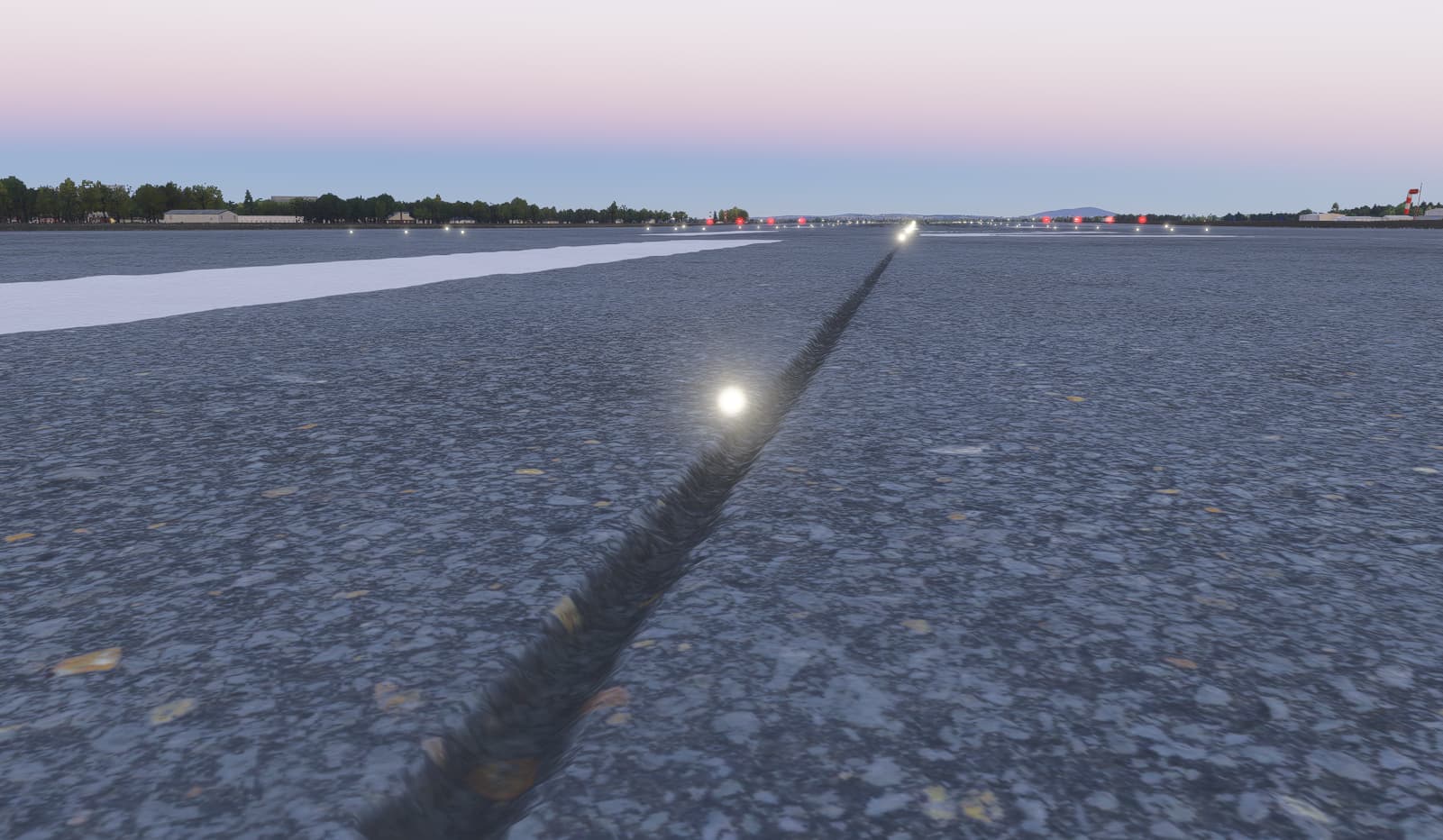
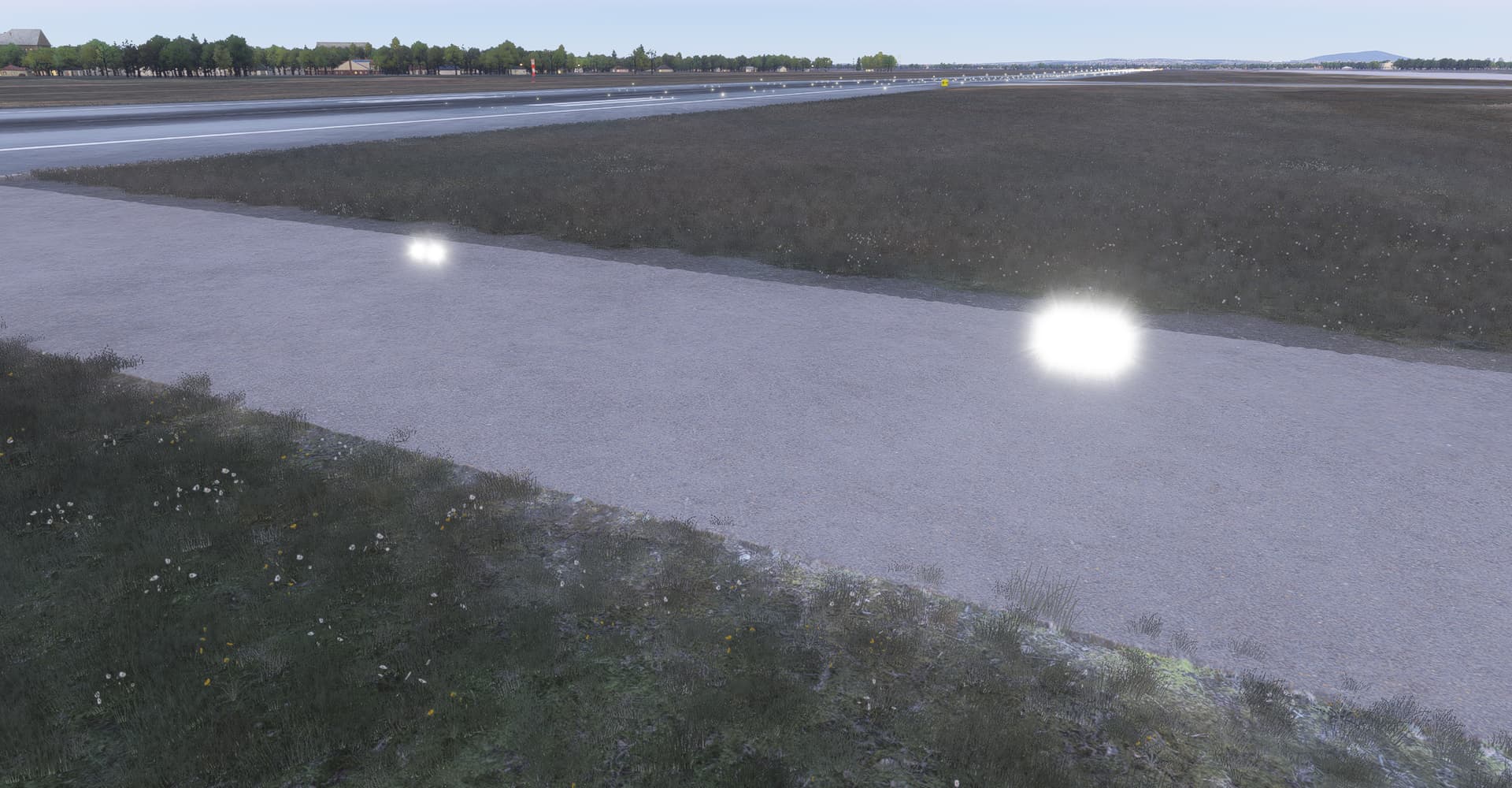
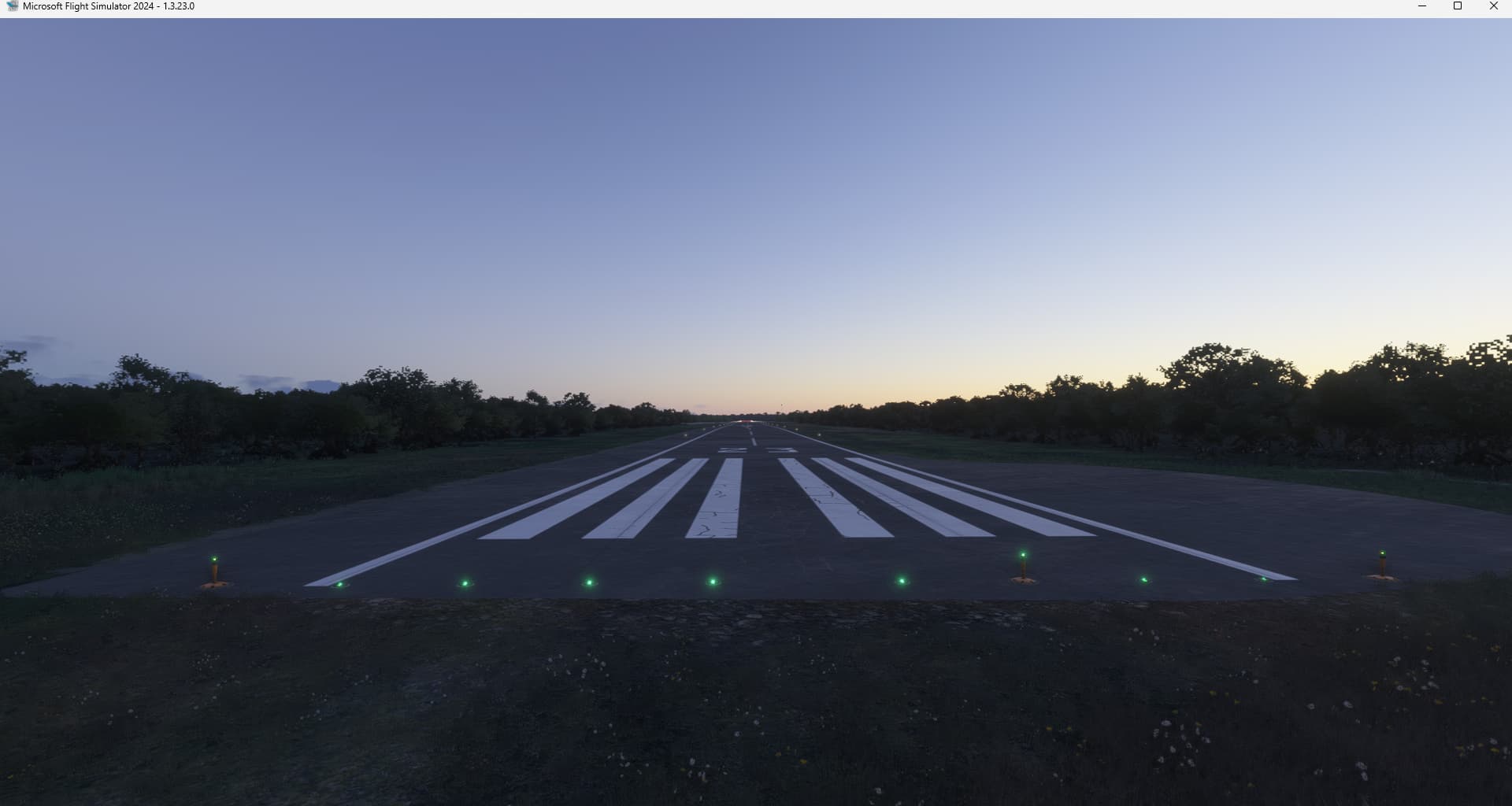
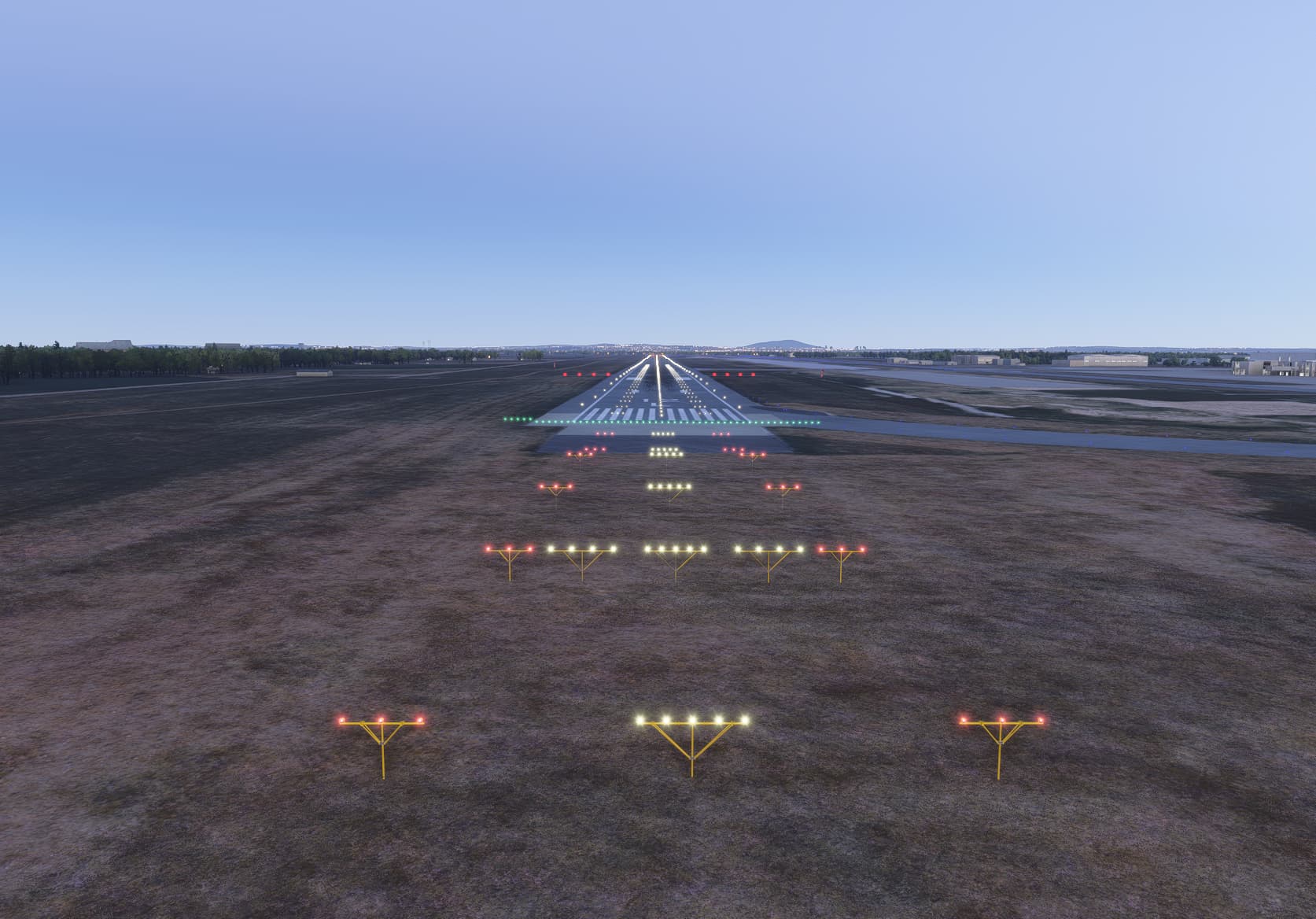
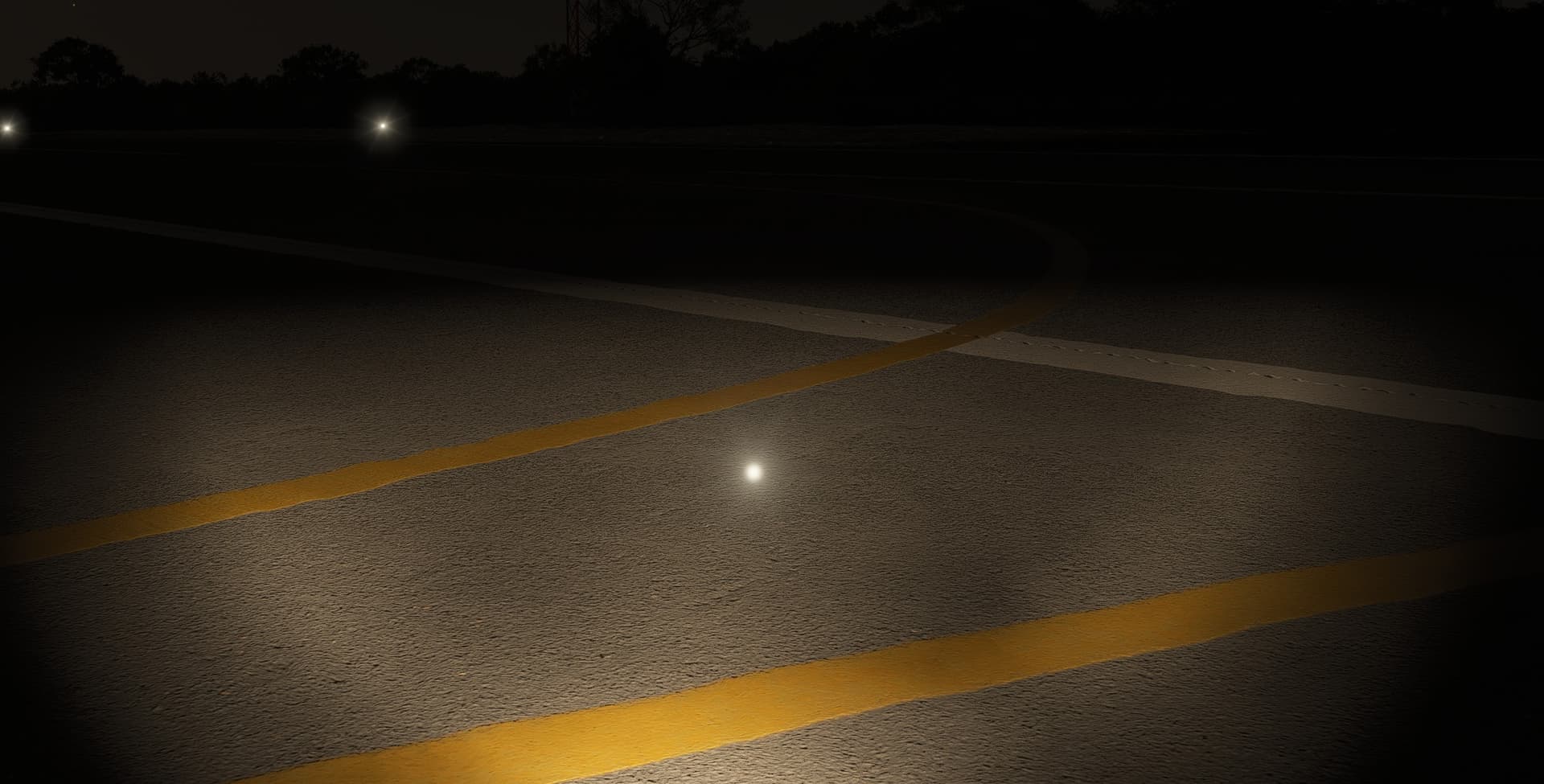
Airport lights structure missing at almost all airports

Using the template below will greatly help the team reproduce the issue and ease the process of fixing it. Before posting, search for an existing report. If you are not sure it’s a bug, please first report in User Support Hub.

2 tags are required - add them in the tag section next to the title above:

Feel free to delete this quote section after adding your appropriate tags.


ISSUE DESCRIPTION

Description of the issue: All autogen airports I hav evisited and almost all handcrafted airports have missing light structures. All the lights are floating in the air.

ICAO, coordinates, or specific location: Almost everywhere

[PC Only] Did you remove all your community mods/add-ons? If yes, are you still experiencing the issue? Yes

FREQUENCY OF ISSUE

How often does this occur for you (Example: Just once, every time on sim load, intermittently)? Everytime

REPRODUCTION STEPS

Please list clear steps you took in order to help our test team reproduce the same issue:

1.Start Sim
2.Load in a random airport
3.See the result

YOUR SETTINGS

If the issue still occurs with no mods and add-ons, please continue to report your issue. If not, please move this post to the User Support Hub.

What peripherals are you using, if relevant: Keyboard and mouse at the moment

[PC Only] Are you using Developer Mode or have you made any changes to it? No, i’m not using dev mode.

[PC, MSFS 2020 Only] Are you using DX11 or DX12?
DX11

[PC Only] What GPU (Graphics Card) do you use?
Nvidia Geforce RTX4070

[PC Only] What other relevant PC specs can you share?
Ryzen7700X, 32gb DDR5 RAM

MEDIA

Please add a screenshot or video of the issue occurring.
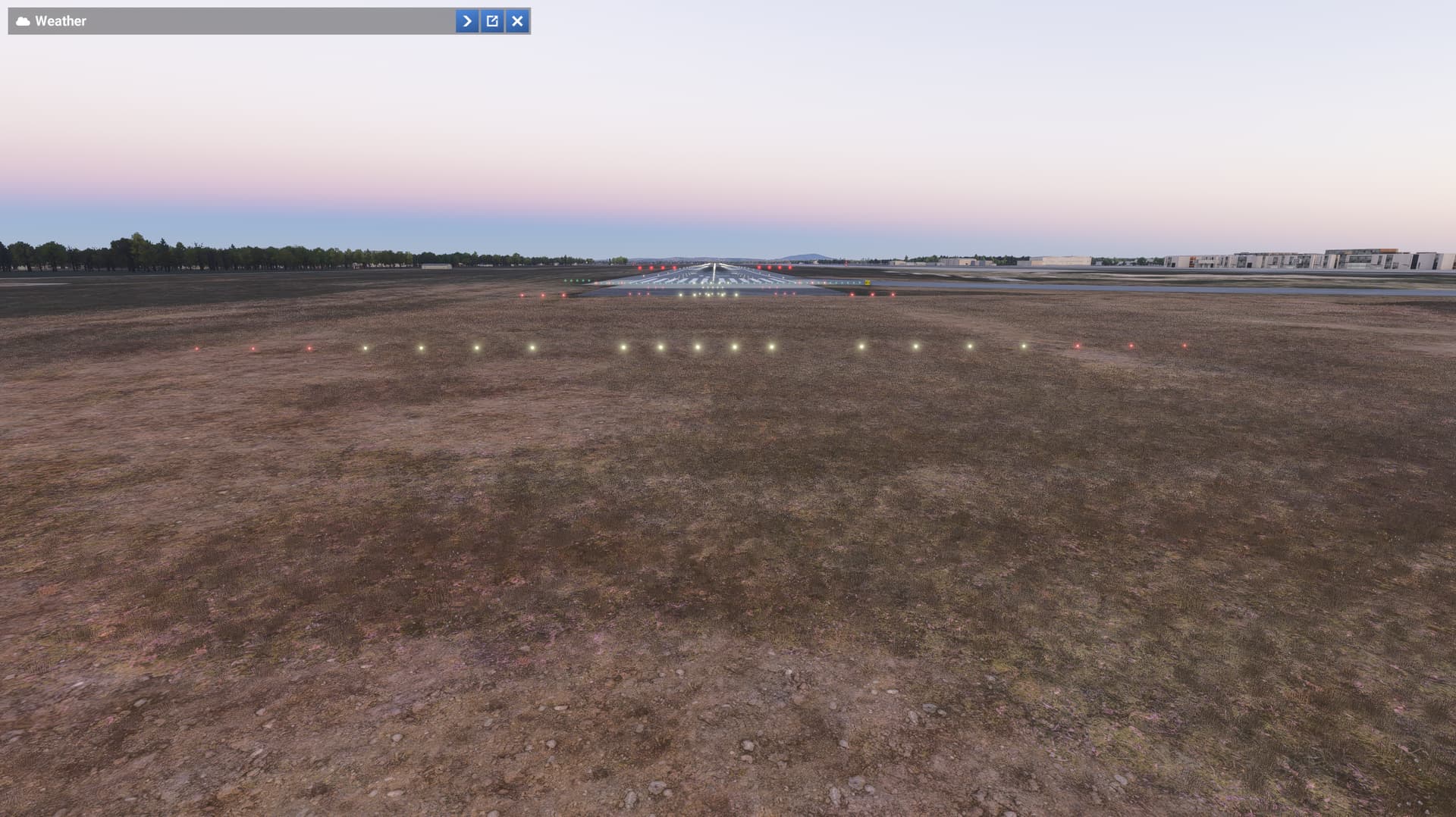


[END OF FIRST USER REPORT]


:loudspeaker: For anyone who wants to contribute on this issue, Click on the button below to use this template:

Do you have the same issue if you follow the OP’s steps to reproduce it?
•

Provide extra information to complete the original description of the issue:
•

If relevant, provide additional screenshots/video:
•
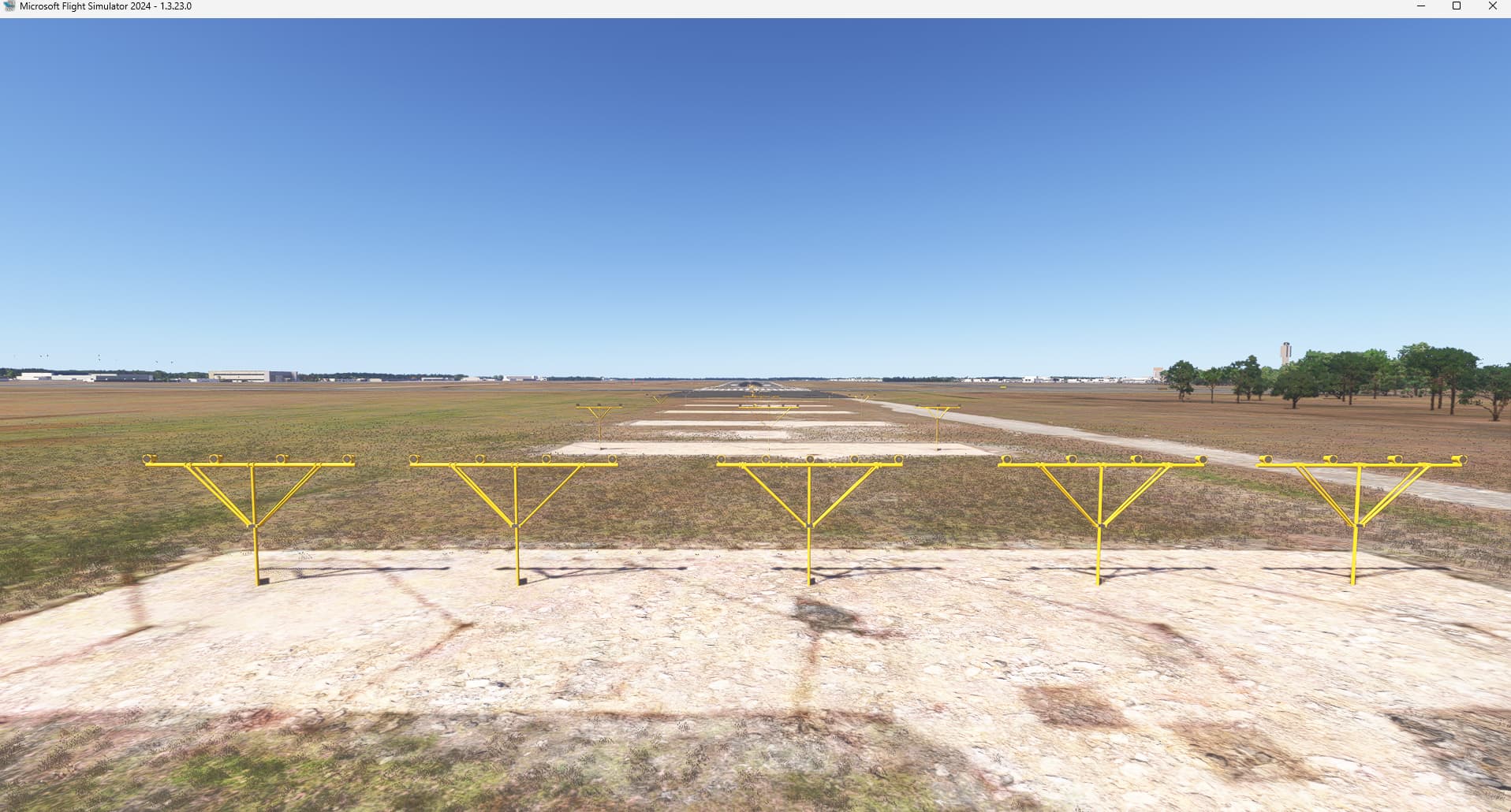
Do you have the same issue if you follow the OP’s steps to reproduce it?
• no

Provide extra information to complete the original description of the issue:
• @MysteryBytes : could you provide airports/runways on your screenshots ?

If relevant, provide additional screenshots/video:
•
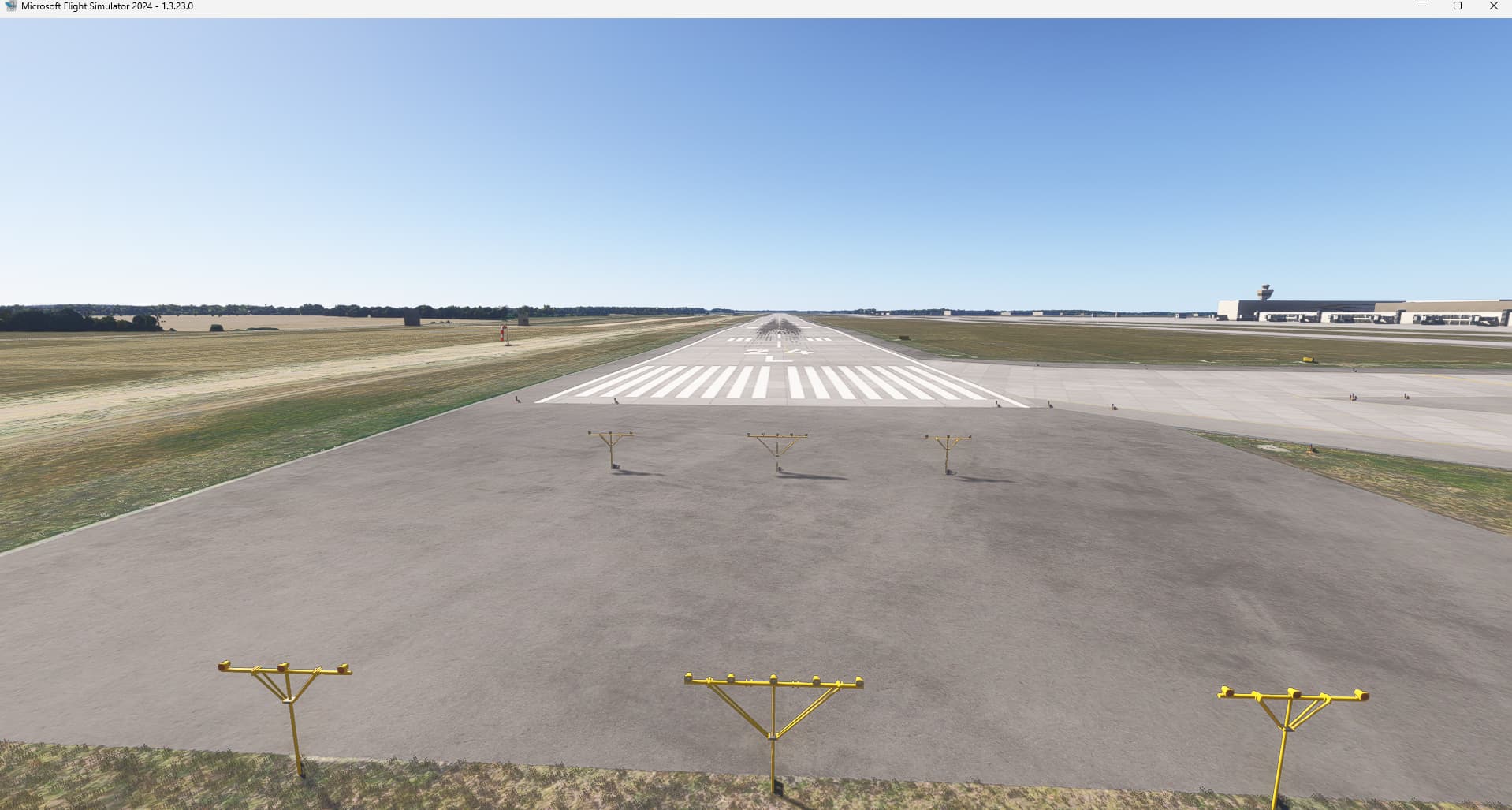
KMCO

EDDB

Do you have the same issue if you follow the OP’s steps to reproduce it?
• Yes

Provide extra information to complete the original description of the issue:
• the runway light is hovering without a pole

If relevant, provide additional screenshots/video:
• see following example of SIPE airport I randomly chose:

SIPE, no issue.
Do you have any addons ?


I had Zinertek Enhanced Airport Graphics (FS2024 upgrade) installed the last days from the marketplace, but had already uninstalled again (because I had a graphics driver crash and I’m trying to find out if it is related to that addon).
No further related AddOns of that sort.

Just also reset Radeon shader cache, Win11 caches and deleted the rolling cache of FS2024. Still the same on that example airport SIPE

Current 25.3.1 Adrenalin w/ 7900XTX on Win11 (latest build), Steam version

So based on your feedback I tested it again, and this is what I saw:
The screenshots were taken at LYBE Belgrado airport. So I started the sim again with an empty community folder and first I loaded the same airport (LYBE) and the lights weren’t there like I expected. So in your screenshots EDDB worked, so I tried EDDB. And that one did have the light structures. So then I went back to LYBE and the structures were back, so what is causing it to not pop up in the first place?


(Screenshot of the working LYBE lights).

If you add back your addons in the community folder, do you have the issue back ?

LYBE, no issue at 1st load:

No, with or without community folder addons the same thing. Again first load no light structures and second load with light structures.

Found this report in the SDK forum, they identified an issue that seems to be fixed in SU2: Default Approach Lights and PAPI Light Models Missing - Airport & Sceneries - MSFS DevSupport. Hopefully it is the same issue than reported here.

So far in SU2 beta 1.4.7.0 it’s not fixed for me.
Example SIPE airport again below (first load).

But after loading into another airport and the loading into SIPE again, the lightposts were shown correctly. Really weird.

SU2 beta 1.4.10 not fixed when first loading into an airport.
Exiting flight and going into the same airport again makes the poles visible.