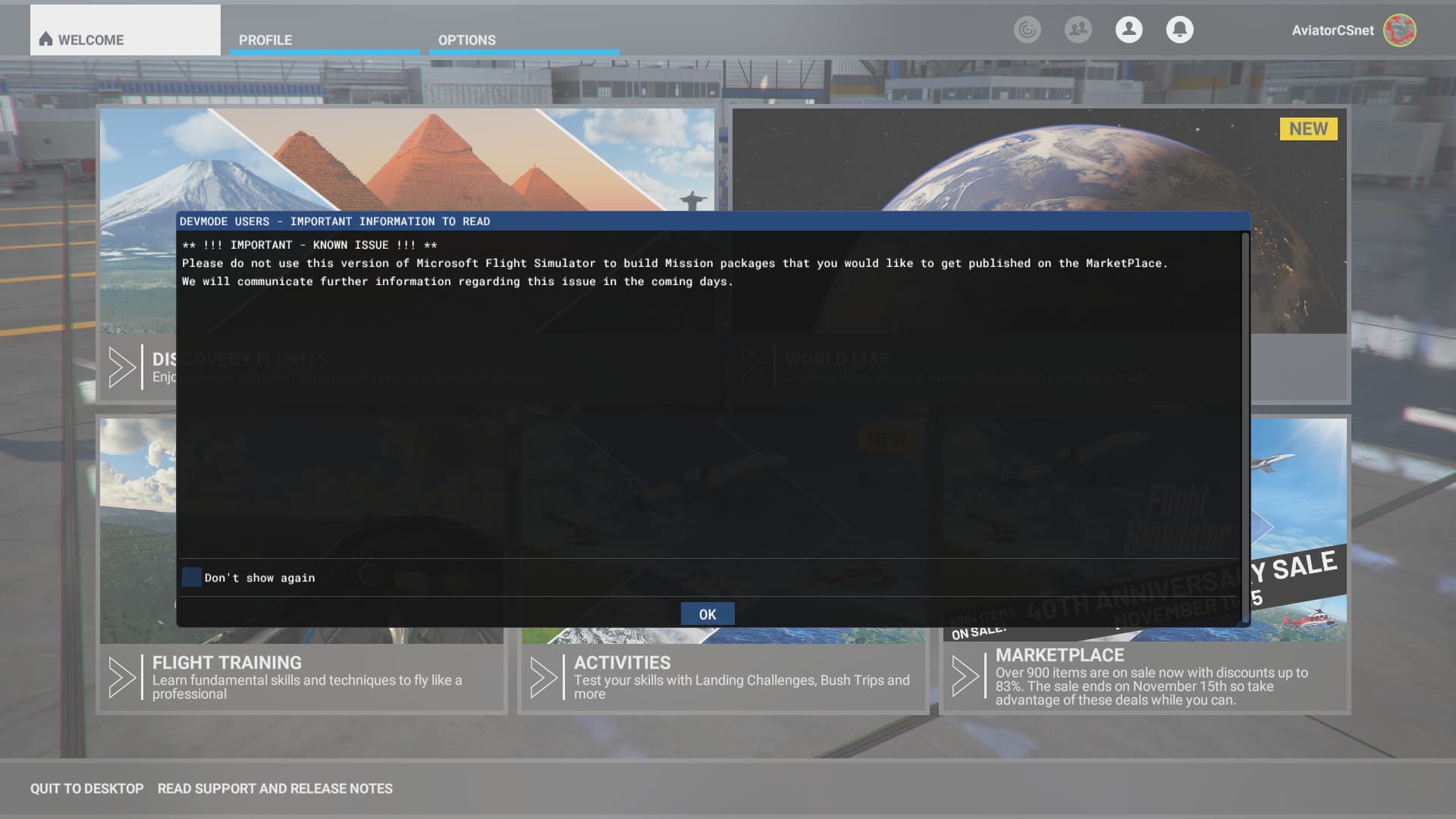
When I load any of my projects into the SDK, from a high level the project looks fine as shown here. Note the pavement. The asphalt is normal, the parking areas have their lines (that I created) and everything looks good.
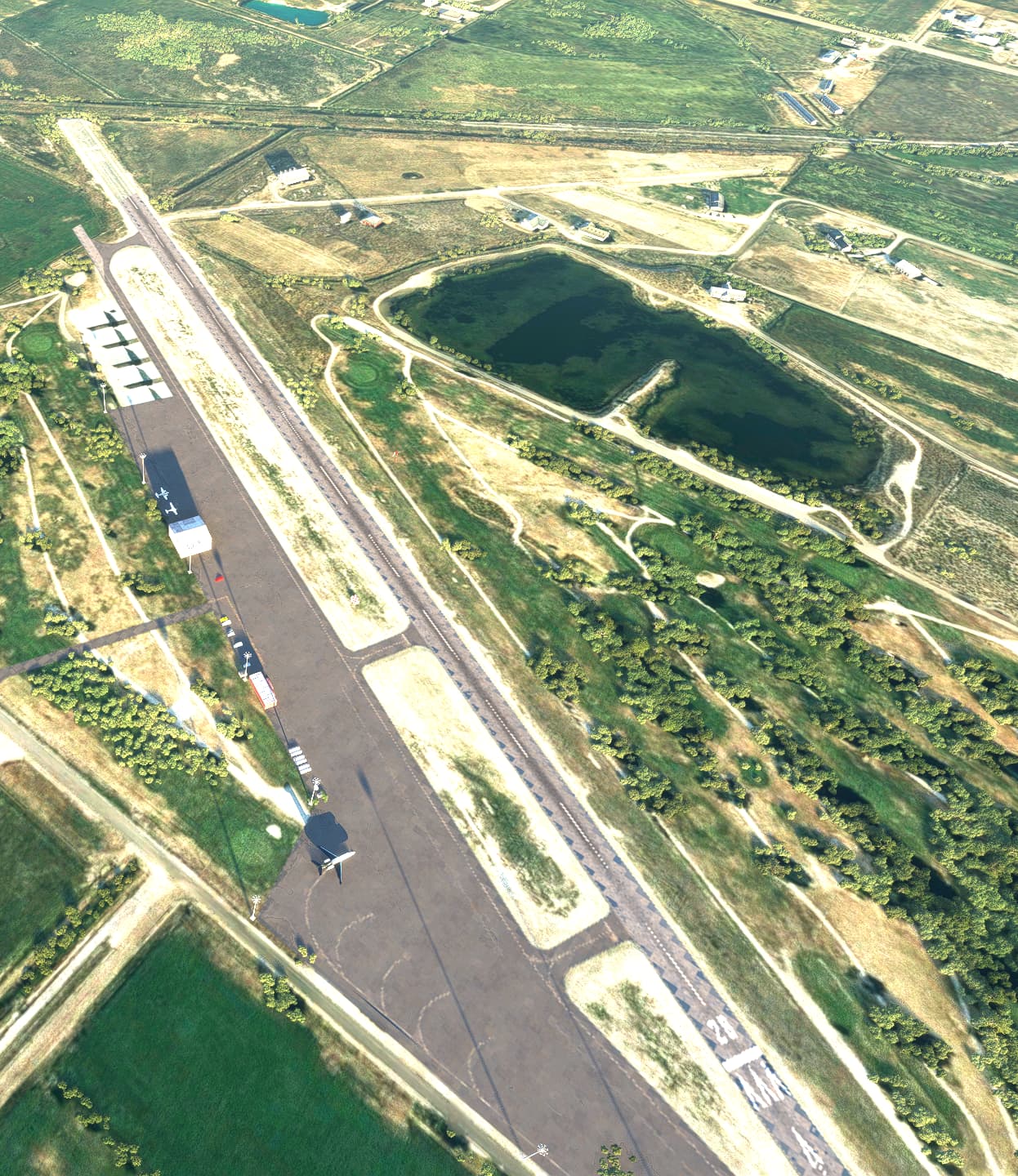
But when I zoom in, all that disappears and I’m left with a barren stripped airport like this:
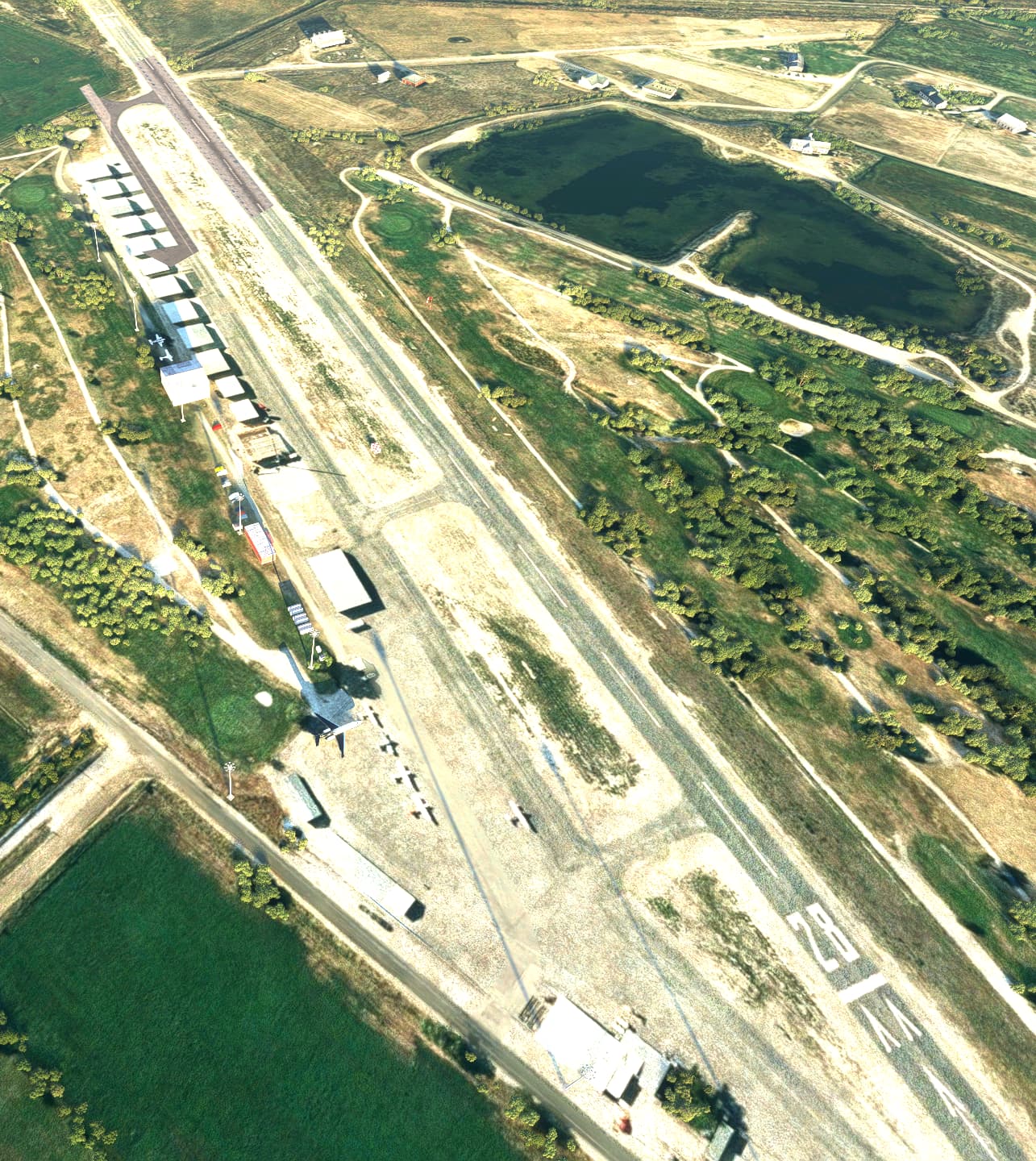
Here it is closer:
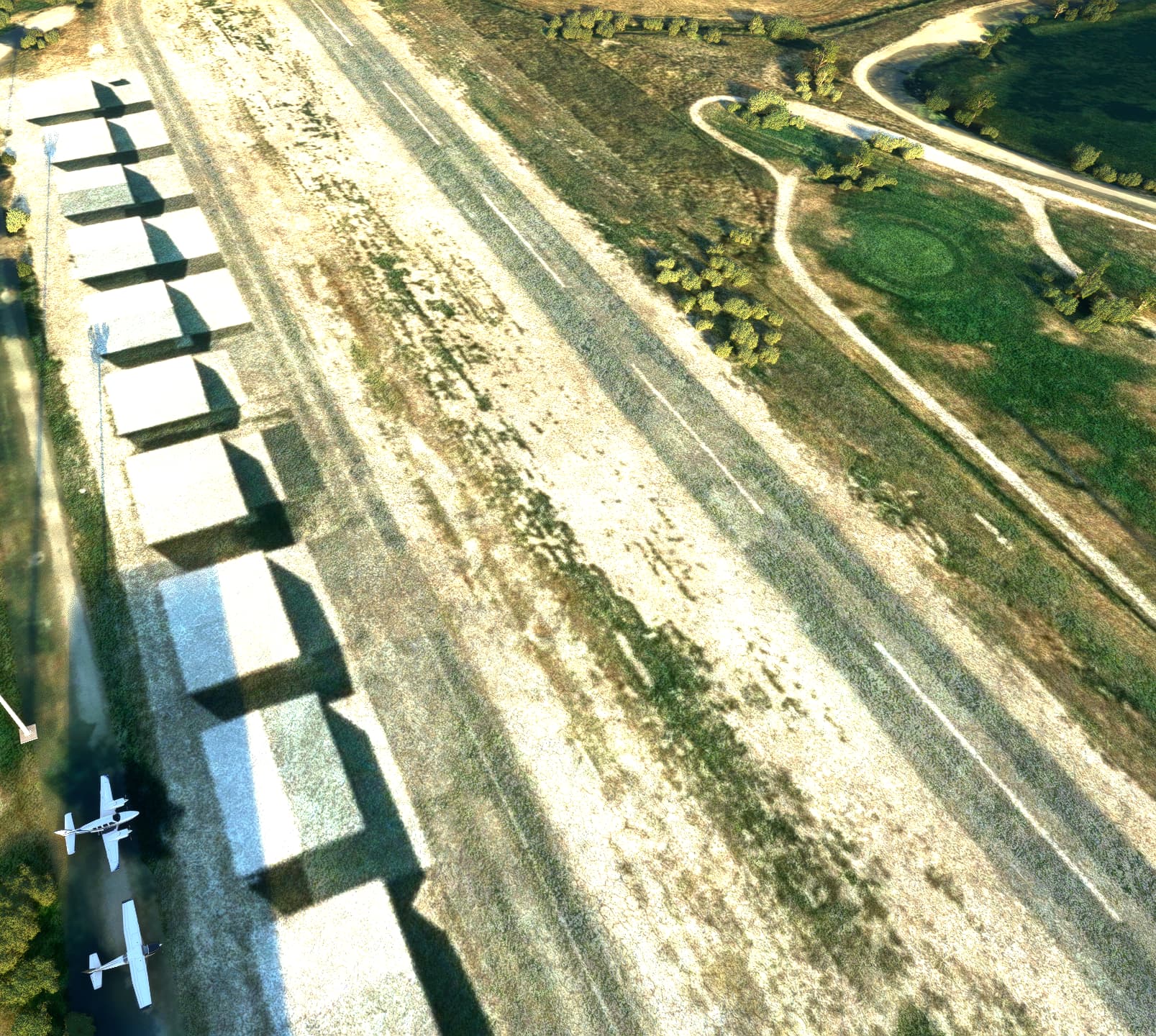
I’m not sure if this is normal, if I’m doing something wrong, or what. What’s weird is that I can’t remember if it was always this way or what. Any advice would be appreciated.
Thanks.