Something you have installed is affecting the aircraft textures. Either in community folder, market place, by way of self installer or you altered files by hand.
Be sure community folder is empty.
Delete and reset the rolling cache also, if used.
Restart msfs.
Hi all,
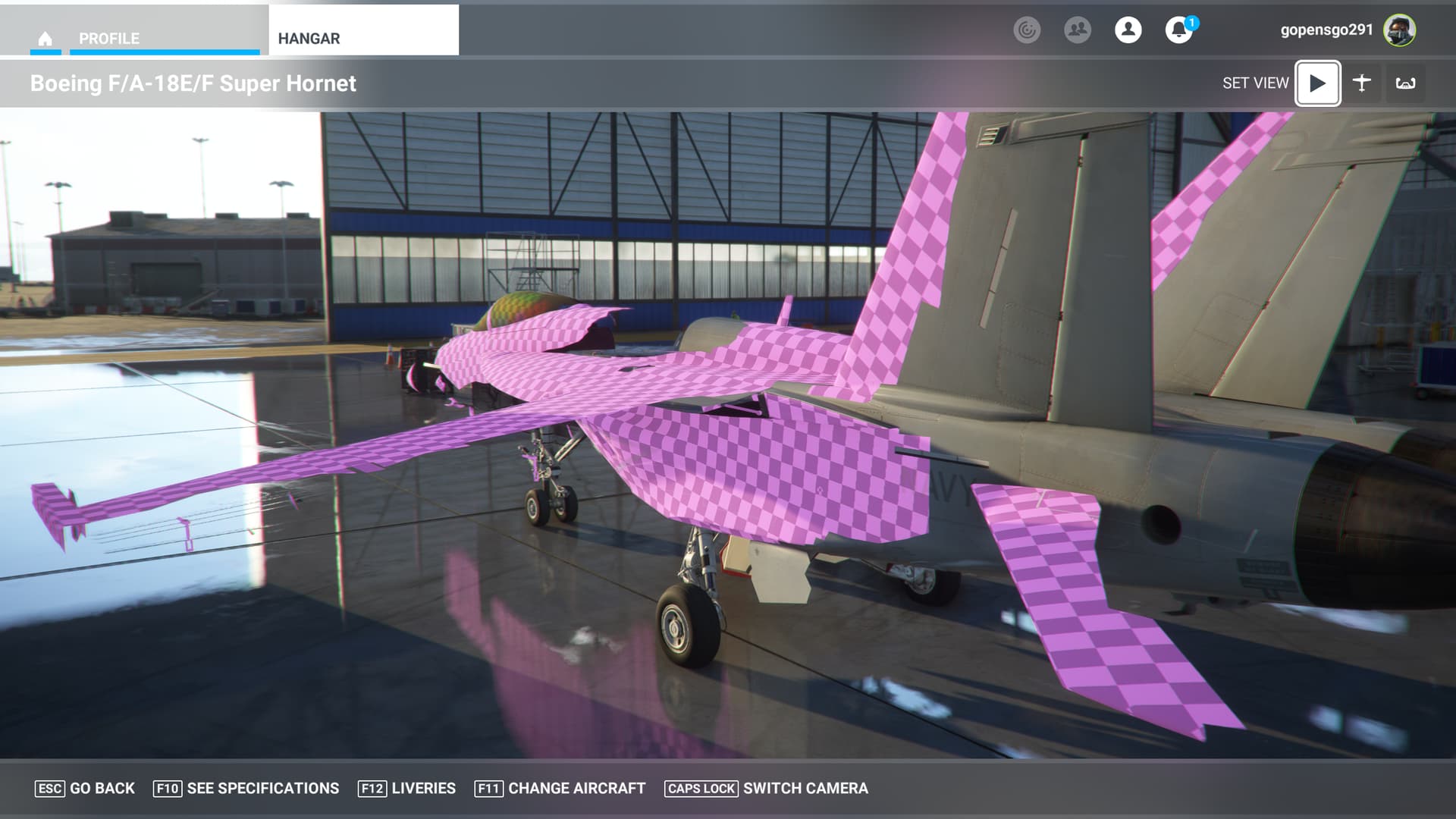
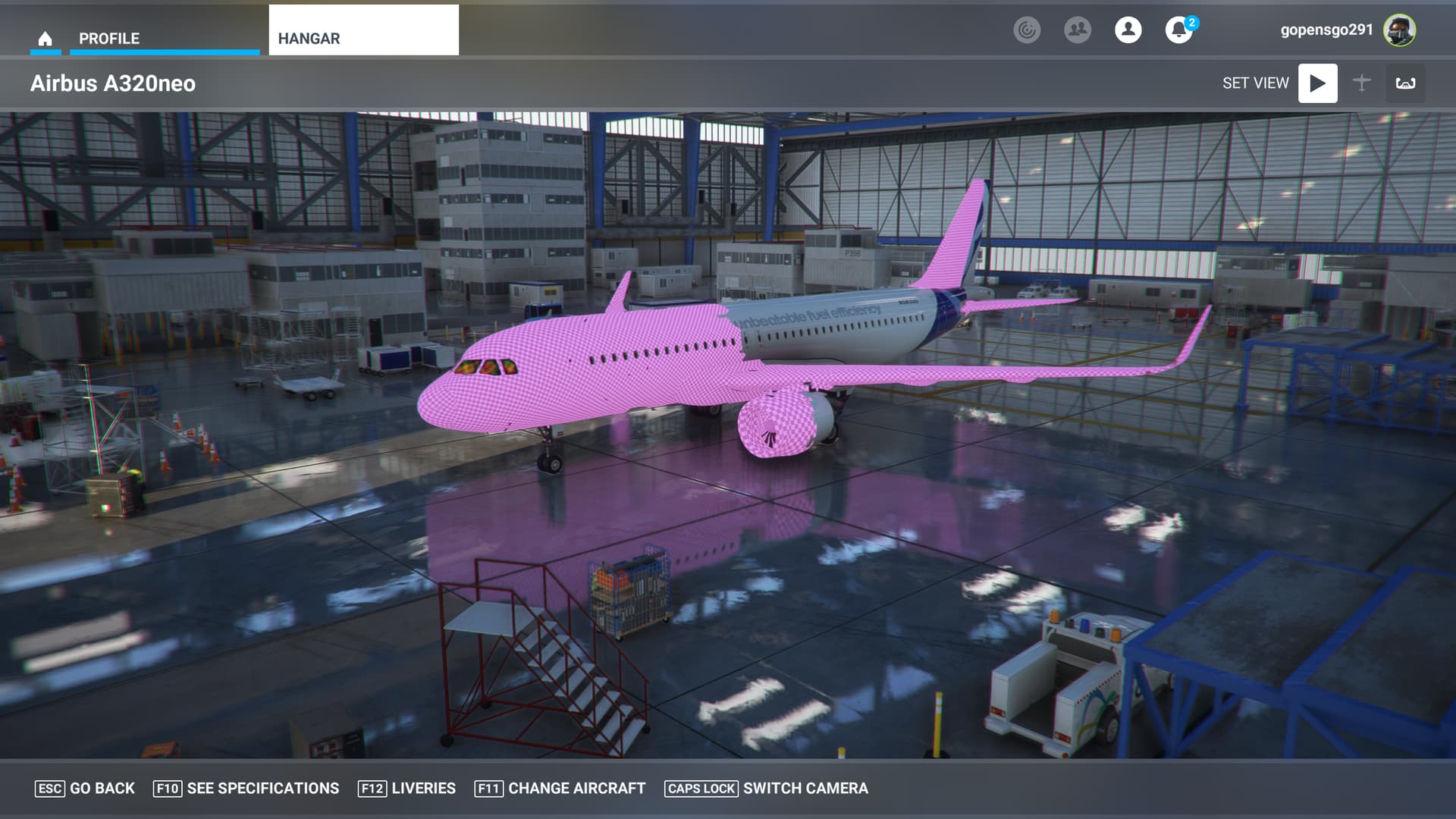
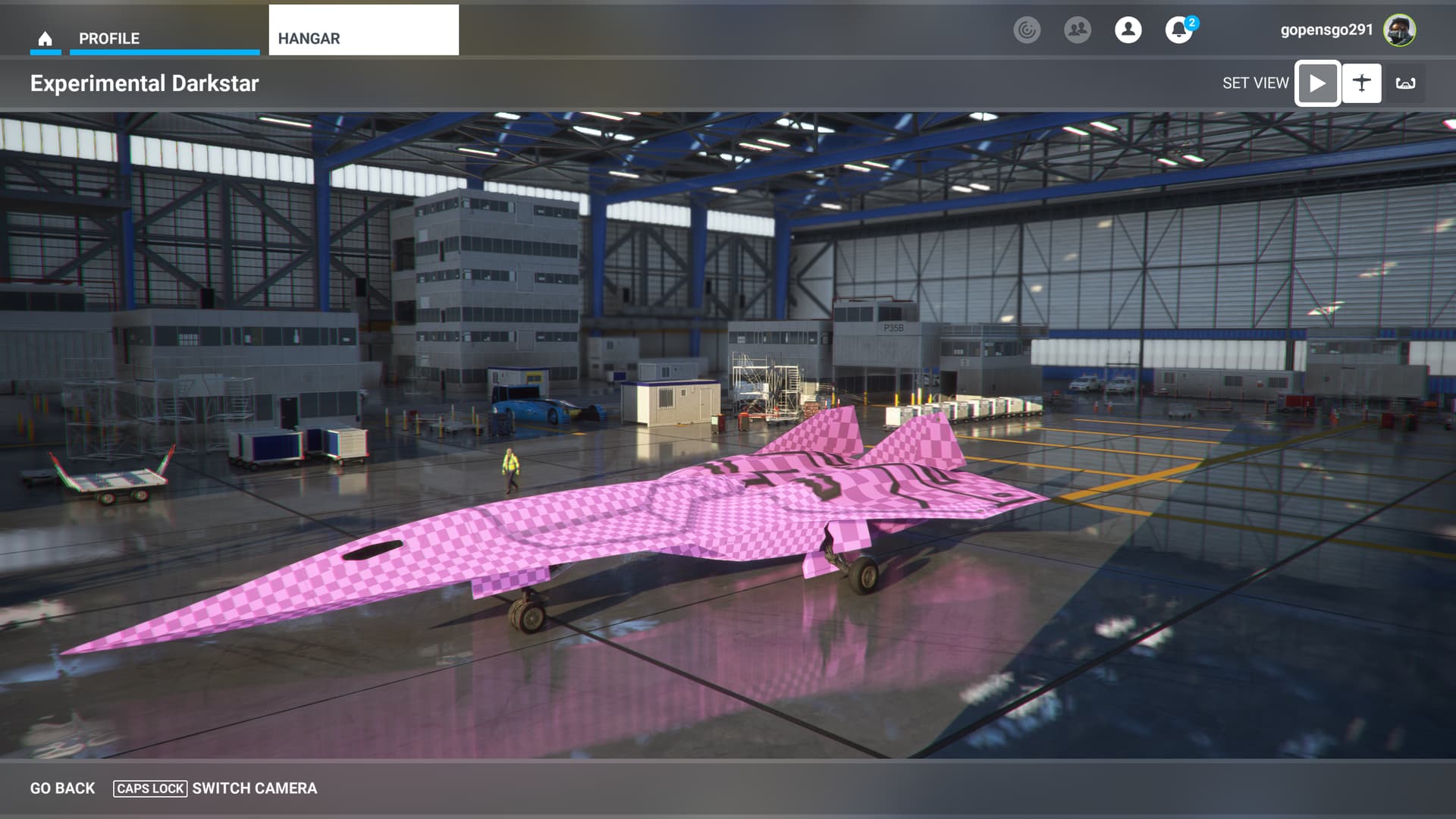
I may be bit late but I have the exact same problem: All Asobo Aircraft are partly pink and not flyable from the cockpit since the windows are pink as well.
I am totally new to MSFS 24 and it is really sad that I have a start like this. I came over from X-Plane, but at this stage I must say X-plane is by far not as complicated. Please proof me wrong
Please some one help me.
I have deleted the C150 in packages and let it reinstall, as this was suggested somewhere in the forum, but no change.
I don’t want to reinstall, because I have to let the PC running for 36 hours to get all files. It is sad that there is no offline installation file to download or a set of dvds to order.
However, please help…
From what I’ve seen on the forum, this is caused by a mod affecting the textures. Empty your community folder and restart the the computer and the sim. See if that fixes it. I doubt a reinstall will be necessary except as a last resort. Even if you had dvd’s they could never be up to date since updates and world updates are issued regularly. Keep trying and keep us posted.
I’m currently having a similar issue on static aircraft on Xbox. I deleted and reinstalled UK2000 Static Aircraft Addon and it solved the issue in some circumstances. I’m still sure a livery pack is causing the remaining issues but I’ve yet to find the rogue pack.
Funny thing is, if I fly the PMDG 737 I don’t get the bad textures! I was seeing issues with the A320 on BravoAirspace liveries but I also have the issue on the working title KingAir and Longitude with house paint so maybe it’s not a bad livery pack, who knows
It would be great if both PC and Xbox had the ability to scan all the add-ons and tell you which one was causing a conflict.
You’ll just have to go through each one of your add-ons/mods and hopefully you find the bad file.
 Thank you for using the Bug section, using templates provided will greatly help the team reproducing the issue and ease the process of fixing it.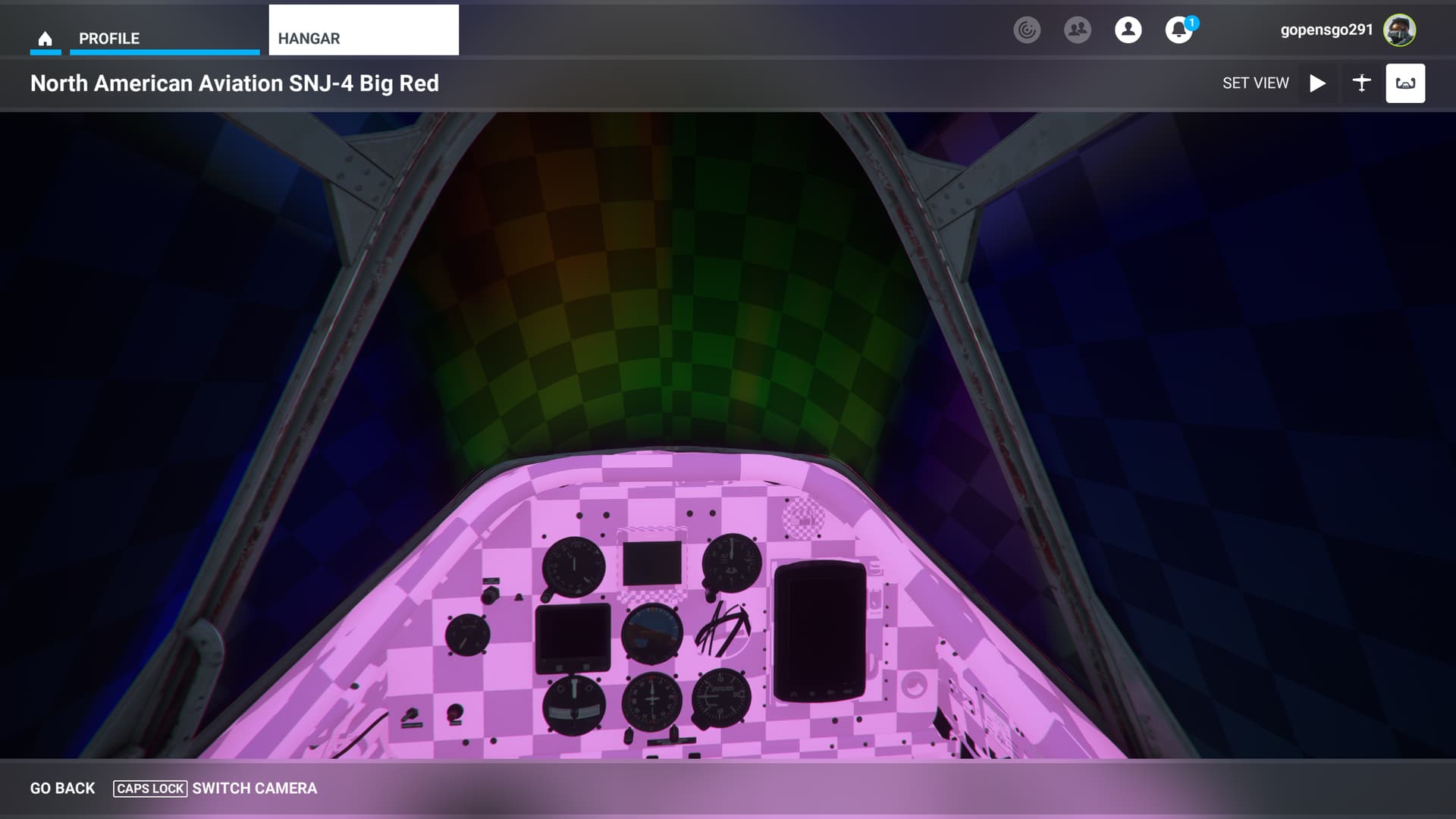

 For anyone who wants to contribute on this issue, Click on the button below to use this template:

