Please tag your post with either msfs-2020 or msfs-2024 if you would like to discuss a specific sim.
Nvidia sharders cleaned
rolling cache cleaned
cache cleaned..
Please tag your post with either msfs-2020 or msfs-2024 if you would like to discuss a specific sim.
Nvidia sharders cleaned
rolling cache cleaned
cache cleaned..
Moved to User Support Hub > Install, Performance & Graphics as OP is requesting community assistance
Here is another one: https://www.youtube-nocookie.com/embed/jjmDpomHdq8
Thanks for posting this, I was thinking on embarking on a similar cleanup, but won’t bother now.
SU3 runs terribly for me, I’ve gone back to 2020 and the difference is extremely noticeable.
I am just out of words on how such things happen on a newly bought, quite beefy machine..
I have a 5950x3d/5080/64GB/win 11 proPC, and am using DLSS performance, which IMO looks fine at 4K output (on my 48" OLED TV).
I have TLOD at 150 (120 if using airliners), OLOD 100, clouds : Ultra, quite a lot of settings (shadows, textures etc) from ultra to high. All traffic to OFF except road traffic at low. Fauna to OFF (it reportedly hits CPU cycles and FPS).
Which aircraft and which airport?
Any 3rd party packages and/or applications running?
I’d like to see if I can reproduce the behavior
It happens with any aircraft and any airport, regardless of whether you have installed third-party scenery or not. It’s just constantly there.
This is the same issue posted here.
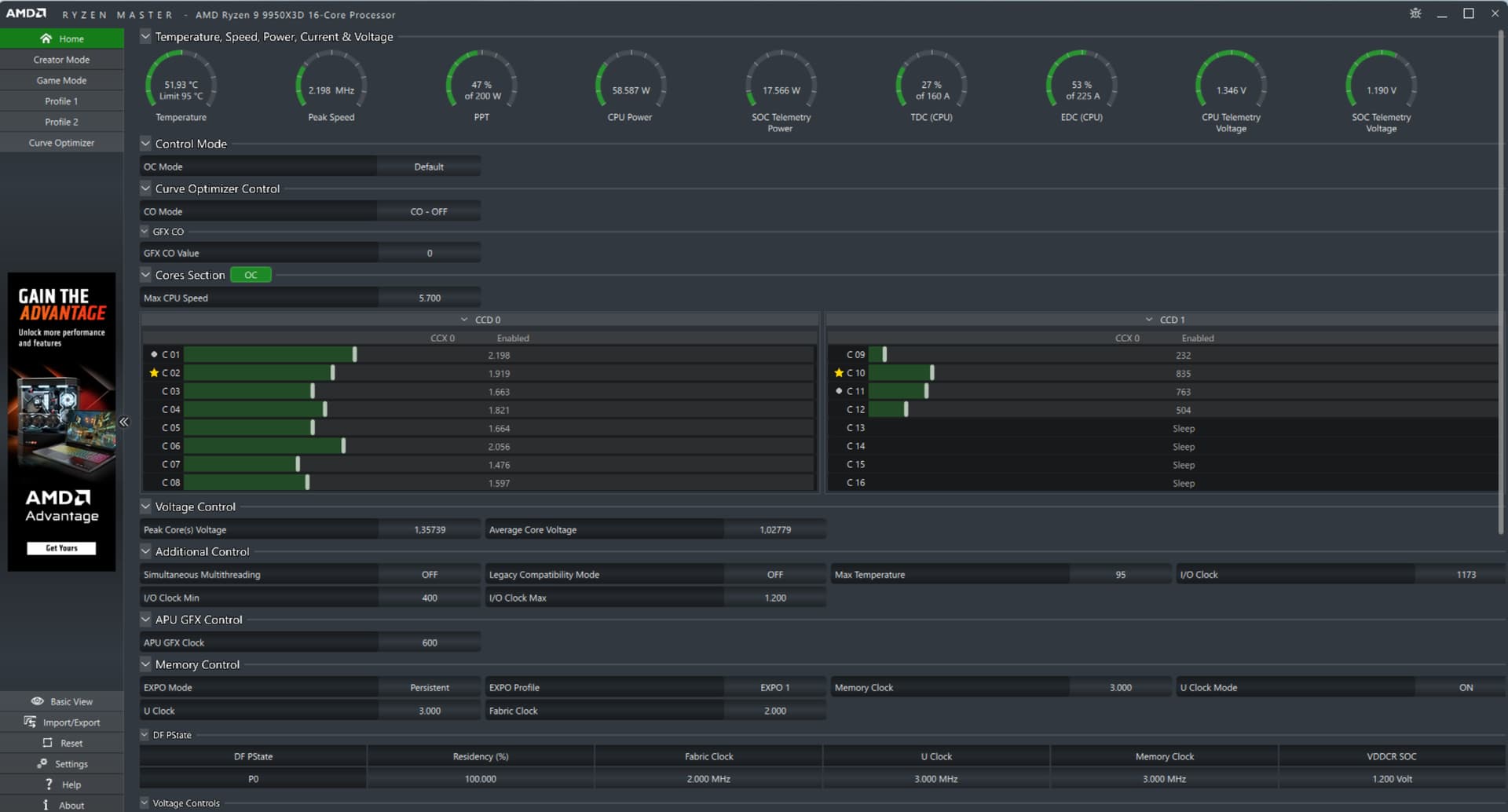
I have a 9950X3D with a 5090. I have found after a lot of testing use performance power plan in Windows 11 is best for me. MSFS running on CD0 and everything else on CD1. Make sure you have the latest AMD CPU chipset drivers.
I have posted this issue in November see: Audio Stutters In Menu / Globe And On Ground / During Flight
The way OP tested it whilst performing a speed test has made it very clear what is going on. This needs to be logged as a bug! It’s been almost 10 months, the sim is unplayable for so many people..
Ok then sorry but I cannot reproduce this.
I don’t chase ridiculously high fps, have my frame rate locked to 30fps and since SU3 was released I have yet to see it drop below this value no matter where I spawn and in what aircraft. The only performance regression that I have noticed is in load time to main menu. During most of the SU3 beta my load time was right around 1 minute but since the last couple of beta releases and the actual release it is now consistently at 1m:25s, a nearly 50% increase.
PC, Steam, i9-13900K, GTX4080, 64G, NvME, 100Gb internet, 2k monitor.
TAA, Max Frame Rate:30, Frame Gen:off, V-Sync:off, NVIDIA reflex: on, Dynamic Settings:off.
Global Rendering: TLOD:400, OLOD:200, everything else on max except Trees:low, Texures:high, Glass cockpit refresh:low, Airports Services through Aircraft Traffic: all on medium, Road Traffic:low.
I’m getting similar problems. Brand new PC with a 5080 and 9800X3D. I’m having three issues:
Crazy stutters - you notice it most at the start of a session when the camera zooms in on the plane. It often does it in two or three steps, like you’re asking a 15 year old office PC to do the graphics!
The frame gen available to 50xx cards won’t stick at 3 or 4. It drops back to 2 every time it’s set.
Sometimes I start it up and get the usual 75+ fps, but other times it’ll be 5-10 and the fan on the gfx card doesn’t start up. I think I’ve sold this with a gfx card driver update.
Update: I’m pleased to say the issue is now rare in Free Flight, but sadly it’s so common in Career Mode that it makes it unplayable. Here is me trying to taxi out in my PPL assessment:
PC Spec:
AMD Ryzen 7 9800X3D
Corsair Vengeance DDR5 64GB
ASUS PRIME RTX 5080 OC 16GB GDDR7 Semi-fanless
Samsung 9100 PRO 2TB PCIe 5.0 M.2 NVMe SSD (14,700/13,400)
Creative Audigy Rx soundcard.
Latest updates on FS24 and latest drivers on the graphics card
Normally, FS24 runs at a silky smooth 100-120fps everywhere on the fairly modest graphics settings I’ve chosen. Occasionally, and quite regularly in career mode, it behaves like this. One odd symptom is the graphics card fan is always silent when it’s doing this - normally a game spins the fan up.
This stuttering is unique to FS24. FS20 doesn’t do it, and neither do other games.
Video taken on my iPhone, rather than a direct screen capture.
I’m currently investigating a possible fix, and I wondered if others could try it. I haven’t had stutters since I’ve done this. I start up FS24, with the default intro animation enabled, and then leave it for 5 or 10 minutes on the menu screen with the animation in the background. Eventually, the graphics card fans will start spinning. If I then start a career mode mission, I don’t get the crazy low fps - it’s smooth. Early days yet, but I’ve done four missions without stuttering.