I’m planning on upgrading from a 2080ti as well. Initially I’d been considering going with AMD this time around. But that was when the upgrade was purely gaming focused. Over the last several weeks I’ve gotten more heavily into Blender, which is pushing me back into the NVidia camp.
I’m hopeful that 4080/4090 availability will improve early next year. At that point the question will be 4080 or 4090 and a new PSU
Rendering in Blender gets a huge boost from the Cuda cores in Nvidia’s cards. The 2080ti score 3221 while AMD’s only scores 2133. The 4080 scores 9249 while the 4090 scores 12137. The 7900XTX will undoubtedly improve AMD’s Blender performance but there’s a huge gap and I’m guessing the 7900XTX may be better than the 2080ti but won’t come anywhere near the new NVidia’s
The same here. The performance has doubled with the same power consumption.
With DLSS even far more!
The 4080 is a super card and whisper-quiet from the good manufacturers. And at least here in GER, in contrast to the 4090, it is easy to get at the RRP. In terms of price/performance, it is actually really good compared to the 4090.
Anyone who thinks that GPUs will ever be cheaper dreams and has missed the last 2 years.
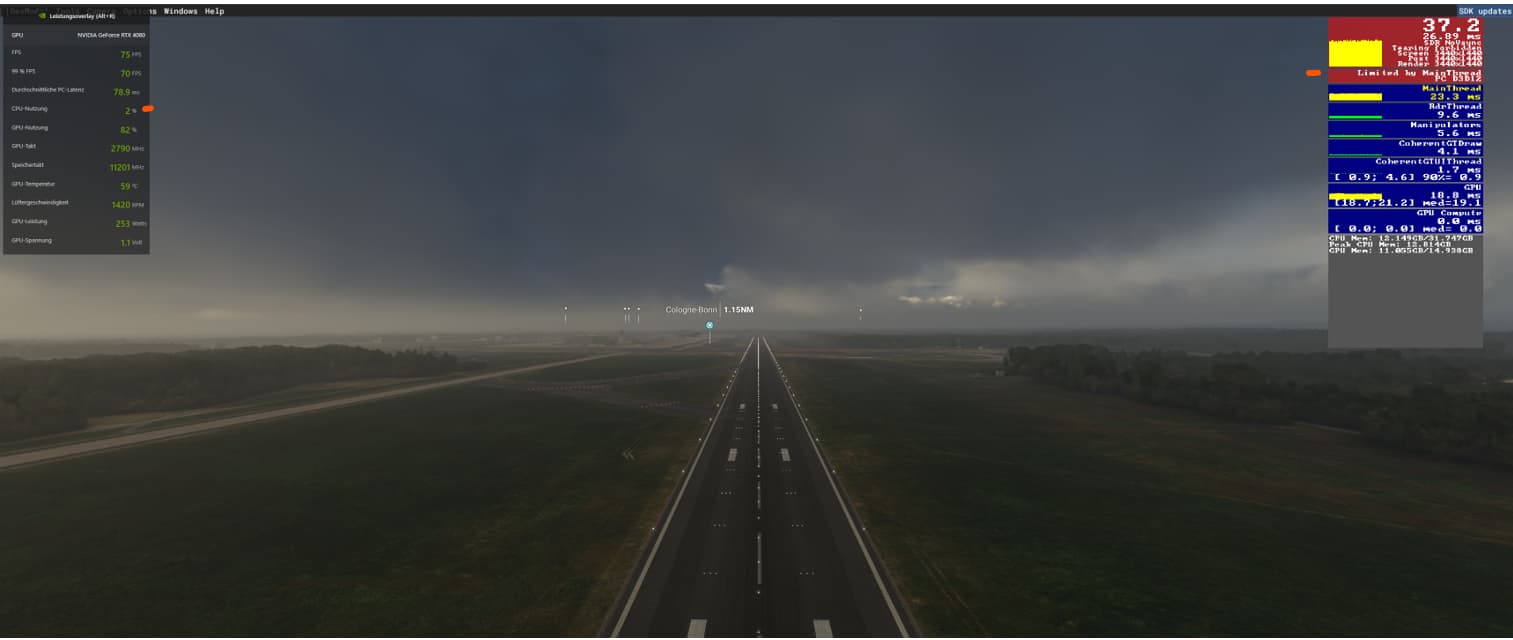
Hey I just wanted to chime in that I’ve been having similar issues as you with my setup. I’ve also got an i9 13900k, 32gb ram, and a Rtx 4080 gigabyte oc. I’m struggling to hold 60fps most of the time in the game and my settings are pretty much all around ultra, I used the GeForce experience to optimize everything so I don’t remember exactly what they are at but I can check if you are curious. I am also running this on a 1440p 34” ultra wide so that could be contributing to the lower frames as well. If anyone with a similar setup is getting better performance please let me know as right now I’m really not feeling the performance boost that the 4080 is supposed to offer.
I jumped in on launch day for the rtx 4080. I am coming from an underpowered gtx 1660 super, so I have been needing an upgrade for a while now. Despite what you will read, I chose the 4080 for its price/performance ratio. I have been watching prices for a while and almost pulled the trigger on an rtx 3080 ti for ~$850 when prices came down after the crypto crash, and it was a better bargain. But prices mostly climbed back to where most versions of the 3080ti were pushing $1100, and 3090 was maybe a bit higher, and 3090ti’s were over $1600. I wanted to wait to see what the actual performance numbers were for the 40 series, so I didn’t jump on the 4090 at launch day. Well, they became unavailable except for scalpers and prices were in the $2000 range everywhere I looked. So when I looked at all the “bad” reviews for the 4080, they were mostly comparing it to the 3080 and for it’s much higher price point compared to that. Well if you look at the actual performance, the rtx is the 2nd best card you can buy, besting the 3080ti, 3090, and even the 3090ti. So why would I buy a 3090 for similar price, or a 3090ti for ~$400 more when the 4080 beats them both for $1200? I would have loved to buy the 4080 for $800, but there was no way that was happening when the 3080 ti was still getting $1000.
As far as performance, I am fairly new to this version of MSFS, so I have played with the settings more than I’d like to admit. I’m using a G2 and only playing in VR. At first it was somewhat disappointing with blurry panel text and even CTD. I think the biggest improvement in visual quality came from switching from DLSS to TAA 100, and going to 150% render scale in OXR and bumping up sharpening to 60% - 80% in OXRTK. It really was amazing how much clearer things got. And I’m running a 10600k, so I dropped TLOD and OLOD down to 100 and get a fps over 30 (main thread limited), using OXRTK MR locked to 30. One thing I noticed is how ridiculous the Nvidia presets were. The TLOD was like over 300! I was getting like 8fps with the presets. One setting can really make a huge difference in performance or visuals and I’m still trying different things to get the best balance.
My full system specs:
Intel i5 10600k
Asus Prime Z590-P
32GB 3200 DDR4
1GB Nvme evo 970 plus
Gigabyte RTX 4080 Gaming OC
Thermaltake 1000W PSU
Windows 10 home edition
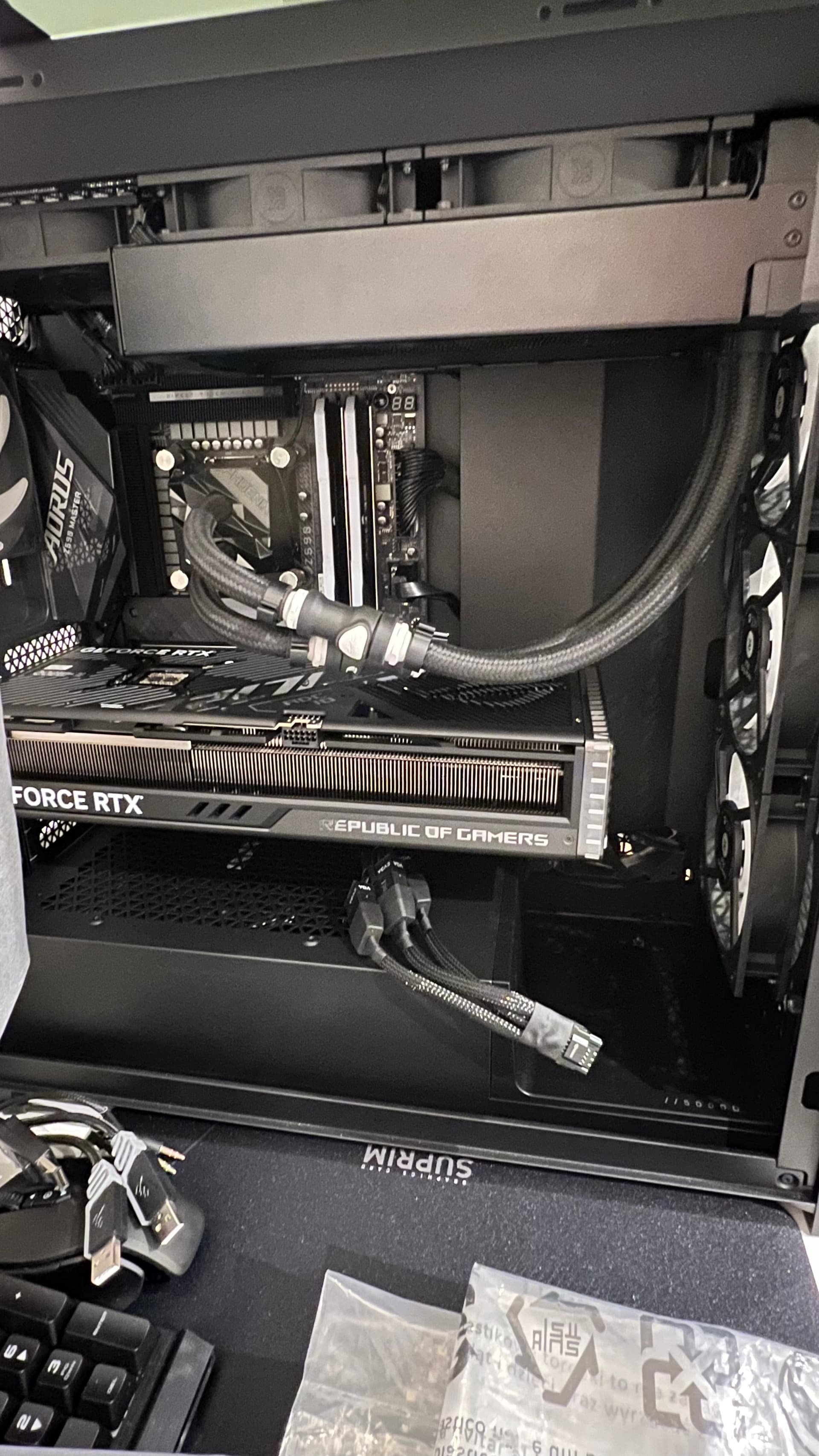
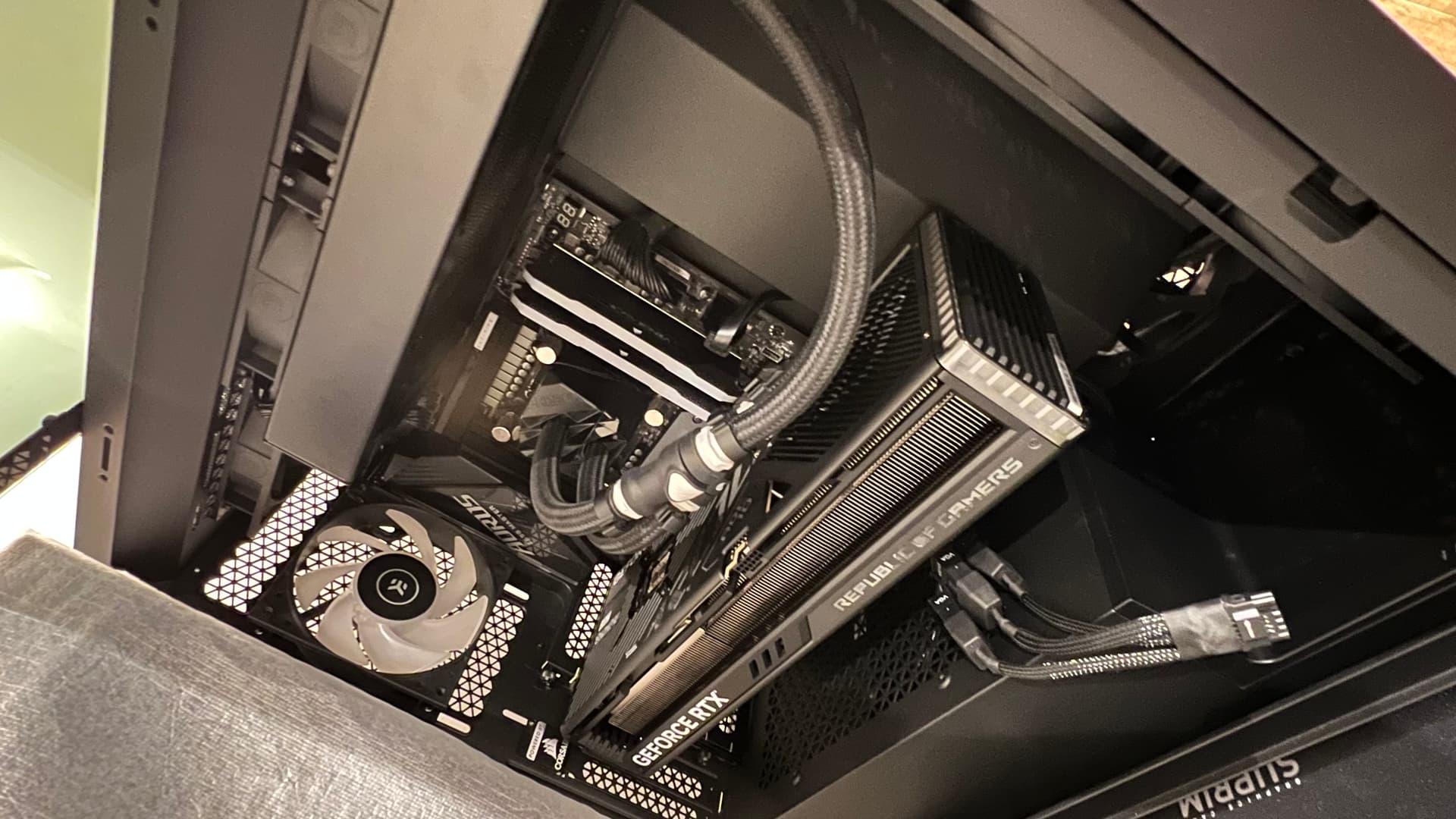
I just got an Rog Strix 4080 OC Gaming Edition and all I can say is “ I have no words” first thing strikes is size first time I just said no can’t be that big well I was wrong! Haha it’s huge even for my 5000D air Corsair case is huge! Due the massive and heavy cooler GPU all together almost 3kg so here is that!
GPU is unbelievable! Now once I come back from holidays I will test this bad boy! As I’m away on holidays and can’t wait to see the deference from my 3090 FTW3 Ultra, hope my i9 11900k @ 5.2 all cores can handle this much power! Hehe for 1440p and 4K as I will be playing MSFS @ 4K
My RTX 4080 FE and 5800x3d CPU are arriving end of this week. I was able to buy the 4080 FE from
Best Buy with the 10% discount last week so it ended up being a good deal.
I am upgrading a RTX 2060 and 3900X CPU.
My monitor is 1440p.
What are the ideal settings for my new setup to max out clarity and detail while maintaining solid fps at all times?