I would love some feedback from VR sim pilots who have a similar setup to mine as I thought my setup would run the sim in VR with a reasonable framerate, stutter free.
I’m running a fresh Windows 10 install on a PC with the following spec.
RTX3080, I5 12600, 32gig of DDR4, Ssd’s for main drive and sim drive.
Oculus 2.
I have all msfs2020 settings set to low or off. The TLOD and OLOD are set to 80. I’m using Dlss. I have tried every tip and trick to I’mprove performance but I’m still getting stutters and poor frame rates. My conclusion is current hardware is not up to the job yet and maybe I will have to sell my soul for an RTX4000 series when they’re released.
I have tried pancake mode and it’s super smooth with all detail turned up.
Thanks for taking the time to read this and would love to hear of your experience.
Have the same hardware only processor R7 3700x. Before update 9 in the sim everything on normal and very good fps quality, after update 9 very bad fps quality. We have to wait for SU10, then everything will be better.
I have a 3080Ti with an i7 11gen CPU. I have the G2, and I am not familiar with the Oculus 2. However, my VR is excellent in the current Beta SU10.
I do not use OpenXR Toolkit anymore, but that was the only way before SU10 that I could get acceptable performance.
I have a powered USB hub that gets power from my power bar. This is highly recommended.
The only setting I have enabled in the Nvidia control panel is Low Latency Mode = Ultra.
I do not use motion smoothing or reprojection with the G2.
The fact that your settings are so low suggests it’s not the graphics card that is holding you back. I suspect it may be the USB power. I have a 4 port SABRENT model that I am very happy with.
Why would you set low latency mode to Ultra? Pre-rendered frames are important for a stutter free experience.
I changed to Reverb that was a gamechanger. never got that Ocolus to work well
Thanks again Guys, I rely appreciate all your input. I will definitely get a powered USB hub, that sounds like a great idea. I would love to try a Reverb and do a direct comparison.
It’s an Nvidia recommendation.
Well one cold hard fact is that there’s no hardware that runs this game at framerates that are considered “ideal” for VR. What you can strive for is relatively stable and low-ish framerate. Some people are more bothered by this than others.
Hi,
Sorry to hear you’re not getting the results you’re looking for.
I use a Quest 2 and have an i7-10700k, 32GB RAM, RTX3070, Win10. I use the official Oculus link cable, with good headset resolution, most MSFS settings on medium/high, TLOD and OLD at 100 or slightly above. I usually fly without ASW and can usually maintain 40FPS in most situations and aircraft which is perfect because I use the Quest 2 in 80Hz mode. My setup also works via AirLink, but I simply prefer the cable because it keeps the headset charged.
Im still on Sim Update 9, so not using DLSS. I’m very happy with my performance. Happy to share my setup in more detail if you like?
Cheers,
Thanks so much for the feedback. I too am using the official link cable plugged into a usb3 port in my PC. Its amazing that you’re getting smooth flights. Its the stuttering that I’m being affected by. I must point out that I’m flying Hype Performance Groups Helicopters, so I tend to be flying low with a lot of scenery to move around. I would love to see your settings to compare. I’m using the Quest 2 on 72hertz. I will try 80. 
I have a very similar setup except I have Ryzen 5600X. I’m running the sim at Q2 native res c. 2,700, TAA100, Clouds on ULTRA, the rest on MEDIUM or HIGH. I’m getting c. 30FPS in most scenarios (Photogeometry OFF). Really depends on your expectations, but I’m quite happy. The best experience I’ve had since I started with the sim around SU5.
I can’t believe that you can’t have a good experience with a hardware like that..
I’m using a i5-9600k with a GTX1660 Super and having a blast with those last updates.
Maybe this video can have something that could help (its not in english but I carefully edited the subtitles)
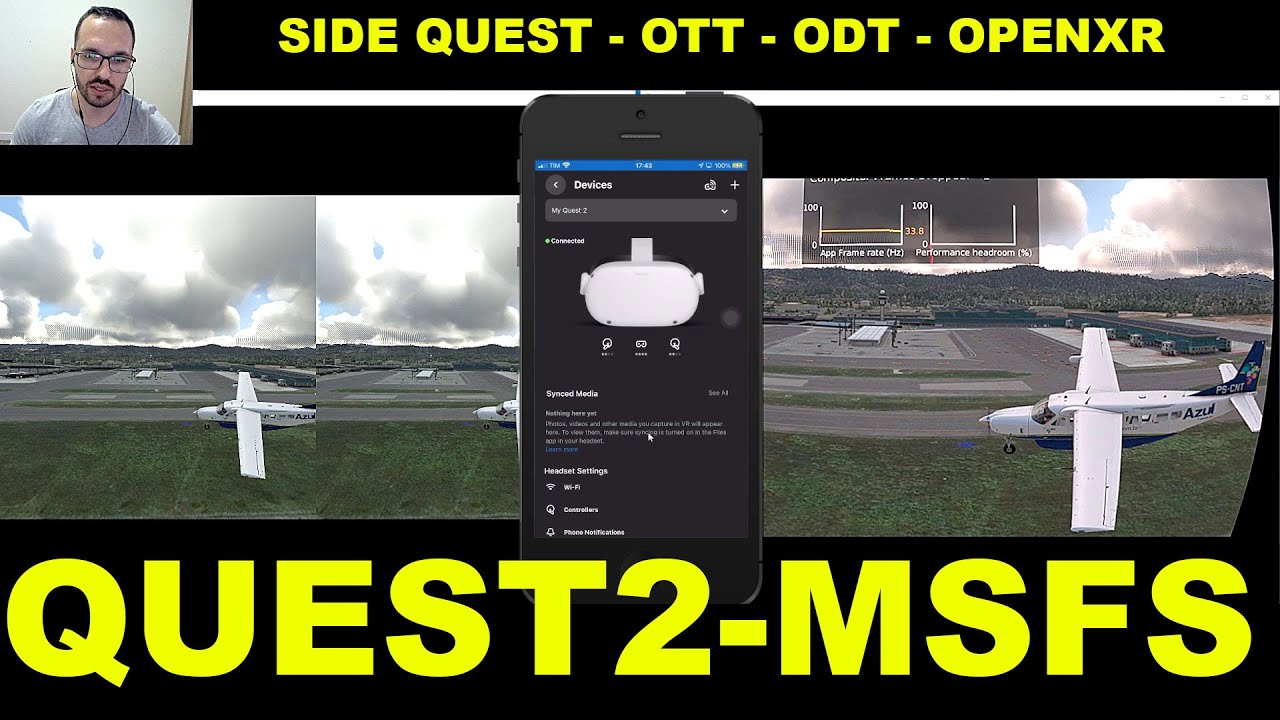
Cool, I also fly helicopters - I have the H145 pack.
I also fly general aviation, jetliners, etc.
My link cable is plugged into a USB3 C port on the back of my motherboard.
No worries, I’ll try to upload a few screenshots later tonight. In the meantime, you can try the following, which I found made the biggest difference for me:
- In nvidia control panel, cap your max FPS to 40 for the sim; and use 80Hz mode in the headset.
- I am using the OpenXR toolkit, but it’s only for colour contrast enhancements. I’m not using any fixed foveated rendering
- I can’t recall my Oculus headset resolution off the top of my head, but I believe it ends in x2448.
- in game resolution is set at 100
- In the oculus debug tool, I disable ASW and set my FOV to: 0.87 x 0.85. I don’t wear glasses, however, I do use the spacer in the headset because it means I don’t notice any reduction in the FOV when flying. My wife occasionally uses the headset and she does wear glasses so it’s also good from that perspective.
- in the sim, change texture resolution to medium (if it’s not already). Most of the time it was fine on high but making this change made a huge difference when flying around add ons like Vienna and Chicago.
- I have clouds at medium now, I used high for months and was never happy with the way they looked. On medium, I find there’s way less pixelation on the edges and they actually look a lot more natural to me. Helped gain a few extra frames too.
- as I said, I don’t use ASW very much but if I do want to really enjoy staring at something super closeup (e.g., castles), I use the Oculus Command Line interface and switch to 30HZ mode. It’s a simple command I can enable/disable whenever I like without coming out of VR. It caps the frames in the headset to 27fps for a smooth experience. Soon as I’m done I disable it again. Sometimes, I find I need to use ASW more so in the Bell 47 helicopter but there’s barely any artefacts so I actually don’t mind.
Cheers,
Thanks so much fot taking the time to list all your settings. It’s great to hear you’re flying Hype heli’s too, and the Bell 47. I have a days leave today so I’m excited to try all the settings you mention.
I will let you know how I get on.
Thanks again 
Just like DeltaFlyer44, I use the ADB CLI command interface for Quest2 to change ASW rates (and ASW on/off) INSTEAD of trying to use ODT or OTT. I make them into little BAT files and then setup a Desktop Shortcut ICON so I can just quickly lift my VR Headset and then click on the Icon without needing to stop/start VR. Here is an example to set “30 FPS” (really one-third of 90,80,72…) ASW:
ECHO ON
echo server:asw.Clock30 >> “TEMP.txt”
echo perfhud set-mode 0 >> “TEMP.txt”
echo service set-pixels-per-display-pixel-override 1.3 >> “TEMP.txt”
echo service set-client-fov-tan-angle-multiplier 0.75 0.75 >> “TEMP.txt”
echo service enable-adaptive-gpu-perf-scale off >> “TEMP.txt”
echo exit >> “TEMP.txt”
call “C:\Program Files\Oculus\Support\oculus-diagnostics\OculusDebugToolCLI.exe” -f “%~dp0\TEMP.txt”
del “TEMP.txt”
EXIT
//Notes:
//Clock30 actually means one-third of 90 (=30) but if the HMD is set to 72fps, then the result is 24Hz ASW
// ASW options are 45,30,and 18 ( Why not one-fourth = 22.5)
//perfhud set-mode 1 shows Performance (1->7) and reset removes it
//layerhud set-mode 1 shows Pixel Density and FOV and reset removes it
//For more settings, startup OculusDebugToolCLI.exe and try the various help options
OP, you should be getting decent, quite smooth, gameplay with your setup.
Extremely useful, thanks for posting that 
DeltaFlyer44, you are. A genius. I tried the various settings you suggested and the setting that made the biggest difference was locking the framerate to 40fps and setting the Quest 2 to 80hertz.The other big benifit is that my RTX 3080 runs so much cooler. Thanks so much again for all the advice and happy flying.
I settle with 30 FPS ASW for smooth experience
Ocullus Render: 1.2x
RIG:
RTX 3080 Ti
I9-9980HK
ROG Mothership GZ900X
Still can’t solve poor colour with Ocullus Link, seem like I need to upgrade to HP reverb G2
I’m with you, I’d love to try a G2 just to see the difference in preformance and visual quality.