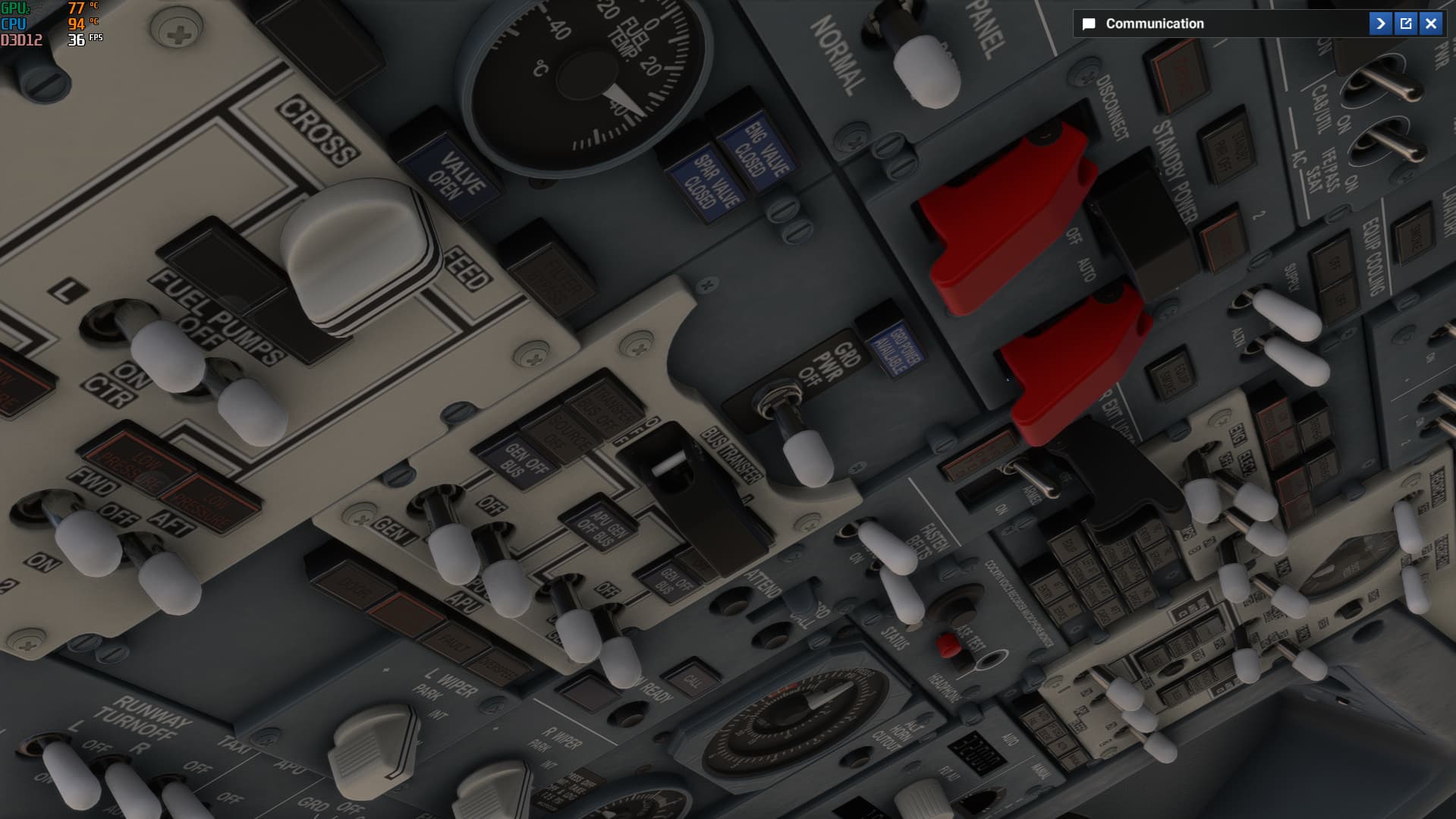
Asobo 737 MAX - Button Backlighting Is Extremely Dim During Daytime (Almost Invisible)

ISSUE DESCRIPTION

Description of the issue:

Hi,
In the 737 MAX cockpit (MSFS 2024), button backlighting is extremely dim during the day—even at full brightness settings. At night, lights appear, but autopilot buttons like HDG, ALT, NAV only show their lights when I zoom in. From normal pilot view, they’re barely visible or not at all.
Is this a known issue? Any fix?
Thanks!

[PC Only] Did you remove all your community mods/add-ons? If yes, are you still experiencing the issue?

I did but nothing changed.

FREQUENCY OF ISSUE

How often does this occur for you (Example: Just once, every time on sim load, intermittently)?

Everytime

REPRODUCTION STEPS

Please list clear steps you took in order to help our test team reproduce the same issue:

YOUR SETTINGS

If the issue still occurs with no mods and add-ons, please continue to report your issue. If not, please move this post to the User Support Hub.

What peripherals are you using, if relevant:

[PC Only] Are you using Developer Mode or have you made any changes to it?

No

[PC, MSFS 2020 Only] Are you using DX11 or DX12?

DX12

[PC Only] Many issues may be due to an outdated graphics card. Please state your Graphics Card Driver Manufacturer (NVIDIA, Intel, AMD) and Version:

[PC Only] What other relevant PC specs can you share?

AMD Ryzen 9 7940HS, RTX 4070 Laptop 8 GB, 32 GB RAM (5600 MHz) 2 TB NVMe SSD

MEDIA
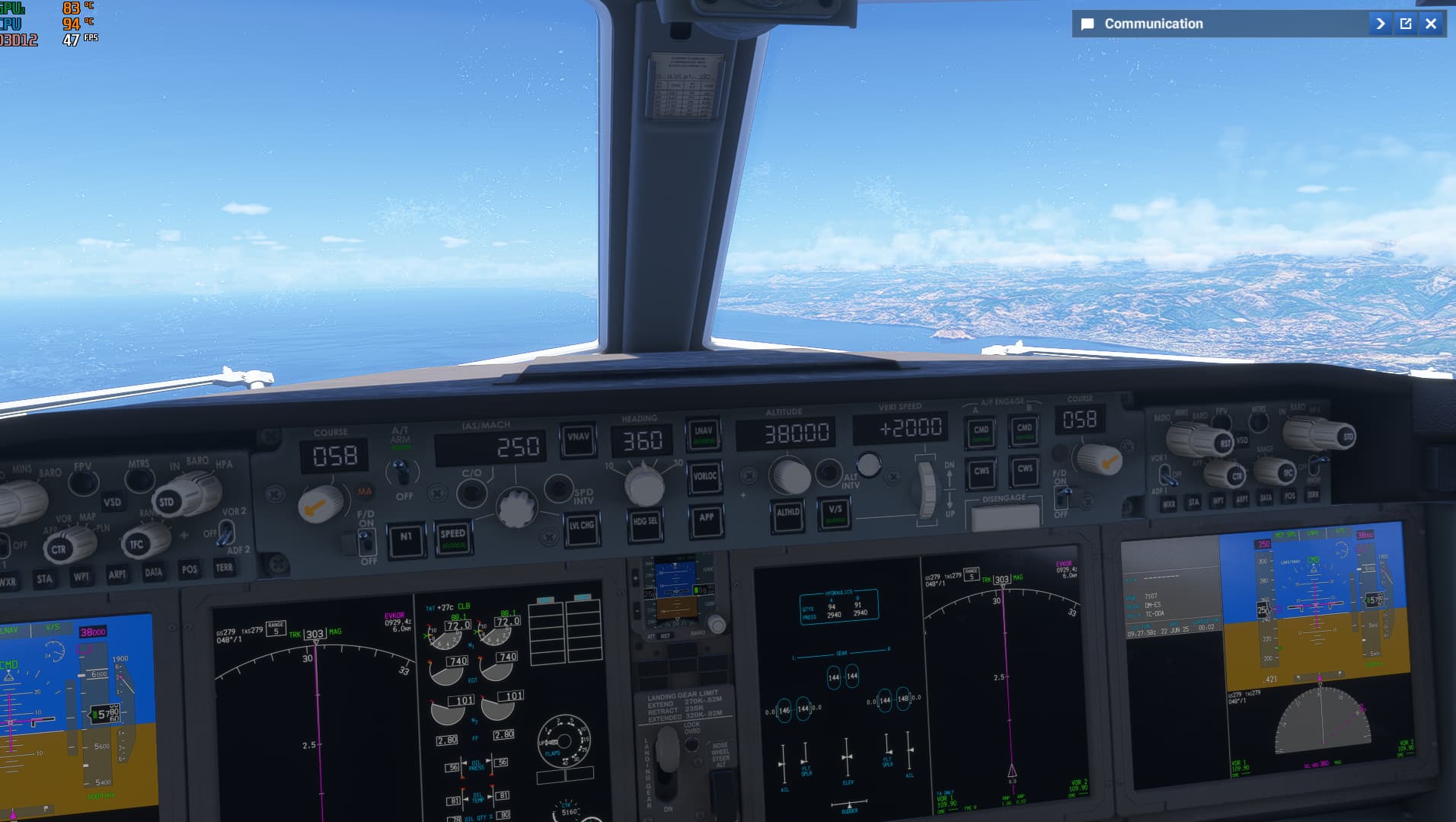


https://streamable.com/33p9qi

[END OF FIRST USER REPORT]


:loudspeaker: For anyone who wants to contribute on this issue, Click on the button below to use this template:

Do you have the same issue if you follow the OP’s steps to reproduce it?

Provide extra information to complete the original description of the issue:

If relevant, provide additional screenshots/video:

Hi.
Yes I noticed this too.
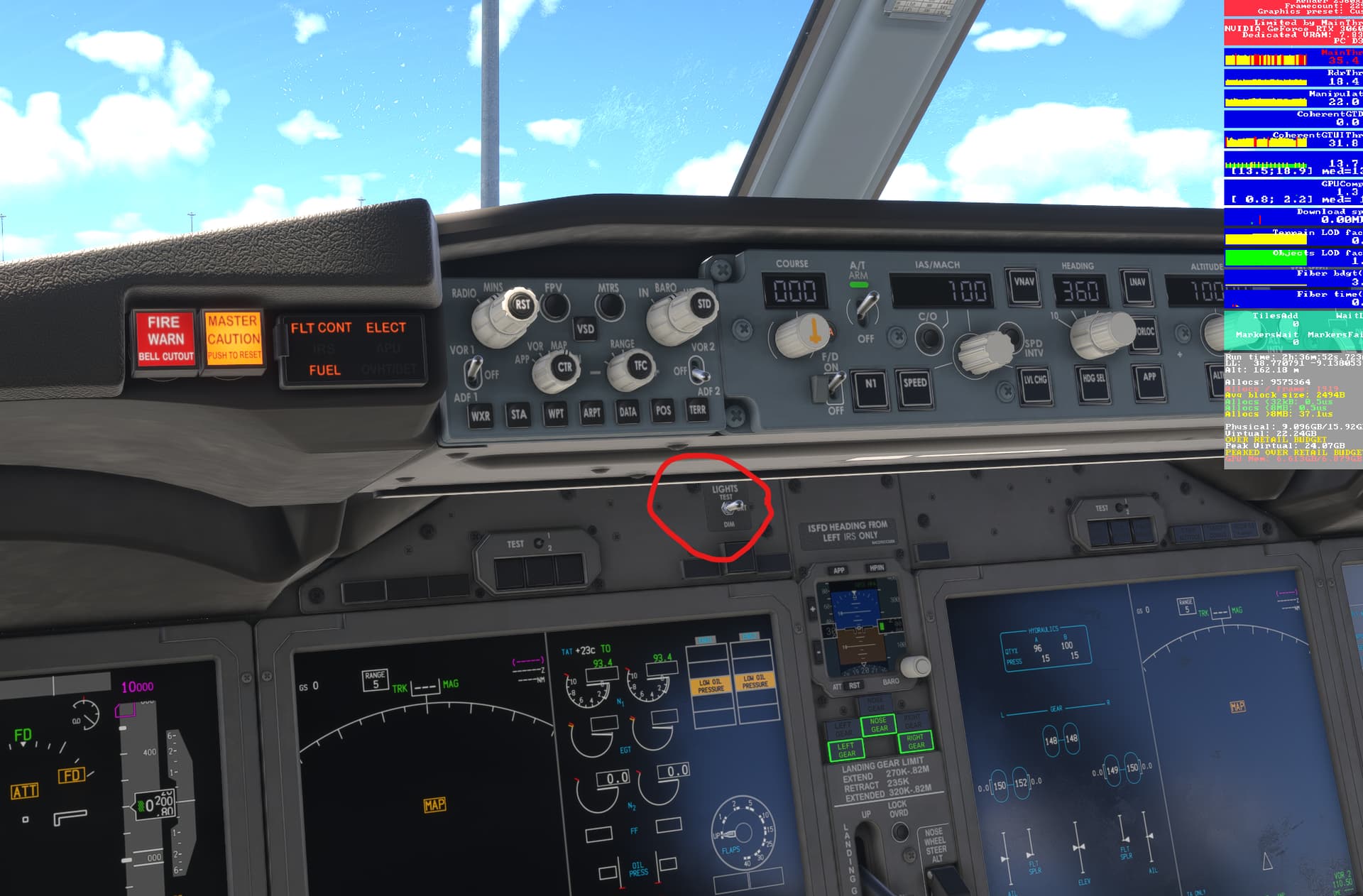
You have a switch that toggles the brightness of all the switches that’s a bit hidden and defaults to DIM. It’s called lights test and its between the AP controls and the left inner screen.
It helps a bit toggling it to BRT.

thanks for the answer but I could not find the switch. Would you mind uploading a screenshot?

thank you, it got only a little better and it’s still so dim. I saw a gameplay video on youtube and the button lights in the video were bright as it supposed to be. on the other hand I don’t know how to solve the problem that ap button lights are vanishing when zooming out. clearly it is a technical issue and hope Asobo would see this topic.

Hi @chatnyurur ,

Thank you for this report. We’ve moved your topic into the User Support Hub.

The Bug Reporting Hub is for posting suspected or confirmed bugs that other users are able to reproduce without duplicating an existing bug report. Using the template or providing all the relevant information about your bug and sim setup is required in order to provide valuable information, feedback, and replication steps to our test team.

If you are not sure if your issue is a bug or need further input from the community, please use the User Support Hub category. If the community can replicate your issue, first search the Bug category to see if there’s an existing topic. If it already exists, contribute to that report. Duplicate bug reports will be closed.

If you believe it is a new report and no duplicate exists, then create a new bug topic using the provided topic template.

All issues caused by or involving third-party addons/mods should be reported to the third-party developer. Assure that no addons/mods are used when reporting issues in Bug Reports.

It’s actually a bug, one that no one seems to care too much about, or at least a minor one, compared to the vast number of bugs currently plaguing FS24. I think the problem isn’t just specific to the 737 Max, it’s probably related to a general ambient lighting issue.

I’m afraid that it may take at least 2 years to solve all the issues of the sim.

It would be interesting to know if they were using or not any mod to achieve that.

Since you have followed some recommendations posted by other users in your post and still cannot achieve a correct backlighting you can create a bug report, without deleting the template and filling in all key fields. They are important for the devs to reproduce the issue and other users that want to contribute to it.

I’ve updated the post with the template

1 Like

I find that almost every plane I’ve tried in 2024 has dim lighting during the day. At night it’s fine, but day time it’s hard for me to see the cockpit buttons. At first I thought there was no lighting at all until I tried moving the time slider back and forth. It’s better in 2020 but even in 2020 sometime after the first few sim updates something changed with how the contrast between the cockpit and day light outside works. I think it was called eye adaptation. They messed with it and either did away with it or changed the settings. It makes the cockpit area so much darker than it should be.

it’s not about the settings, it is about the plane itself. I installed pmdg 777 and saw that button lights are so bright. clearly this is a bug which Asobo should fix (god knows when)