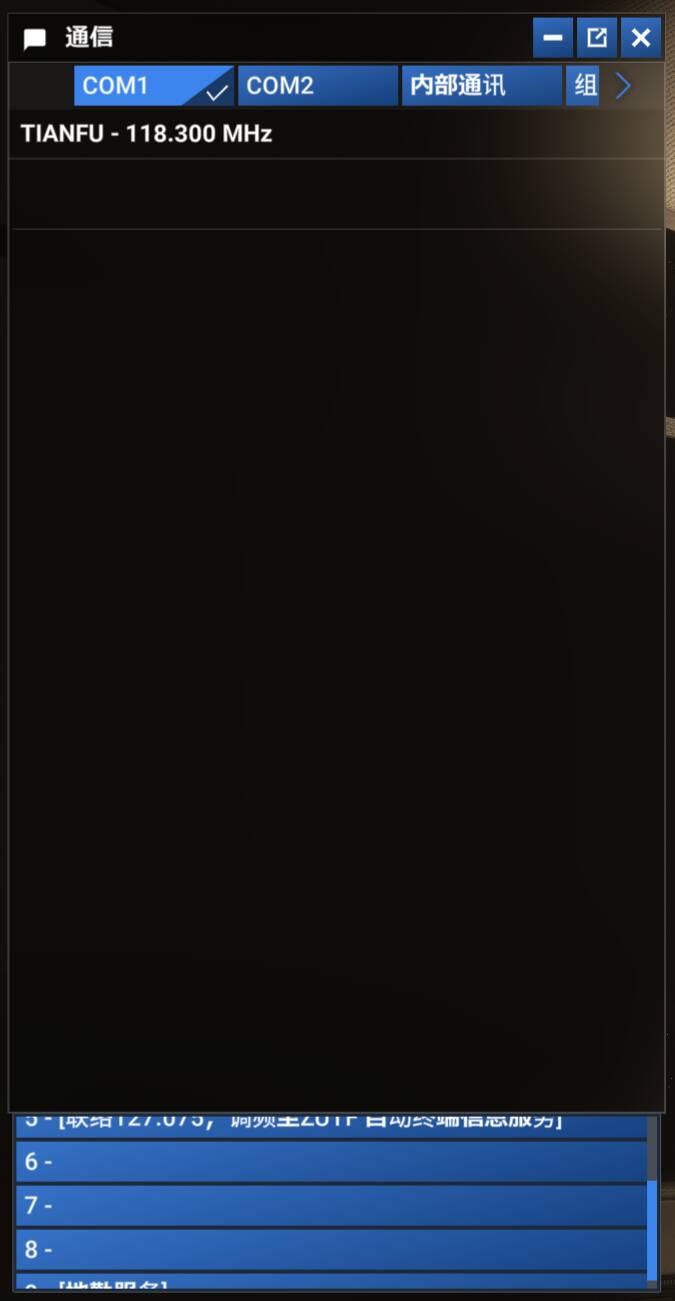
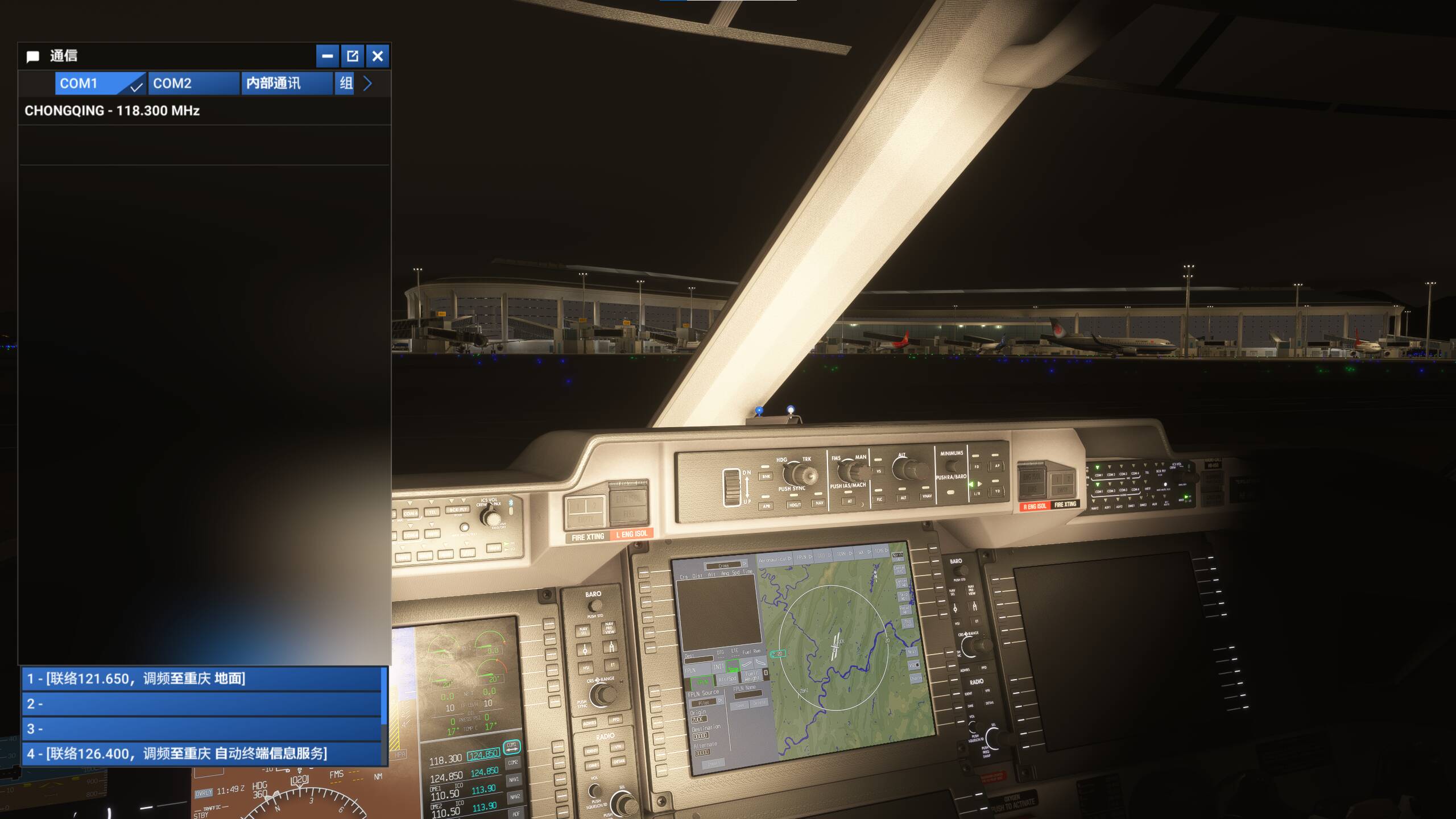
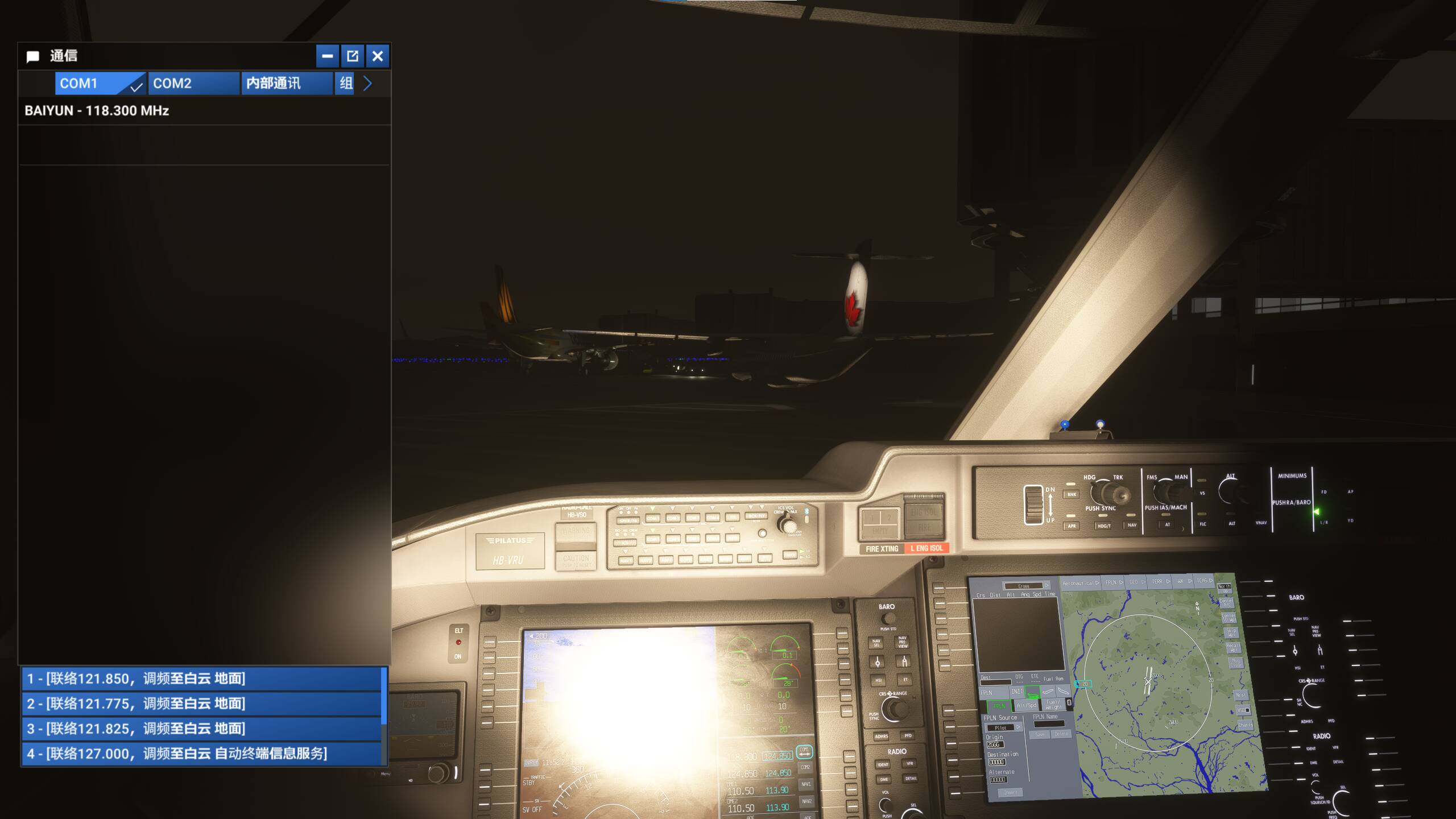
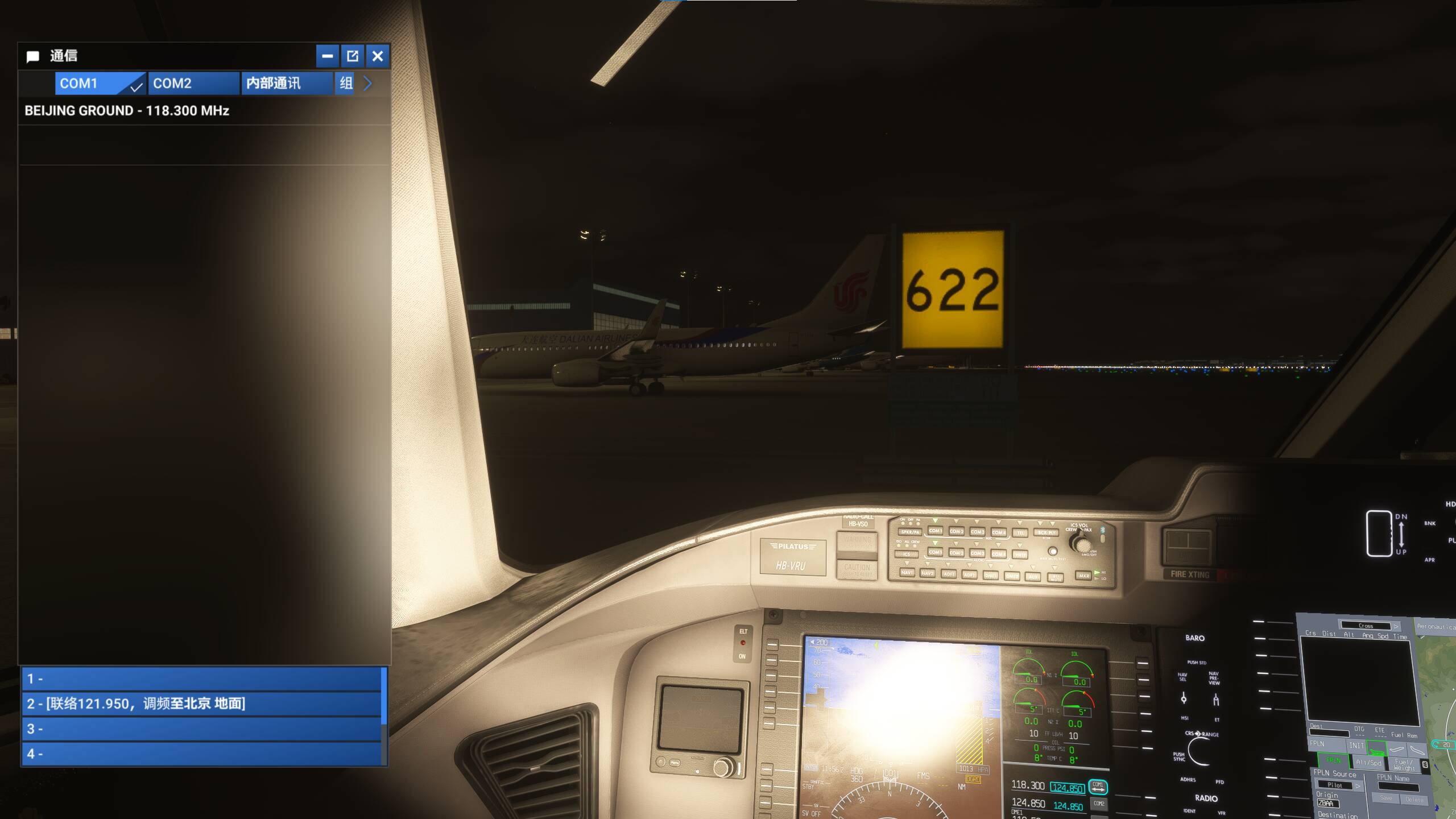
This issue seems to be fixed in today’s beta build (1.5.18)!
But it also seems that some airport scenery can cause this issue as well.
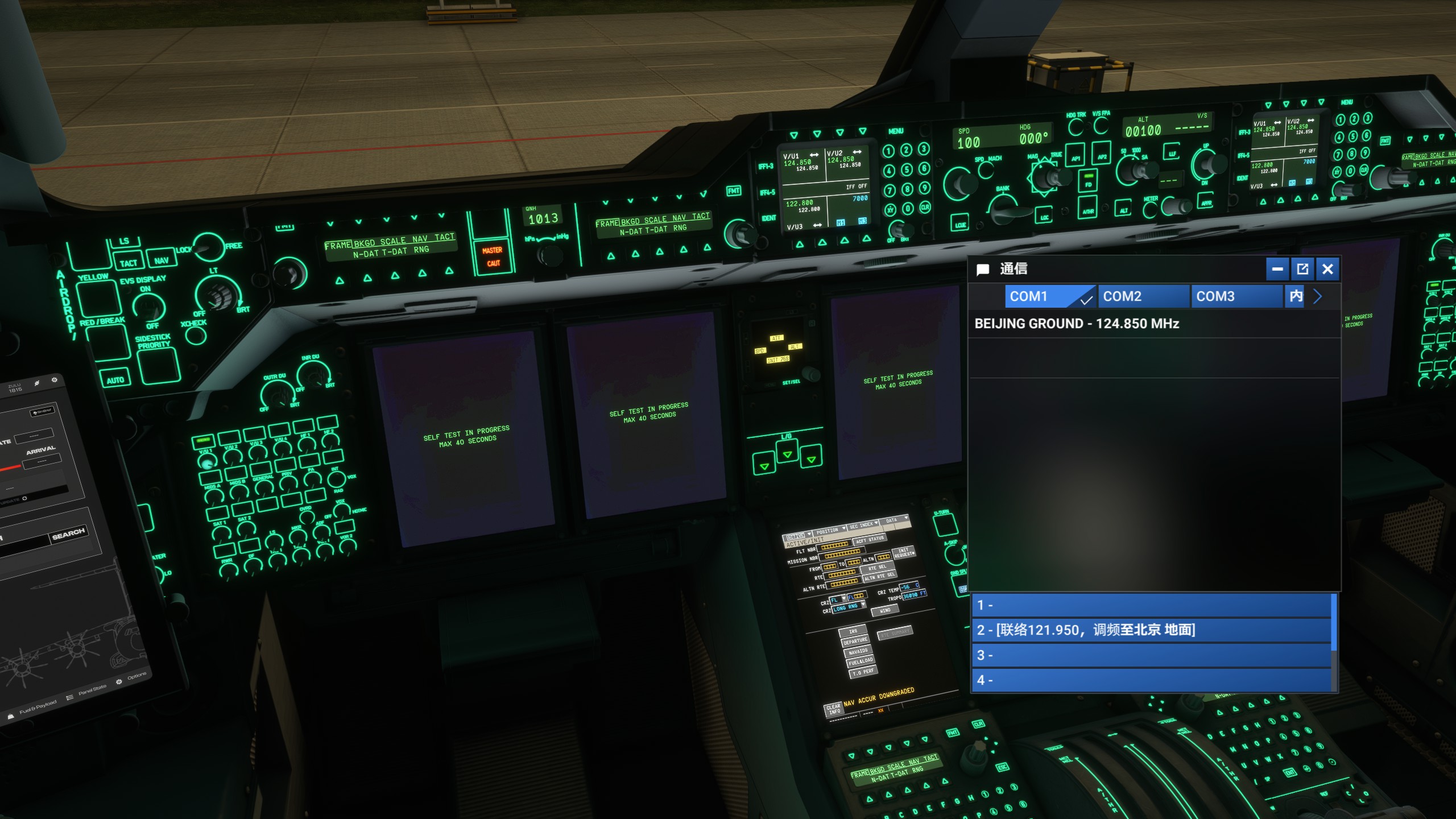
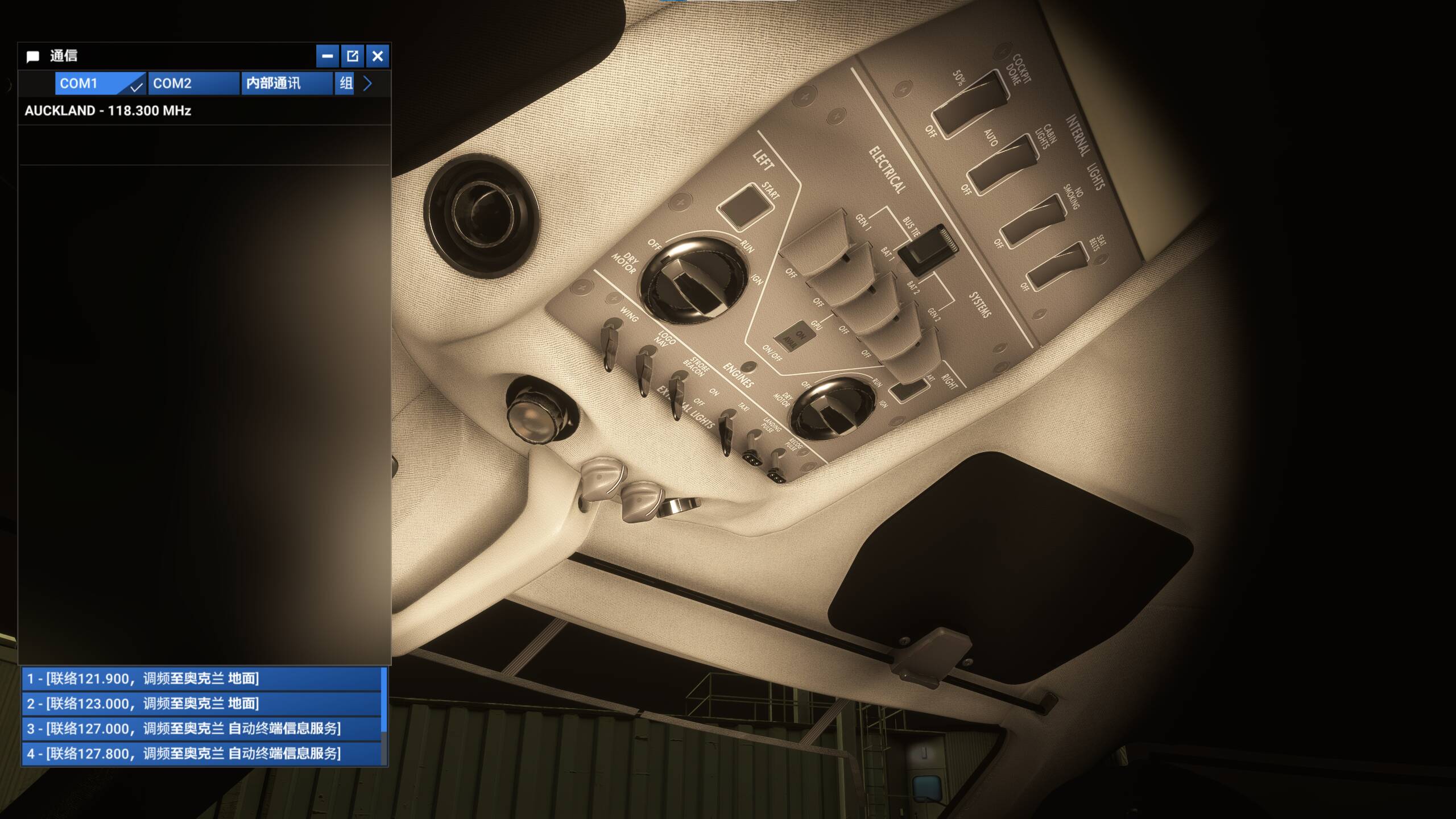
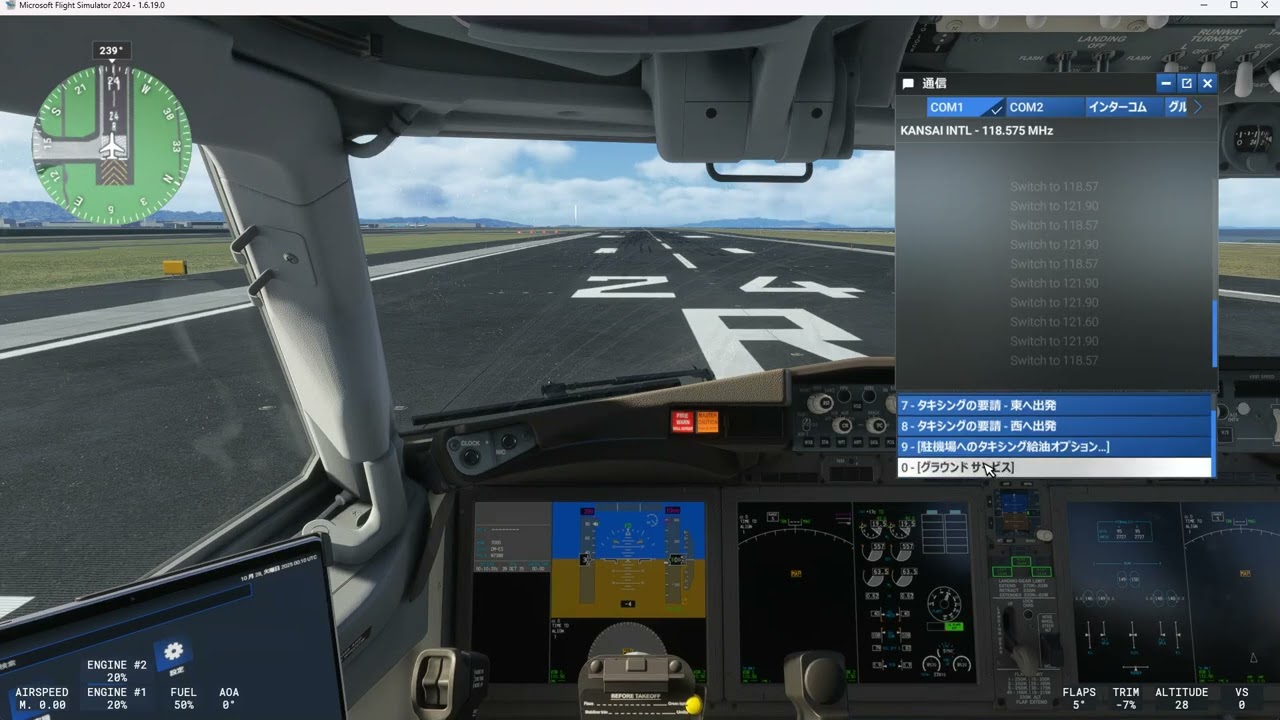
When enabled ZBAA airport scenery from WF Scenery Studio, spawn at ZBAA, and the ATC menu will show blank options.
After disabling that package, this issue is resolved.
I don’t know if this is related to the scenery package or if there is still some related bug.
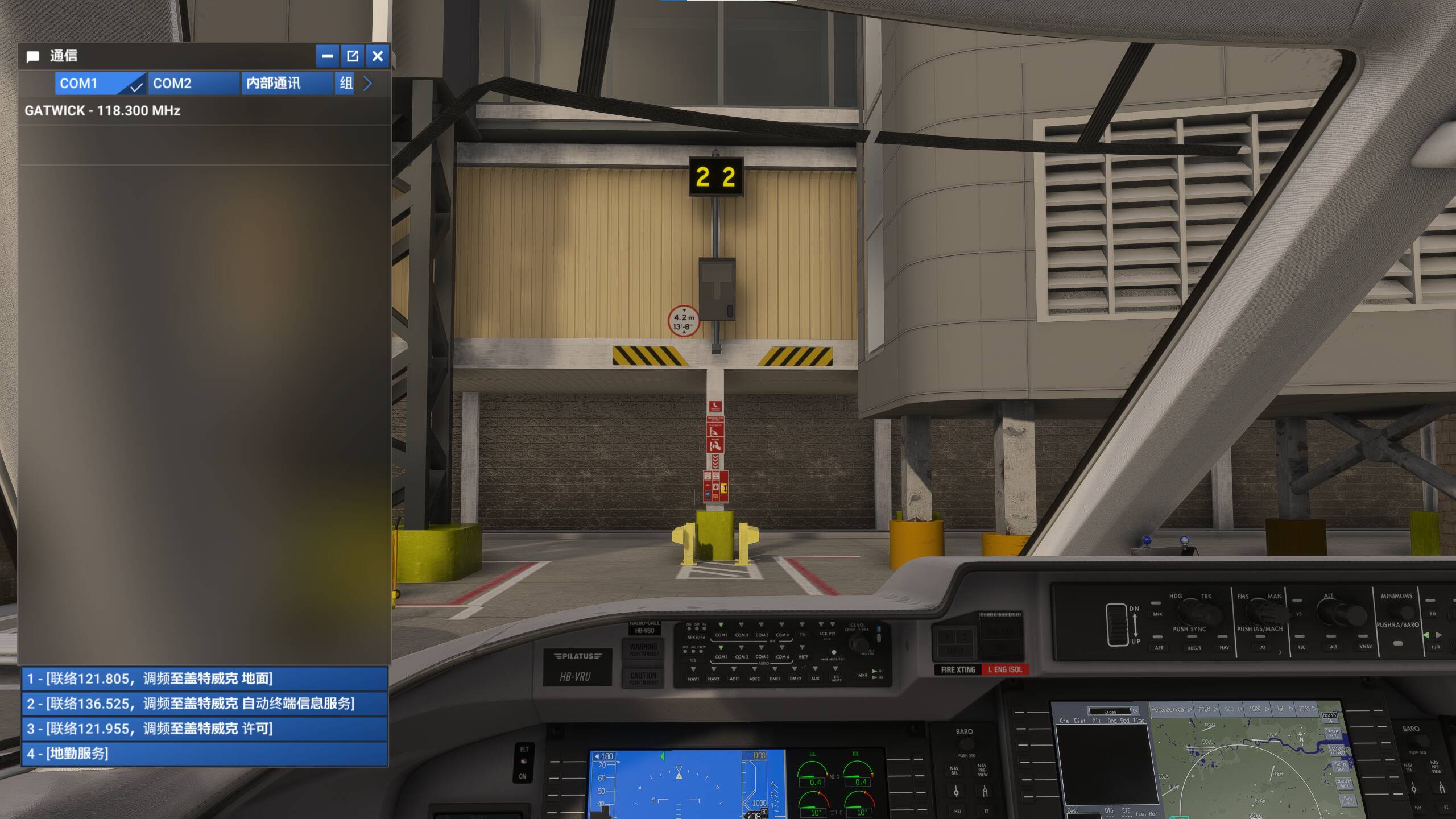
Besides that, I have tried RJTT, EGLL, and TNCM, all work fine with no issues.
When enabled ZBAA from WF Studio.
When not enabling that package.
EGLL, no issue.
More tests
KJFK default scenery, there is one blank option.
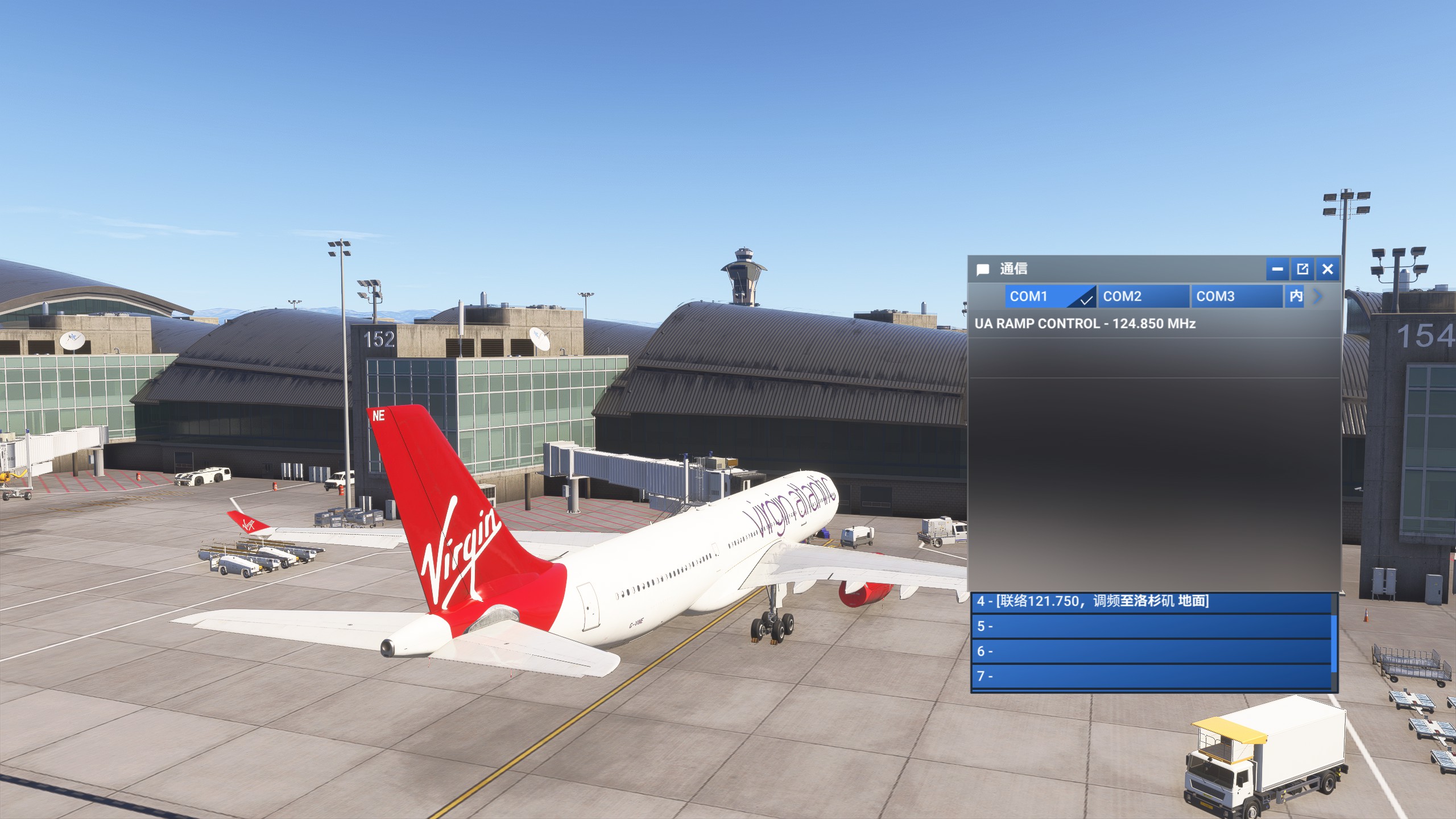
KLAX default scenery, there are many blank options.
Thank you for posting screenshots and providing the location - sent that to our test team!
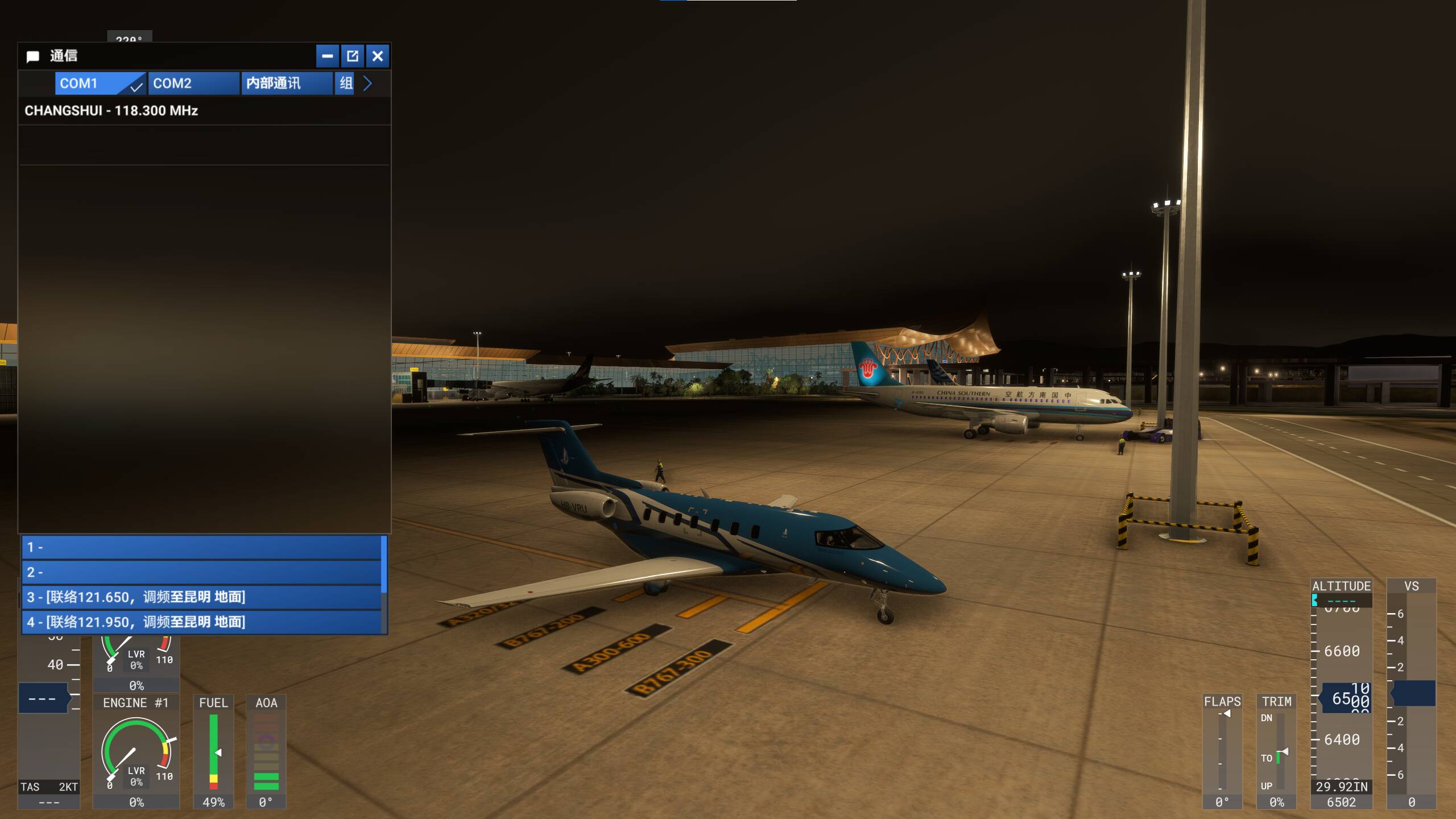
ZPPP with SamScene (Marketplace) installed. Missing 2 options.
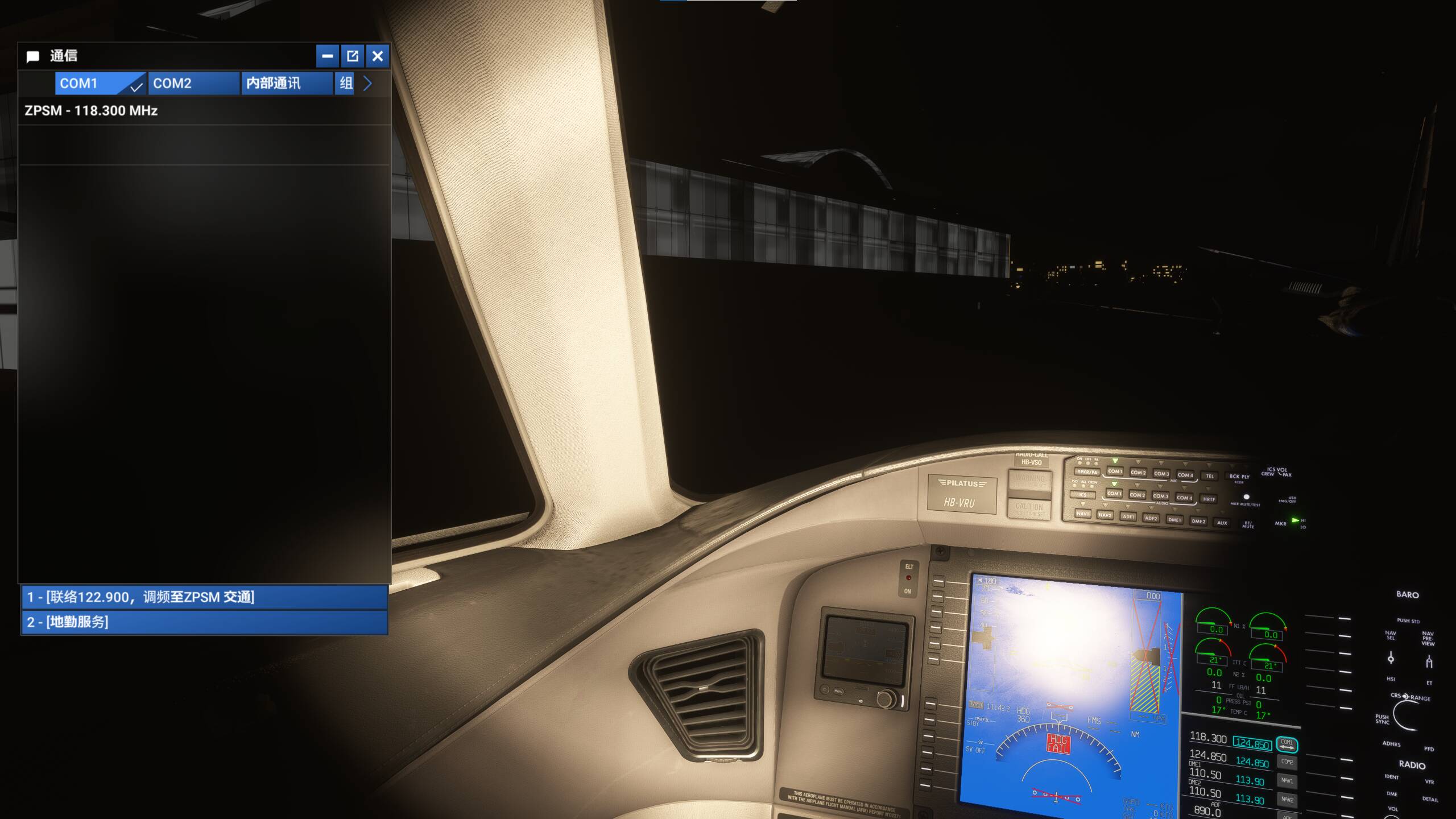
ZPSM with defalt scenery, works okay.
ZUTF with default scenery. It seems the problem may not be relevant to the 3rd party addons. ZUTF is a newly built large international airport. Option 1,2,3,6,7,8 are missing.
ZUCK with SamScene (SimMarket) addon installed. Missing 2 options.
ZGGG with no addon, works okay. ZGGG is a large intl airport and has been the busiest airport in the world in 2020.
ZBAA with WFSS addon (Orbx) installed. Missing Option 1,3 and 4.
ZSHC with no addon, works fine.
OMDB with Asobo handmade addon, works fine.
EDDM with world update handmade addon, works fine.
YBBN with iniBuilds addon (Marketplace), missing option 1,2,3.
NZAA with FlightBeam addon (Contrail), works fine. So it also may not be relavant to 3rd party addons.
YMHB with NZA addon (Orbx) installed. Works fine.
EGKK with free flightsim.to addon, works fine.
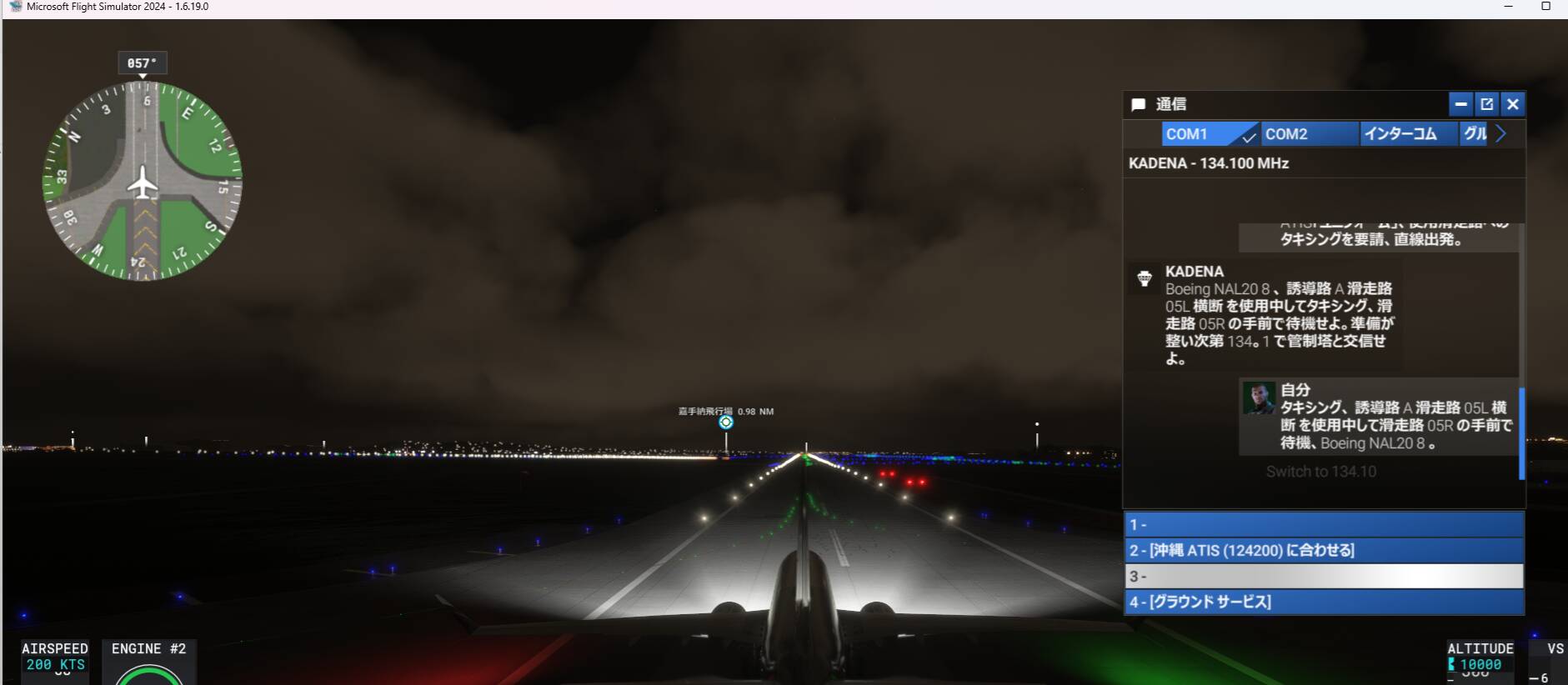
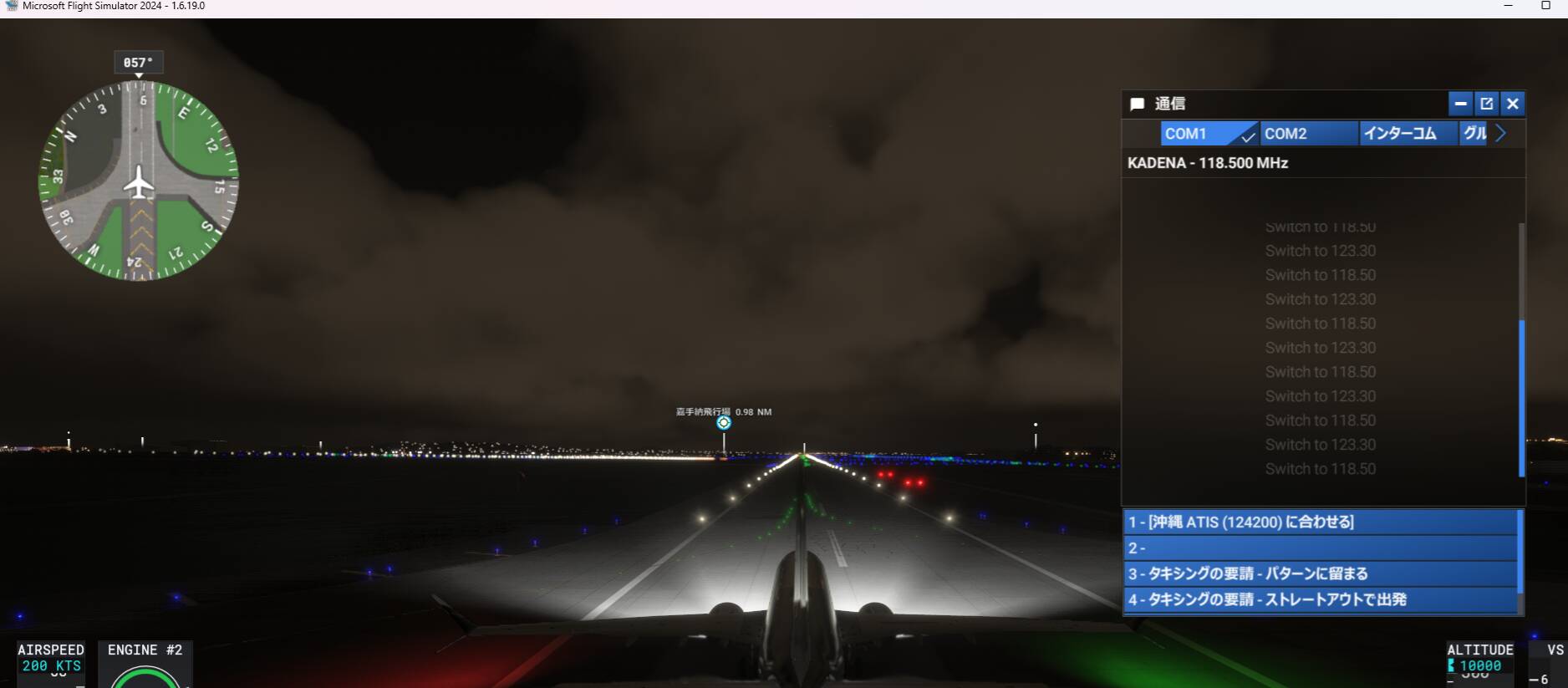
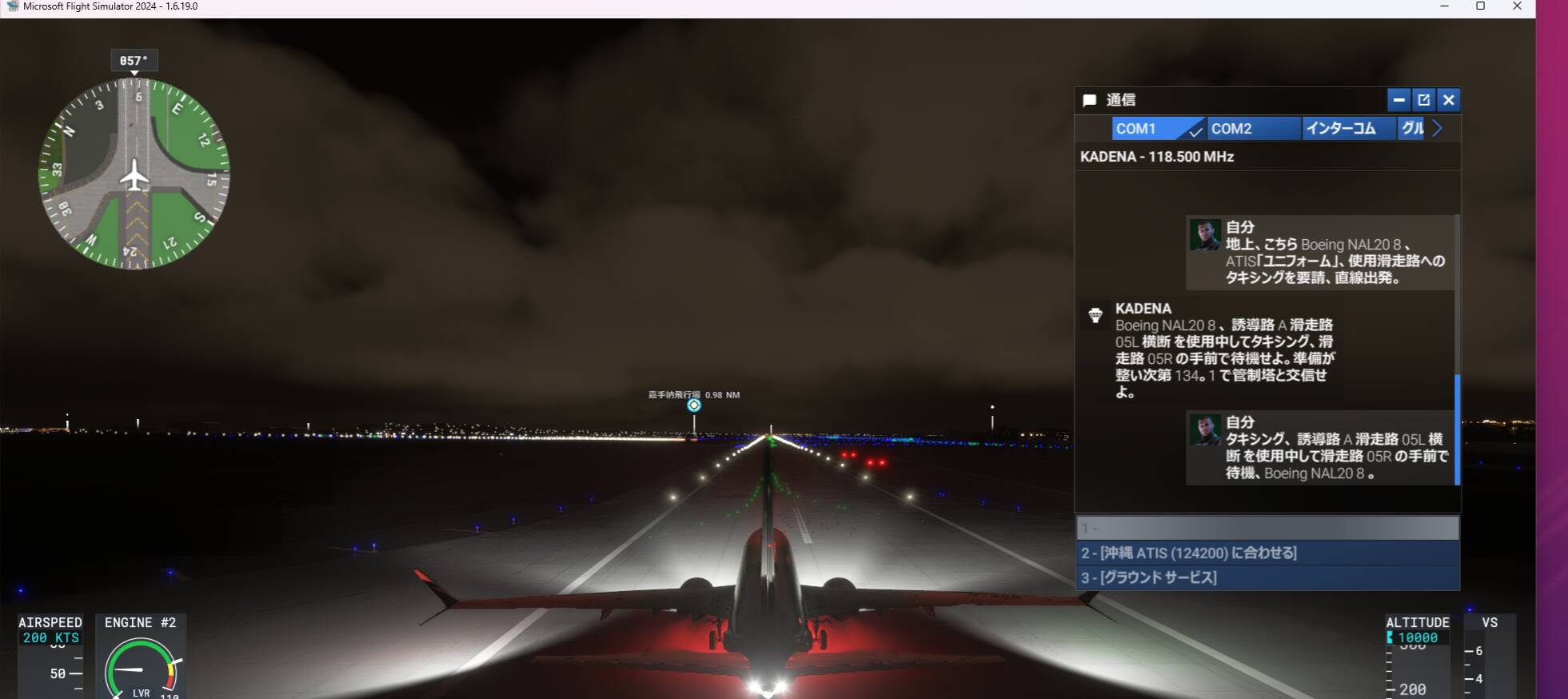
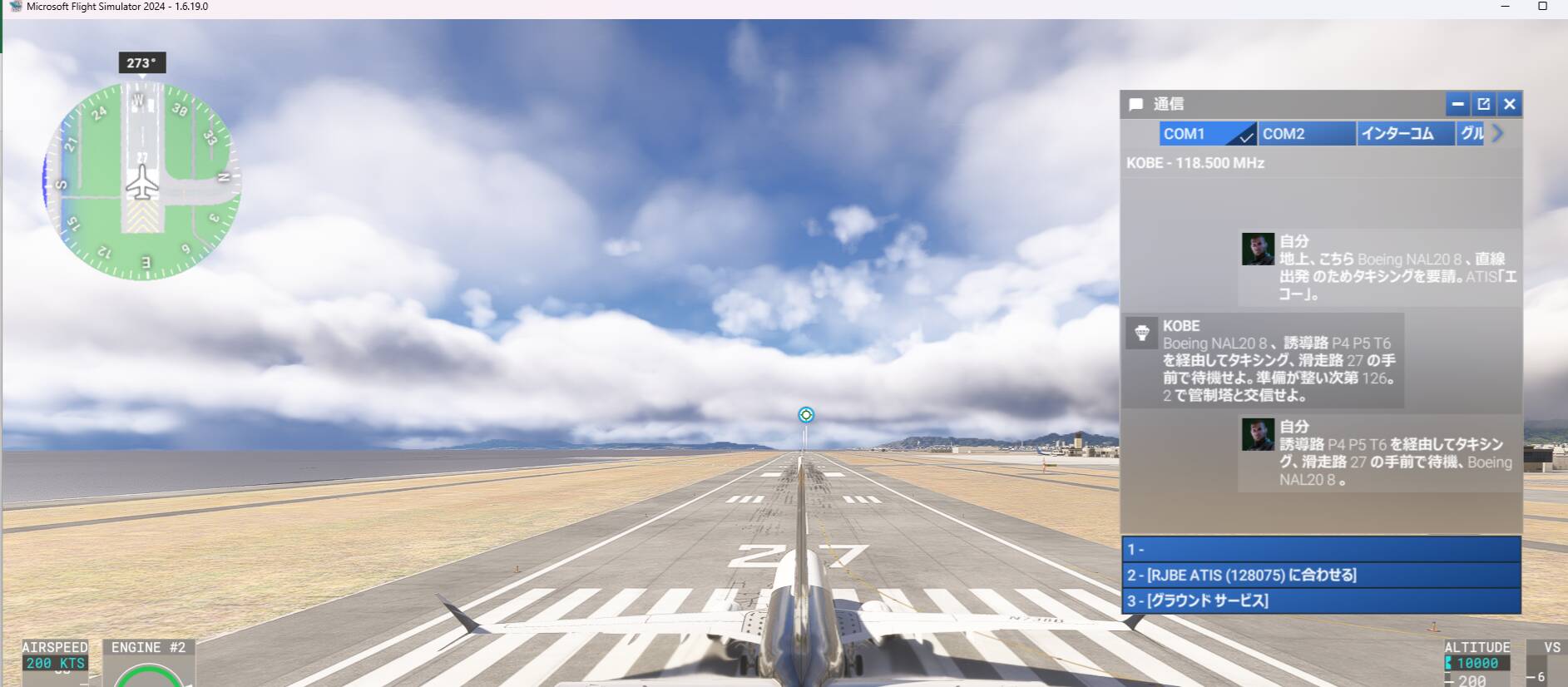
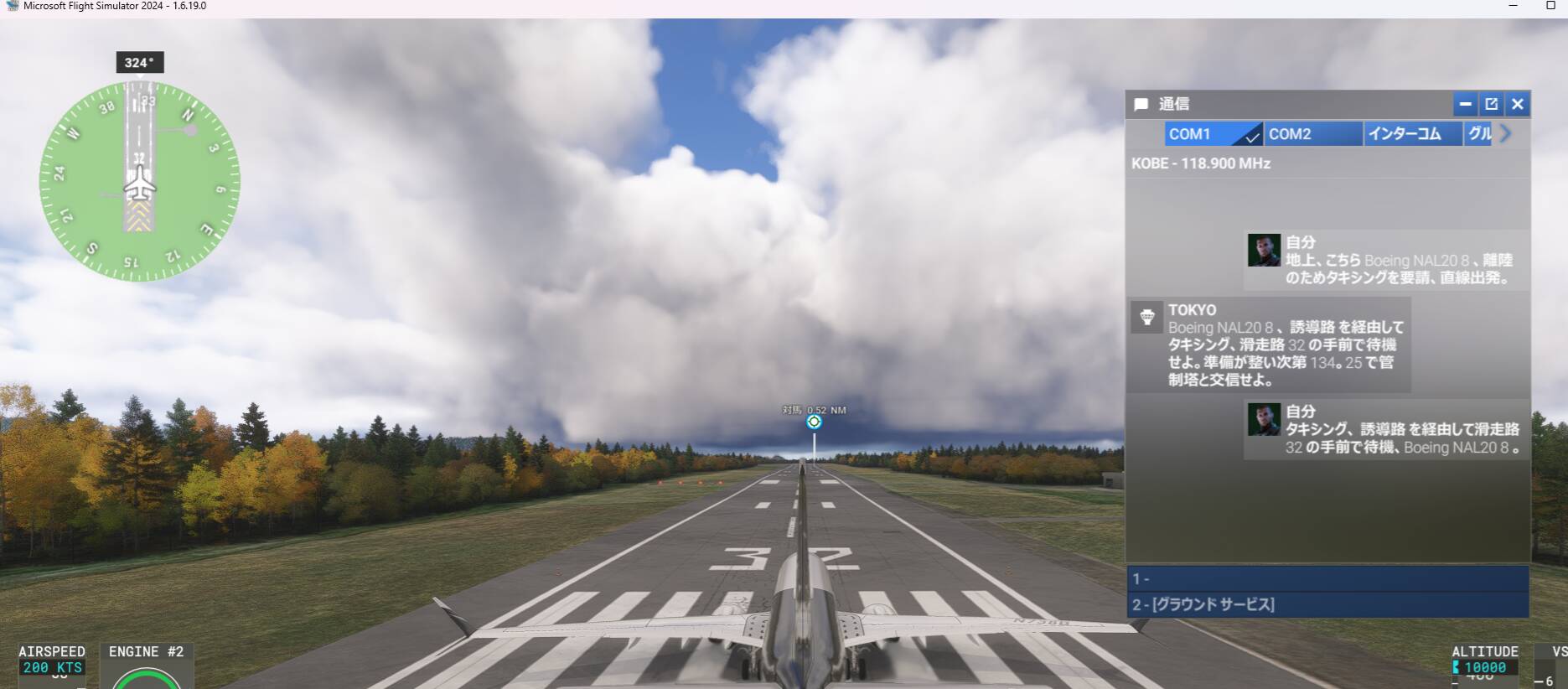
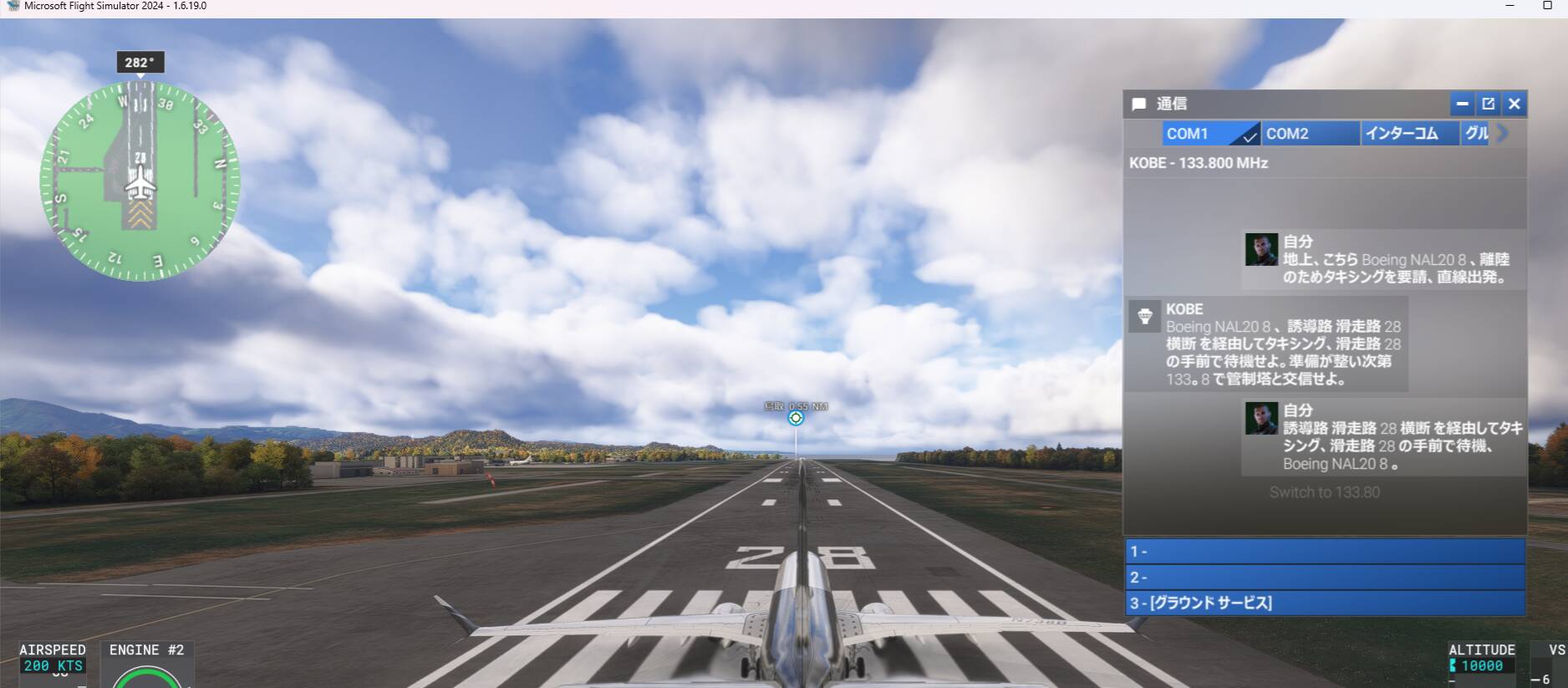
I have reviewed ATC for All Japanes Air ports, I confimred almost air ports resolved this problem, butI find out several Air port are missing air port name for Tower and Ground as follows: RJCM,RJTH,RJBE,RJBB,RJOF,RJFR,RJFS,RODN, see attached screen printout
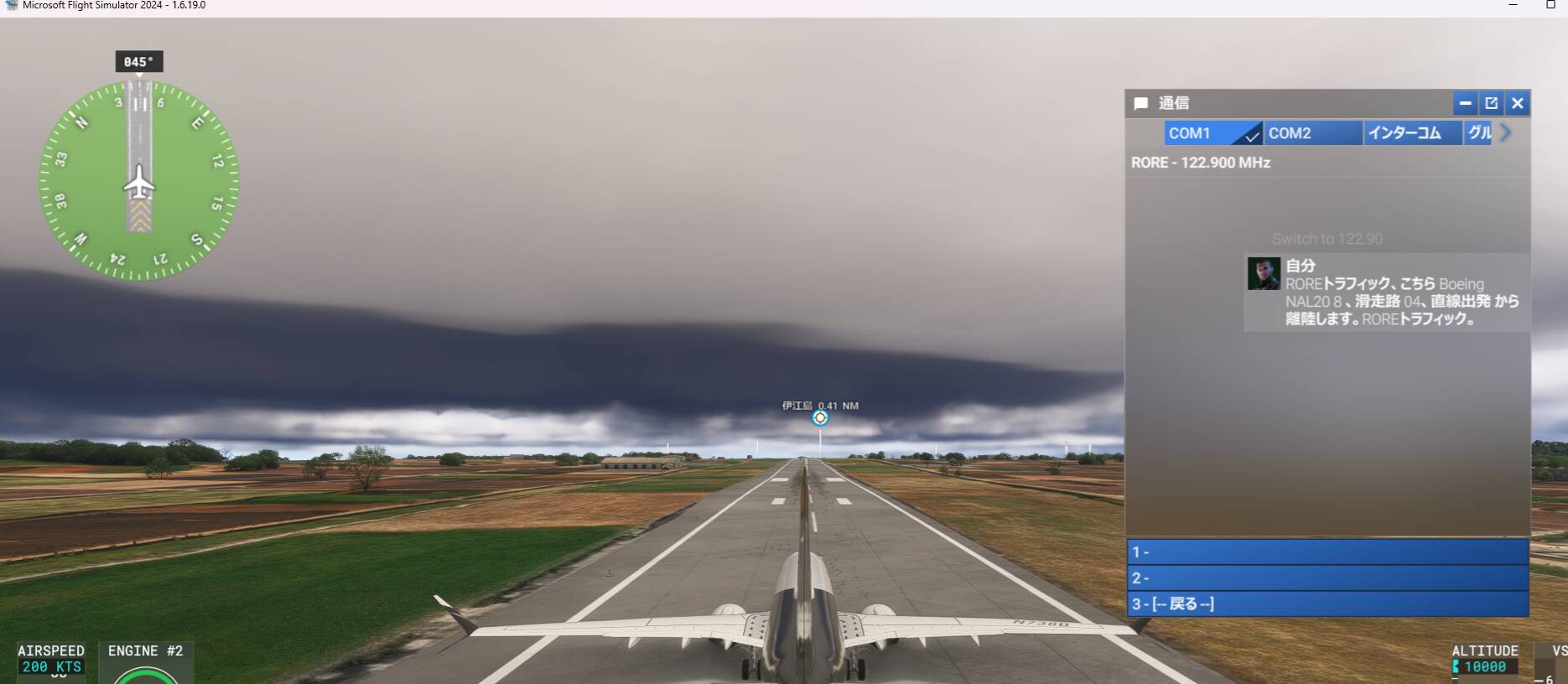
And, several No control Japanese Airports almost ATC selection appeared, but run way numbers selection are not displaied as follows airports : RJCR.RJCN,RJSR,RJSI,RJSU,RJSD,RJTF,RJAN,RJNF, RJTR, RJOC,RJBK,RJDC,RJDB,RJDO,RJDK,RJDA,RJKN,RJKB,RORE,ROKJ,ROKR,RORT,RORH
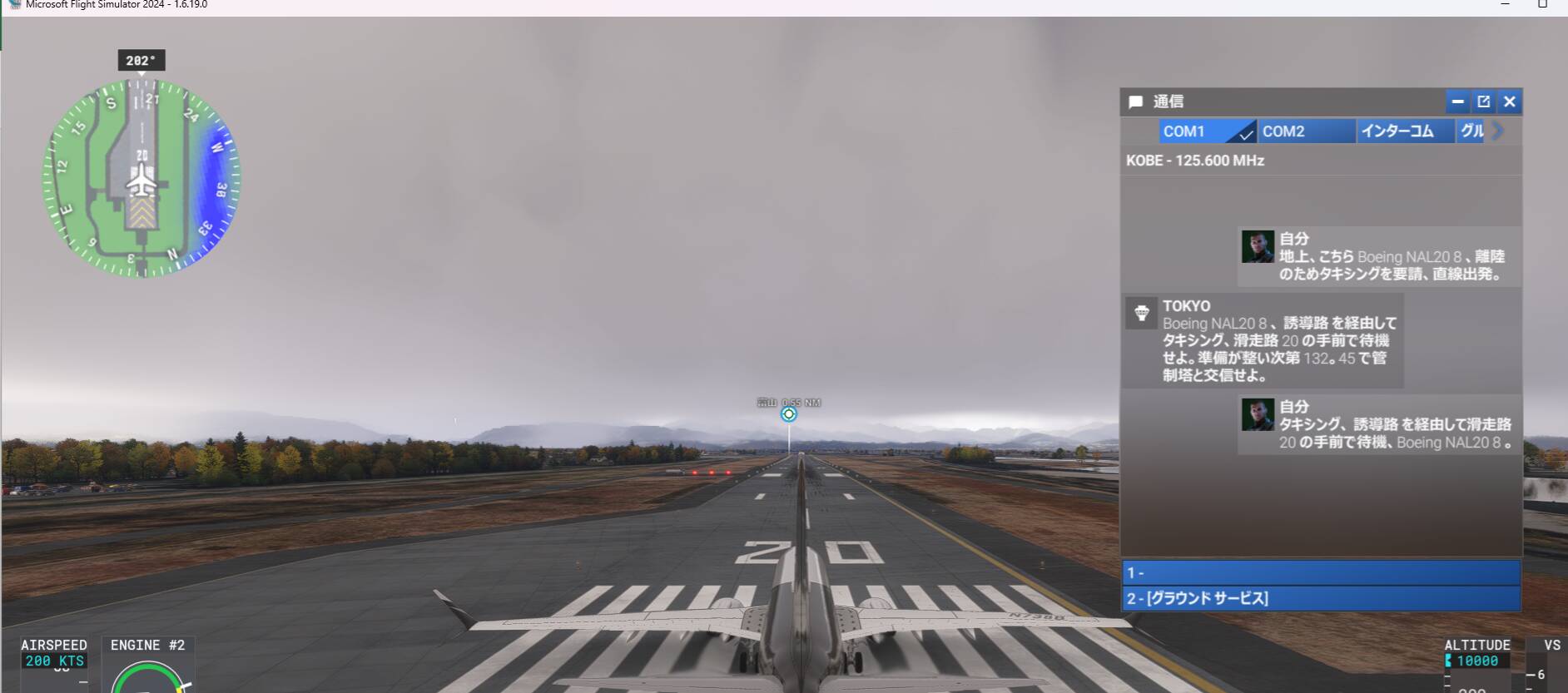
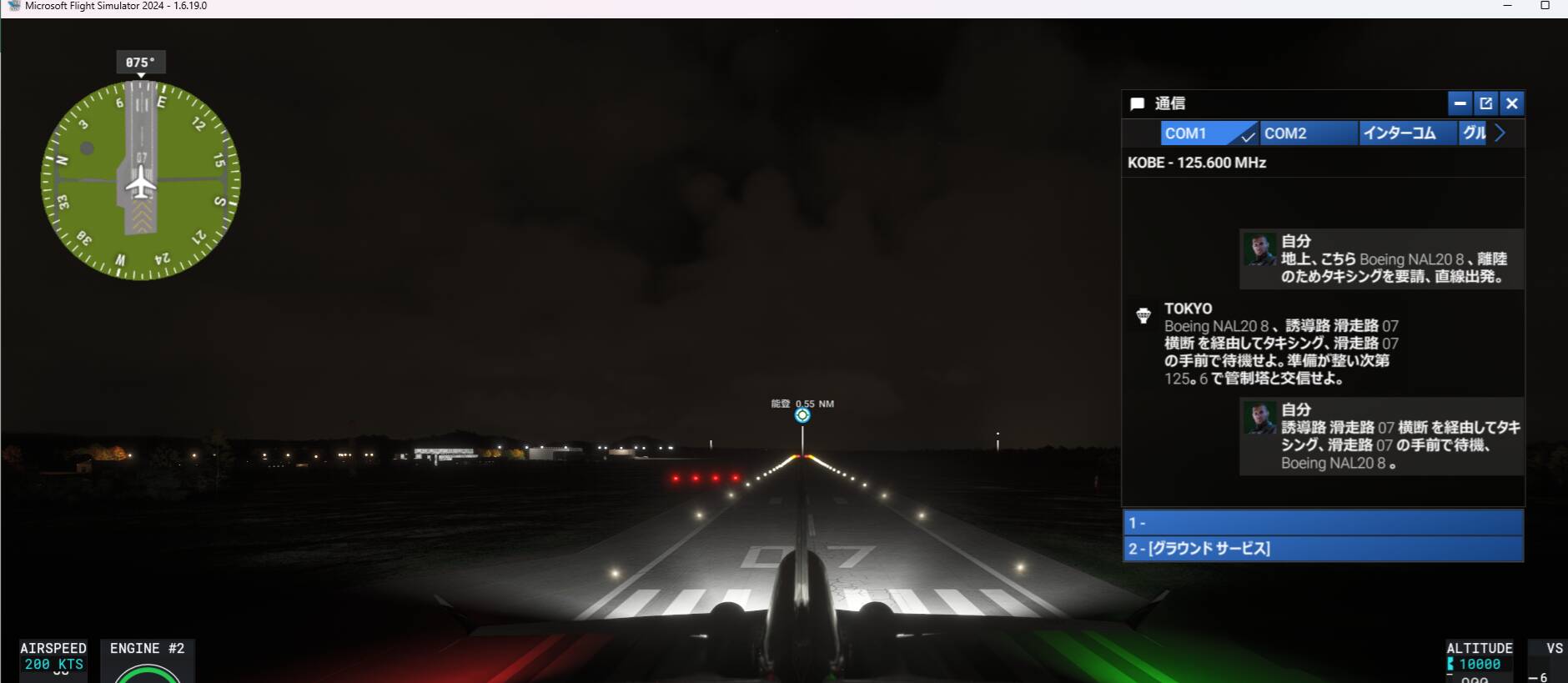
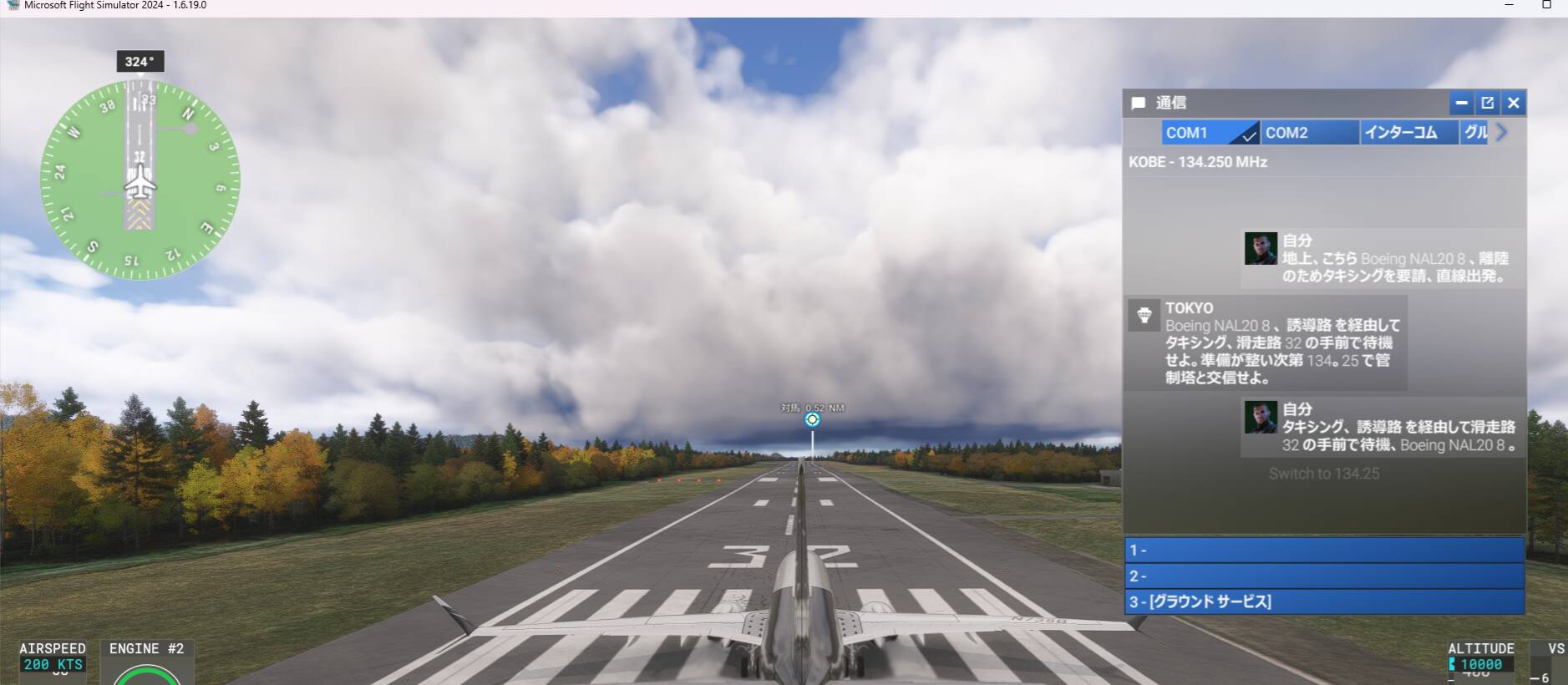
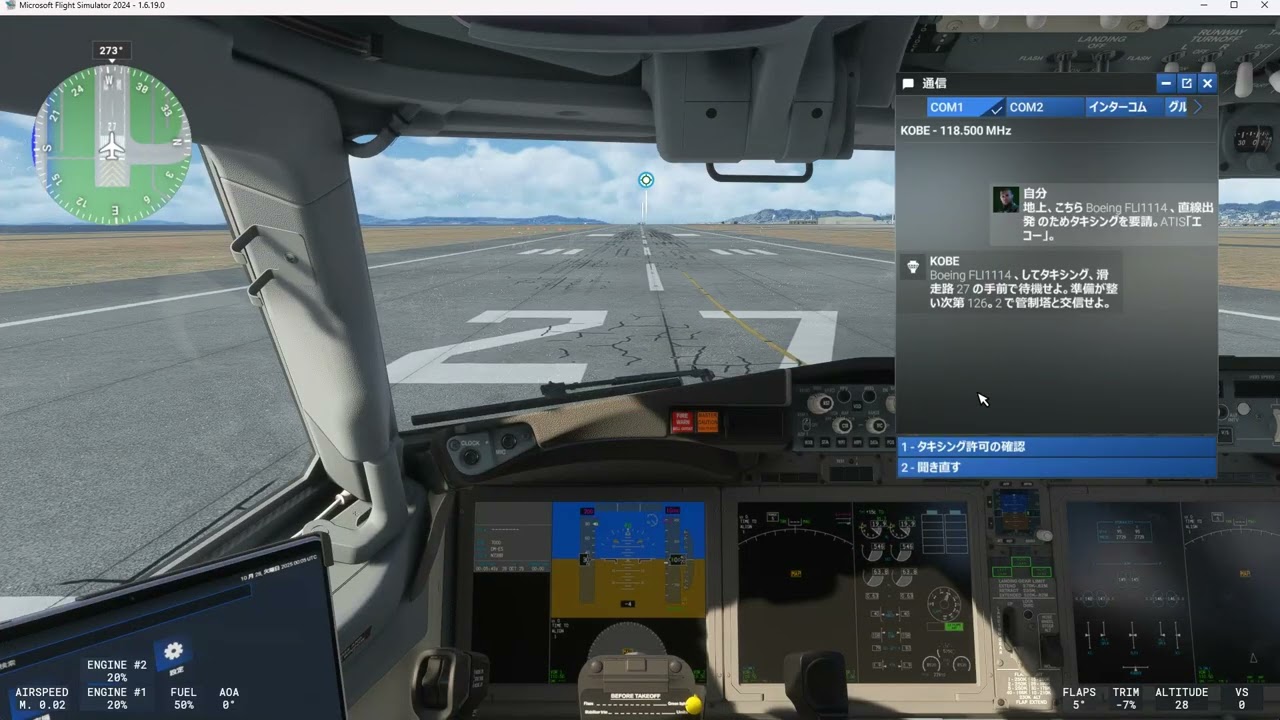
Also, RJAF, RJNW,RJNT ATC displied Kobe, but contact to Tokyo, and reply from Tokyo, and any tower name, and ground name are blank.
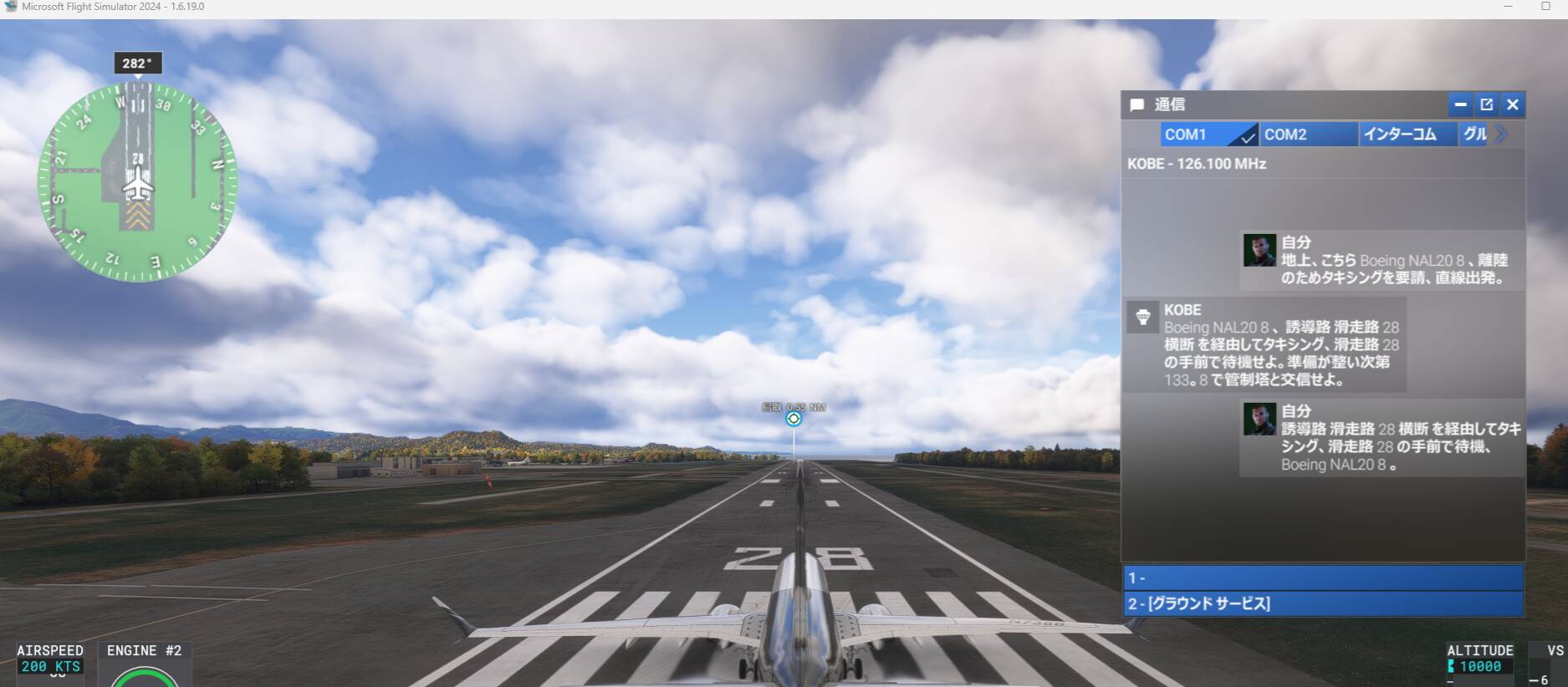
Another case RJDT,RJFE ATC indicated Kobe, but Reply from Tokyo ground, and Reply from Kobe, Both reply should be from Kobe.
ONe more another case RIKI,RORY ATC displayed Kobe, but Reply from Naha, both ground and Tower should be reply from Naha.
additional case , ROYN ATC displayed Fukuoka, and call Fukuoka, but Naha Reply. This reply should be from Naha.
final case, Display Kobe, and replay from kobe, but Tower,ground, VFR depart ATC selection are blank. RJBT, RJNO,RJOW,RJFG,RJFC, It seems that this bug will be fixed, when RJBE ATC bug has been fixed.
Thank you! Can you confirm to me if you are in the Sim Update 4 Beta or on the retail build?
Thank you for your reply, Those bug happens at SU4 beta 1.16.19
THe below links indicated ATC bug movie.
Tower and Ground ATC selection are blank case
RJOF ATC BUG movie
RJBB KANSAI INTL movie
RJBE KOBE AIRPORT Movie
RJTH Hachijo-jima air port movie
RJCM MEMANBETSU airport movie
Another case ATC bug Displayed Kobe, but reply from Tokyo, Also No tower,ground selection are blank.
RJNT Toyama Airport movie
Another case , No control air port ATC slection of run way numbers not display
Sample Airport of RJAN Niijima Airport movie
I confirmed each ATC screen’s blank selection for Japanese bug has been fixed at SU4 Beta 1.6.21 . Thank you for your bug fix teams prompt action to resolve this bug.
Tested in 1.6.21: ZBAA with WF Scenery, KJFK & KLAX all fixed!
Tested in 1.6.22.0 with default ZUTF and WFSS ZBAA, now working fine.
This issue was fixed in the latest MSFS 2024 update (SU4), but remains in MSFS 2020.
This bug of Japanese also still happens in msfs2020 current version