Hi! Maybe you know about this one as well. I have this flight plan from Rovaniemi (EFRO) to Gibraltar (LXGB): EFRO/03 OLNOP4B OLNOP DCT SOPLI DCT SUN DCT AGWIM/N0263F220 DCT OGIRO DCT VADIN M852 ALS N872 PAM/N0263F230 N872 LESDO DCT OLZOM DCT DISAK DCT TUDRA DCT OSMOB DCT ARVID T424 PPN N857 NOLSA N10 BAN N857 MONTO N864 CRISA DCT BRIKE DCT LXGB/27 which I created in Simbrief and imported into the EFB Route Planner via the Simbrief EFB app.
Almost everything is OK, but the waypoint VADIN is a bit special. It exists in the enrouteLegs array, but with the type FsEnrouteLegType_LatLon and only a latitude and a longitude. No “VADIN” to be found in there at all.
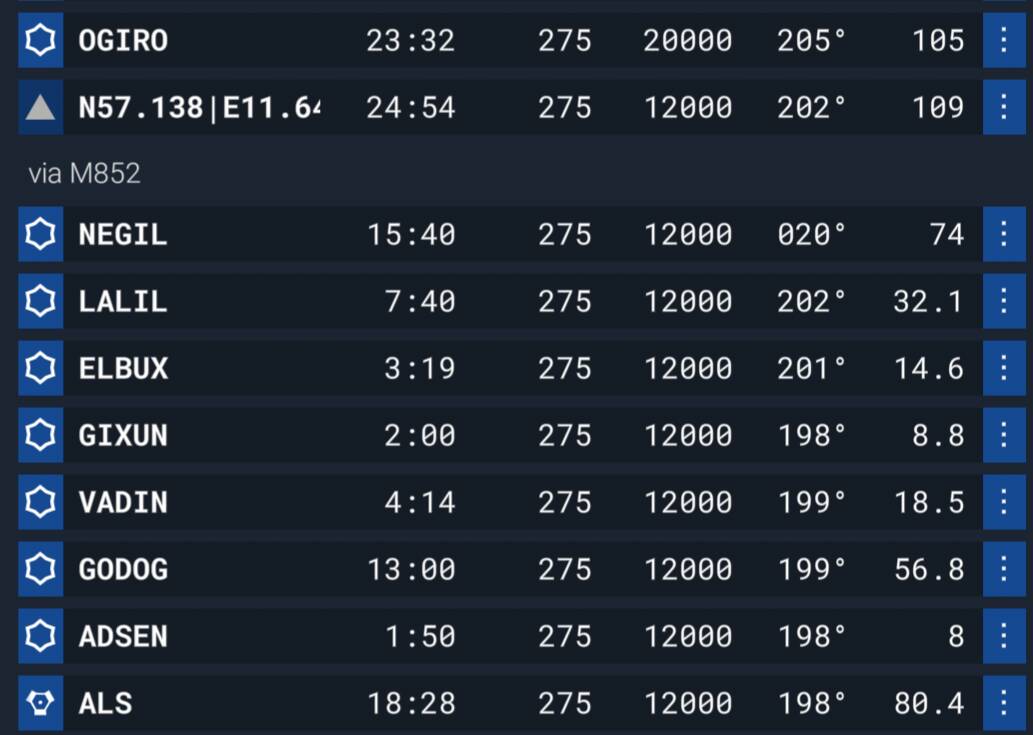
The import strangely starts the M852 part at NEGIL which is not even part of the Simbrief flight plan. The other VADIN is in the middle of this part where the route gets back on track. Why? I have no idea. Sorry.
What I would expect it to look like is this:
OGIRO
VADIN
via M852
GODOG
ADSEN
ALS
Unfortunately, without the SimBrief code in hand, I can’t really venture a guess. The EFB is really just a 1:1 reflection of what they set with the API (which in JS is the same structs as you would in WASM), it doesn’t do any interpretation or transformation of the route, so my instinct is to say that they may be doing something incorrectly.
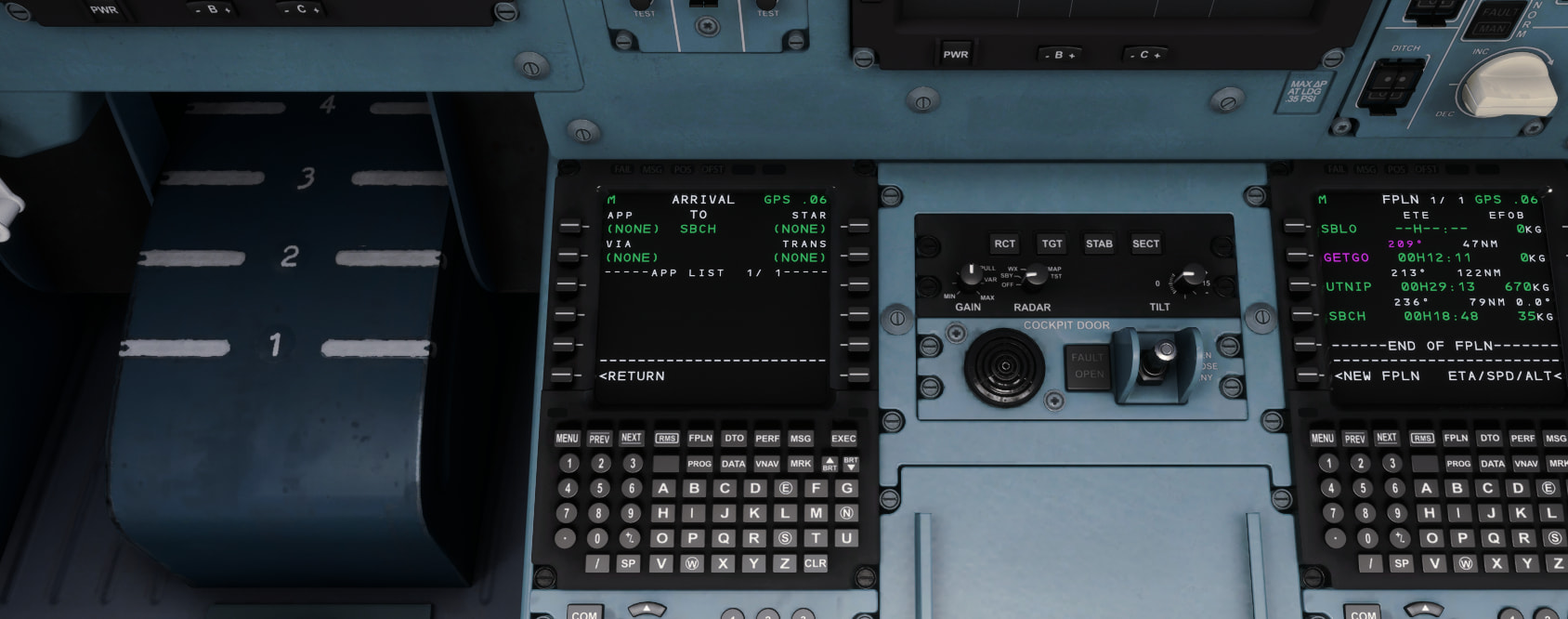
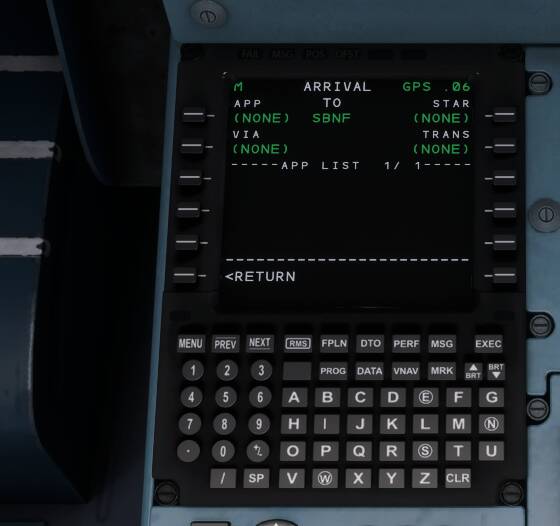
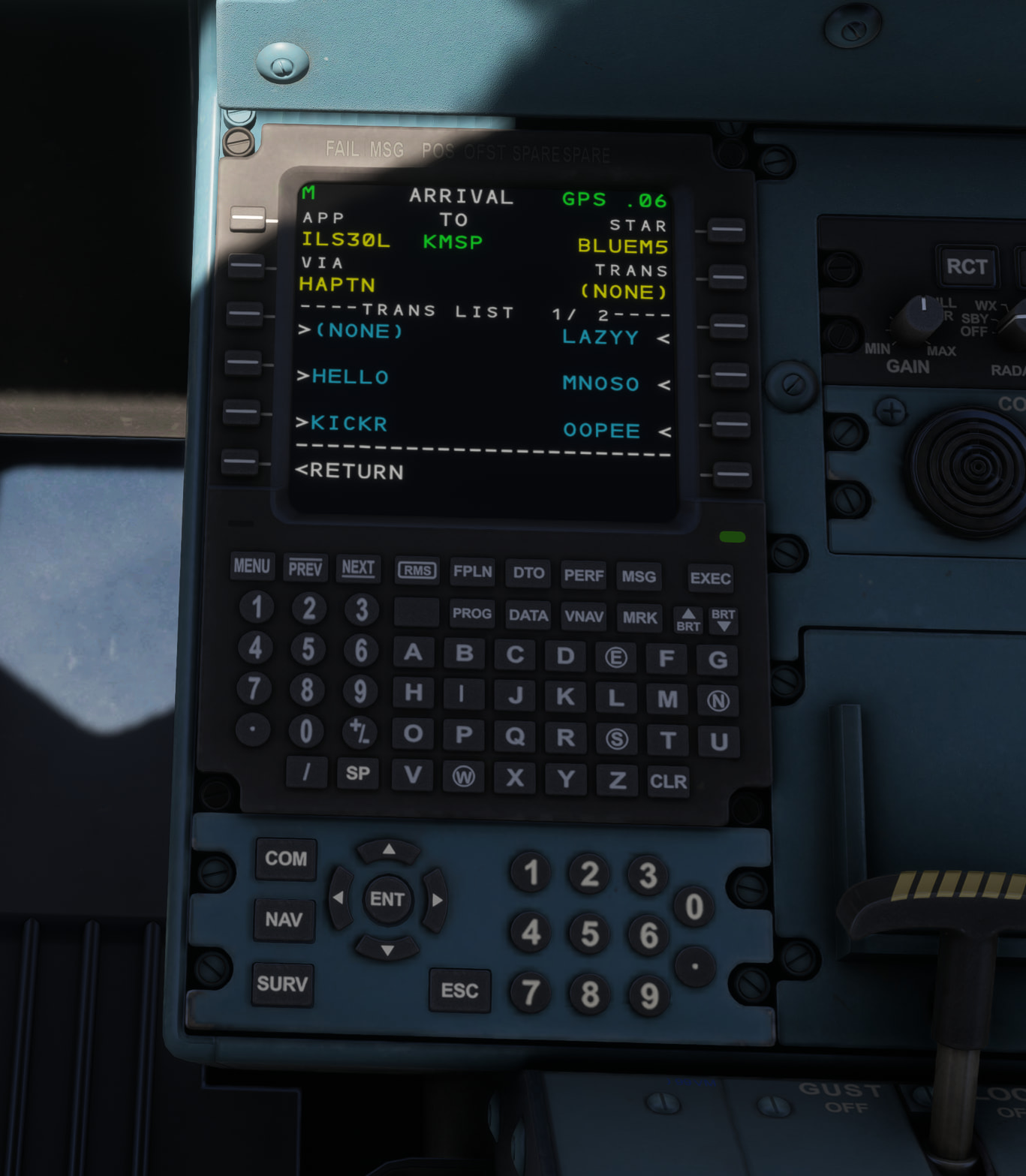
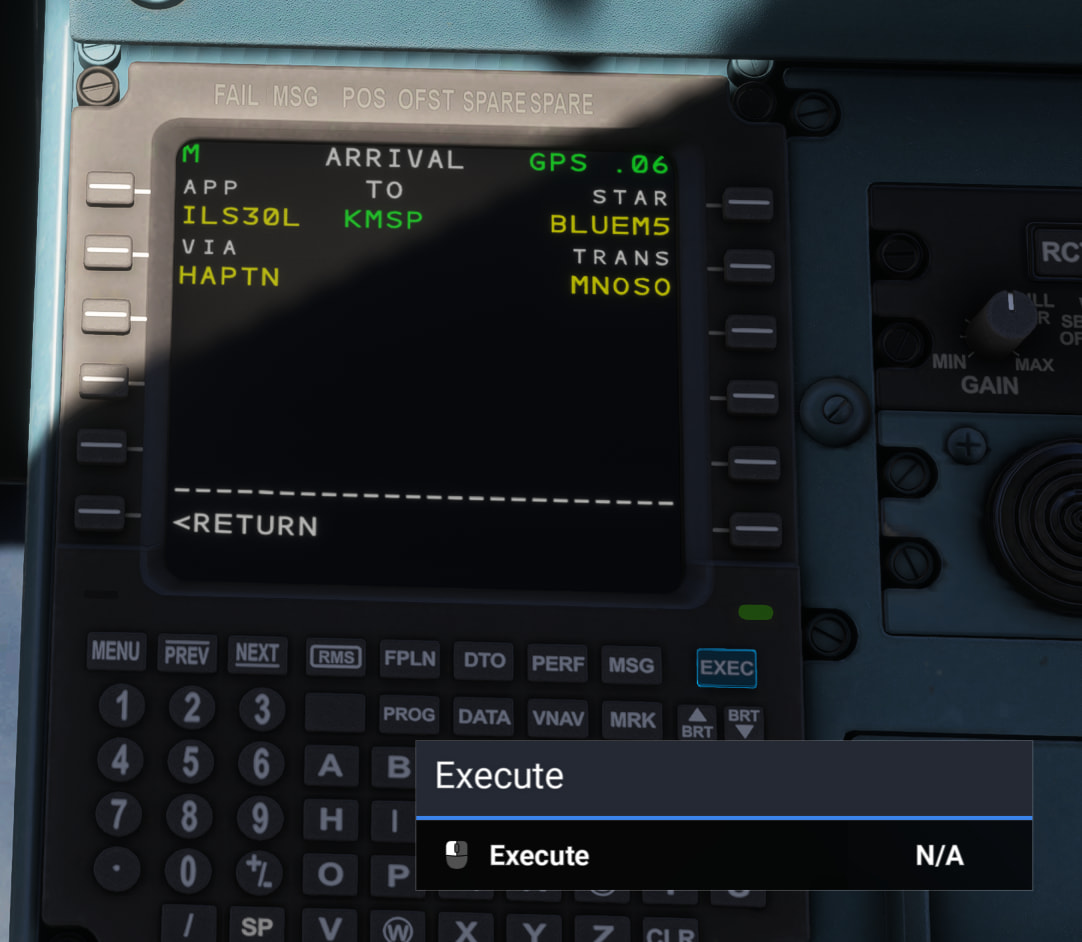
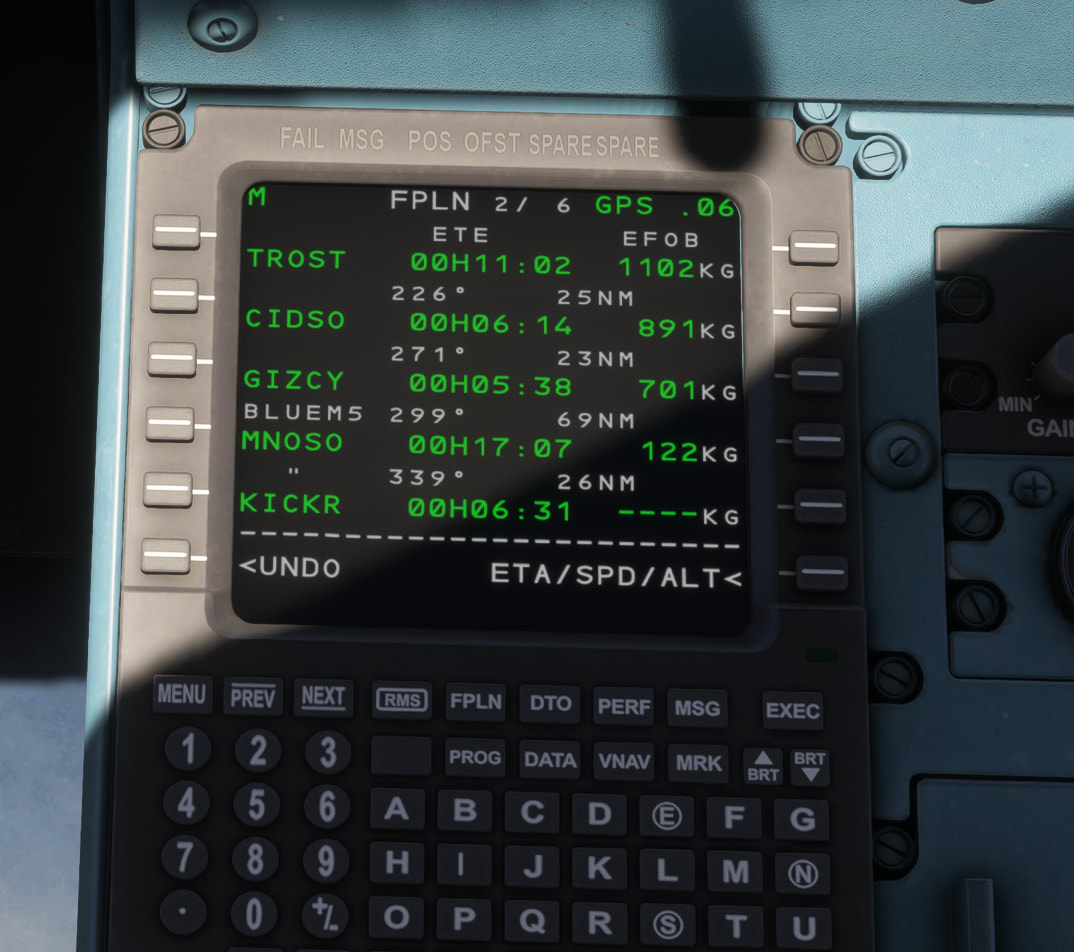
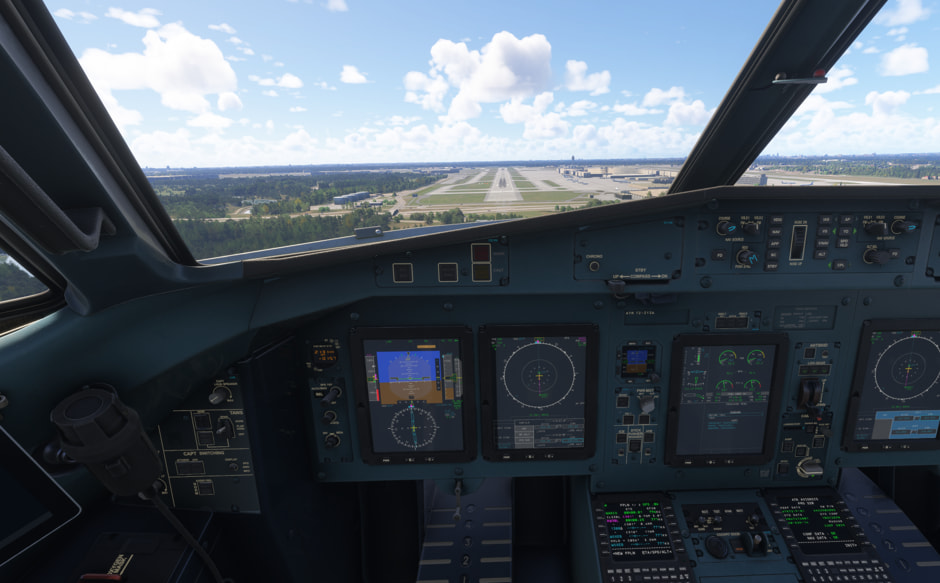
I need some help, please. After importing the ATR-72-600 flight plan, I can’t enter the approach or arrival procedures on the aircraft. Everything is stuck, as shown in the attached image. How can I resolve this?
You can programme flight plans manually directly into the MCDU
You can programme flight plans via SimBrief, import them into the aircraft tablet, and transfer them to the MCDU.
You can programme flight plans via the simulator EFB, transfer them to the aircraft tablet, and transfer them to the MCDU.
You can programme flight plans via the web, transfer them to the EFB, then to the aircraft tablet, and transfer them to the MCDU.
The updated procedure covers all routes.
One thing worth noting - there is a short-coming in the direct SimBrief route at the moment; the aircraft MCDU doesn’t always populate with the full route - only the departure and destination - this can be worked around by generating an OFP in Simbrief, copying the route, and pasting it into the simulator flight planner in a browser - then loading into the EFB, transferring it to the aircraft tablet, and on to the MCDU.
I have just done one MANUALLY. Have you picked airports with arrivals, SID’s, transitions? You have to put in the Departure and Arrival airports first before you put in the waypoints.
SIDs and STARs are not intended to come over with import into the ATR to match the kinds of flight route importing that happens IRL where pilots still manually select those procedures.
This topic has now been updated from feedback-logged to bug-logged after successful internal reproductions. Please note that we do not provide estimated timelines for bug fixes to be released.
Thanks for helping us to identify this issue by creating a Bug Report.