Just did a flight with the 737max and no audio stutter at all. It remains weird and unpredictable.
Yesterday I installed the SU2 Beta and made a BIOS Update and I had 2 flights without problems. Today the problems are back without changing anything.
During the flight I started the windows process explorer, when there are audio stutters, I can see a small increase of the CPU usage from about 16 to 34%.
Then I clicked with right mouse button on the FlightSimulator2024.exe process and set the priority from normal to realtime and then the sutters gone away. Can someone try this also to confirm it’s not a placebo effect?
For the 1,000th time now, the culprit is the game’s rolling cache interface.
No matter what you change or what anyone claims is the solution, it will always come back if the game uses the rolling cache.
Because no one other than Asobo can see how the game uses this interface and in what form, it’s incomprehensible and unsolvable.
It’s unfortunate we can’t disable the rolling cache like we can in 2020.
There’s a little trick to effectively disable Rolling Cache (RC) in MSFS 2024: point the RC to an empty directory, close the sim, delete that directory, start the sim. The RC size should now show 0.0. I’ve been testing this setup for about three weeks, and it seems to reduce stutters overall—just like disabling RC did in MSFS 2020.
That said, I did still experience sound stuttering during one flight, as usual during peak time. So while disabling RC may help mitigate the issue, it doesn’t fully eliminate it. My theory is that RC-related operations—like checking content versions and writing new data—may increase the latency in delivering content to the main thread, which could be contributing to the problem.
I’d be very interested to hear others’ experiences with an RC-off setup, and I’d really appreciate if Asobo would bring back an official option to disable RC entirely, as it was in MSFS 2020.
Asobo, just allow us to completely disable the RC, as simple as that.
Did a flight from Innsbruck to Hamburg today. Also increased the RC from 64 to 100 and the whole flight there were sound popping and stutters here and there. With frames going from 40 solid to 1 or 2 sometimes. I’m sure it’s a rolling cache issue
So I have to delete that folder where the RC file is located?
First of all, it must be a new, empty folder you create specifically for this purpose—not the default one. Point MSFS’s Rolling Cache to that folder, close the sim, and then delete the folder. If you’re unsure about any step, it’s safer to wait until there’s an official option to disable RC.
Thank you, did that and the stutters are reduced a lot. Did a test flight about 2 hrs long and it worked great. Big improvement, I hope Asobo add an option by default
Do you have the same issue if you follow the OP’s steps to reproduce it?
• yes
Provide extra information to complete the original description of the issue:
•
I’ve replaced my motherboard thinking it was my audio card. I bought a $300 DAC and it still is happening.
If relevant, provide additional screenshots/video:
•
This seems fix the audio stutters and an overall smoother performance. SU2 Beta .14. Although having an issue with my locally installed airports being blurry in some areas and having to be re downloaded which seems weird but it’s a beta after all.
When the stutters appears, my whole system has performance issues. Also Youtube videos hangs and the pc has some minor freezes. When shutting down MSFS2024, alle problems are gone.
I am in the same boat with you guys. 5080, 7950x3d, 64gb RAM, sim gives me random stutters where CPU usage of msfs process skyrockets to 100%
Same the whole pc stutters, seems that the complete system gets screwd.
You are paid by Asobo to dont have stutters and ultra smooth performance  … Just kidding man. You are lucky (or your rig is properly tuned so) you don’t have such a stutters, and we are thankful for the tips/tricks you provide.
As I mentioned in my previous post, I have done some Bios fine tuning and the stutters are almost noticeable. Unfortunately I can’t push any further in this regard I don’t wanna burn my rig LOL.
They will never do that now that the entire game is streamed, because it would increase the pressure on their servers significantly.
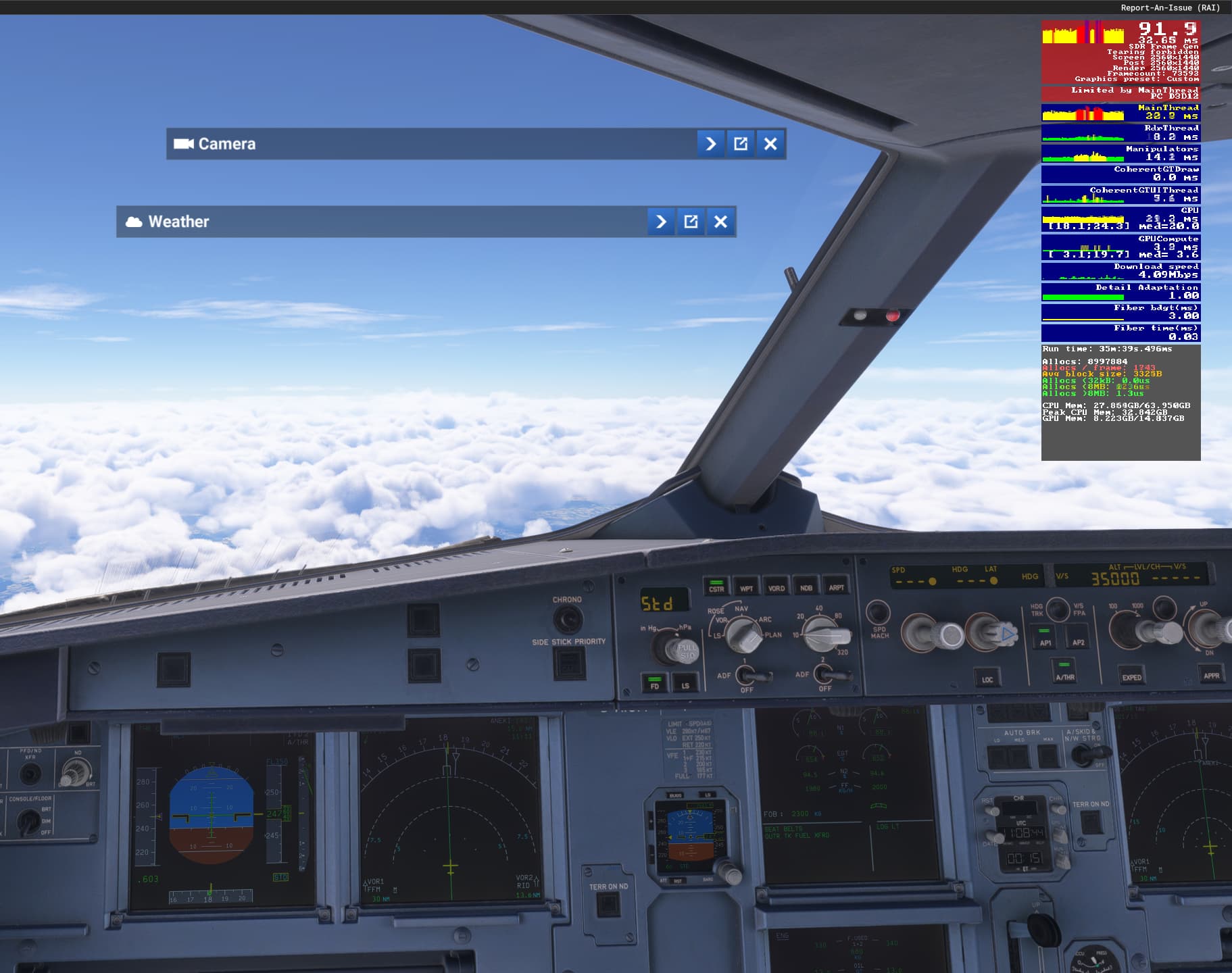
Everything runs smoothly, but every 10-20 seconds there is a big stutter, which also causes the audio to stutter.This happens especially with the fenix A320. I also noticed that this occurs after a few seconds in the air. On the ground, (except while the aircraft is spawning) i didn’t have a single audio stutter. Not even during take-off. And I tried it with and without 150 AI Aircraft in the area. Same result.
My issue is that I actually use the Nvidia Driver as my Oddyssey Ark has Harmon speakers added and it doen’t have another audio input. So something needs to get fixed somewhere.
Guys, I had to finally signup here to share following solution which solved the issue for me. No stutters anymore, playing on SU 1.
Go into MSFS Settings > General > Online > Voice chat input device. I have my Logitech headset as standard speaker / micro in the general settings. For Voice Chat input device you need to change into any device except for your actual device. I chose USB audio driver here.
I never changed anything in my rolling cache, it’s with 36 GB one week after I started to play MSFS 2024 in February.
I really hope that this solution might work for you as well. Would be very happy.
My specs:
Gigabyte RTX 5080 Gaming OC
9800X3D
Gigabyte X870 Gaming Wifi 7
My GPU is overclocked via MSI AB and my CPU is undervolted.