I doubt audio drivers have anything to do with these stutters, otherwise I would experience this in every game. I tried playing FS2024 with onboard audio when speakers are connected to audio outputs on the back of motherboard and also with audio coming from GPU via HDMI, in this case it’s processed by NVidia audio drivers. I had the same stutters in both.
1 Like
I was talking about audio crackling, not audio stuttering – they’re two different issues. Crackling can indeed be influenced by drivers.
Stuttering and audio stuttering, on the other hand, is a completely different thing, and it’s largely affected by the quality of your connection to the MSFS servers. If there are lags, drops, or unstable data transfer, the sound can stutter regardless of whether it’s coming from onboard audio or GPU via HDMI/DP.
1 Like
I’m a bit confused - SU4 is set to release next week, but no word or progress on the “Audio popping/crackle fix”? Still planned?
My latest findings on this topic;
I have finally had a good approach into EGLL without any stutters/audio pops!
I found that my motherboard (ROG STRIX B650E-F GAMING WIFI) website did not have the latest Realtek drivers on it! After some searching I managed to find a later driver (6.4.0.2422) here; [DRIVERS] Realtek USB Audio (AMD 5xx/6xx/8xx & Int... - Republic of Gamers Forum - 845528
I also noticed that Windows kept reinstlling my Nvidia Audio drivers after every restart! So found a setting in Windows to stop this.
Today I also installed the latest Nvidia GPU driver 591.44.
So a combination of all of the above has provided me with the best experience for a while.
I have been here before though, so will continue to test over the weekend.
It was never planned to be fixed in SU4. The bug’s status is “under investigation”. Don’t hold your breath.
I’m pleased everyone is fixing the problems.
I guess its more an observational thing about what Windows installs, like version 560 for my Nvidia card after removing the hotfix driver that caused my first CTD.
Latest software latest bugs was meant to be humorous btw.
1 Like
I’m on the latest Sound Blaster drivers and still get the popping. Do I still need the realtek driver’s updated? I know I have uninstalled them and let Windows install the drivers, plus also tried installing them from the Asus website
1 Like
It’s worth checking the music recording forums. The users hate audio glitches and go to incredible lengths to avoid them.
I have three audio devices:
- Integrated Realtek - no drivers installed and disabled in the BIOS.
- Sound Blaster X5 - always enabled; this is my main device for headphones.
- Sound Blaster Katana v2 (soundbar) - I turn it on manually when I need it.
In your case, you have the integrated audio and a Sound Blaster, but you didn’t mention the model. And honestly, if you’re using the Sound Blaster as your main audio device, you don’t need Realtek at all.
If I were you, I’d uninstall all Realtek drivers and software, and then disable the Realtek device in the BIOS. That usually reduces conflicts and makes tracking down popping issues much easier.
Creative makes good audio hardware, but their drivers are another story. That’s basically their Achilles heel and it’s been like that for years. Like I mentioned earlier, in my case I’m using the newest Creative app, but I keep an older driver installed. With the latest driver I was getting crackling audio, so rolling back fixed the issue.
It’s also worth pointing out that there are different types of issues: crackling audio, audio stuttering and general MSFS stuttering - and they don’t always come from the same source.
Crackling audio is usually tied to the driver, Windows itself, BIOS settings, or latency problems. That’s the classic “Creative driver acting up” scenario.
Audio stuttering can overlap with those causes, but it can also come from regular sim stuttering. For example, when a “MSFS” is loading terrain, buildings, textures, or anything heavy, and something goes wrong or takes too long, that hitch can spill over into the sound system and cause audio stutter as well. So sometimes the audio isn’t the root problem - it’s just reacting to another bottleneck in the system.
And on top of that, there’s the whole situation with how ground textures work right now. They aren’t fully integrated with the classic MSFS terrain pre-caching setting we all know. That integration will only happen once the developers sort out the VRAM issues.
After they solve the VRAM problems, they’ll finally be able to tie the terrain textures back “into pre-cache system” the way it was originally meant to work. And who knows - once that’s in place, some of the audio stuttering might disappear too. We can only hope.
Currently, ground textures are only kept in memory for about 20 seconds. If they were already integrated with terrain pre-caching, we wouldn’t have the stuttering when quickly turning the camera. Once ground textures are fully tied into pre-caching, that camera-turn stutter should disappear as well.
1 Like
I don’t know it it’s any help but I got rid of my audio stutters by removing VB-CABLE Virtual Audio Device drivers and my motherboard soundcard drivers. I am using external dać/amp .
Thanks for the reply. I have a
Creative Sound Blaster Audigy Fx V2
For me the popping happens only with MSFS2024 and in conjunction with what looks to me CPU spiking with my 5800X3D. Usually on departure or decent
I have been on a long hiatus from the sim and just got back into it this weekend. Yesterday had a number of flights with no issue. Today I started getting the audio pop / stutter. My flight sims are on a separate boot partition and low and behold it had updated to 25H2. I have just rolled back to 23H2 and first flight in with no stutter.
This does seem to be windows related, although I have also only done one flight since rebooting.
1 Like
ive been going back and forth between 23h2 and 24/25h2 like 10 times now. Really frustrating. Tried everything from this thread but still audio stutters in 24/25 and never had a single one in 23h2. its so weird that 23h2 doesn’t have this problem at all. 14900k 4090. Asus motherboard
Why don’t you stay with 23h2 if it’s working for you?
I can confirm that going back to 23h2 fixes it. At least it did for me. Went back 6 months ago and never looked back. Its kinda sad I need to use an outdated windows version which also does not get any support anymore but hey it is what it is. Hoping that either Asobo or Microsoft fix whatever causes this in 2024.
1 Like
I can also confirm rolling back to 23H2 fixes the stutters. I rolled back a few weeks ago and I haven’t had a single stutter, no matter the settings, scenario, or time of day.
1 Like
I’ve been saying that from the start. The question is what Microsoft has changed since 24H2 that is affecting MSFS.
I am on 25H2 and have no problems at all after the change to Intel. Not a single stutter since. So it is not necessarily only 24H2, or maybe it’s still an AMD / 24H2 combo thing.
From what I’ve been hearing it’s more of an AMD and 24H2, 25H2 issue
1 Like
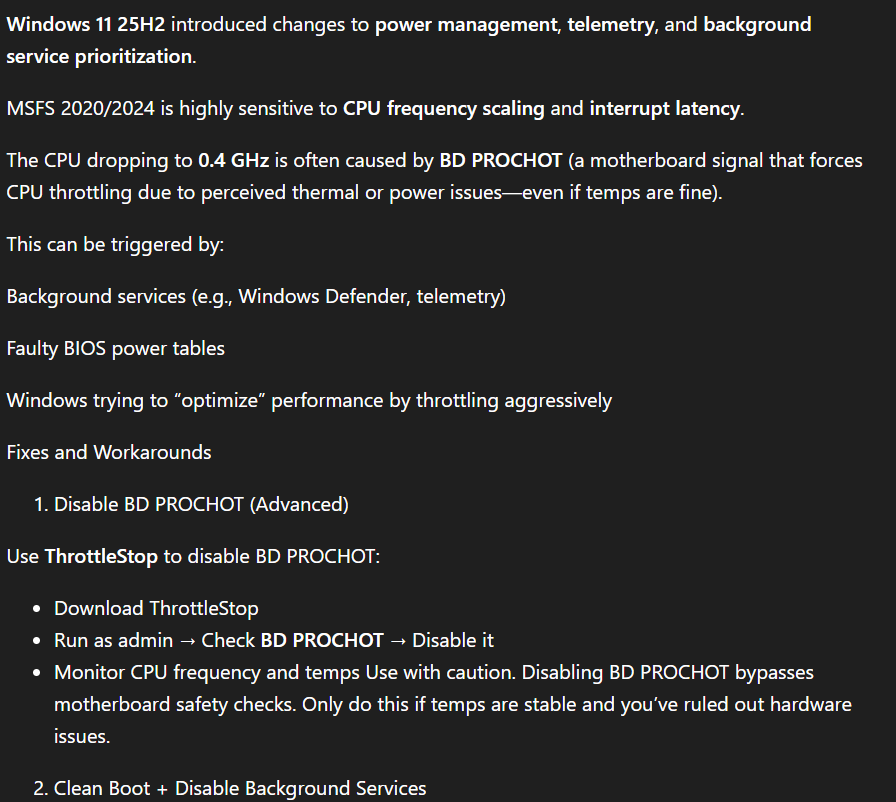
Maybe it’s due to the new virtualizations added in 24H2 and 25H2. I am curious if anyone tried the below on this Microsoft support forum post.
1 Like