Well, that’s an interesting question.
Are you saying that the auto-throttle comes on 78mph (knots maybe?) before max speed?
That sounds pretty incorrect.
What altitude is this occurring? Is the Barber pole on the Airspeed Indicator at 556 or 644 when the AT comes on?
EDIT: So, I was at home and decided to try this.
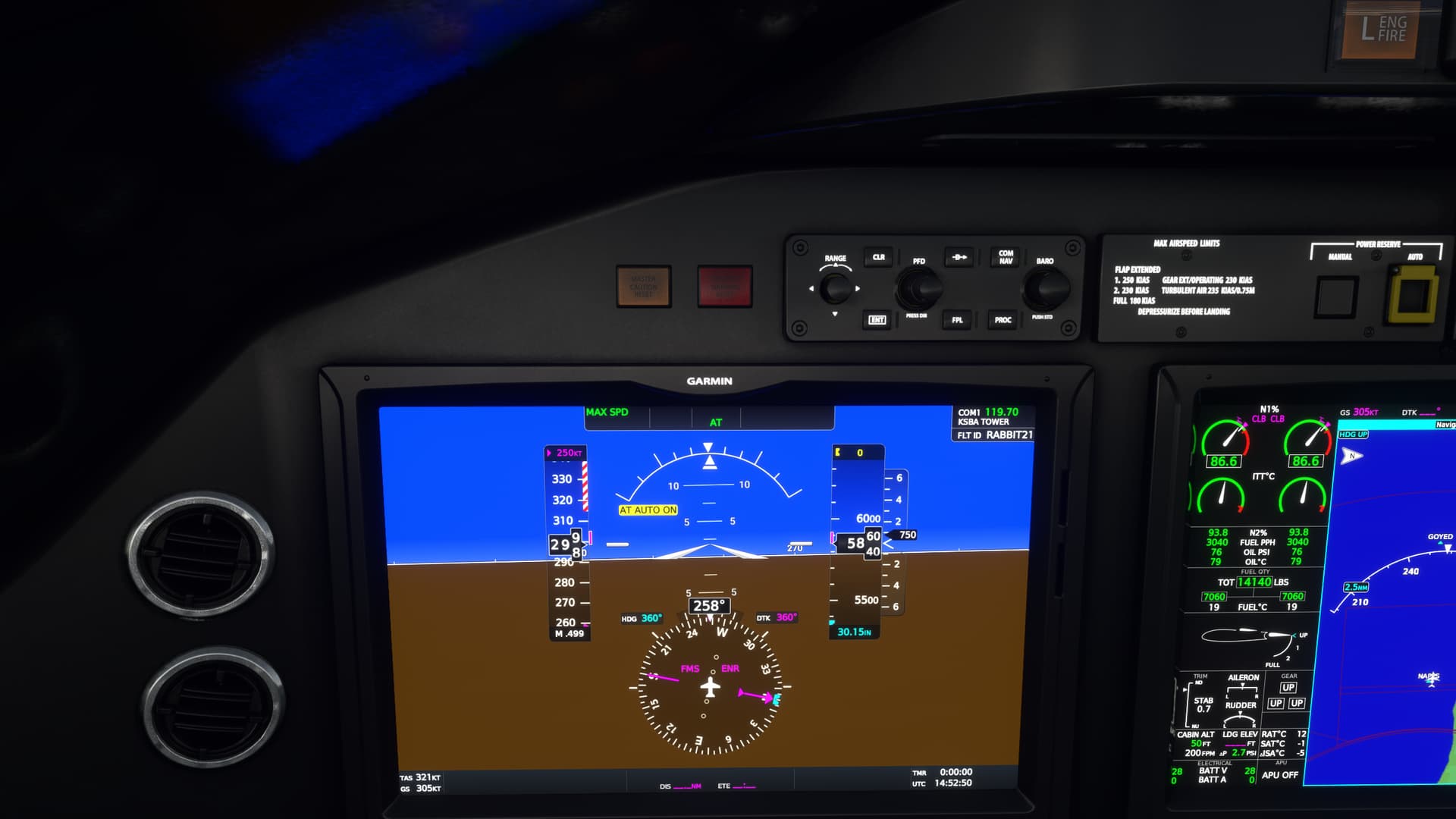
Here’s climbing through 5,860ft, speed accelerating through 299knots (not MPH). You can see the magenta (not purple…God knows why  ) trend tape extending through about 305kts. The AT has just come on. I can’t tell you what the trend tape is telling you in the Longitude, but in other planes I’ve flown I believe it was ten seconds. In ten seconds at this current acceleration you would be, in this case, at 305kts.
I’m also coincidentally about 15kts below the barber pole, which looks to be at a constant limit of 315kts.
I’m going to guess here. The Auto AT is not really only a speed function. It’s also an acceleration function. Don’t quite know the mechanics, but it appears to not be preventing you from flying near the barber pole.
It’s preventing you from stampeding towards it.
More on this in a bit.
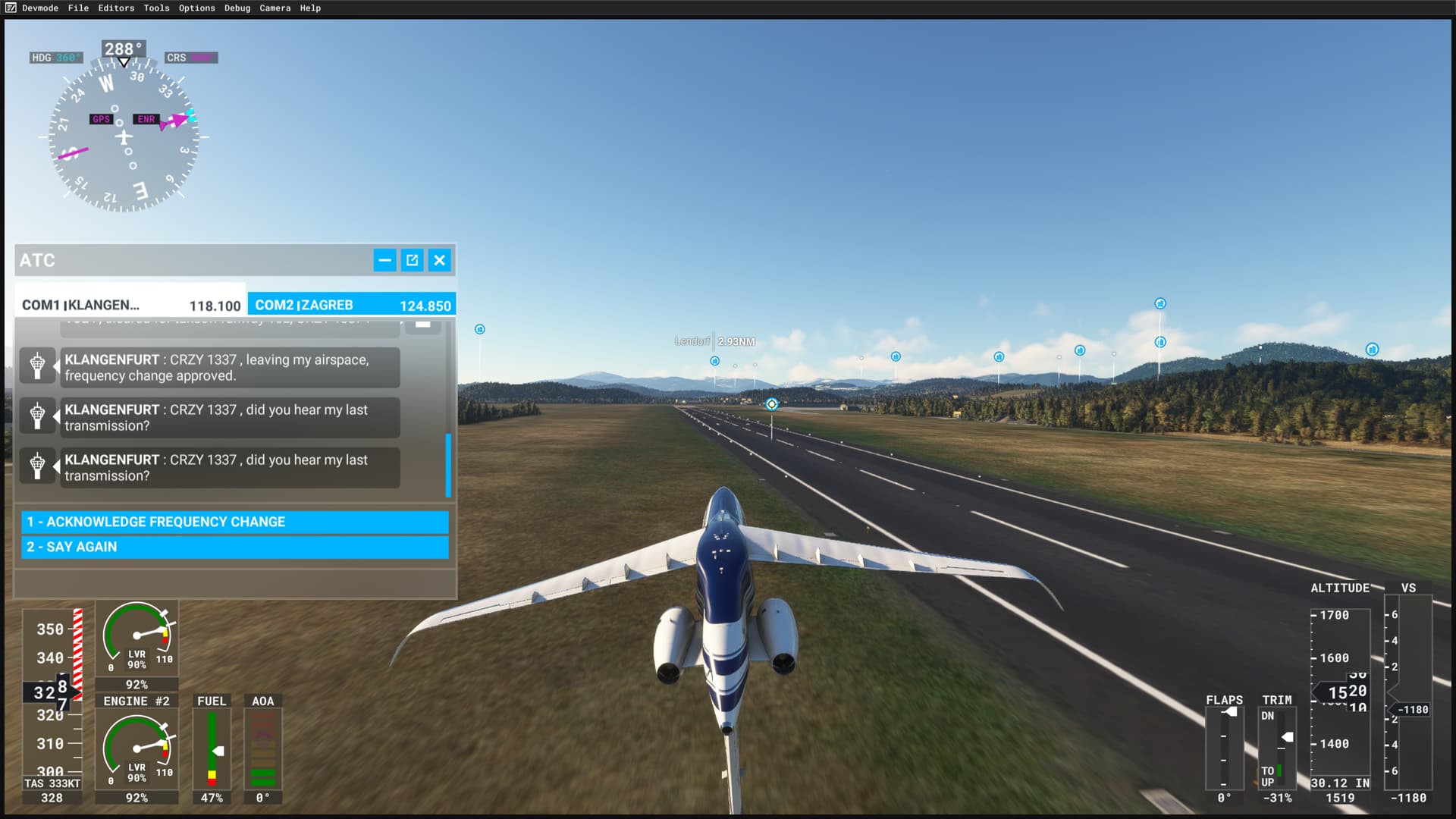
The next shot is passing through 26,200ft. I’m trying to see how close I can get to the barber pole before setting off the Auto AT.
I’m within 2 knots of it. But my acceleration is slow. I’m getting the trend tape intermittently. But, I’m comfortably able to hand fly this speed, even with a little variance (I’m not that good), without setting the AT off.
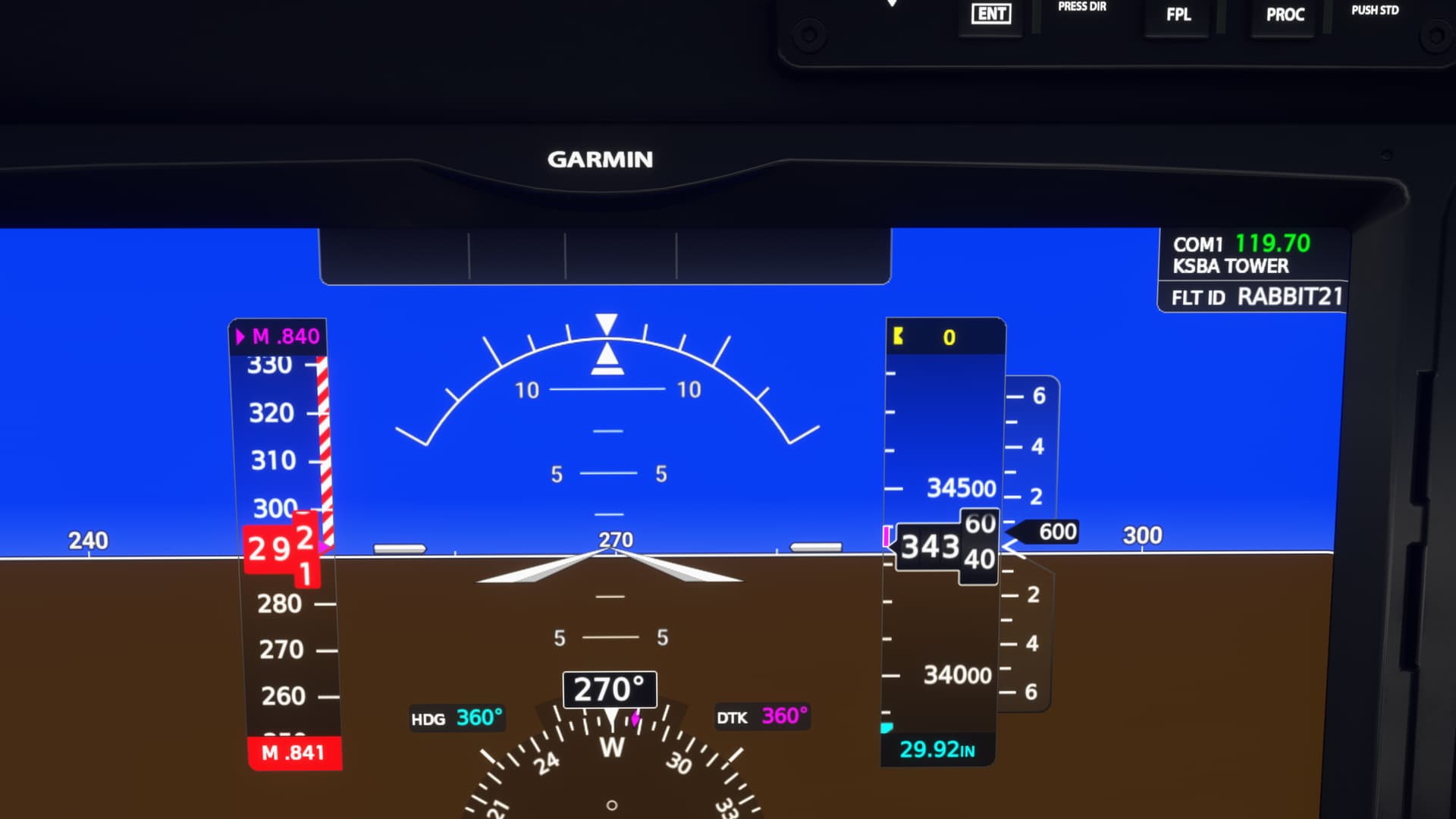
34, 350ft and past the Mach changeover. I pushed it a little further. While I can’t tell you exactly what the speed equivalent is of the barber pole here, I’d say that the Mach limit was 0.84M. When I paused the sim, the speed/Mach was amber. It just turned red.
Note. I STILL haven’t tripped the Auto AT.
Alright, time to break the jet.
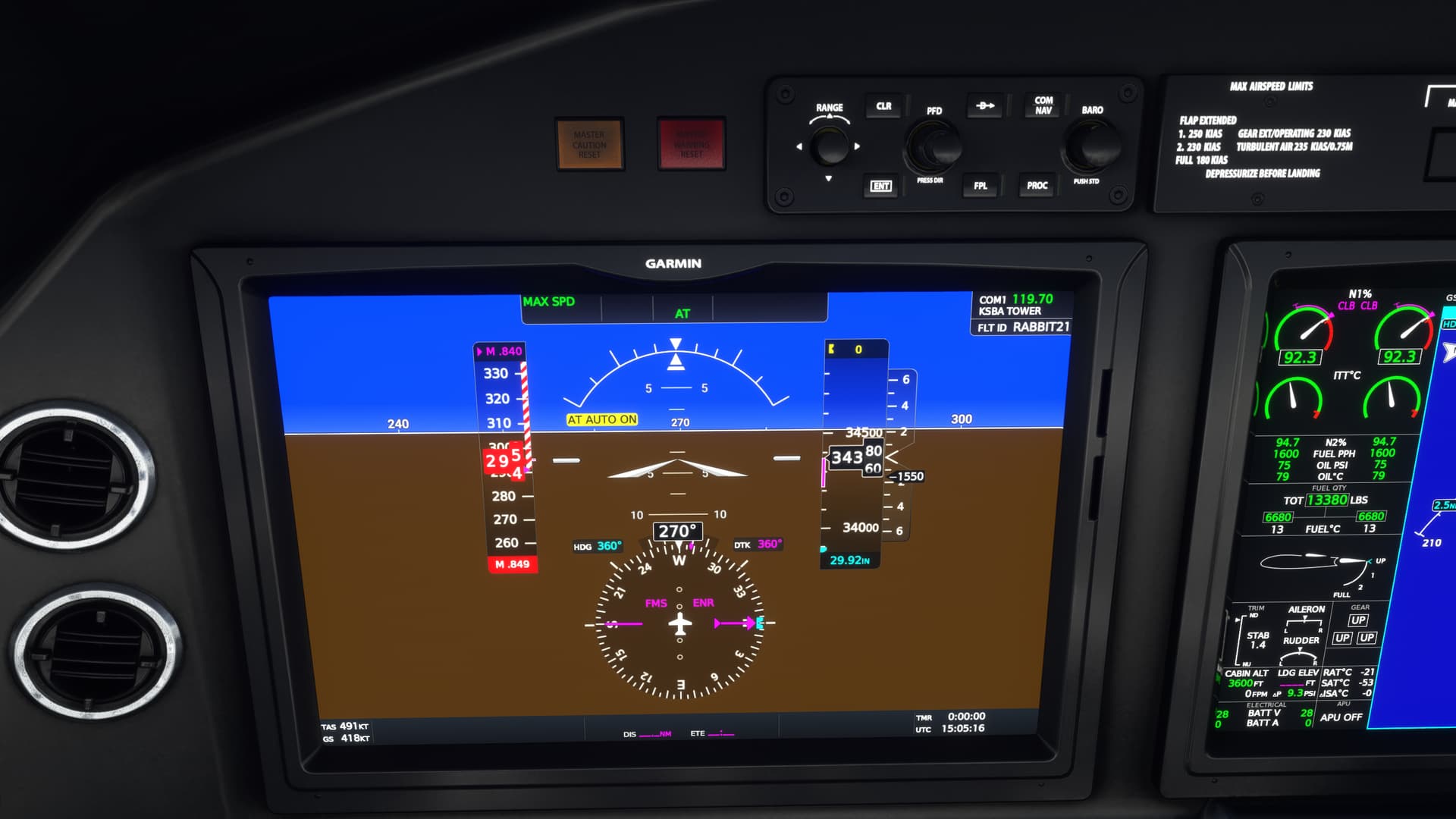
Climb power, push the nose over to -1550FPM rate of descent. Approaching both Mmo+0.01M and Vmo+5kts.
Auto AT comes on.
So, this aircraft behaves about as I would expect it to. The jet is perfectly controllable up to, and even slightly exceeding stated V/Mmo…as long as you don’t accelerate towards it like you have a death wish. It’s Auto AT is a safety feature I have no experience with, but the Airbus 320, for one, has similar speed protection built into it.
As for your speeds (556 or 644), I’m a little uncertain where you are getting these from.
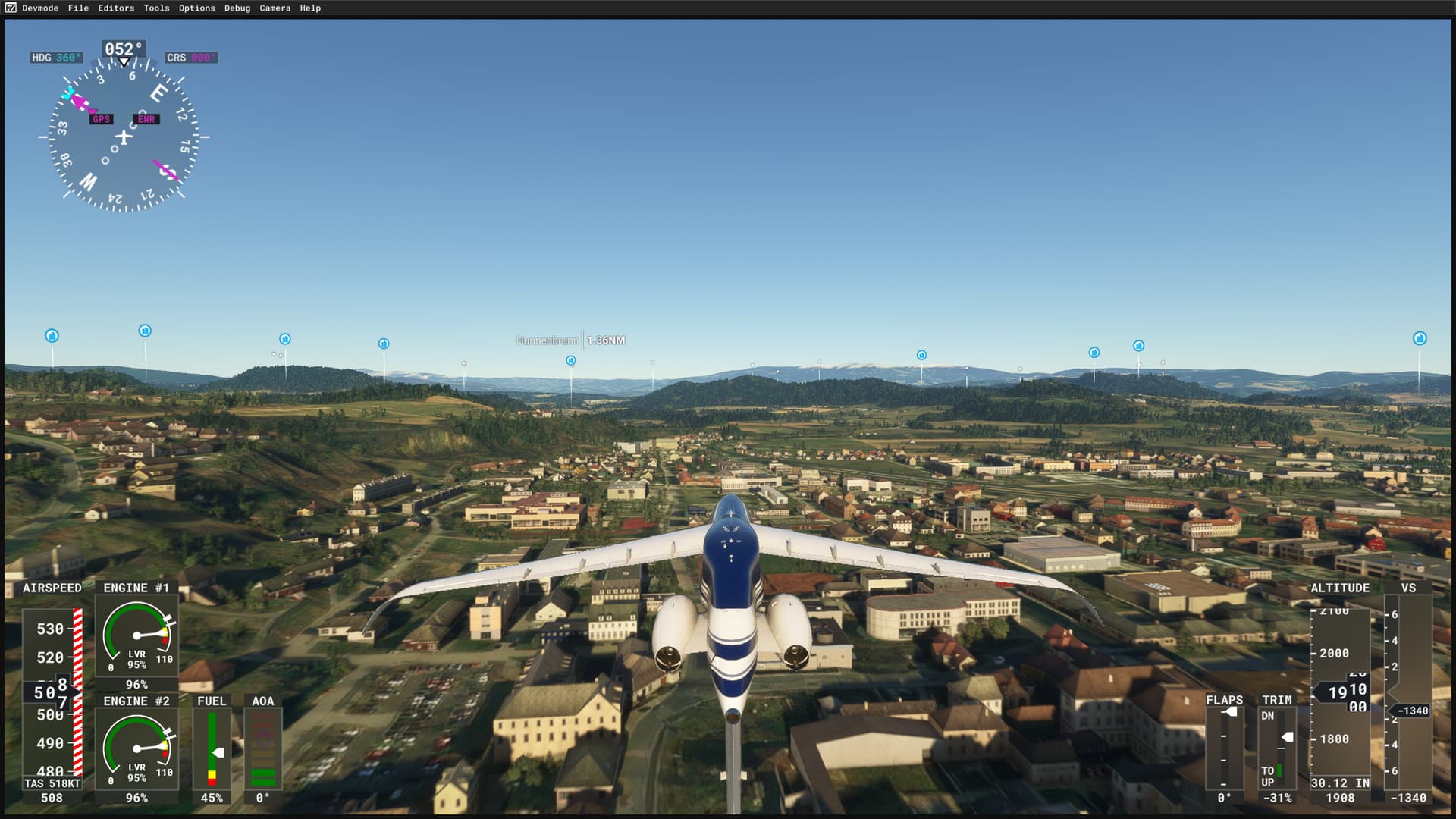
Coincidentally, 566MPH equates to 491kts. As you can see from the bottom left corner of the PFD, the aircraft is indeed doing 491kts on the nose TRUE. So, perhaps you do mean MPH, which is odd, since there doesn’t appear to be a gauge in the airplane that reads in MPH. Is there an option to make everything read MPH in this thing? I think that would be a real pain as ATC is not going to be inclined to assign speeds in MPH to you.
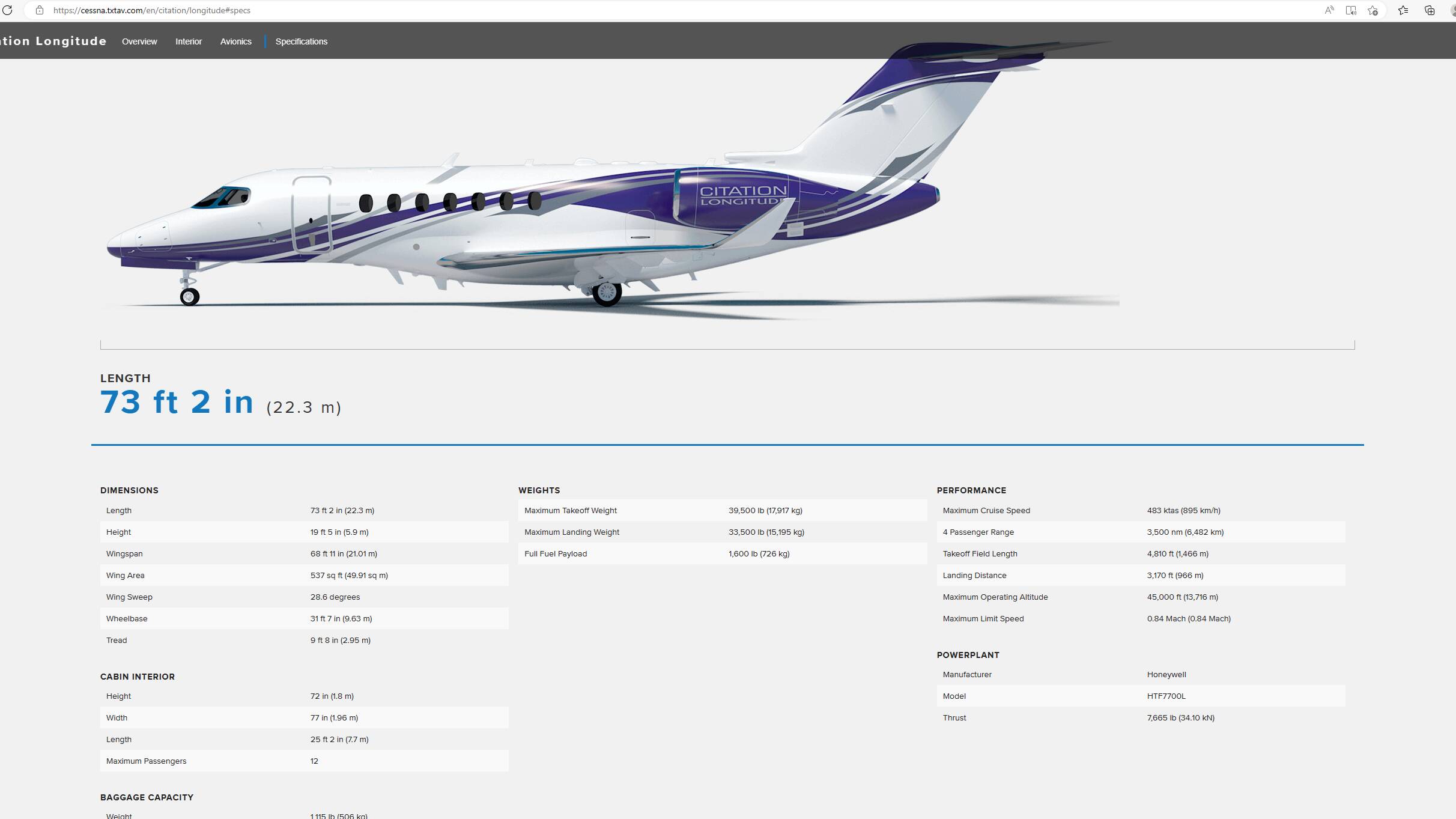
Cessna seems to think this is speeding. 483KTAS/0.84M is the listed Max Cruise Speed on their website. The MSFS specs indicate 500KIAS/483KTAS, which is an interesting set of specs since I’m pretty sure you aren’t getting over 315kts indicated without going WAY over the barber pole.
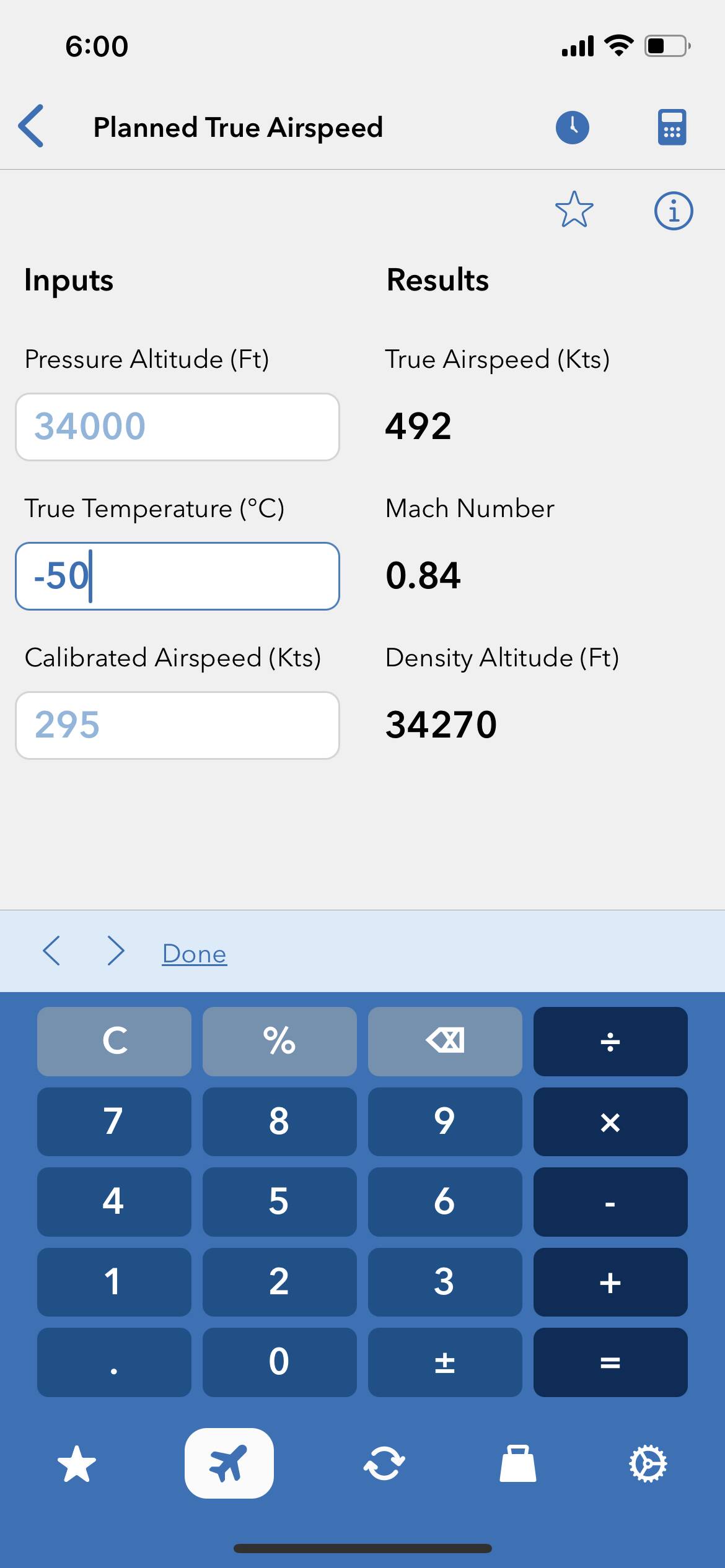
Just out of curiosity, I ran the numbers through my little E6B app. I can’t recall what the temp was, but at a reasonable -50C, the numbers work out about right.
So, I don’t know if any of that helps or not. If you fly the aircraft as intended, the Auto AT won’t be an obstacle from achieving the maximum speeds as presented in the jet and as listed in the documentation, contrary though it can be. 
As to the ability to turn off this reality setting, I can’t say that I think that MSFS is being unreasonably constrictive here. It’s a safety feature. It’s modeled in the sim. If it wasn’t, somebody would be raising holy Hell because of this unforgivable lapse in realism!