I am fairly new to MSFS2024 but have about 1500 flying hours in real aircraft, most of them Garmin G1000 equipped.
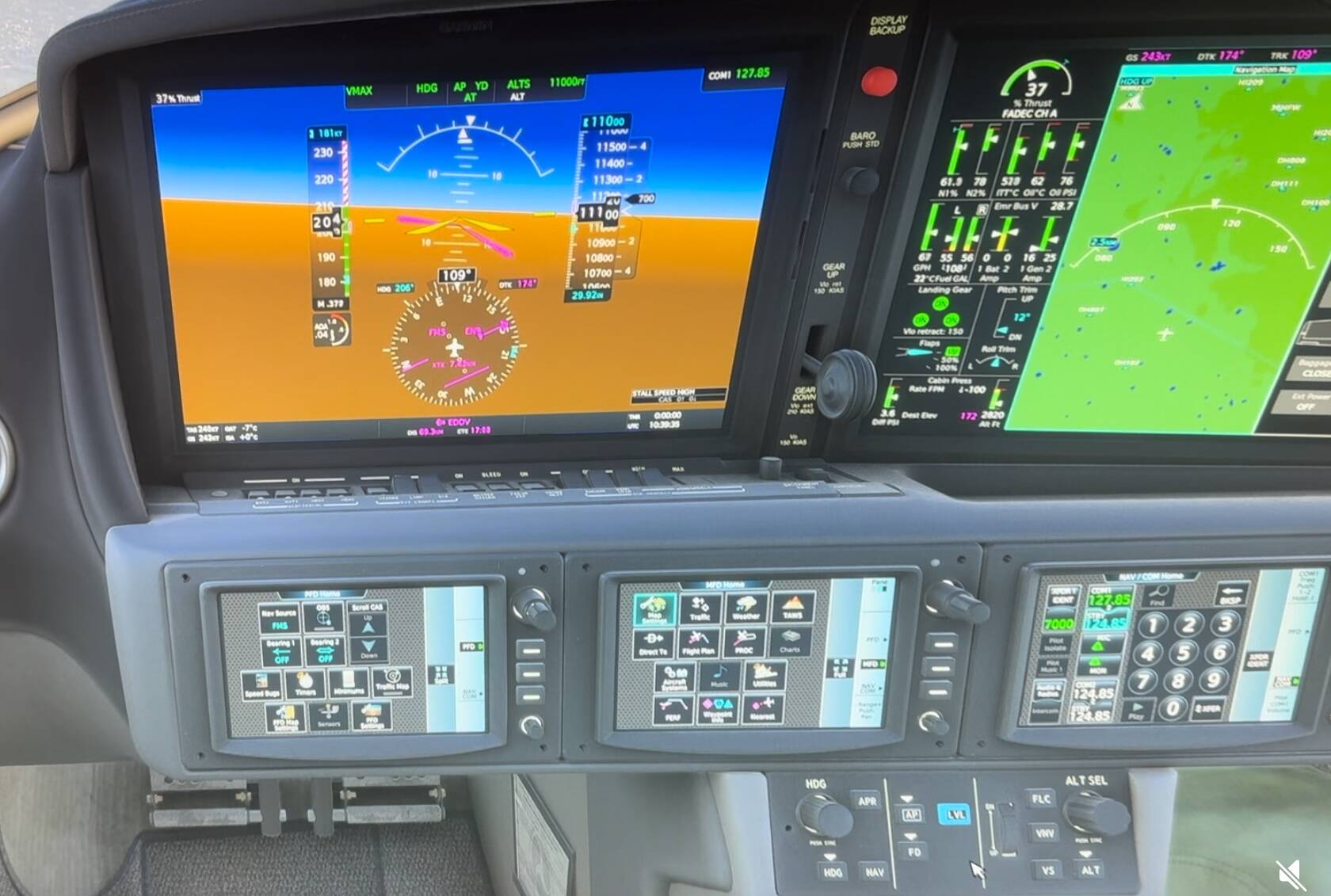
When using the autopilot in MSFS2024 (PC, Steam) like I’m used to, everything works just fine save for the lateral modes, so HDG, NAV and LVL. The aircraft just does not turn as directed, although the flight director indicates the turn correctly.
I’ve tried this now with a number of aircraft, e.g. the Cirrus Vision Jet, PC 24, PC 12, TBM 960, King Air C 90 and others.
Does anybody have an idea what that may be caused by? Didn’t find much on the forum…
Don’t know what to tell you, your PFD indicates you are banking right. It should bank right to your selected heading, and fly that heading until it intercepts you flight plan (if NAV is also engaged).
Bobo, thank you, but I beg to differ. The PFD indicates I shall bank right (flight director, the magenta „wings“), but the aircraft does not follow (yellow „wings“ don’t align with the magenta ones). That’s exactly the problem I‘m trying to solve for. Magenta works, yellow doesn’t follow.
The aircraft follows the magenta “wings”. The yellow “wings” is your aircraft symbol and remains stationary and represents your aircraft relative to the horizon. From your picture, your plane is in a right hand turn a shallow bank, turning to heading 206 as directed by the FDs magenta “wings”. It is working correctly per your picture. I cannot see the horizon in your picture but from your indications, it is all working correctly. Again the aircraft symbol (“yellow wings”) remains stationary in your PFD it does not move.
Bobo, again thank you for your help, very much appreciated. I managed to compress my video I created above screenshot from. Would you mind having a look and trying to explain the aircraft’s behavior again, please? Thank you.
That’s the Vision Jet, correct. Same applies to AP first, then selecting the modes. And also to all other aircraft I’ve tried as per my initial post, unfortunately.
Yes, I am. Clean Windows 11 system with no other software but an anti-virus program and the Steam client. Zero add-ons to the flight simulator. The installation comes through steam, though.
Another try to fix the issue that failed: I uninstalled MSFS2024 as a whole and manually deleted the appdata folder (including the Community Folder and everything else). Unfortunately to no effect.
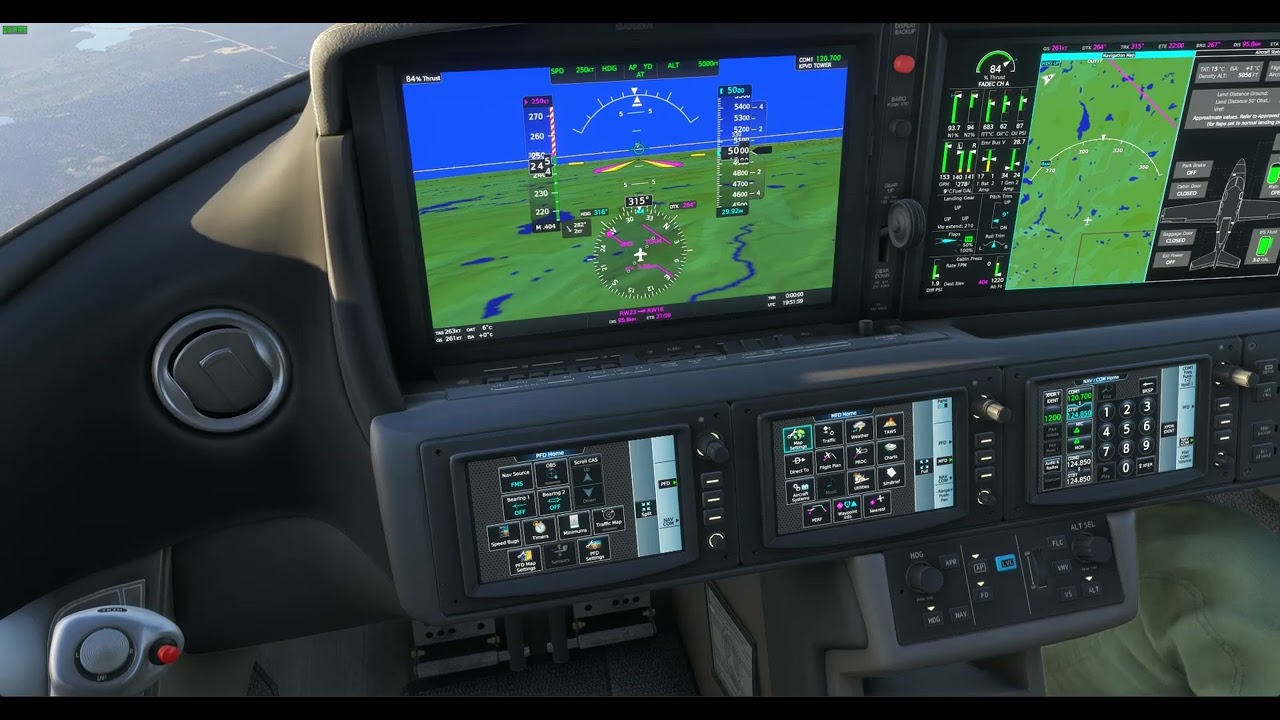
I just checked again as you mentioned the Vision Jet, HDG mode works perfectly for me (as with other aircraft).
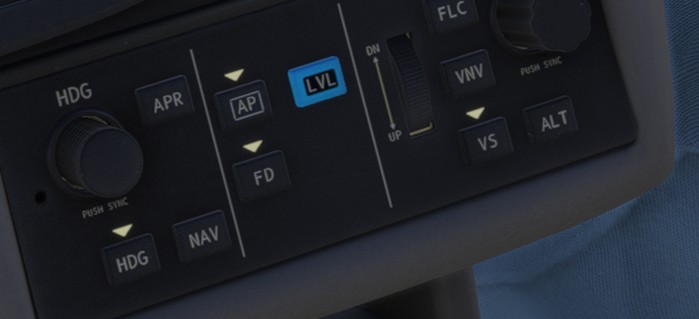
Do the AP, FS and HDG lights illuminate when activated on your side (little arrow)?
You should open a help desk ticket if you have not. This is very strange. Do you have any controllers connected? You indications are correct but the AP does not seem to actually be engaging.
I would reset the session and try again. This is the MS-Asobo/WT Vision Jet, and I stabilized first, set AT and then Nav modes. It might be a glitch during your flying session.