Baron G58 Copilot Floored!

ISSUE DESCRIPTION

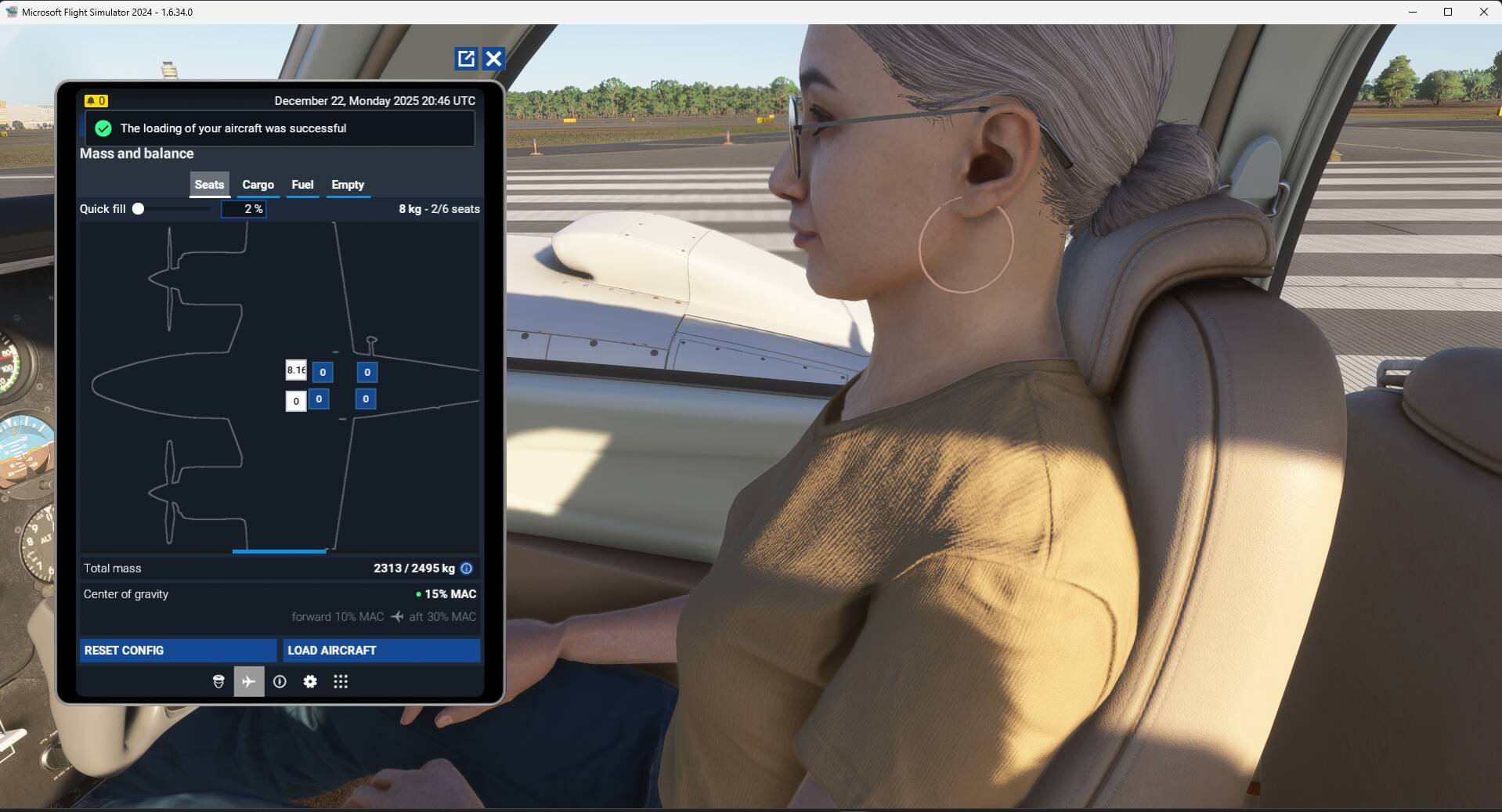
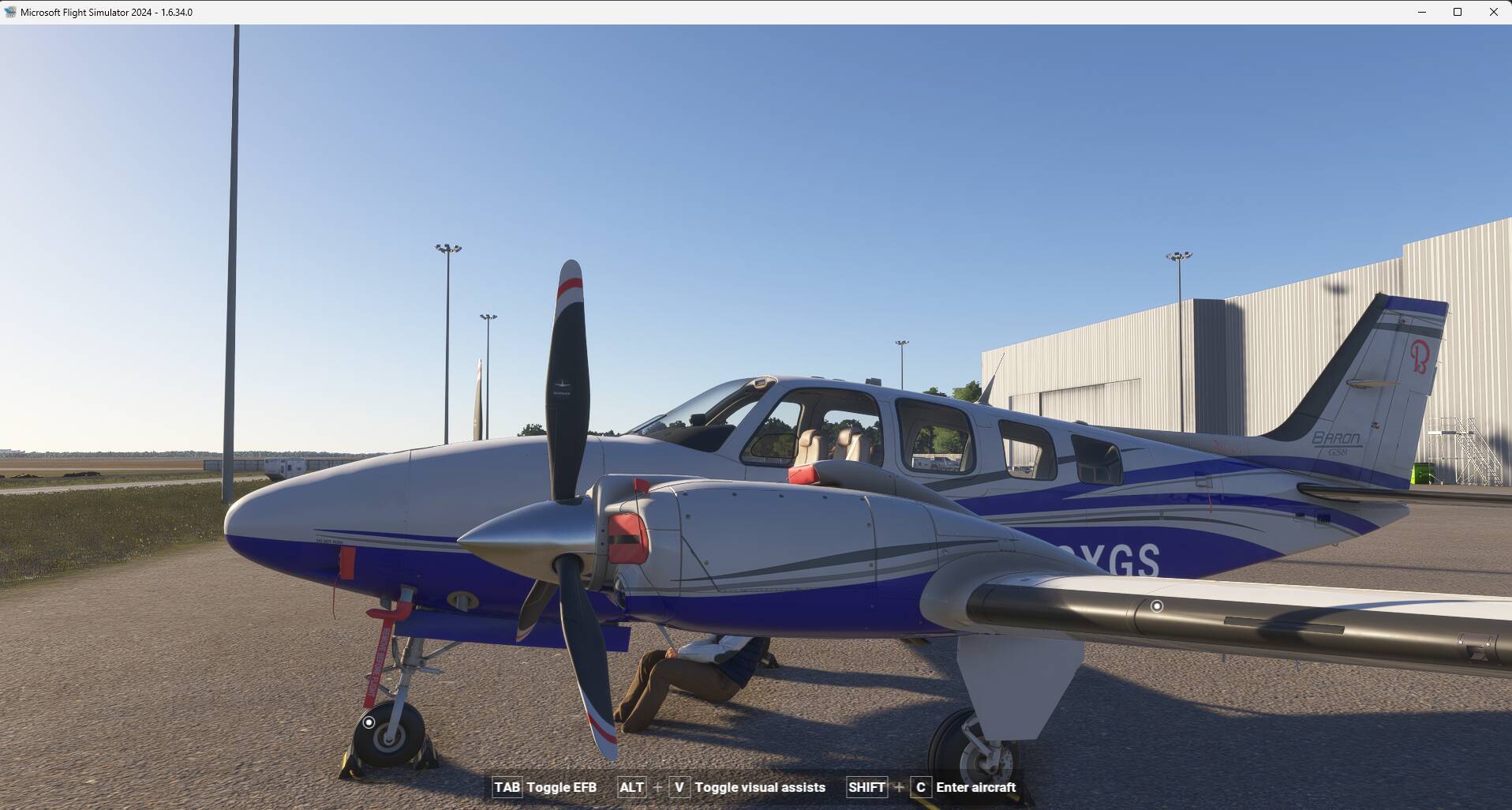
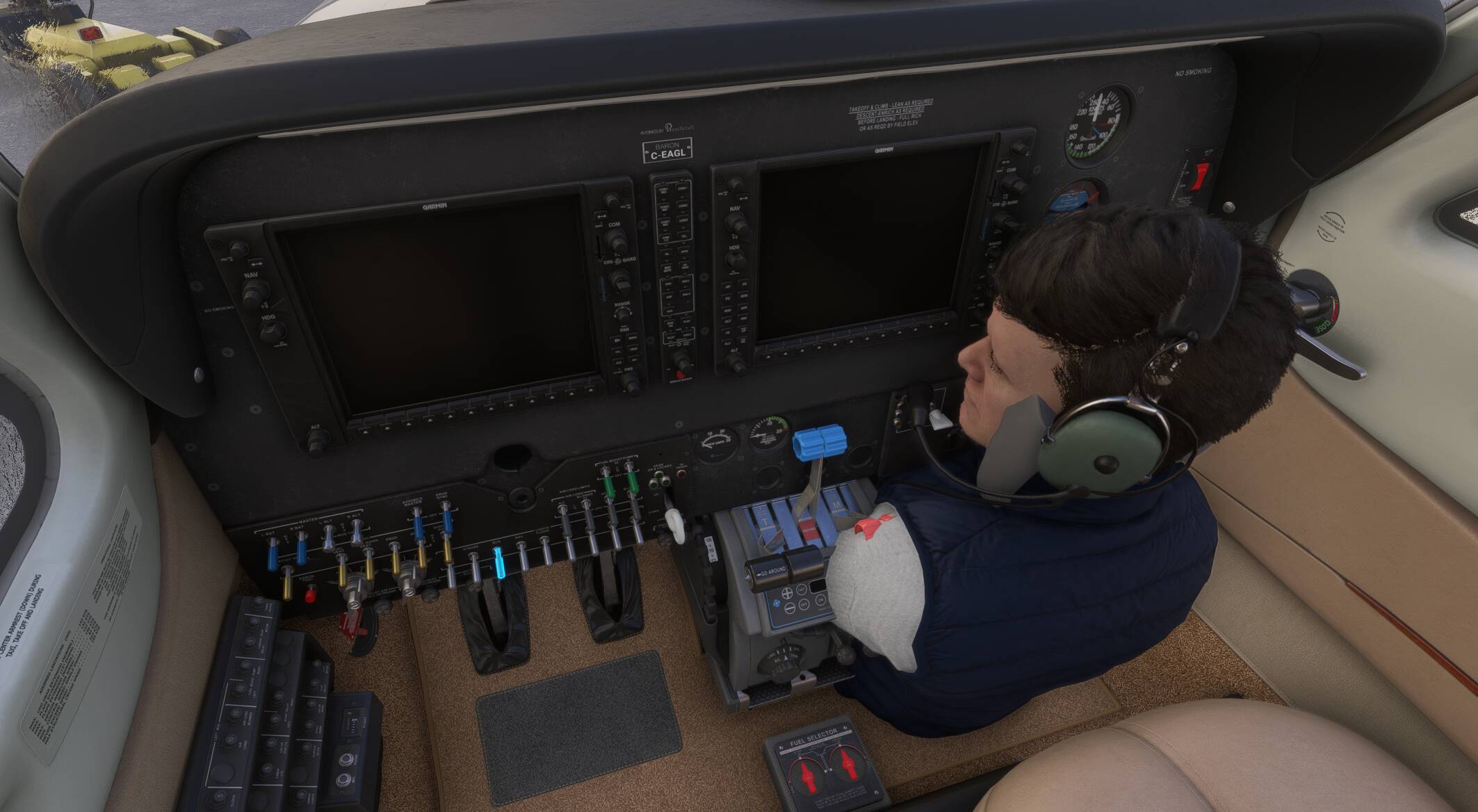
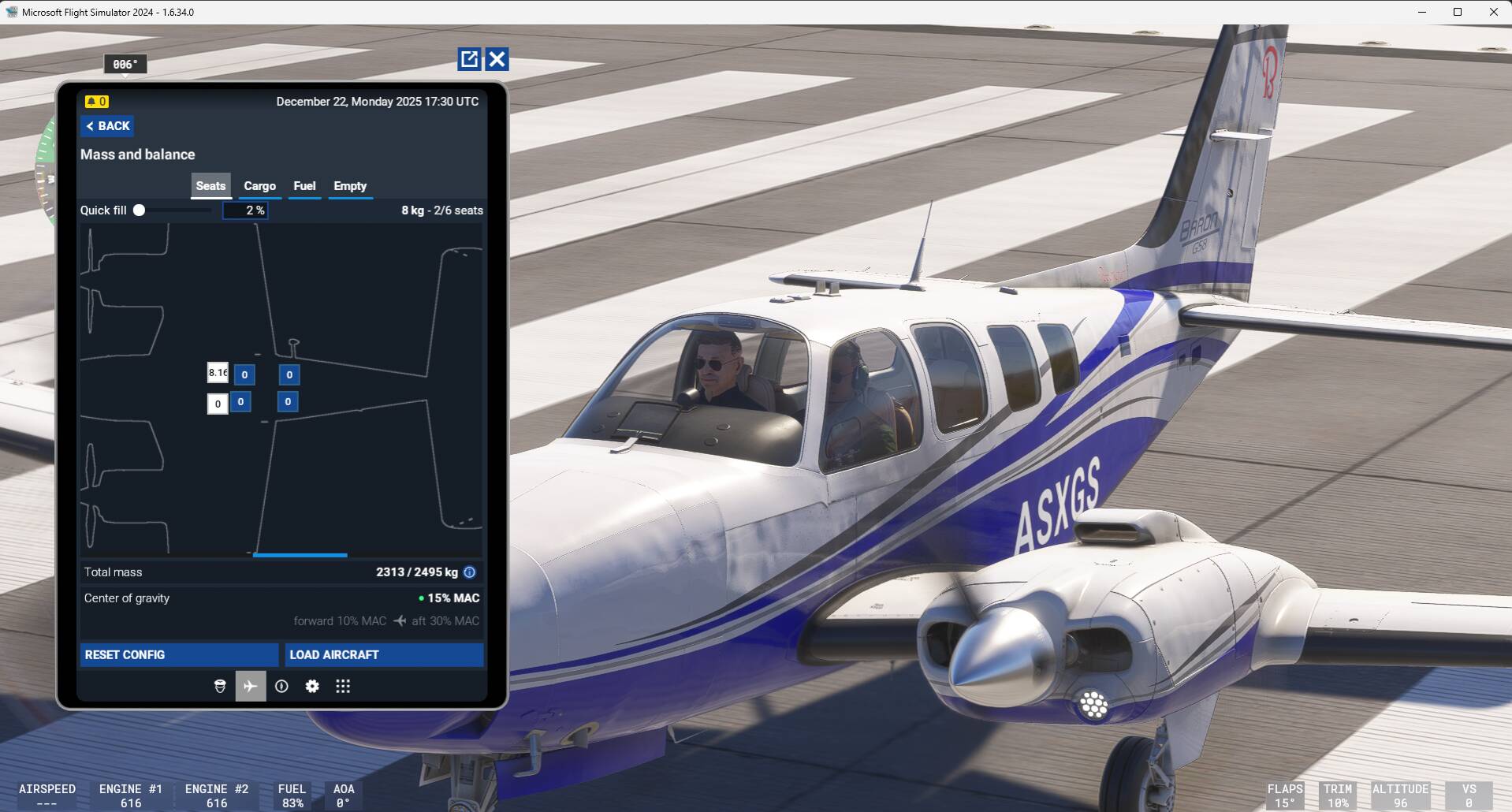
Pax squished on the co-pilot floor.

FREQUENCY OF ISSUE

Every time on sim load.

REPRODUCTION STEPS

Please list clear steps you took in order to help our test team reproduce the same issue:

  1. Load the G58 Baron at your favorite airport.

  2. Observe pax location.

YOUR SETTINGS

No mods and add-ons.

What peripherals are you using, if relevant: Not relevant

[PC Only] Are you using Developer Mode or have you made any changes to it? No

[PC Only] What GPU (Graphics Card) do you use? Not relevant

[PC Only] What other relevant PC specs can you share? Not relevant

MEDIA

1 Like

same here, a shame for Asobo

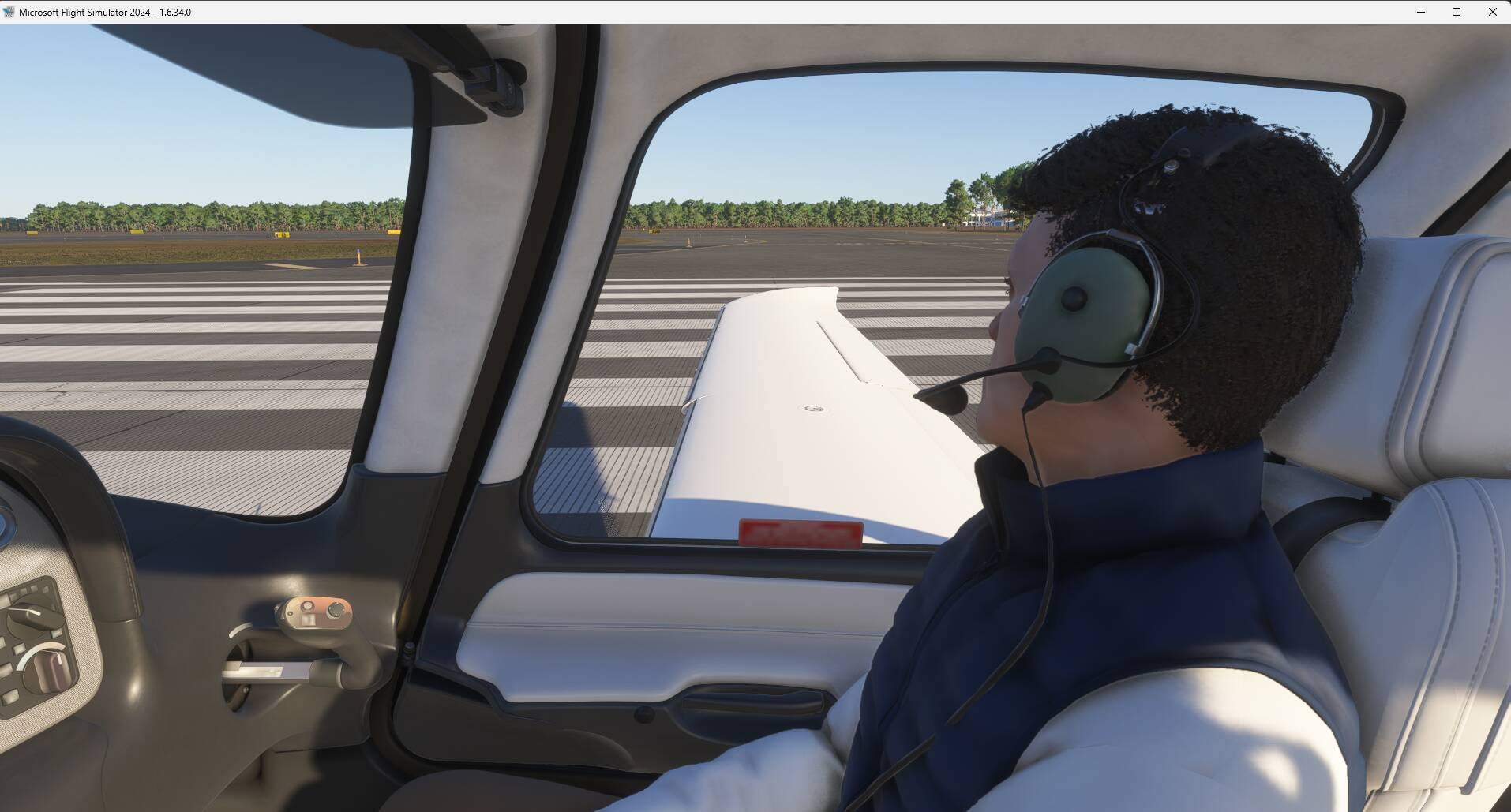
Cannot replicate but I am seeing a different issue: when adding the co-pilot weight, I am not seeing the avatar co-pilot but a passenger avatar, starting on the runway or cold & dark.
@UppishWind75631 : do you have some specific steps maybe to follow to get the proper co-pilot avatar ?


If I turn off the passenger quantity option, I have no one displayed as a co-pilot

Hi, please refer to the following link for an update on subj BUG: Cessna Aerobat Co-Pilot riding the wing

Something really weird is going on!

I cannot reproduce what you are experiencing about the co-pilot misplaced (but still having the issue with the co-pilot avatar in the G58). I did the following test:
Starting the sim, load 1st the G58 with a co-pilot weight, I am not getting my defined co-pilot avatar but a random passenger character:


Then I loaded the SR22 and I get my correct co-pilot avatar:

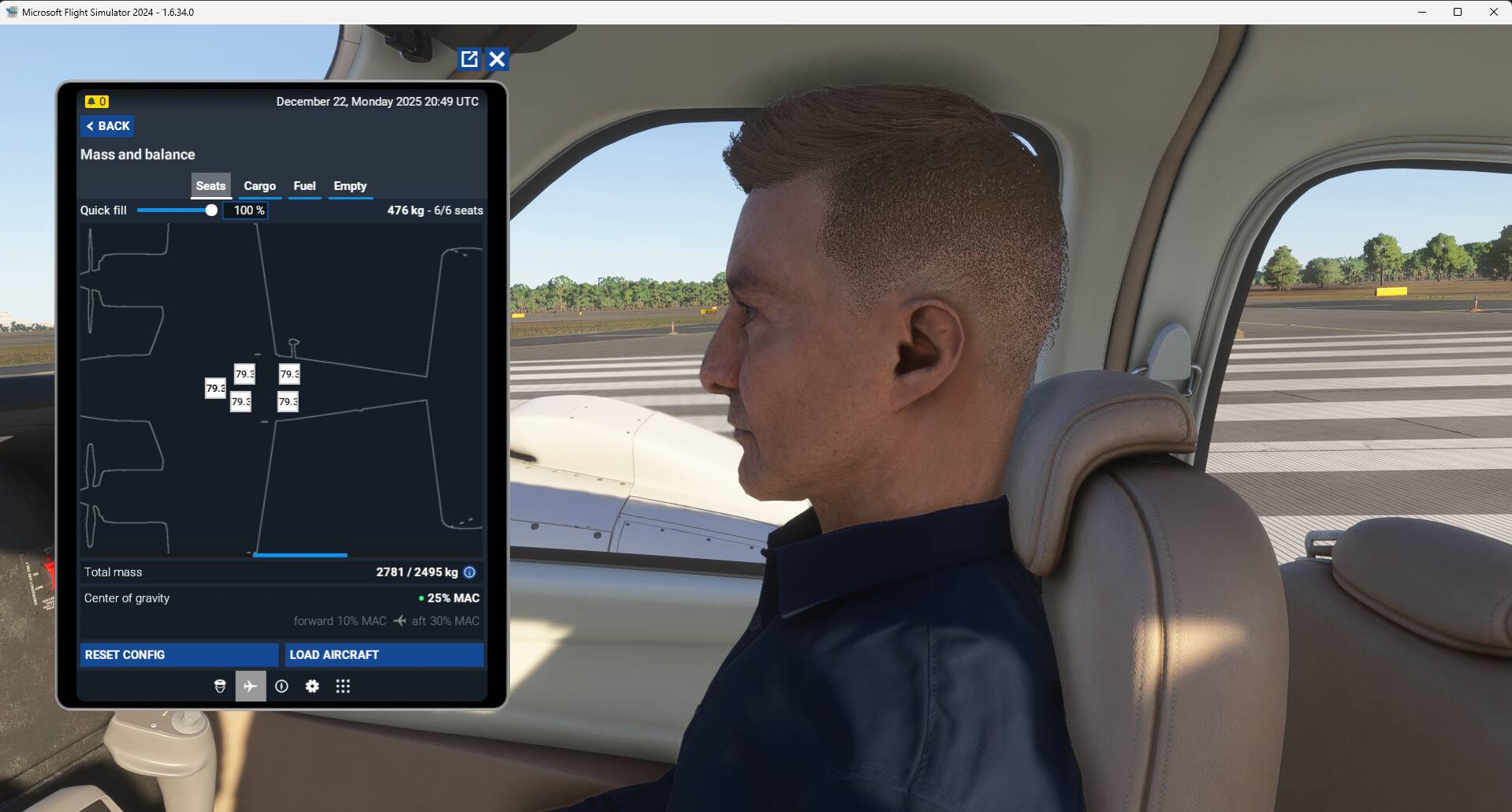
Then load again the G58. This time there is an additional issue, the co-pilot seat is not displayed on the aircraft profile:

You have to use the quick fill slider to add weight for all the passengers including the co-pilot. But the co-pilot is still a passenger character and not your avatar:

So the issue for me is with some aircraft that are displaying a passenger character instead of your co-pilot avatar. No issue related to the co-pilot/passenger position.

I can replicate with 2 conditions:

  • have previously loaded the SR22 (or I guess an aircraft where your avatar works)
  • spawn at the same parking spot


In my case I don’t see the co-pilot head inside the cockpit as on your screenshot, just seeing from outside part of the body below the aircraft.

1 Like

I would recommend to update the steps, adding conditions that the SR22 (or equivalent where avatar works) should be 1st selected and spawned and then same parking spot should be selected when spawning with the G58.
This post can be closed as this BUG is the same as the one found at the following link.

Closed at per OP request.