For the last two days I’ve been having Bing map not loading issue. Nothing has changed for my system. Any solutions?
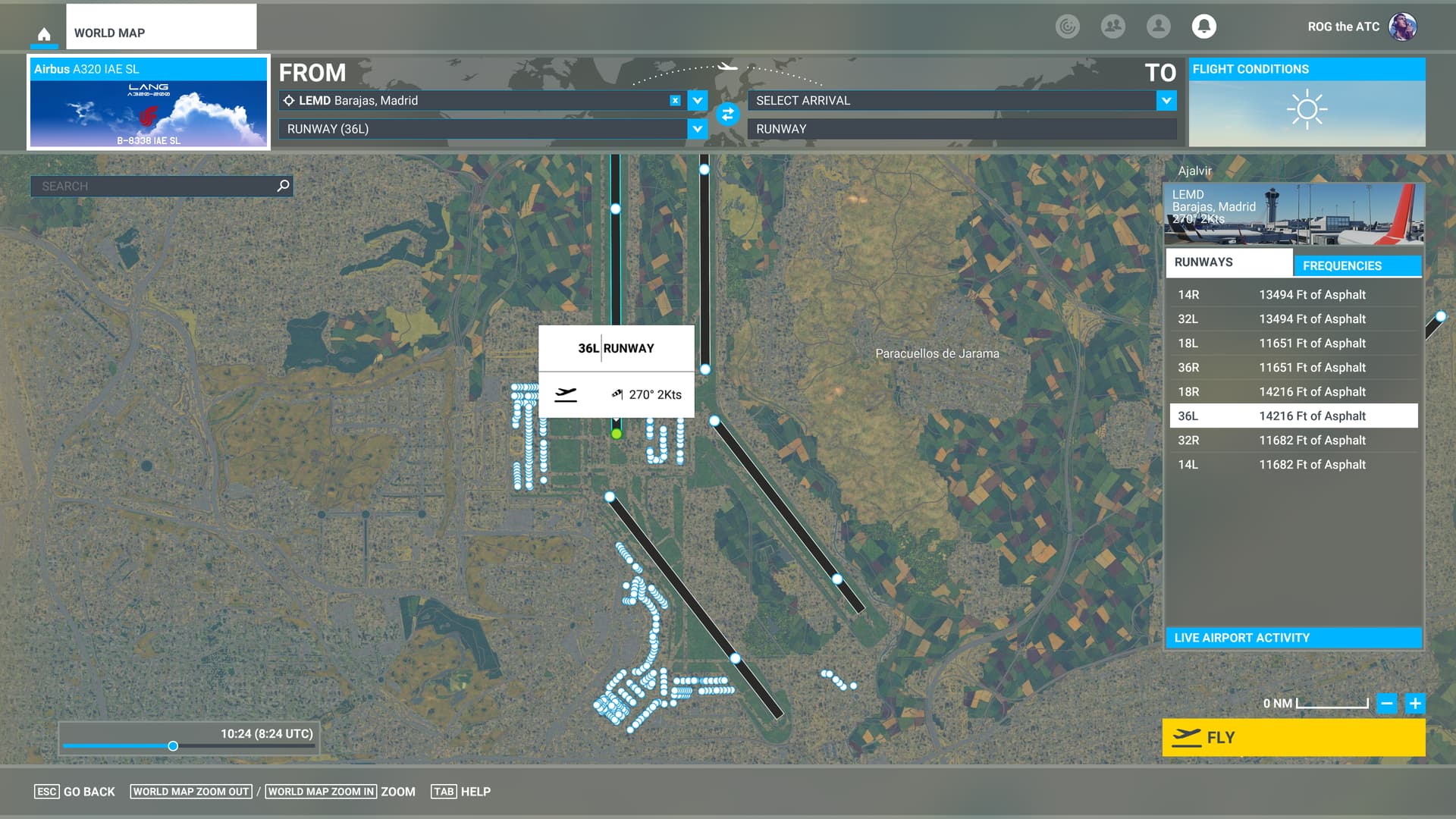

Same here. I have ruled out the possibility that it is a problem with my network.
Are you from CHN?
Certainly 
当然(北京联通与移动都没辙
May be due to a temp fire wall blocking. 我外地的朋友是正常的。
That shouldn’t be the case. Even Proxifier forced proxy doesn’t work.
不应该啊,强制代理都不管用……邪门了,下班回家再试试。
I had the same issue!!. I’m living in the U.S.
Everything was going normally before. It happened this morning during the flight to KSEA. I tried Toggle Online Functionality, Bing Data World Graphics, Photogrammetry, Live Real-World Air Traffic, Live Weather and Multiplayer “ON” again. Unfortunately, all those steps do not work for me.
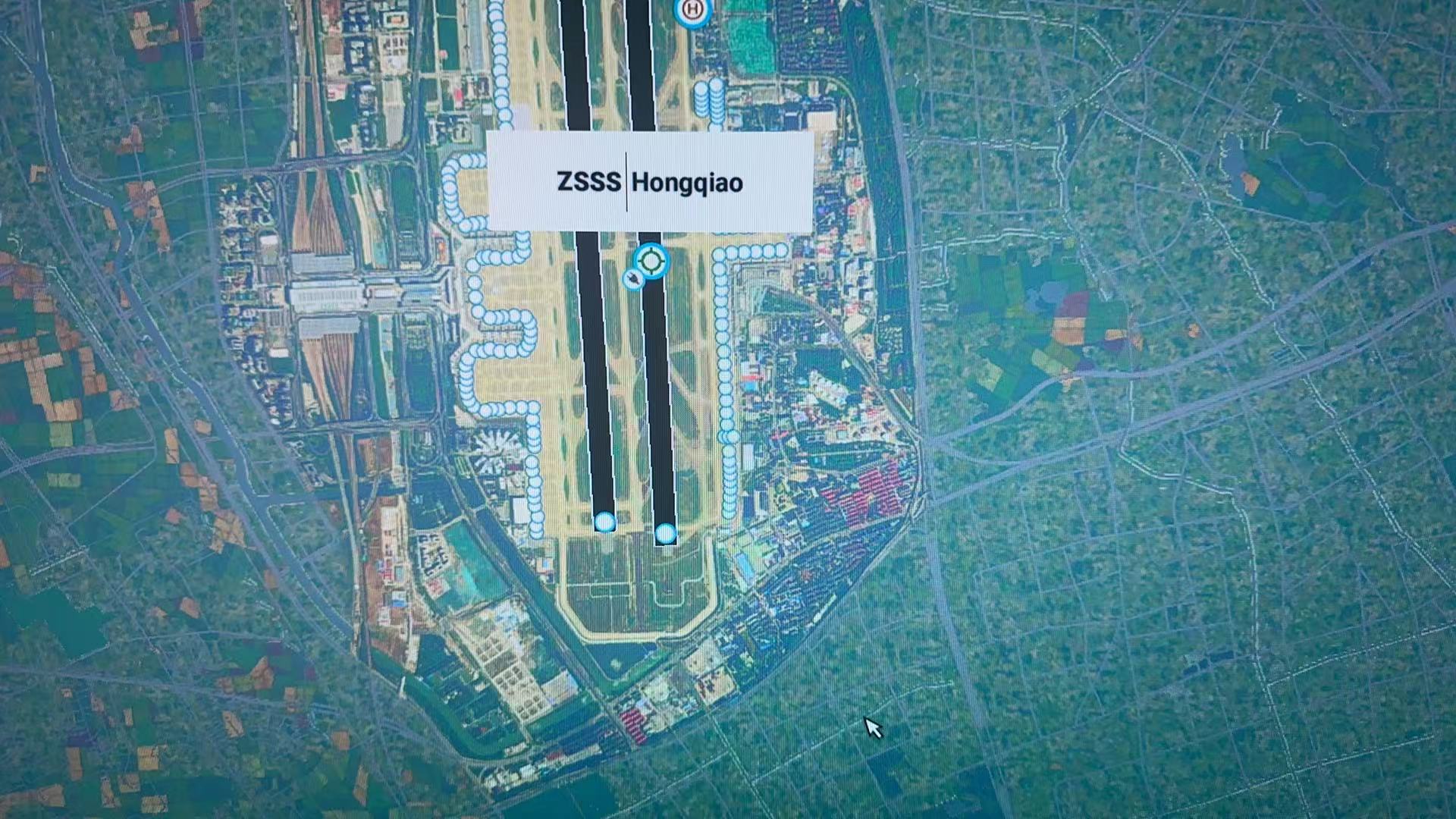
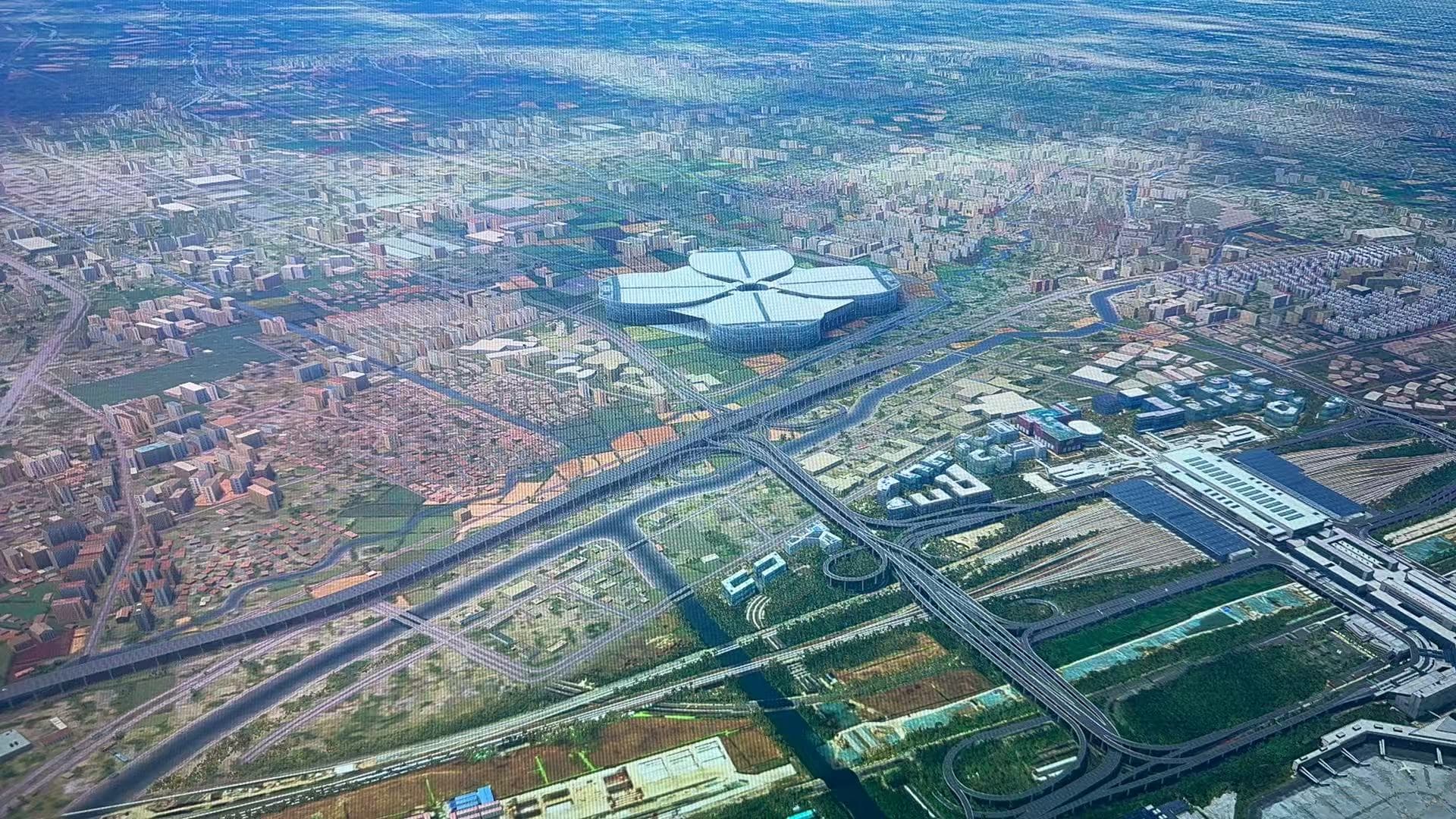
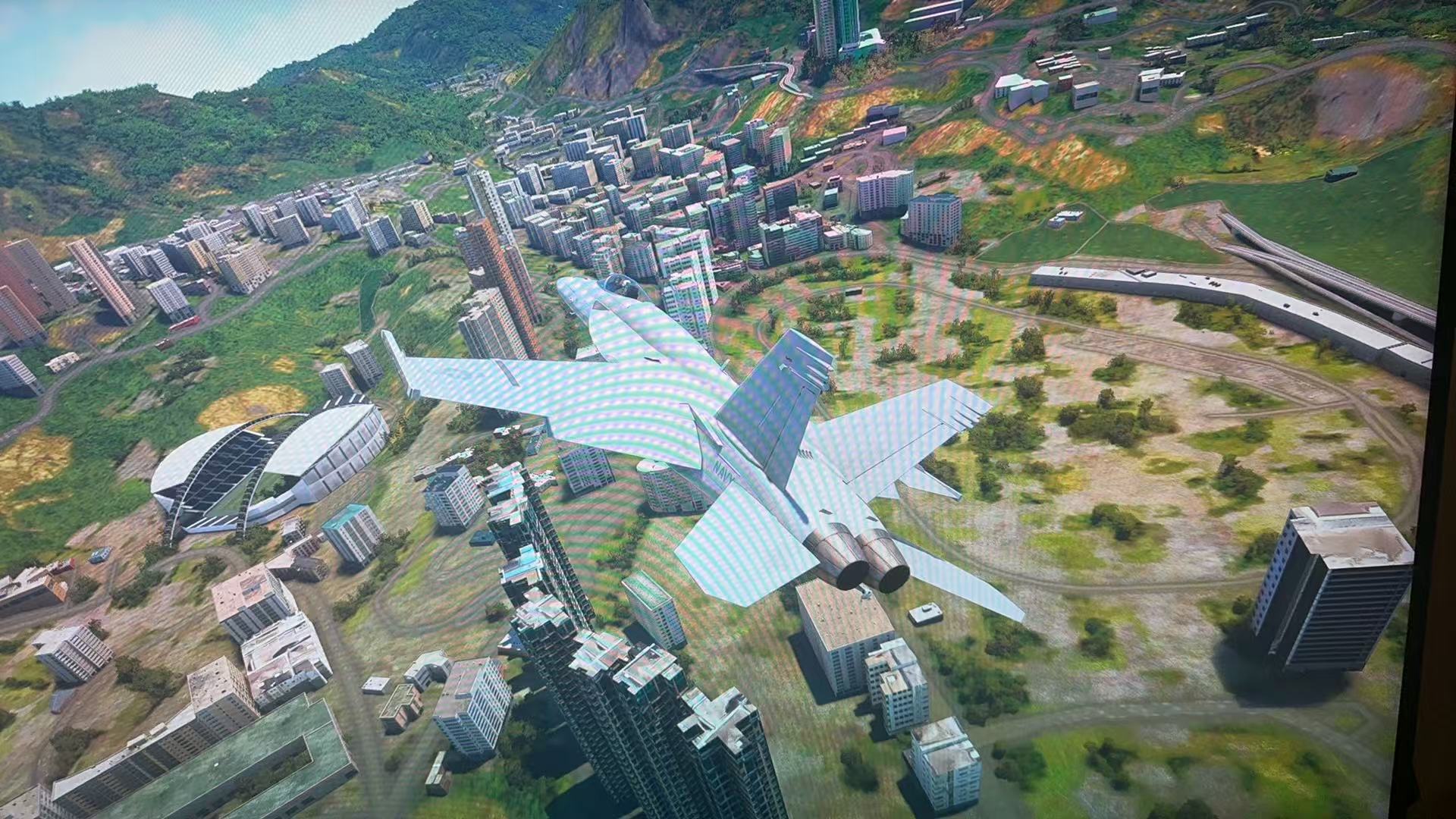
Along with the Bing map not loading issue, the sim lags PRECISELY EVERY 30 SEC. Hope Asobo team will have a look at this.
@ ROGtheATC @ MostZebra910003 I found a solution! Adjusting “Non-unicode language” to “English (United States)” made it work for me.
下午我在隔壁帖子里调侃说“总不能像回到P3D时期那样,调整‘非Unicode’语言吧!”,结果您猜怎么的……还真就是这样。
但奇怪的是,之前我的非Unicode语言为中文时,一切正常,从昨天开始才有此问题的。怀疑是Windows 11更新的锅。
但是做出如下调整有缺点,就是其他基于中文的软件可能会出现乱码。可我若干年前在P3D时代,为了飞FSL320已经习惯这种改变了
In another post this afternoon, I joked that “I can’t adjust the ‘non-Unicode’ language like I did in the P3D era!”, and guess what… it really happened.
But the strange thing is that when my non-Unicode language was Chinese, everything was fine before, and this problem only occurred yesterday. I suspect it was caused by the Windows 11 update.
However, the disadvantage of making the following adjustments is that other Chinese-based software may display garbled characters. But I was used to this change in the P3D era several years ago in order to fly the FSL320.
Folks,
This is impinging upon the Official Language requirement in the forum. Let’s please stick to it in spirit AND practice. Thanks. Questions? DM @moderators
Thanks,
-MSFS Forum Staff
Problem sovled!
This problem is still not fixed in SU16! It affects the gaming experience very much! Changing the Non-Unicode Programs Language setting will cause other Windows problems and we don’t want to change it!
Same issue here. Trying to upgrade Windows to solve this. My bing map didn’t load even a little while I did use web accelerator so I guess it was not an Internet problem.
我也在内地,试一试更新windows会不会好,换了两个加速器也没用啊
It seems to be confirmed a game bug. Change the non-Unicode language can solve this
可以把语言改成简体中文新加坡解决 谢谢回复的大佬
I live in Europe and my system is all in English and I have the same issue today.