Yesterday I lost 2 mainboard USB ports, and one HDMI port on my GPU. (Specs are in my profile.)
What happened?
I used DDU to uninstall nVidia driver 581.08.
I updated to nVidia driver 581.15
When I restarted the computer, my two WIMAXIT 10.5" touchscreens had no power (they get power through a USB connector that handles both power and touch comms.)
I tried other USB devices on the two previously working mainboard ports - no joy. The ports appear to be dead.
Plugging the monitors into a powered hub got them back, but the monitor plugged into the HDMI port on my 3090 Ti has no video signal. The other monitor is connected to a DP port, and is showing video.
DDU the new driver and reverted to 581.08 (3090 Ti HDMI port still dead.)
So I enabled the AMD display adapter (previously disabled because I didn’t need it) plugged the HDMI monitor into that, and now have two fully functional touchscreens.
I reloaded the AMD chipset drivers (which I’d done a week ago) but that didn’t change anything.
Your symptoms sound like hardware failures on your PC, the kind of thing that can happen with a power surge or nearby lightning strike due to induced currents, or even potentially with a bad static shock. The fact that both one of your GPU’s video outputs is dead along with motherboard-hosted USB ports - totally separate parts - is the kind of thing a board power surge could do.
Are you comfortable opening up your PC? If so, you might consider opening up the case and seeing if you see signs of damage on the motherboard - damaged or burned traces, small blown capacitors, that kind of thing. While you’re in there, you might consider removing and inspecting your GPU to see if you notice any damage around the edge connector and board power connectors.
Unfortunately, even if you find signs of damage, there’s probably not a lot you can do to mitigate the problems. But if you DO see any burned components, you should probably not continue using the system until you disassemble it thoroughly and check everything closely, including all cables inside and external to the case, looking for damaged or cut conductors and insulation. If it was me, I would also consider replacing that power supply.
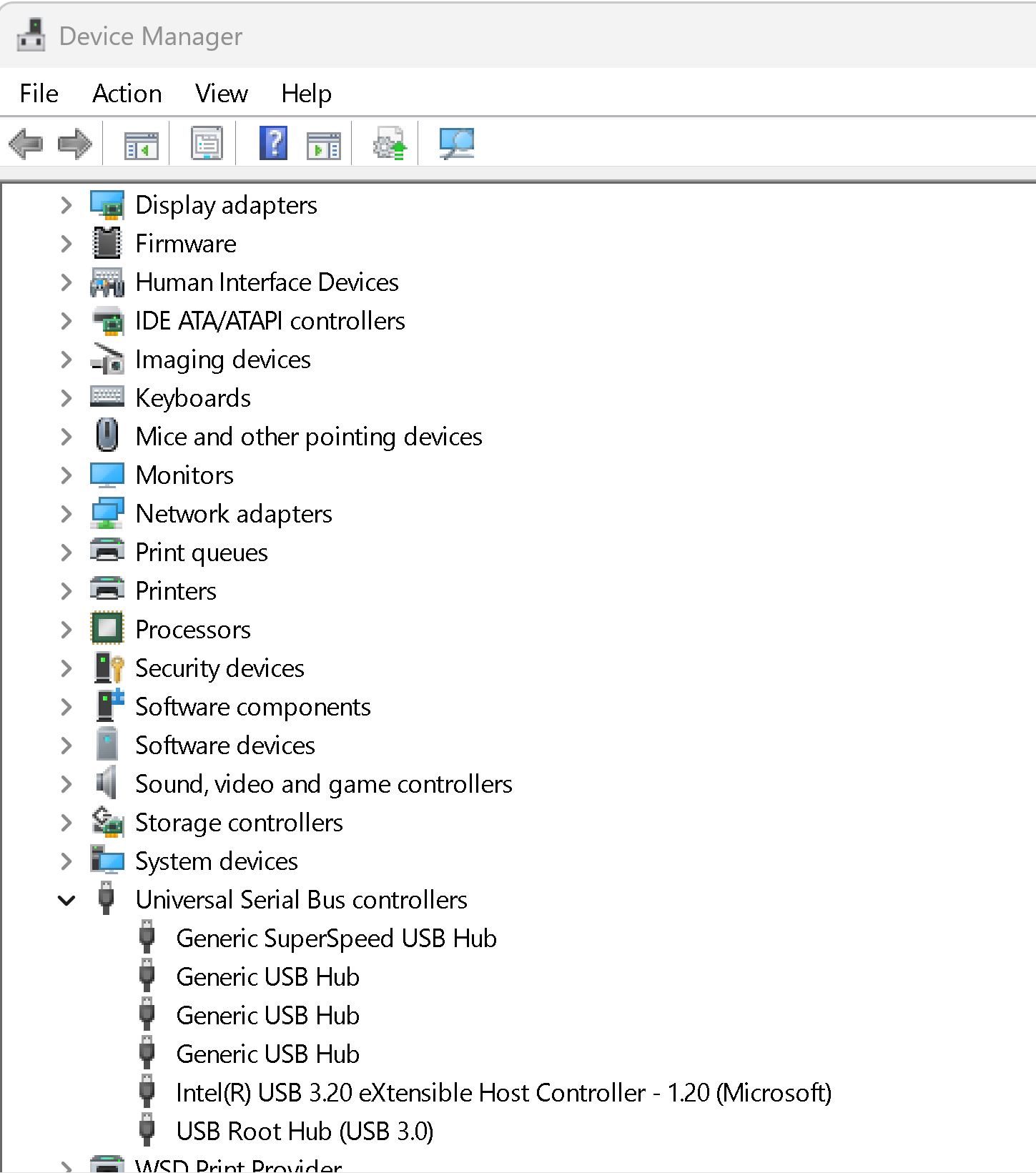
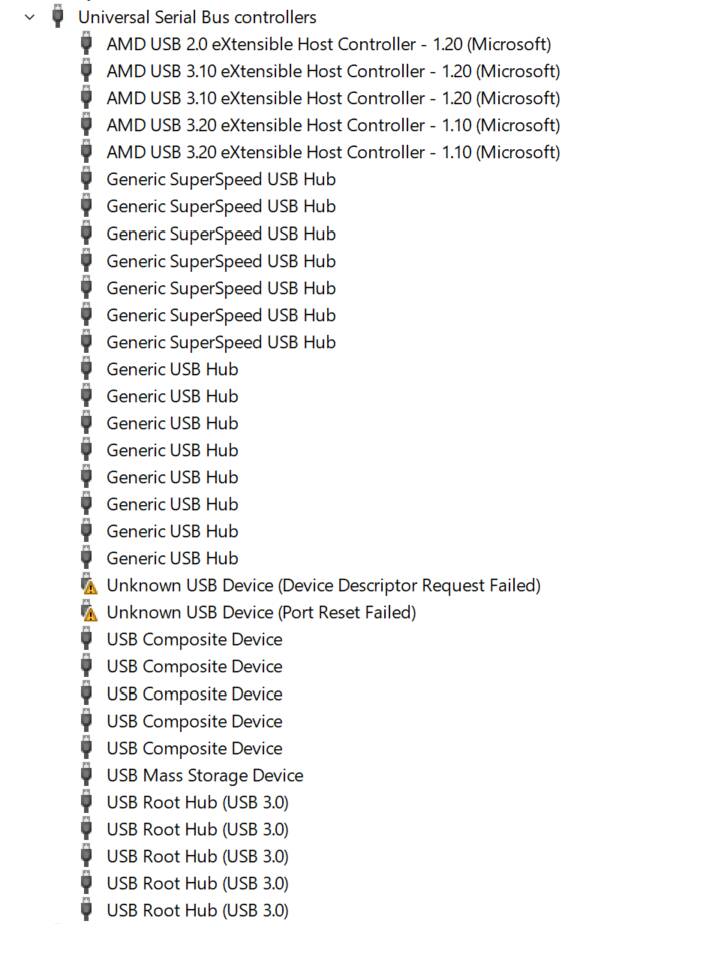
The ‘Unkown Devices’ are the two WIMAXIT monitor touch screens. They are working fine connected to the powered hub, even though their DEV ID’s aren’t being recognized.
This is a nightmare scenario for me. I fear for when/if something on my computer might just suddenly go out of whack and it becomes a nightmare to troubleshoot.
You have my sympathies: I profoundly hope you get it sorted out soon.
Wow - sorry to hear your hardware is not working as before. It’s one thing to blow out some USB ports however it’s interesting that you blew out an HDMI port on your 3090 Ti at the same time. The common thread is they were all being driven by the Nvidia driver you just updated. The Nvidia driver as it was being installed must have set off something very odd.
If I remember correctly, you bought some small touch monitors recently and I’m pretty sure you connected them via USB. I’m not sure about the exact setup, but if everything had been working fine for years and then suddenly after adding the monitors things stopped working properly… that does seem suspicious.
For what it’s worth, I had a similar issue myself once - my USB started throwing all sorts of errors and in the end it turned out the motherboard was the culprit.
As for the power supply, I personally wouldn’t go for Seasonic - but that’s just a matter of personal preference. I usually buy from other brands.
And of course, we also can’t rule out BIOS issues - it’s possible the BIOS got corrupted
I agree with Ten patrol the USB controllers and drivers are fine baseed on the image above so it’s not a chipset driver issue.
The “dead” ports are very likely fuse/protection failures at the port level, not PSU-wide.
That matches what Tenpatrol has indicated earlier ie your touchscreen monitors, which draw ~1–2 A each, may have stressed the port’s power protection circuitry, permanently disabling them.
I bought the two touchscreens a month ago and aside from needing to figure out how to configure the touch functions they worked fine.
I suppose it’s possible that the USB cables themselves contributed somehow to the port problem.
The ones shipped with the screens were only 2 feet long, so I bought some 6 foot data/power cables. Those worked fine as well, until I updated the nVidia driver and lost connectivity.
I’ll reload the BIOS just to be sure that’s not the problem.
Hi BegottenPoet, Embedded software developer here.
To determine whether this is just a driver issue or actual hardware damage, you can try the following:
Get a Live Linux or another operating system that can boot from a USB stick. Once you’ve successfully started it, test with some simple peripherals (like an external hard drive, a mouse, or anything else for which the Live OS has drivers) to see if they are still detected on the USB ports. Also check if you get a signal from the HDMI port.
If this works, then it’s most likely just a driver problem.
If it also fails, try a different PC power supply unit. It’s possible that the 5V rail on the secondary side of your PSU has taken a hit.
I’ll download Mint Cinnamon and burn the ISO to a USB drive. I’m guessing it will have the necessary drivers.
Also…If the 5V rail is a problem, wouldn’t all my mainboard USB ports be affected?
There are 4 USB2 ports on the back panel, and 2 of them are working fine.
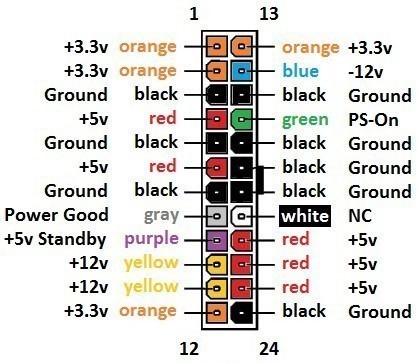
The ATX connector basically has multiple 5V lines. I don’t know exactly how your power supply is designed, but it’s possible they’re fed by more than one voltage regulator and not all of them are affected. Or the affected port might simply not be able to provide enough current for all ports anymore.
But since this happened right after a driver update, if I understood you correctly, I’m confident the power supply is still fine.
Personally, if I didn’t have any measuring tools or other test equipment for checking USB ports at the moment, the quickest way I’d verify it would be to plug in a USB stick into each port individually and check in the BIOS whether it’s detected. That way you can quickly rule out whether it’s just a software/driver issue or if the ports are actually dead on a hardware level.
If the USB stick isn’t detected, the next thing I’d try is connecting a different PSU to rule out whether the issue comes from the PSU or the motherboard itself.
I booted from a Linux Mint USB and plugged a USB mouse into each of the suspect ports. It worked fine on both.
I also plugged a standard HDMI monitor into the suspect port on my GPU. It worked fine.
So it’s clear that I don’t have a problem with that hardware.
That makes me feel a whole lot better about the integrity of my MOBO, GPU, and PSU.
I’m going to mark your answer as the solution. But also, many thanks to everyone who helped.
I still don’t know why the touchscreen only gets video from the AMD adapter, and not the nVidia HDMI port. But at this point everything works and I can fly, so I’m inclined to not dig any deeper.
This goes against my nature.
But as long as I know I don’t have a hardware problem, I’m fine.