AI rules the world… indeed, strange level of detail.
Just finished this flight. 2 hours in the Mooney. Ground aircraft turned off. Flawless flight.
1 Like
Guys, it´s not the ground traffic,or the live traffic that causes this bug. This wouldn´t make no sense at all ^^
For some weird reason, the sim didn´t recognises the default failture settings for each plane. Before you start your flight, just go into the options menue and turn every failture option from off to on and back. It takes you only a few seconds.
I had multiple flights with only a part of the avionics shuts themself down, and some other systems still working. Like the Garmin goes black randomly and the transponder was still active and vice versa.
The only thing I can´t understand is, if you need to do this workaround for each flight you start. But at the end it didn’t hurt if you did anyways.
1 Like
This is what I have been doing for 2 days it seems to help. But so far I do it only once for each aircraft I fly.
Wait… what!?! I haven’t had a chance to try either of these fixes (failure settings / AI aircraft) yet but if this is really what’s happening – virtual pilots in virtual planes doing virtual switch flicks that are affecting switches in the players’ aircraft – then this has to go down as one of the most bizarre bugs ever.
The worrying thing is that it does fit in with all of the evidence. The “randomness” of the failures, the spooky sound of things switching off and on, the self-moving switches. If this does turn out to be the cause I’m actually going to be kinda impressed that the simulation of NPC aircraft goes down as far as individual switch settings.
I’m off for a trial flight. This is fascinating!
1 Like
Seems like we have to do this each time we start a new flight…I was in the middle of a evening flight with the Mooney right now-without resaving the failture option before-and those nasty Gremmlins turned my floor lights on-off and then the whole avionic systems 
It doesn’t make sense, but that is what’s causing it. The sim is prioritising newly loaded ground parked aircraft that is the same as the one you’re flying. It doesn’t need to make sense because it’s all about bad code. Options > General > Traffic and turn Ground Aircraft Density to 0 and you’ll see that your flights will be fine.
I had already tried the virtual failure suggestion multiple times and it didn’t work.
3 Likes
It’s not the virtual failures doing it, it’s Ground Aircraft Density causing a conflict with your aircraft. Go to Options > General > Traffic and set it to 0 and all will be well.
2 Likes
And what will happen if I set to to max? I guess I should be in troubles very quickly.
Yes. If you start in an area with low density airports, you might start off ok but as soon as you come across airports with the same make as your aircraft, it’ll happen.
But if you start, say, near Heathrow, the plane will be unflyable from the start.
Ookay…this is even more bizarre, but I like bizzare things. Will try it out ASAP
Actually, I’m wondering if it even needs to be the same make of aircraft. It could be just aircraft in general, whether it be Cessna or Boeing, depending on their automated inputs, they’re conflicting with the dials in your aircraft.
The key thing is, as DucktapeEngineer said on Reddit, he got TONS of errors in the Dev console when the issue hit. Set Dev Mode to on in Options > General, go to Windows > Console in the top menu and open the console. Then, stick Ground Aircraft Density to 100, load a flight and you’ll see a huge increase in errors and warnings.
This does not happen with any other settings (i.e. Live Air Traffic, cars, boats, ferries, multiplayer, etc.)
Edit: I tested it at Biggin Hill in a King Air. Got around 5000+ errors and warnings each.
1 Like
OK. I´m at Heathrow now in my Mooney. Ground Aircraft Density is set to 100( my poor frame rate..)
Engine is running,all systems are on. The console shows me indeed a ton of errors!
I let it run for the next minutes.
I tried 3 hours without AI ground traffic and everything is still working as it should. I don’t have to repeat the settings each time i do a flight, so i prefer this a little bit more than the failure workaround…
It should be in the thousands, not tens or hundreds. Also, no idea if the issue actually affects the Mooney. It seems some aircraft are more affected than others. If you haven’t started the flight, click the button and see if your instruments are affected.
Yeah, I mean ultimately, it’s just for cosmetic prettiness, to make things look more busy, it’s lucky it’s not a thing you really desperately need. I find I’m too busy flicking switches to notice any other aircraft when I’m at an airport. 
I´m still at the parking spot. All sytems are normal so far.
Sorry, I couldn´t resist to post a pic. It looks gorgeous
Will take base leg. Lets see what the plane is doing
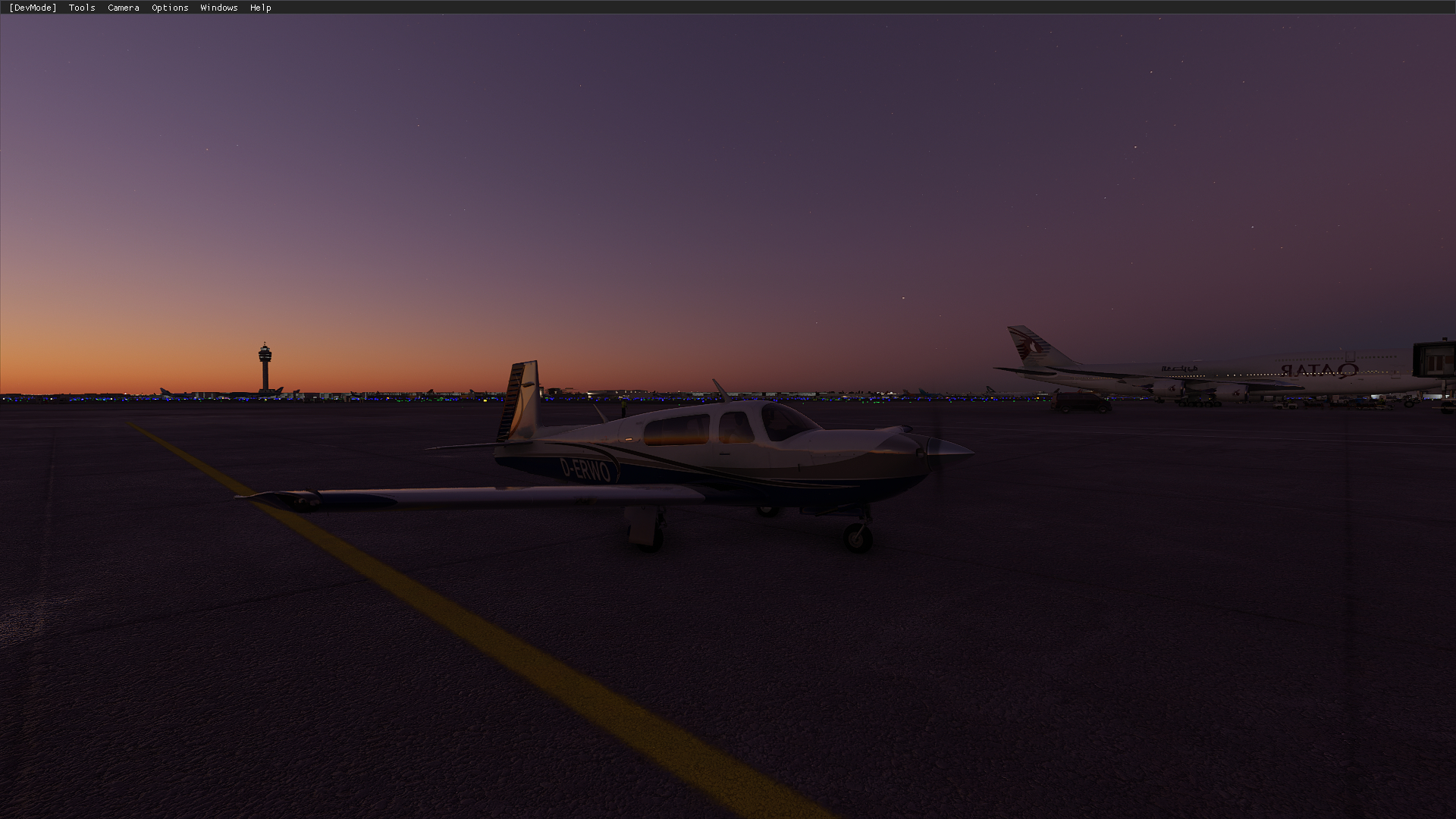
Is the Mooney a dial only aircraft? You’re more likely to notice something with aircraft that have MFDs and digitalized displays.
Does not work here. My avionics switch off after 1 minute, no matter what aircraft I use. Even in the CUB, The G force meter stops working!
1 Like