Here would be my first impression video in german language
Cheers
Here would be my first impression video in german language
Cheers
Anyone else having issues with the main landing gear? My parking brake is off and my rudder pedals are working correctly but my right main landing gear wheel does not turn at all and is requiring excessive throttle to taxi on the ground. The wheel chocks are off as well.
Have you switched on nose wheel steering?
This aircraft is fantastic. It uses custom control inputs and handles differently to most other aircraft in MSFS. It takes some getting used to. I have no idea how accurate it is, but I like it.
However, they claim it to be “VR compatible” in their marketing, and ironically it’s the least VR compatible I’ve used:
I hope the developers fix the above. I’ll also send this list to them.
I have this too, and as AvAngel was leaving the runway at the end of her review video I think she had it too. I think it’s the ground friction on unprepared surfaces i.e. when you try to taxi on something that the sim doesn’t see as a runway or sealed taxiway (even if it looks like it is).
When I finish the flight I’m on at the moment I’ll try a dirt runway and a few different airports and see if it wants to do.
NWS enabled?
Very accurate. Milviz make commercial sim software for military customers to use in full motion sim rigs,consumer flightsim stuff is just their side hustle. This is a consumer version of the actual T6-A sim that they sell to military customers.
It wouldn’t surprise me if the plan to release this aircraft which is a current product for their main customers was behind them clearly separating the consumer sim stuff from the commercial sim stuff.
Pity the chase for realism stopped them including an autopilot page in the tablet (which isn’t exactly realistic), I nearly crashed when I had to run to the toilet earlier.
I was just using the tablet to set everything ready for flight, but I will take another look at it
Pause the flight? I don’t think pausing the flight is any less realistic than going to the bathroom in an airborne Texan II. 
i am having issues with nws as well, even on concrete tarmac. it feels super under-powered to me and without heavy differential braking it just doesn’t work well. hopefully it’s something very simple that i’m doing wrong because it’s really the only issue I’ve seen with the plane thus far. i really like this plane!
For the ground handling ? Yup. Chocks and park brake and gust lock off, steering on.
I did another flight and it doesn’t matter if I have NWS on or off the right tire is stuck and does not move when taxiing. The left main and nose wheel are moving freely. I thought it might have been because I was using a 3rd party airport with custom terraforming and that might have been affecting the new ground handling in SU15 but I tried a default airport and I’m still having the same issue.
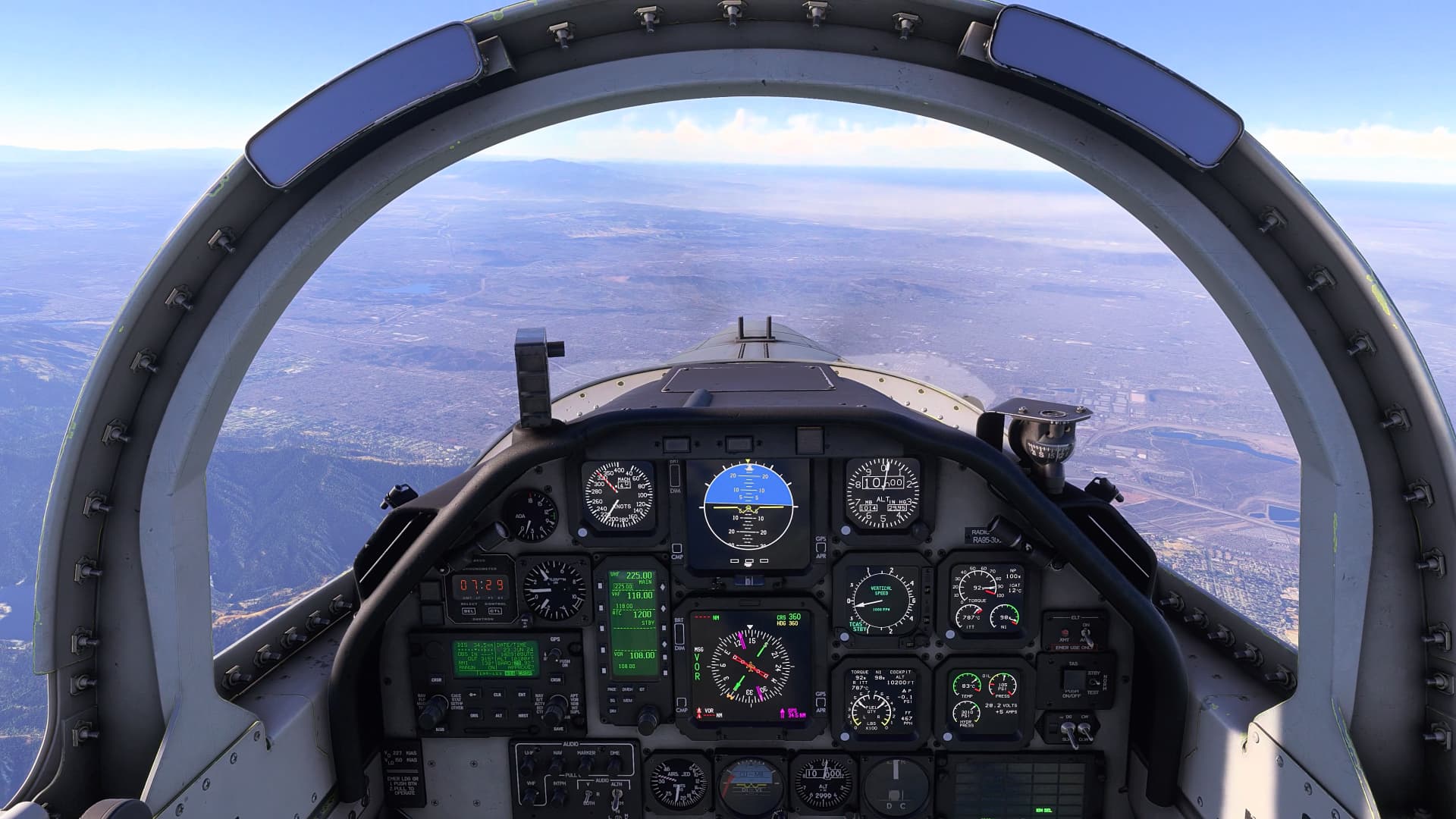
The model and cockpit are gorgeous!
Had to set up trim bindings via the tablet; will have to dial in the speed settings later. It responded to my spad.next bindings for flaps next/prev position, but not my flaps axis (nor to a configured flaps axis in MSFS control settings). Throttle didn’t respond to my spad.next throttle bindings either with regular or EX variants, but does work with an MSFS axis binding to “THROTTLE AXIS” (didn’t test THROTTLE 1 AXIS separately). Can’t get it to respond to spoilers axis via spad.next or MSFS axis binding; it has key/joystick button bindings in the tablet so I guess I have to find new keys to control the speed brake through?
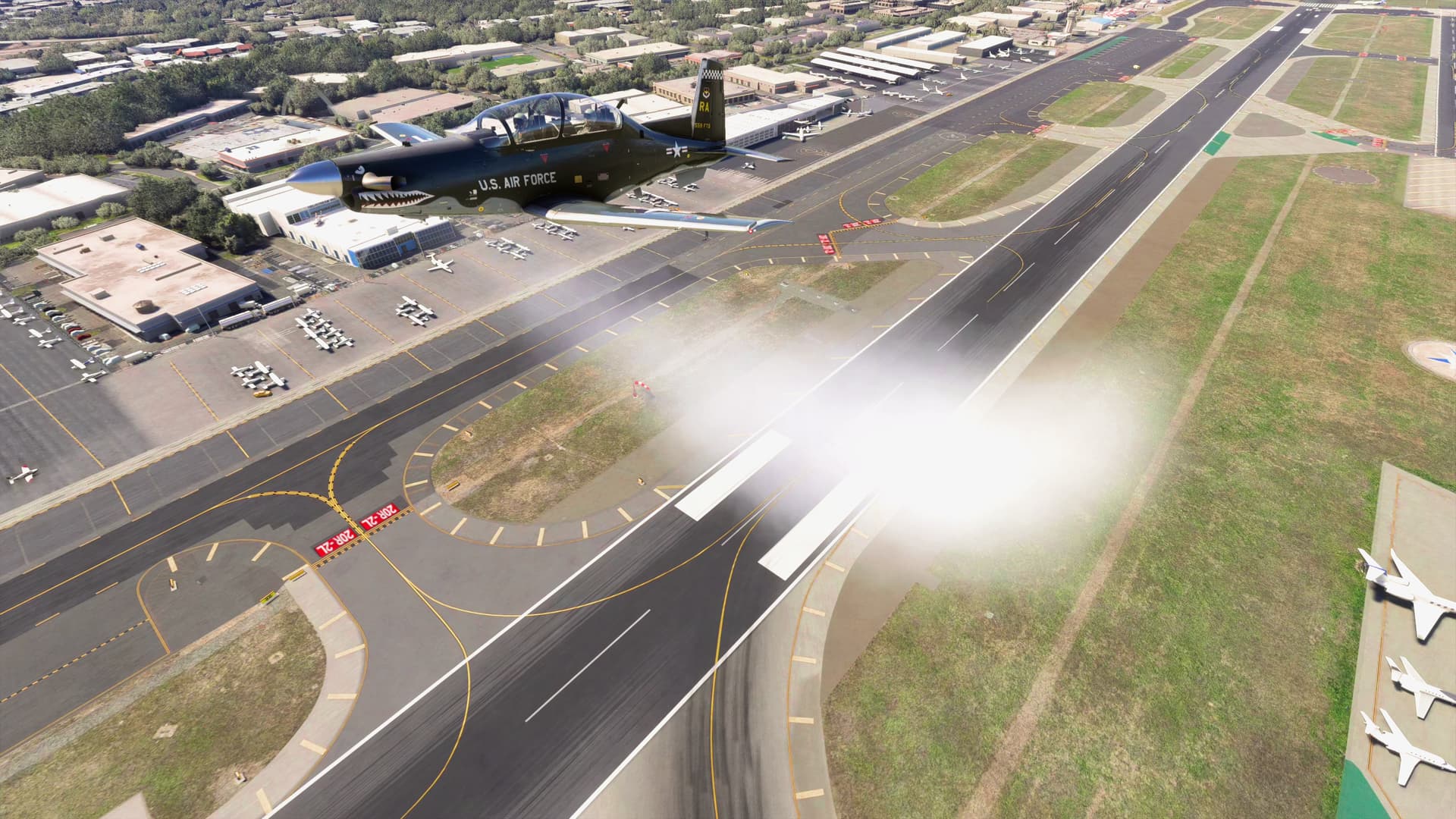
Managed to make a very awkward takeoff, joyride, and landing, without exploding.  I did find it was trailing smoke? This may be due to forgetting to follow the instruction in the manual to disable engine damage in the base sim before I started, but didn’t seem to interfere with flying.
I notice a much stronger p-factor related to angle of attack than I’ve seen on many other planes. Descending even modestly at speed produces a very strong roll and must be compensated for aggressively.
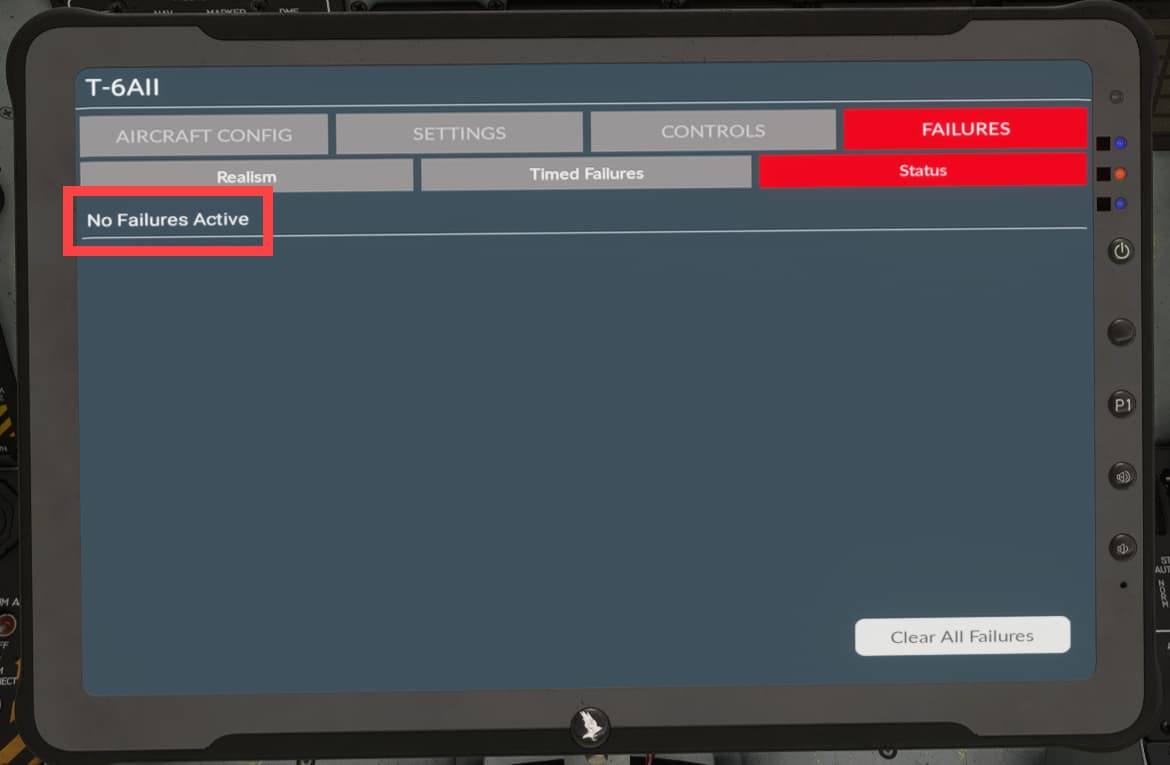
Check the active failures.
Ive had this twice after landing the right tire wasnt moving. Checked failures and said it was damaged.
Do you have the Sim Skunk Works SF260 installed? If you do, try removing it and seeing if the smoke goes away, since there seems to be a conflict between the two airplanes at present.
I don’t seem to have the SF260 but I do have a couple other Sim Skunk Works planes (the G.91 and the single- and dual-seater F-104s). I know there’ve been smoke-related issues with one or both of the F-104s before so that might be it. 
[Update] Nope, removing those doesn’t seem to help. Just spews smoke like this as I fly
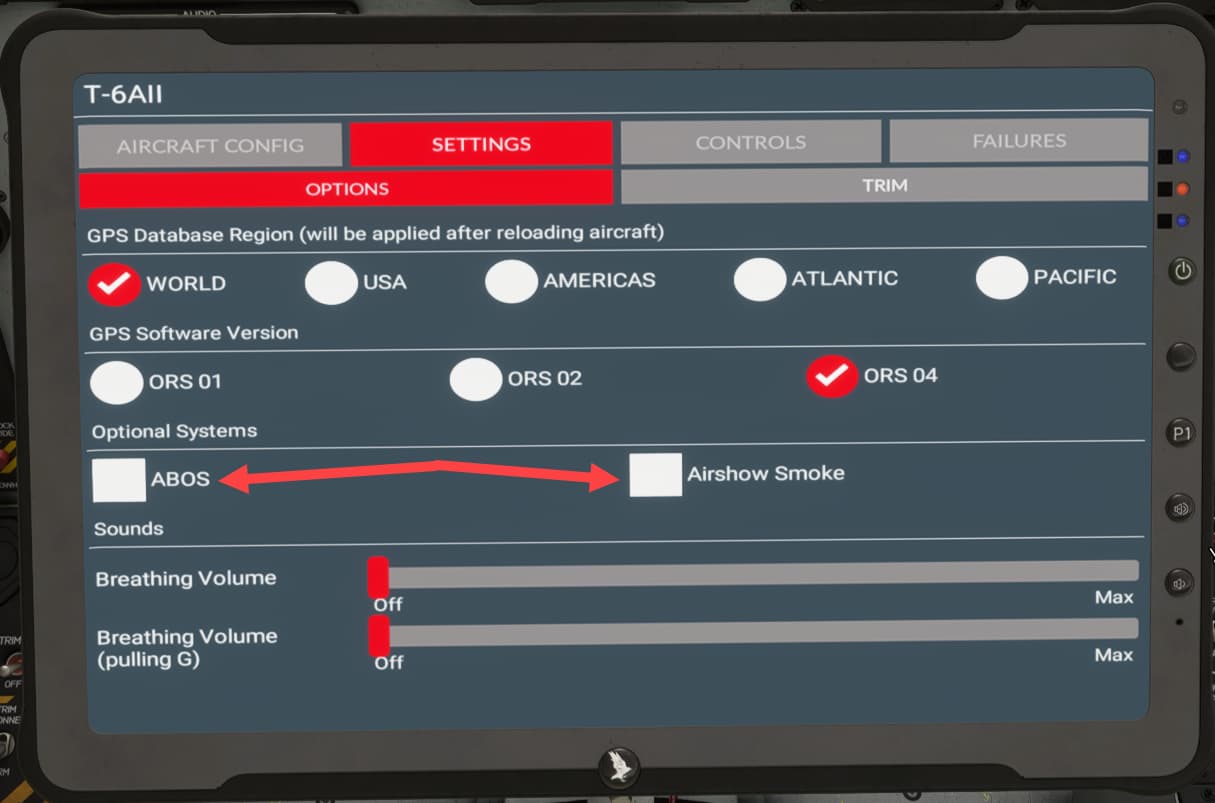
stupid question(s) - in the efb have you selected “airshow smoke” or “abos” on the efb tablet? also, have you double checked the failures page to ensure nothing is listed there? sorry, i am sure you have tried both but i am not having this issue with this plane so it’s all i could think of…
I haven’t enabled any failures in the tablet, nor have I, so far as I know, clicked on anything labeled “airshow smoke” or “abos”.
I’ll double-check nothing got accidentally clicked somehow next time I’m in.
Same smoking for me. I did check and I had no failure and no airshow smoke.
Maybe this bird is polluting a lot…