Hi all,
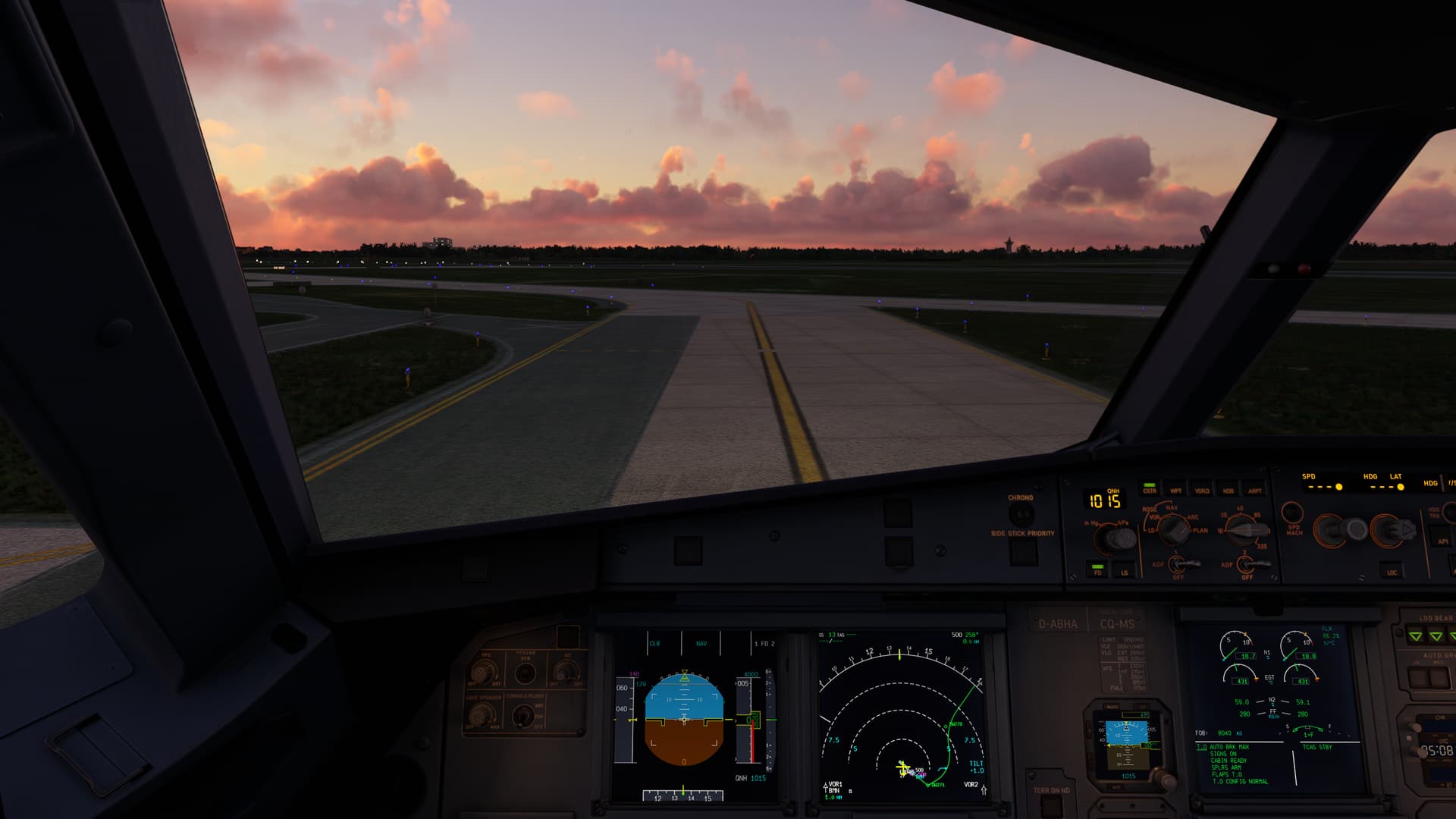
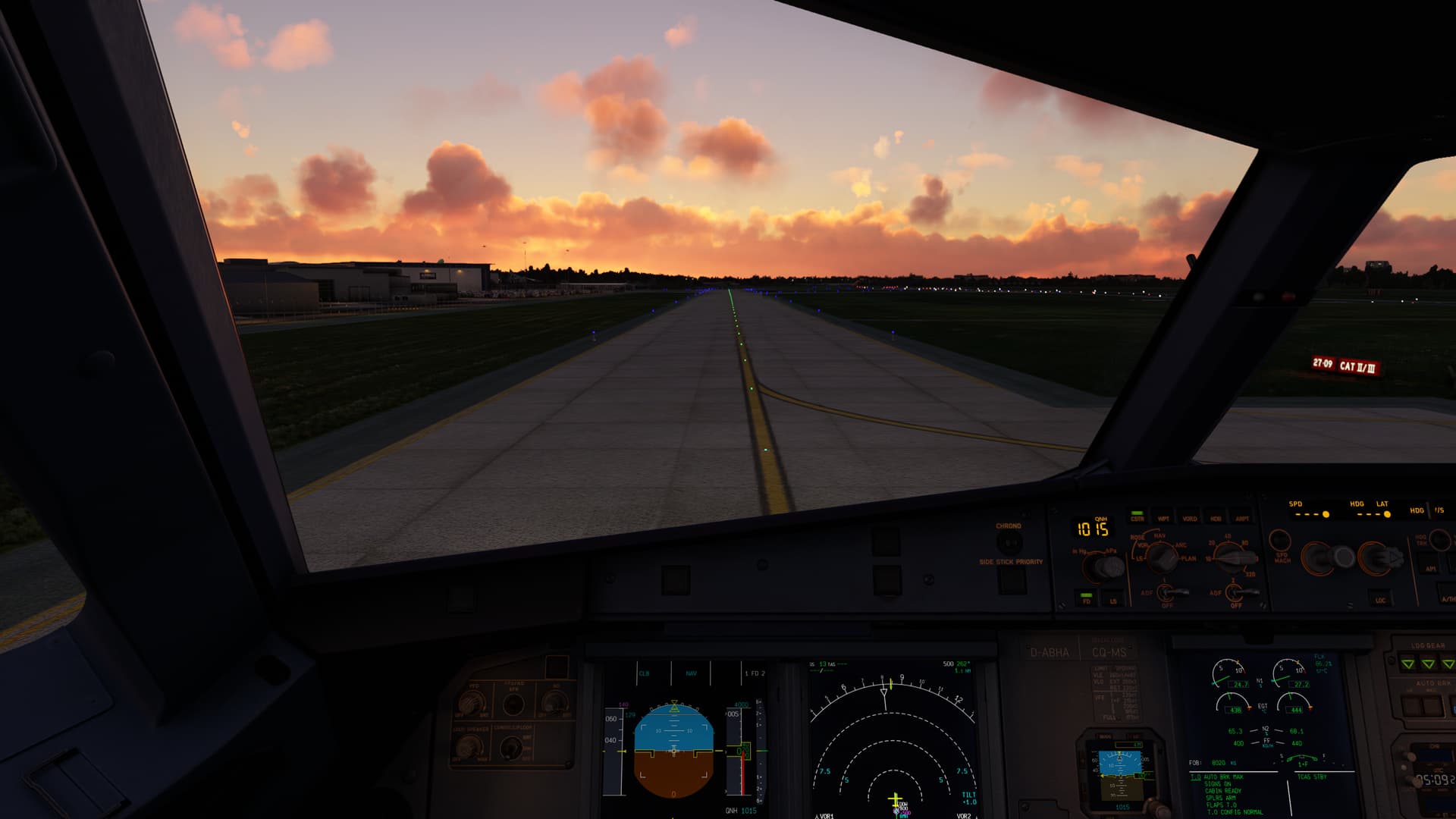
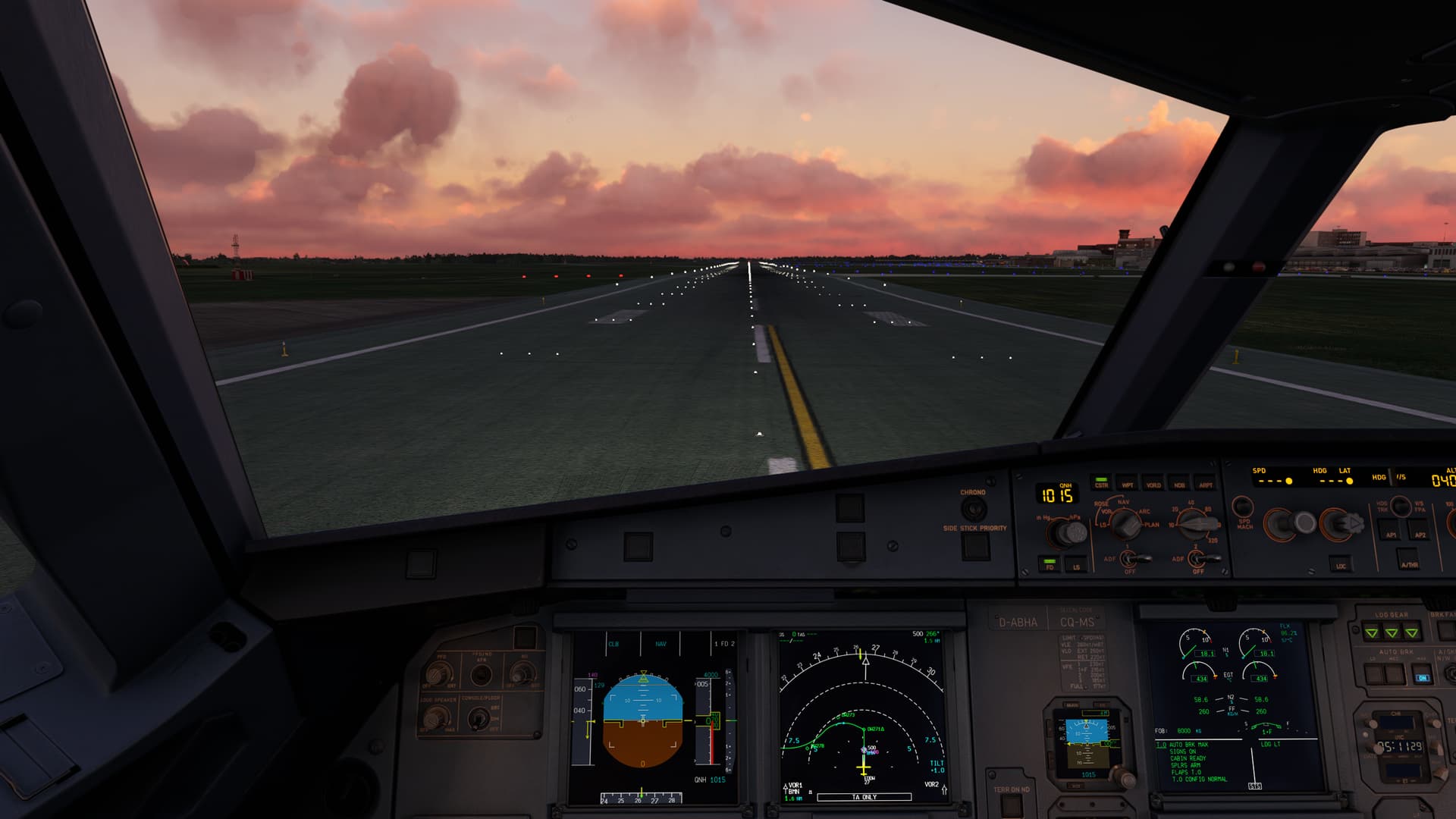
I have problems with blurred ground textures at airports. The textures only look reasonably sharp in a very small radius around the aircraft.
Anisotropic Filtering is set to x16, unfortunately that doesn’t seem to make a difference.
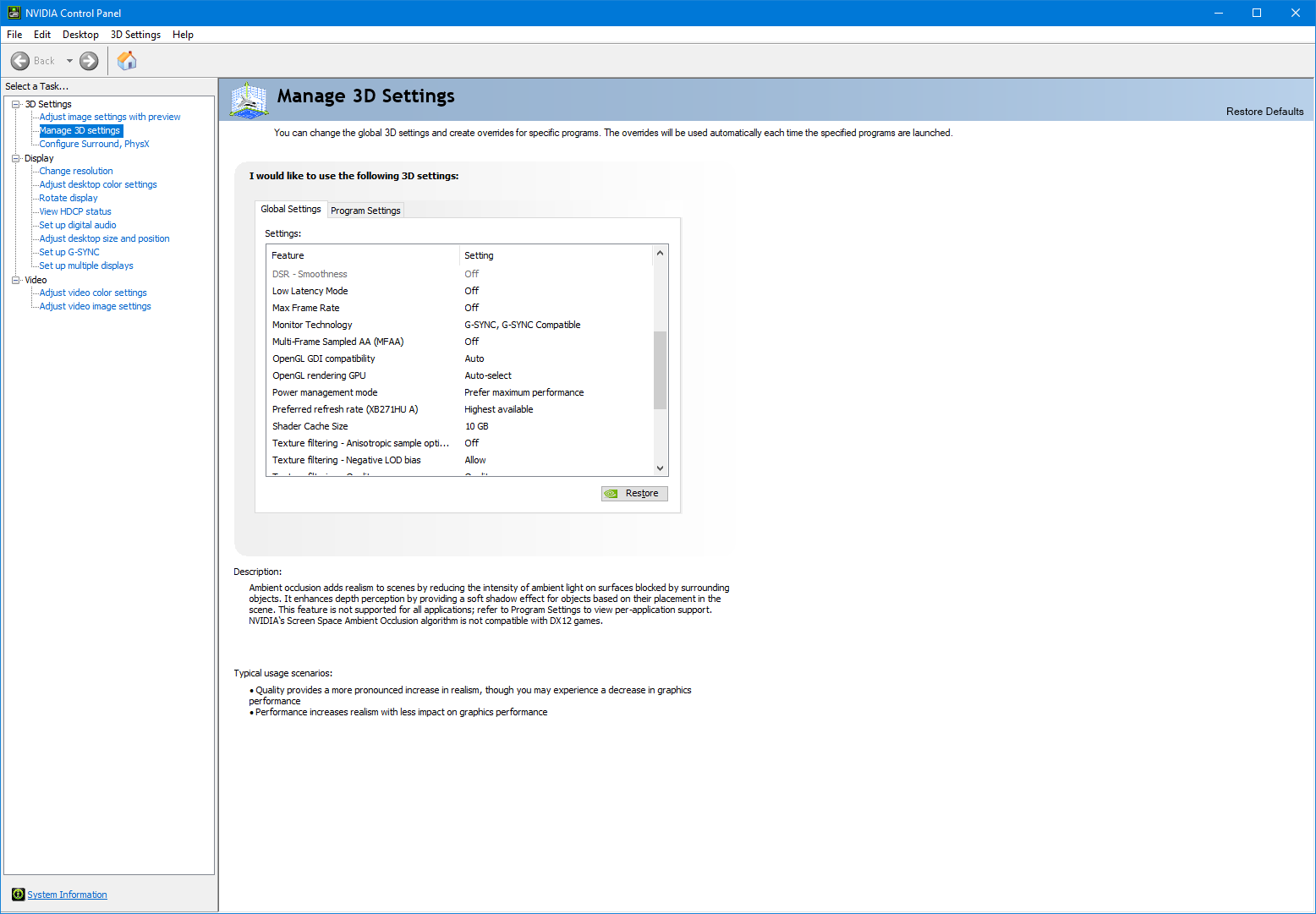
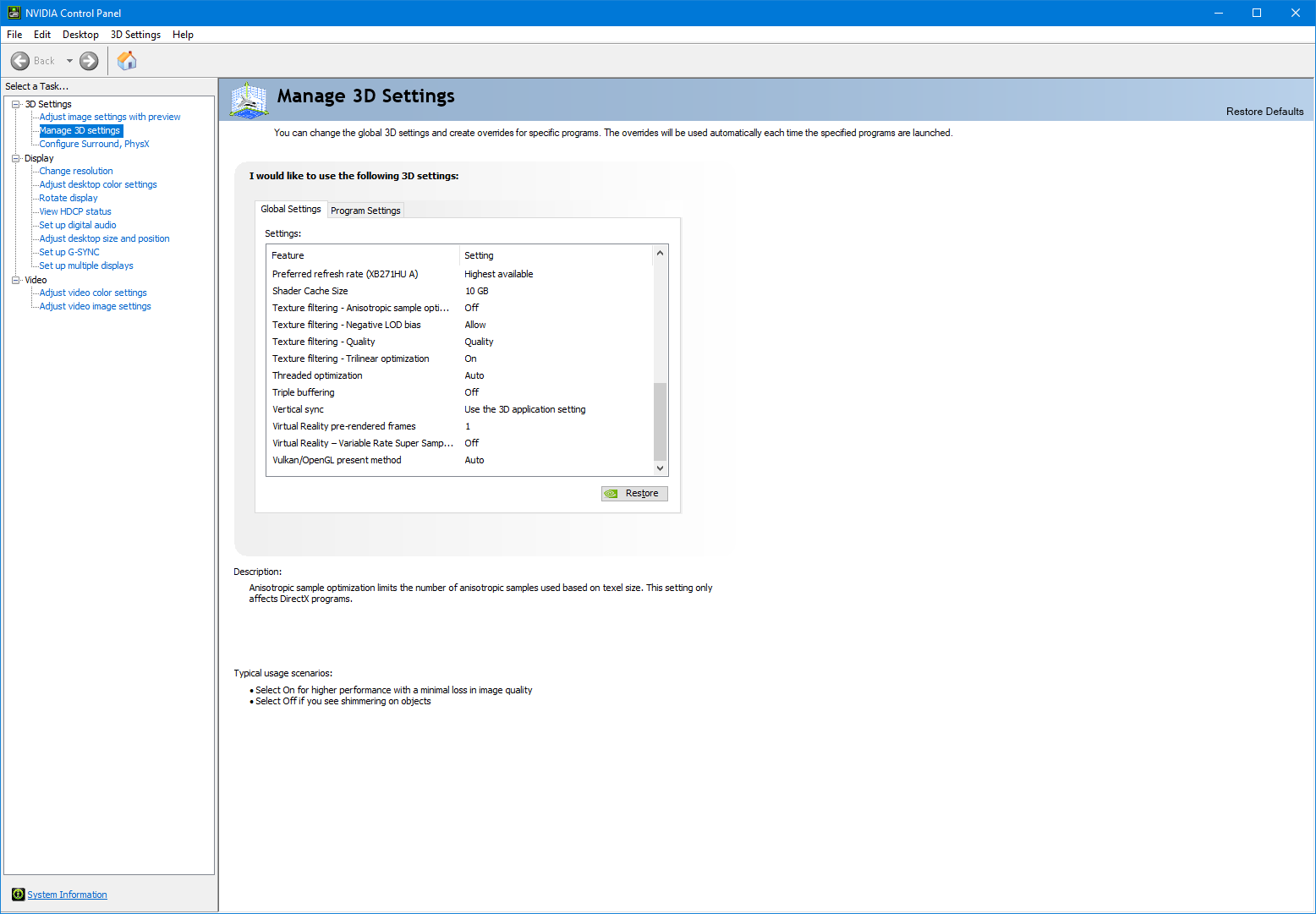
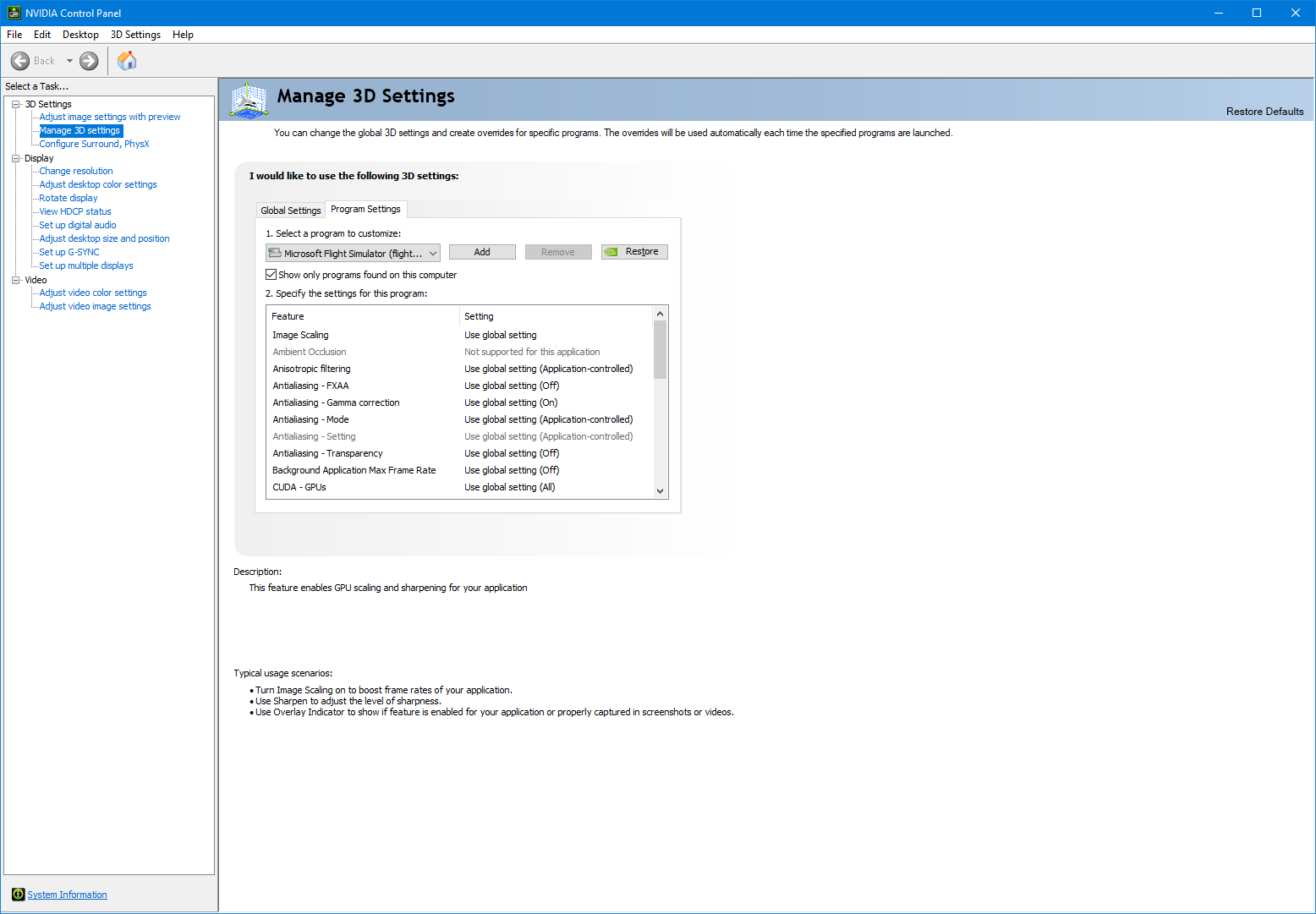
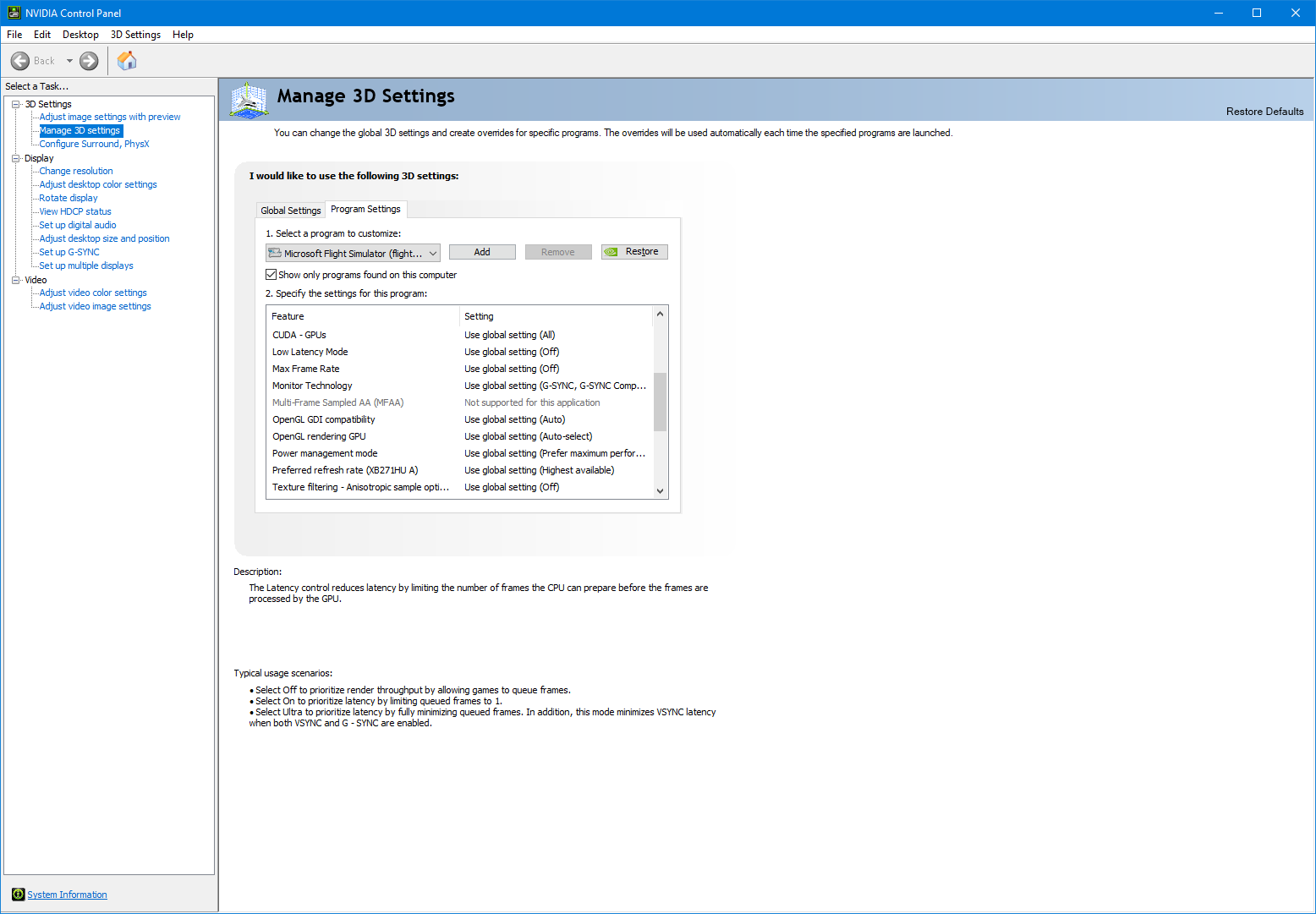
Nvidia Control Panel is mostly set to default values.
Does anyone have any ideas what it could be?
Thanks a lot in advance.
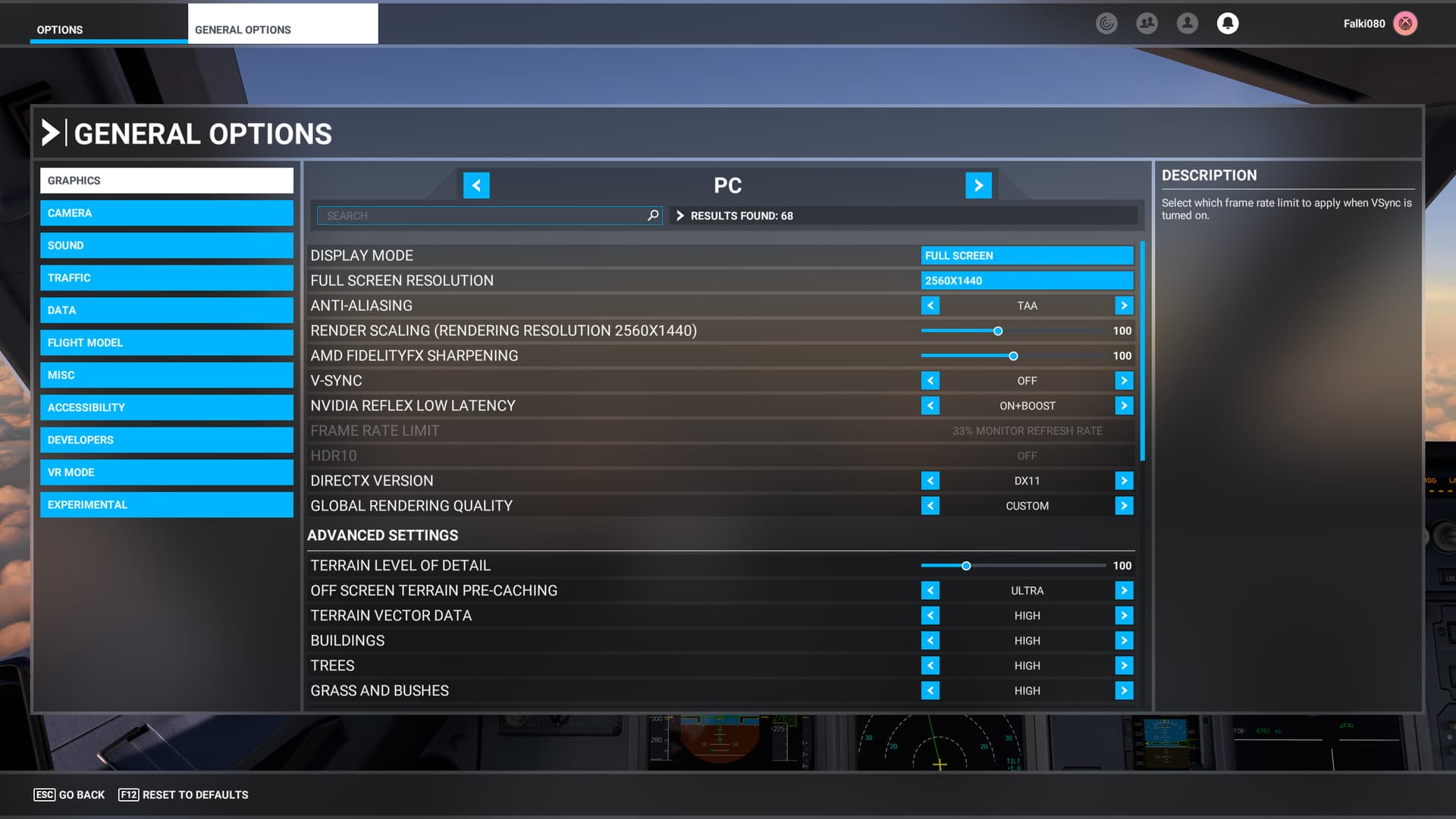
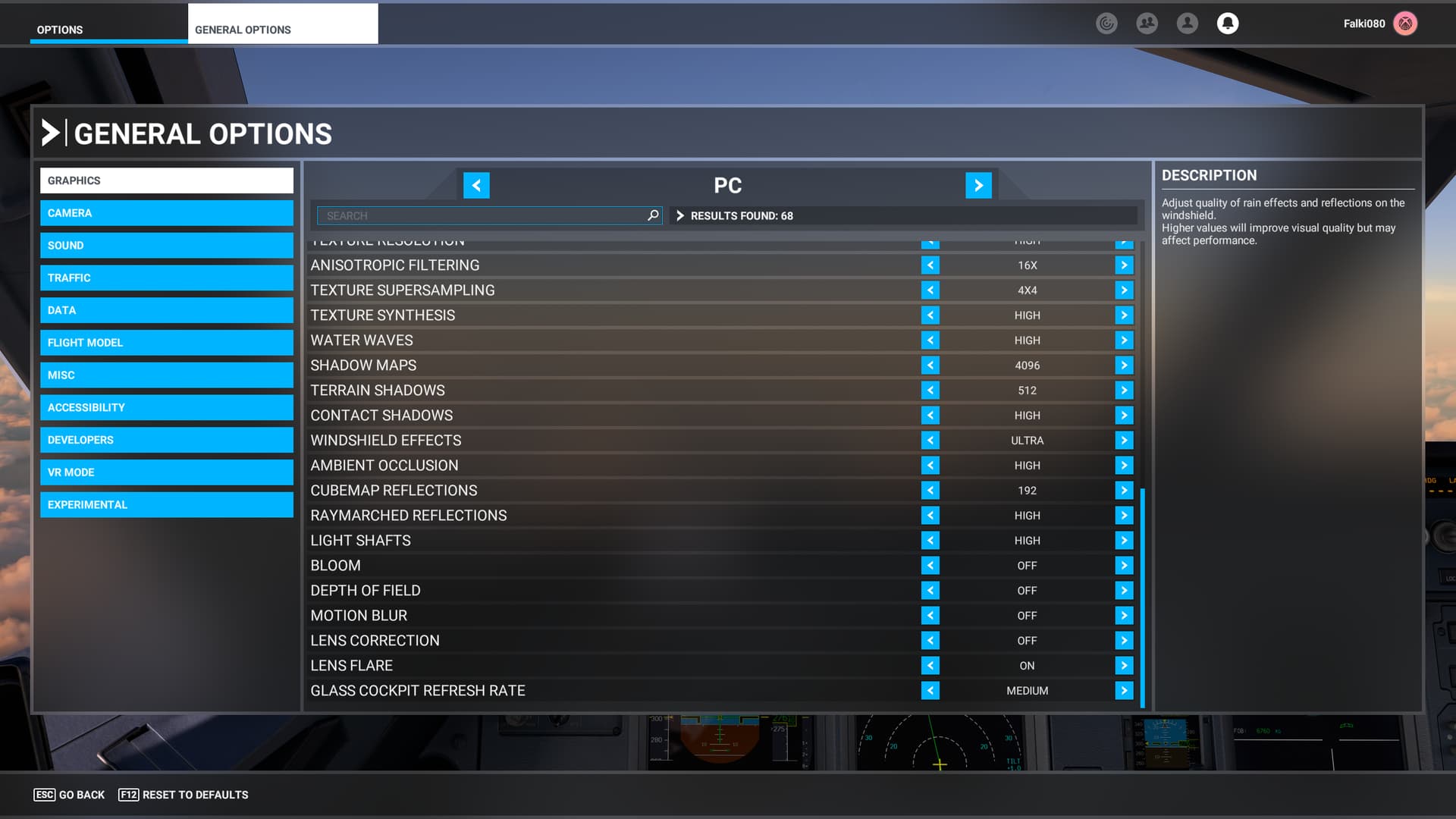
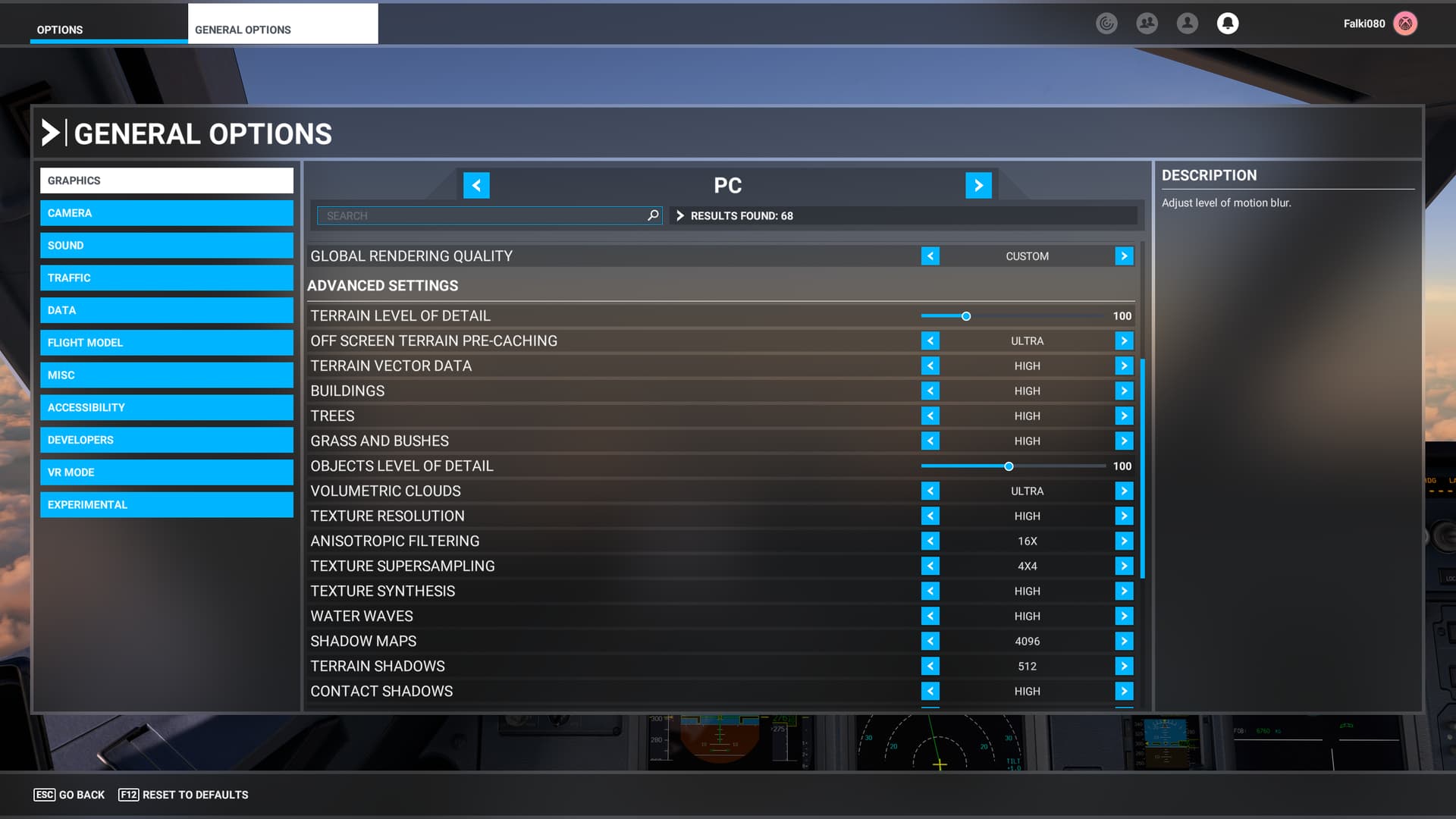


100 T-LOD is pretty low, try raising it and see if that helps

In the sim, set anisotropic filtering to zero and set it to 16x in the nVidia Control Panel.
There was a post on this awhile ago and allot of folks were doing this to correct.
Worth a try.
1 Like
Can’t really tell the difference between Nvidia AF and in-game AF.
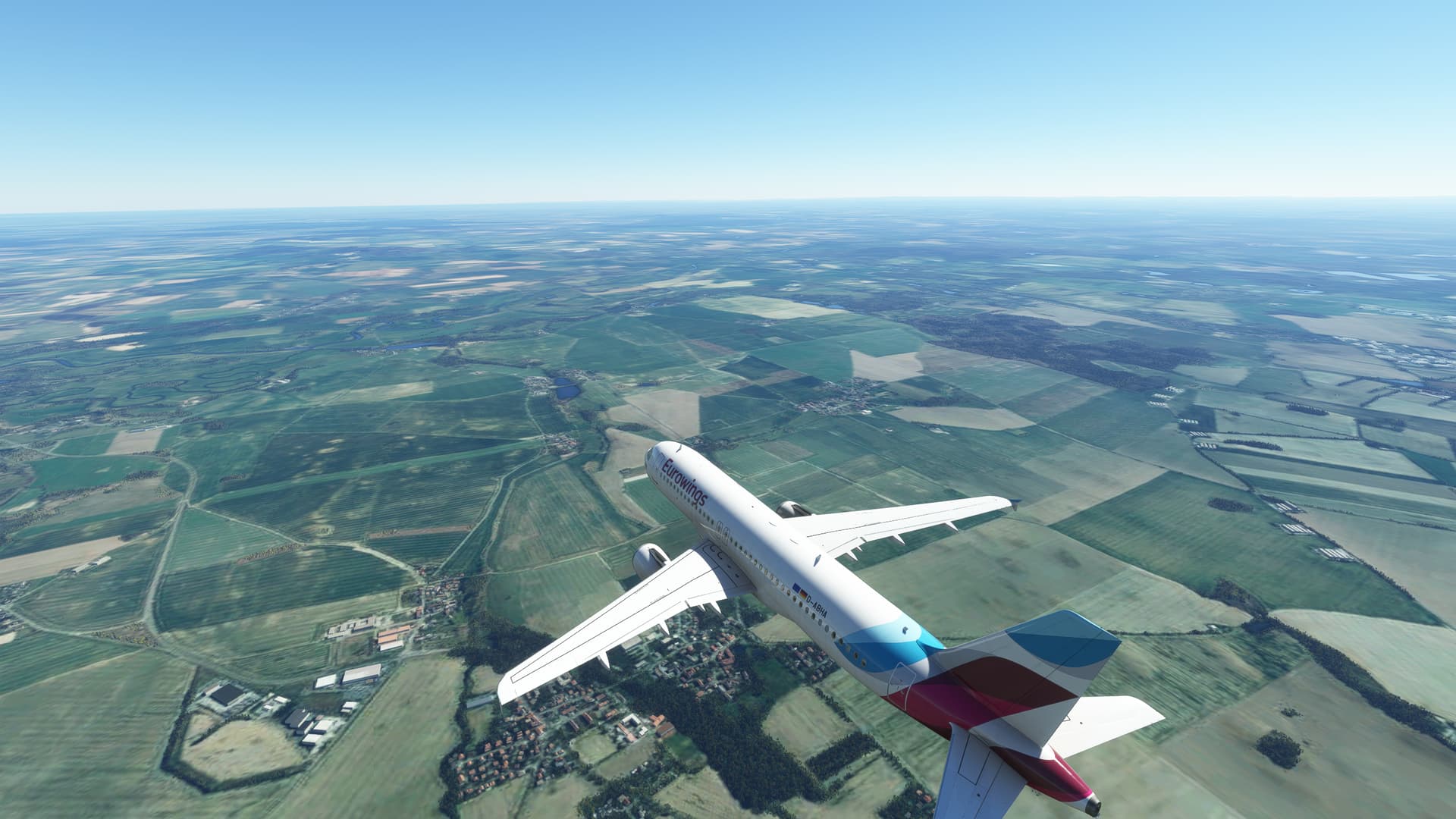
It’s not just airport textures either:
The area you have circled looks normal to me!
1 Like