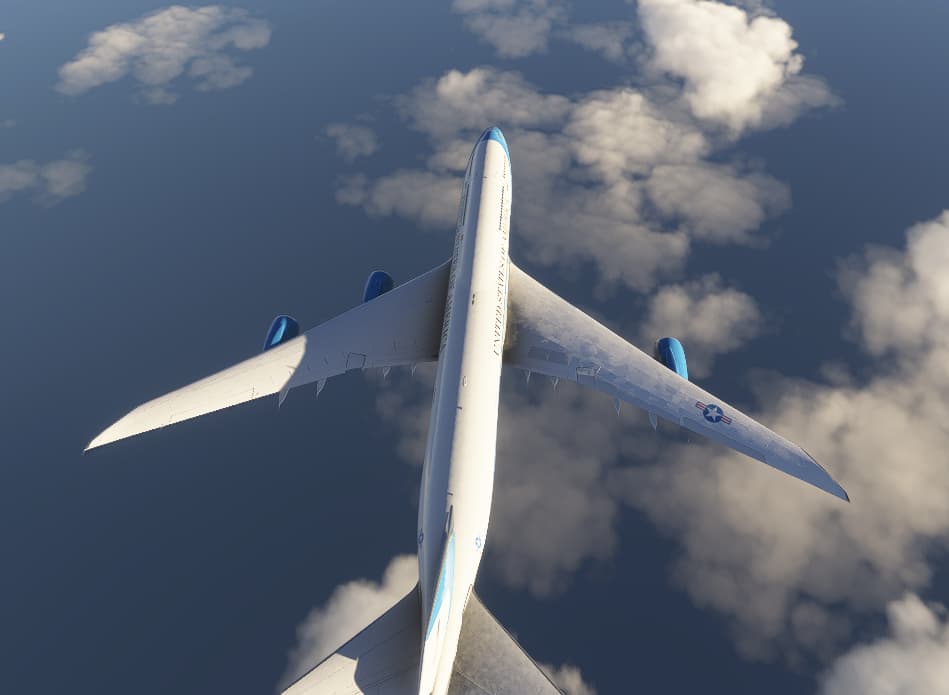
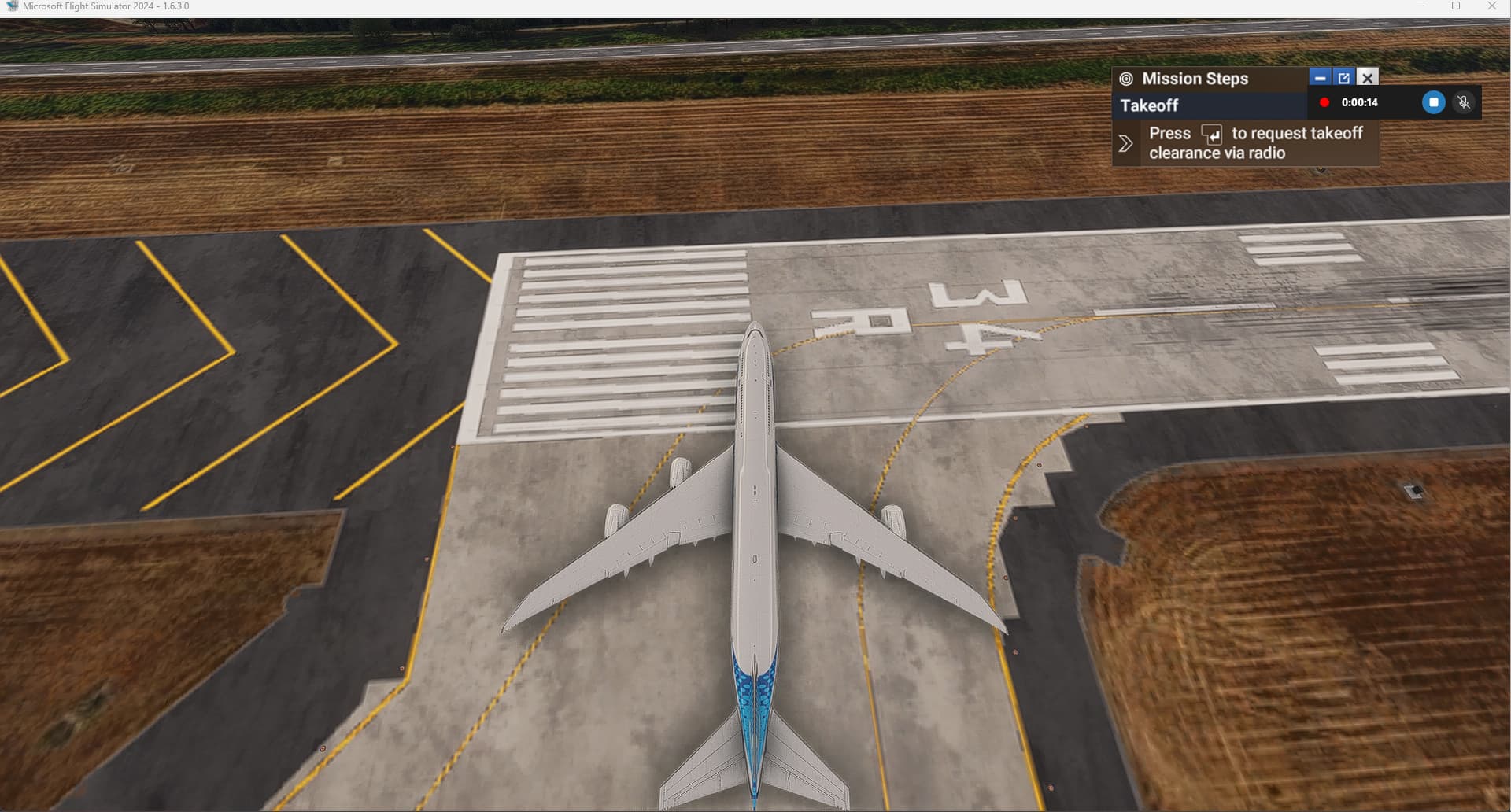
When i move

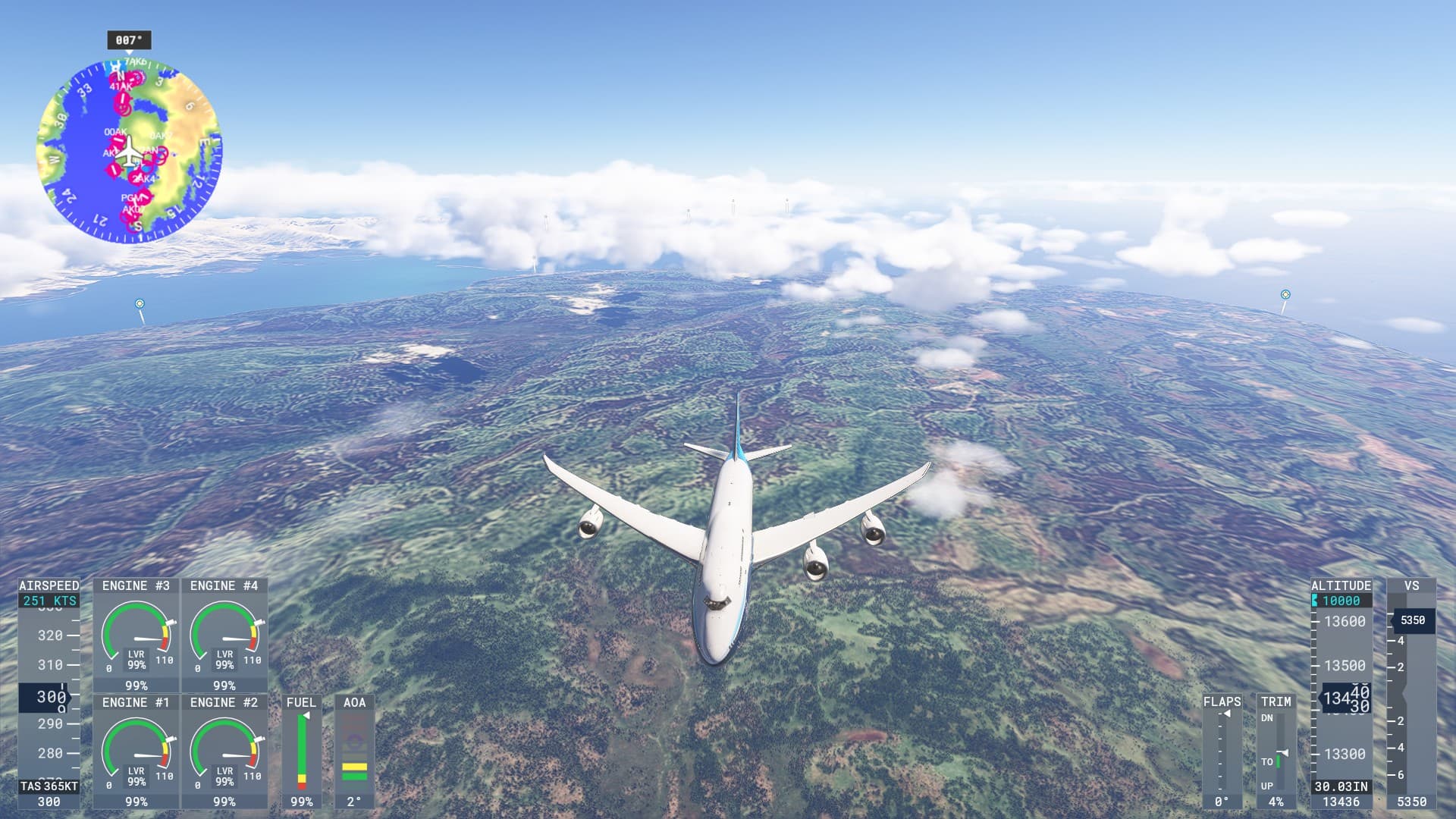
v the camera around the aircraft the engine disappear
Edited title to help with searches.
@Walker78305 Welcome to the Forums! 
In future, please do not delete the bug template as information within it helps the testers reproduce the issue.
This issue has also been mentioned in the [MSFS2024] Boeing 747-8i (-8F) polls/feedback thread, e.g. here:
 For anyone who wants to contribute on this issue, Click on the button below to use this template:
Do you have the same issue if you follow the OP’s steps to reproduce it?
•
Provide extra information to complete the original description of the issue:
•
If relevant, provide additional screenshots/video:
•
Do you have the same issue if you follow the OP’s steps to reproduce it?
• yes
Provide extra information to complete the original description of the issue:
•
Engine 3 disappearing when camera panning on external view.
If relevant, provide additional screenshots/video:
• already provided by op
Using the template below will greatly help the team reproduce the issue and ease the process of fixing it. Before posting, search for an existing report. If you are not sure it’s a bug, please first report in User Support Hub.
3 tags are required - add them in the tag section next to the title above:
One for aircraft (start typing in your aircraft name in the tag section and pick correct option)
Feel free to delete this quote section after adding your appropriate tags.
Description of the issue:For nearly 10 months, the 747s in the Premium Deluxe pack have had a major LOD issue.
all the time
Please list clear steps you took in order to help our test team reproduce the same issue:
The problem is ongoing.
processor: I7 12700kf
ram 64go
GPU 4080super
ssd samsung 1to
Please add a screenshot or video of the issue occurring.
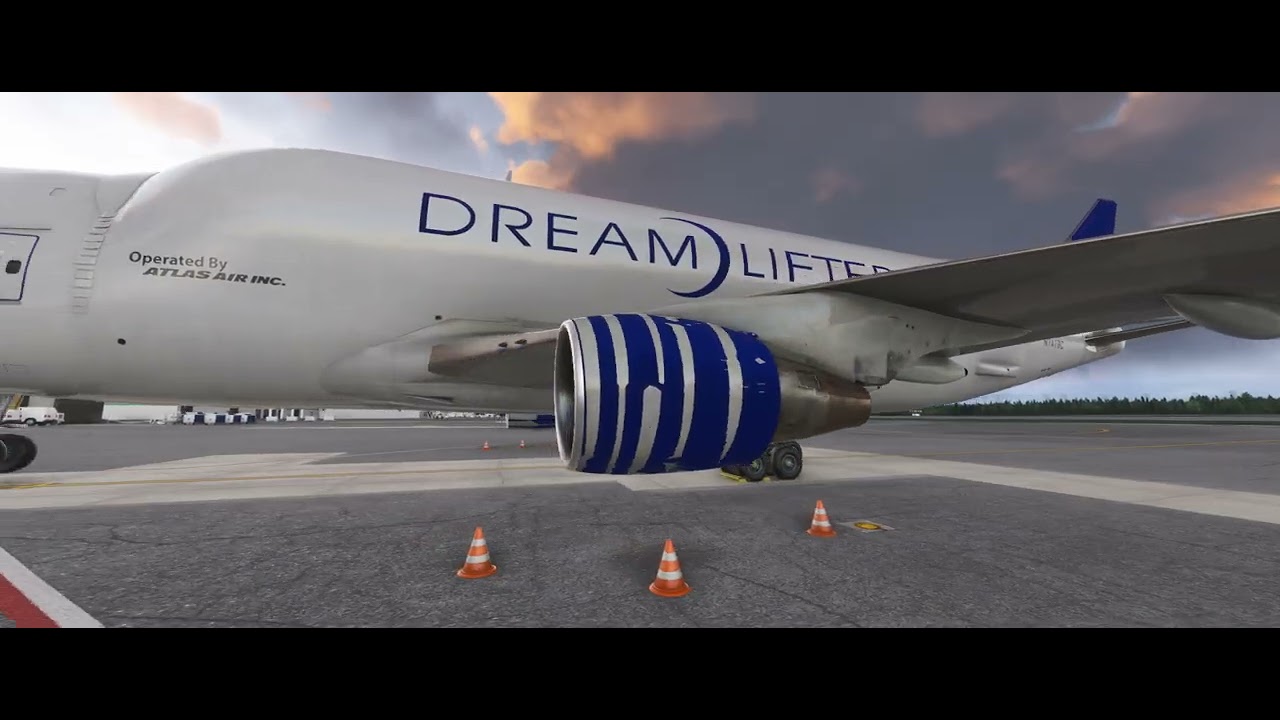
They know, apparently they have a team sorting them out. No timeline on when they will be fixed though. 
Generally aircraft fixes delegated to first-party partners (ie, not fixed by Asobo themselves) are held back until the final release of the Sim Update. Frustrating, but it’s taught me (and others) to not really expect much in the way of these kinds of fixes throughout the beta process.
Happens with the longitude too. Loses all it antennae’s initially and then the engine becomes square and eventually disappears lol
Sad to see we are soon to be a year out from 2024’s release and all the 747’s LODs and the 787 have still not been addressed. Would love to see this improved on
Still happening, SU4 1.6.16.0. 
Really? I tested this pretty extensively on 1.6.15.0 and it was gone - are you possibly using an outdated build of the plane if you had downloaded it rather than streamed it?
How about that? I cleaned up some cache and rebooted searching for the answer to other things, and you’re correct: the engine no longer disappears! Thanks for pointing that out!
Yes and i had this in 2020 but i dont know if this is add - on problem , i have LVFR A343 and in more than 6000 ft looking from the ground to the plane engines are not visible . But if i zoom in they came back….