[BUG] CTD when triggering passenger announcement at TOC in Cessna Longitude

ISSUE DESCRIPTION

Description of the issue: I am experiencing a consistent Crash to Desktop (CTD) in the default Cessna Citation Longitude. The crash occurs immediately upon reaching Top of Climb (TOC) and transitioning to the cruise phase, at the exact moment I trigger the passenger announcement. The sim freezes for a split second and then closes completely without any error message.
This happens while playing in Career Mode.

FREQUENCY OF ISSUE

How often does this occur for you (Example: Just once, every time on sim load, intermittently)? 100% reproducible (Every time I reach TOC and trigger the announcement in SU5).

REPRODUCTION STEPS

Please list clear steps you took in order to help our test team reproduce the same issue:

1. Start a flight in the default Cessna Citation Longitude in MSFS 2024 (SU5).

2. Take off and follow the flight plan, climbing towards the assigned cruise altitude.

3. Wait until the aircraft reaches Top of Climb (TOC) and transitions to the cruise phase.

4. At that exact moment, trigger the passenger announcement.

5. The sim will instantly crash to the desktop.

YOUR SETTINGS

If the issue still occurs with no mods and add-ons, please continue to report your issue. If not, please move this post to the User Support Hub.

- I have completely emptied my Community folder and removed all custom liveries/mods. The issue still occurs in a 100% vanilla state.

What peripherals are you using, if relevant:

Honeycomb Aeronautical ALPHA FLIGHT CONTROLS YOKE & SWITCH PANEL

Thrustmaster TCA Quadrant Boeing Edition

[PC Only] Are you using Developer Mode or have you made any changes to it? No.

[PC, MSFS 2020 Only] Are you using DX11 or DX12? N/A (MSFS 2024)

[PC Only] What GPU (Graphics Card) do you use? NVIDIA RTX 4070ti Super

[PC Only] What other relevant PC specs can you share? CPU: Ryzen 7 5700X RAM: 64GB

MEDIA

Please add a screenshot or video of the issue occurring.
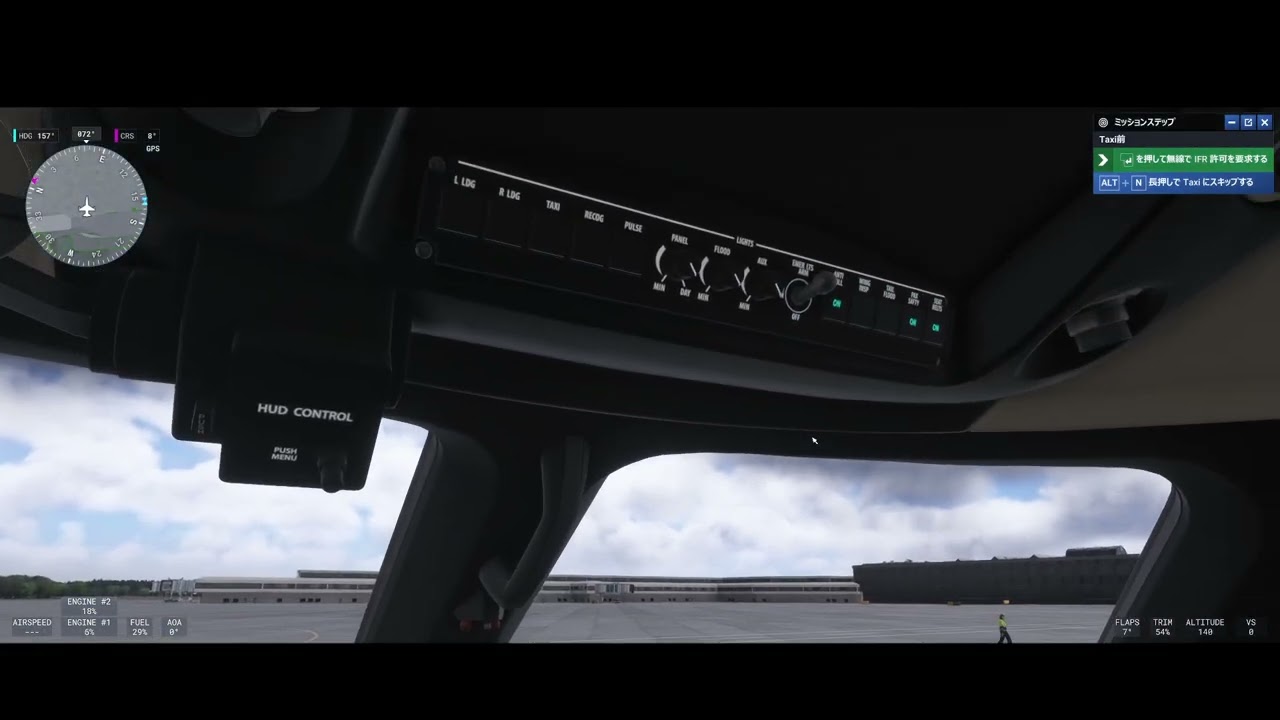
Here is a video demonstrating the issue. I recorded the flight from the pre-flight preparation just in case. The CTD occurs exactly when I trigger the passenger announcement after the 18:00 mark:
Not sure at all if related, but could you check this post: Cannot change aircraft or airport position - always stuck on the same setup - #3 by TenPatrol. If the Beta UTF-8 option is not activated, activate it and test again.

It didn’t improve at all.

This issue occurred in carrier mode for VIP charter flights from RJAA to RJEC, and so far, changing the destination does not cause any problems.

In addition to the VIP Longitude another route (RJSS-ZSSZ), we have confirmed that the RJSN-RJBT route on the TBM930 also experiences a CTD at the moment of the TOC announcement. It seems there is a major flaw in the announcement program.

UPDATE: Event Viewer Log
I checked the Windows Event Viewer after the crash and found the following application error. It confirms an Access Violation (0xc0000005) involving ucrtbase.dll. This strongly suggests a memory allocation/handling error when the VNAV transition at TOC and the Career Mode announcement script trigger simultaneously.

Faulting application name: FlightSimulator2024.exe, version: 1.7.27.0
Faulting module name: ucrtbase.dll, version: 10.0.26100.8246
Exception code: 0xc0000005
Fault offset: 0x0000000000065f44

Just to follow up on my previous post with some further observations:

I found that by changing the language settings to English, I was able to avoid the instant CTD that triggers during the passenger announcement at TOC in VIP missions.

Because of this workaround, I suspect that a localization issue related to the ATC language settings might have been introduced with SU5.

I would really appreciate it if the development team could look into how these localization files are being handled and provide a fix for this in a future update.

[WORKAROUND] Instant CTD during Passenger Announcement at TOC in Career Mode (Japanese UI)

Body: Hi everyone,

I previously reported an issue where the game instantly crashes to the desktop (CTD) when the passenger announcement is triggered at the Top of Climb (TOC) during VIP/Private Charter missions in Career Mode.

After some deep digging, I finally found the root cause and a working solution. This CTD is caused by a syntax error (missing closing bracket) in the localization file.

If you are playing with the Japanese UI (and potentially other non-English languages), the game tries to parse a broken text variable, causes a memory access violation, and crashes instantly.

Here is the workaround if you want to keep playing in Japanese without crashing:

Step-by-Step Fix:

  1. Navigate to your MSFS 2024 installation folder and find the following directory: \Packages\fs-career-asobo

  2. Make a backup copy of the Japanese localization file: ja-JP.locPak.

  3. Open the ja-JP.locPak file using a text editor (like Notepad).

  4. Search for the following broken variable tag: [Database\/Passengers\/Pilot_Warning

  5. You will notice several lines (such as WarningPassengers__010__M__Generic__3) where the tag ends with a curly brace } instead of }], immediately followed by Japanese text without a space. For example: "[Database/.../Passenger::Type','any')} を置いて離陸するつもりじゃないですよね。"

  6. Delete the entire broken [Database...} tag and rewrite the text simply. For example, change it to: "乗客を置いて離陸するつもりじゃないですよね。"

  7. Save the file and launch the game.

By removing these broken database tags from the text, the TOC passenger announcement will trigger normally, and the CTD will be completely avoided.

Additional Note (Subtitle Bug): While this workaround successfully prevents the CTD during VIP/Private Charter missions, there is still a visual bug remaining. During the Captain’s announcement at cruising altitude, variables meant to reference the airport name, speed, and altitude do not render properly in the subtitles. Instead of showing the actual names/values, the raw variable tags are displayed directly on the screen.

I hope this helps anyone stuck in Career Mode. I also strongly request the Asobo development team to look into these localization issues and fix both the missing brackets ] and the broken variable tags in the .locPak files in the next Sim Update, as these syntax errors are completely game-breaking.

Thank you!

[UPDATE] Workaround for TOC Passenger Announcement CTD is Incomplete

Body: Hi everyone,

I want to provide a quick update regarding the ja-JP.locPak modification workaround I posted yesterday.

Unfortunately, it seems the fix is not permanent. While removing the broken [Database...} tags allowed me to successfully bypass the CTD yesterday, the exact same CTD occurred again today on the exact same mission.

It appears that manually editing the localization file is not enough to completely resolve this problem. There might be other broken tags triggering the crash, or there could be a deeper, hardcoded bug with how the game engine handles localization, subtitles, and text-to-speech during these specific VIP/Private Charter missions.

For now, the only 100% reliable way to avoid this crash seems to be switching the Interface Language back to English.

I strongly urge the Asobo development team to urgently investigate the localization files and the passenger announcement triggers in Career Mode.

Thank you.

Update – Additional Crash Report (June 6, 2026)

I am attaching a new AsoboReport crash log that reproduces the same CTD when triggering the passenger announcement in Career Mode.

Summary of the new crash
The crash signature is identical to previous reports:
Msg=“invalid_parameter”
RawCallstack → ucrtbase.dll

This indicates a failure inside the C runtime during string formatting.

Critical finding from the log
The mission metadata generated by Career Mode is corrupted. The log shows:

Mission_Title=" #{FS:ATC_Flight_Number} - - "
Mission_Activity=“PRC”
Mission_Scenario=“TRM”
Mission_UUID=“{6116CA7C-439D-4C6A-89E2-70E4E36B1BEE}”
Mission_QuadKey=“132113113323”

The Mission_Title field is missing all required values:

  • Flight number

  • Departure airport

  • Arrival airport

Because these fields are NULL, the announcement system receives invalid parameters and crashes inside ucrtbase.dll at the exact moment the announcement is triggered.

Important
This new crash occurred in a completely different aircraft (HJet HA420), confirming:

  • The issue is not aircraft-specific

  • The issue is not related to addons

  • The issue is not related to audio devices or TTS

  • The root cause is invalid mission metadata generated by Career Mode

Conclusion
Career Mode sometimes generates missions with missing or NULL fields in the announcement template.
When the announcement system formats the string, it triggers an invalid_parameter exception in ucrtbase.dll, resulting in a CTD.

I am attaching the full crash log for developer review.

AsoboReport-Crash-2092533699.txt (47.5 KB)