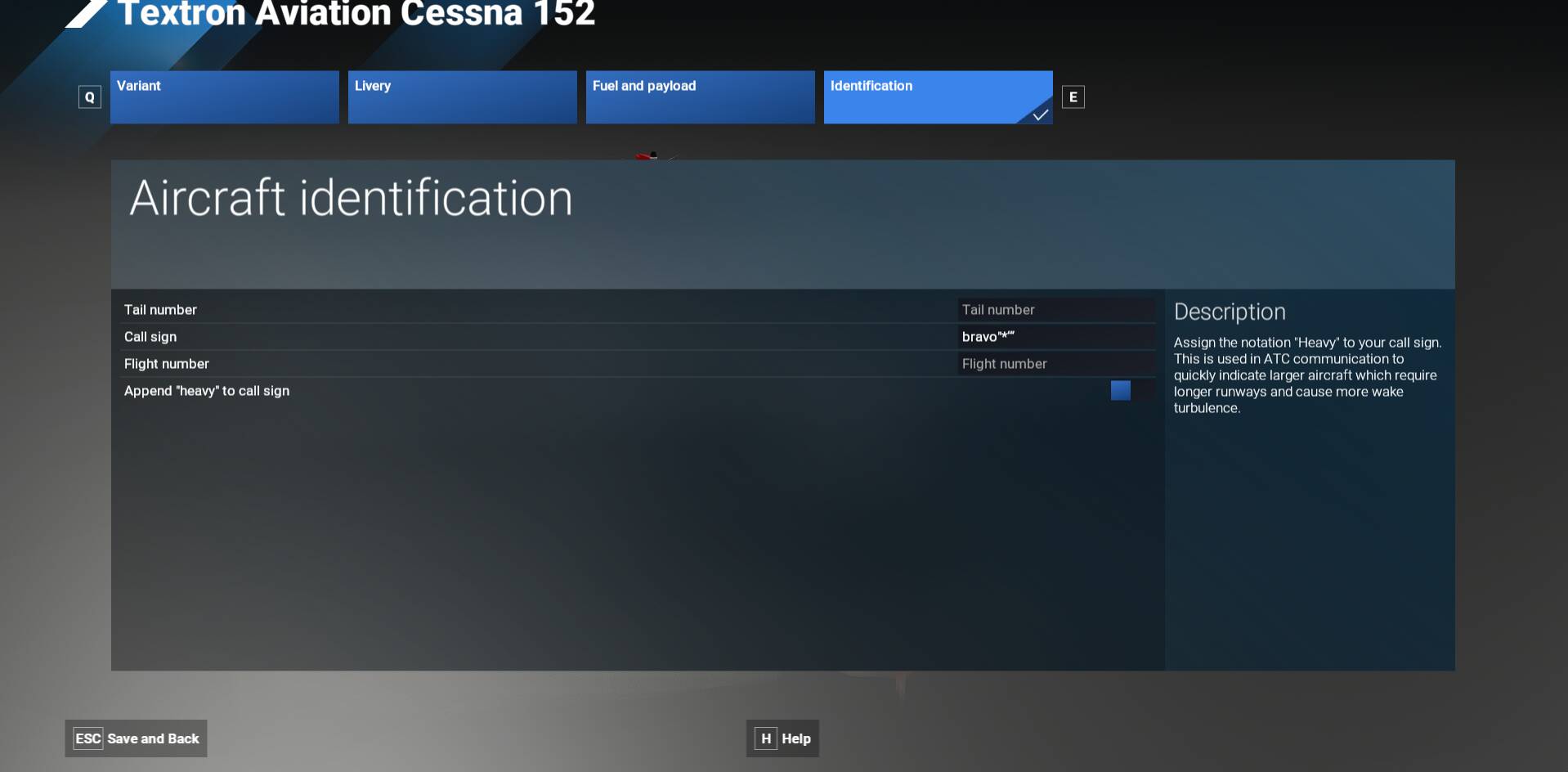
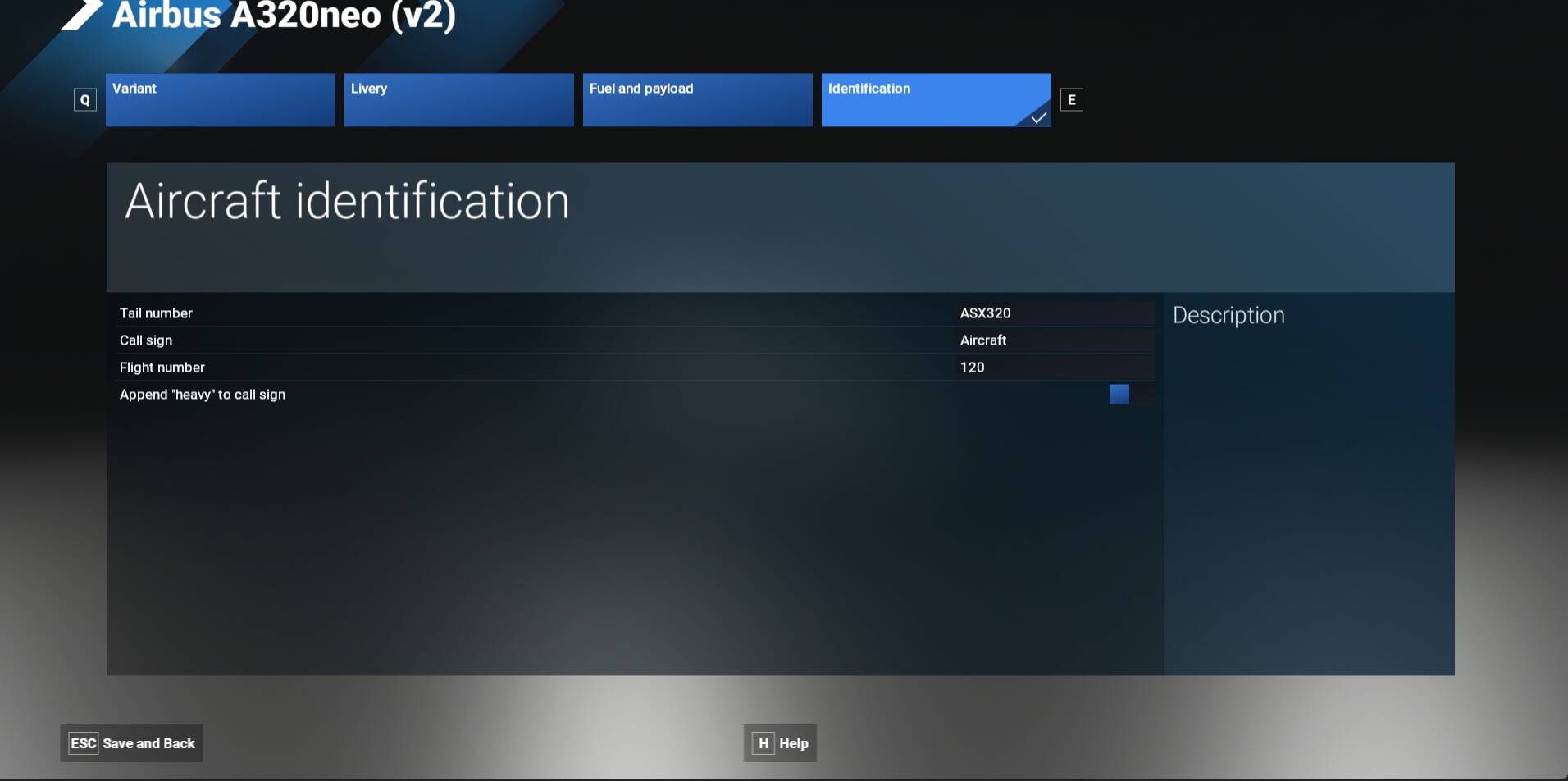
Description of the issue: I recently tried to change the callsign of my aircraft in the aircraft identification menu. Doing that i accidentally entered special signs such as “# and ‘“ and hit the Enter-button. After that, the “callsign” textbox disappeared and i do not know how to get it back. So i can not change the callsign anymore.
Thank you for this report. We’ve moved your topic into the User Support Hub.
The Bug Reporting Hub is for posting suspected or confirmed bugs that other users are able to reproduce without duplicating an existing bug report. Using the template or providing all the relevant information about your bug and sim setup is required in order to provide valuable information, feedback, and replication steps to our test team.
If you are not sure if your issue is a bug or need further input from the community, please use the User Support Hub category. If the community can replicate your issue, first search the Bug category to see if there’s an existing topic. If it already exists, contribute to that report. Duplicate bug reports will be closed.
If you believe it is a new report and no duplicate exists, then create a new bug topic using the provided topic template.
All issues caused by or involving third-party addons/mods should be reported to the third-party developer. Assure that no addons/mods are used when reporting issues in Bug Reports.
It seems like the auto save has corrupted the entry.
I would try downloading the aircraft rather than stream it, (which may in effect be the same as reinstalling) and see if that corrects the issue.
It disappeared for all aircraft. I am not sure since i accidentally hit that sign and then the Enter-Button at the same time and at that moment the box disappeared. It must have been one or a combination of the signs near the “Enter”-button, so it could be "*, +, ~, ‘, #, , ; : or .
Cannot reproduce but it is a tricky one without having the exact callsign you entered.
If you start a flight on the runway and open the communication window, by any chance do you see the callsign there ?
Sadly not. ATC just mentions the flight number „120“ as it is seen on the screenshot. There is no callsign mentioned at all as if there is no callsign anymore.
If you still have the aircraft downloaded, check the aircraft’s cfg file and see if this callsign is entered in it.
If so, you may be able to change it back in there.
Well, I’ve run out of ideas.
You may want to “submit a request” to Zendesk for official support.
That can be done in the Sim Support tab at the top of the forum page.
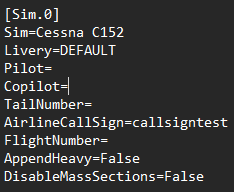
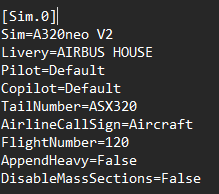
Here is the section of my “CustomFlight.FLT” about the call sign.
You mentioned having “callsign” but it should be “AirlineCallSign” instead. Do you see the same ?: