SSUE DESCRIPTION
Description of the issue:
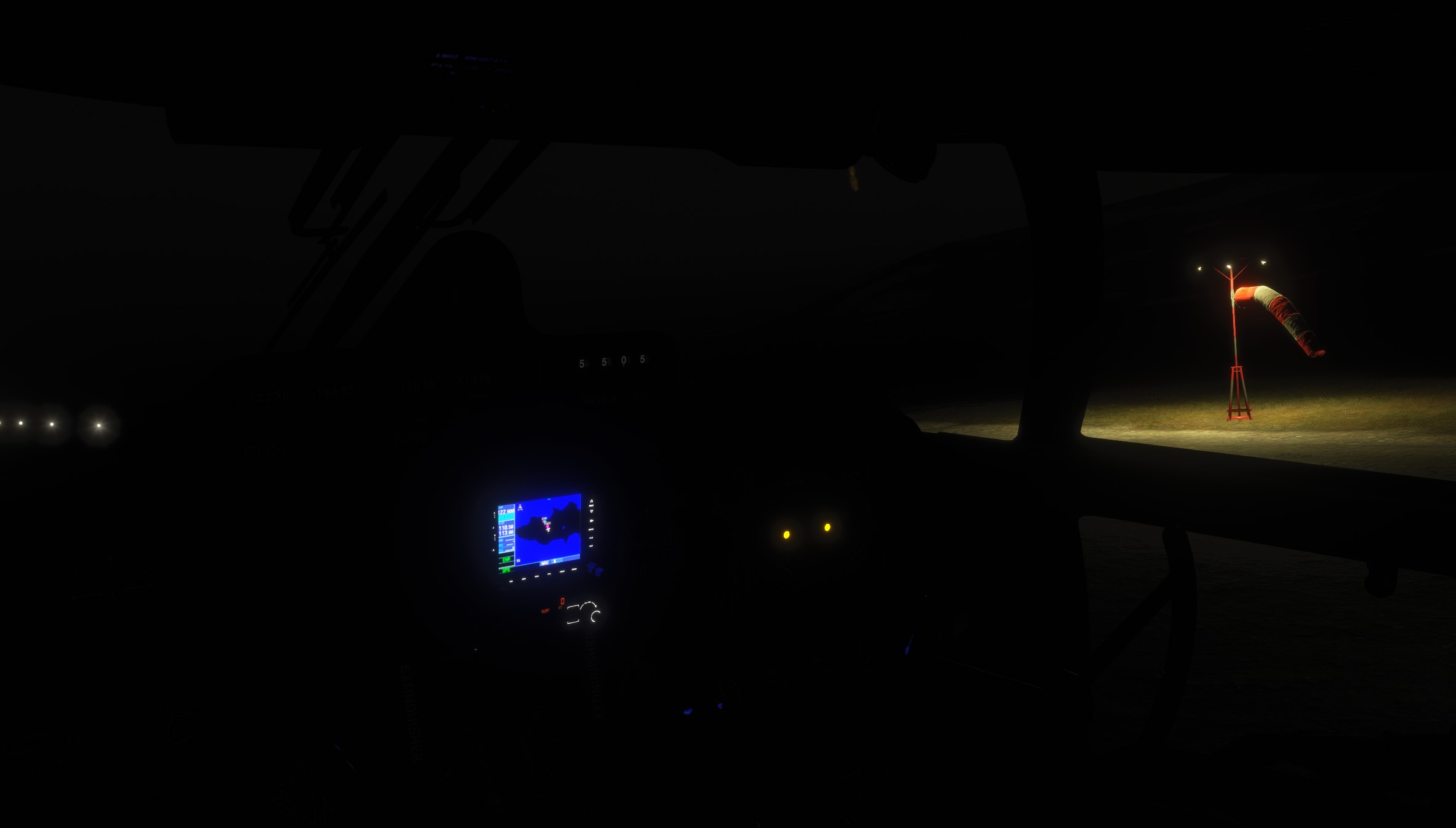
Instrument light not working. If the switch is set to BRT or DIM, the instrument light is not on.
FREQUENCY OF ISSUE
How often does this occur for you (Example: Just once, every time on sim load, intermittently)?
Always, at night.
REPRODUCTION STEPS
Please list clear steps you took in order to help our test team reproduce the same issue:
-
Activate the battery at night.
-
Set the instrument light switch to BRT or DIM.
-
Observe: instrument light does not turn on.
YOUR SETTINGS
If the issue still occurs with no mods and add-ons, please continue to report your issue. If not, please move this post to the User Support Hub.
Reproduced by multiple people with different hardware — issue appears independent of the specific PC setup/peripherals.
MEDIA
Checking back in on this one — it’s been about three weeks with no reply so far. This particular bug carries more weight than it might seem at first glance, since it’s one of several lighting-related reports (overhead panel, floodlight, beacon/taillight, and the gyro/heading indicators going dark) that together leave the cockpit poorly lit once the sun goes down. And that’s not a niche complaint: the places where the C-46 still flies for real, Alaska and Northern Canada, are moving into a stretch of the year with nearly full-day darkness, so proper cockpit lighting is basically a baseline requirement for the type, not a nice-to-have.
One more thing worth repeating: the MSFS2020 version of this aircraft was already sitting in MSFS2024 from the start. It was then given an announced rework meant to bring it up to date and improve it, yet the outcome was a net increase in bugs, with the real gains limited to a few extras like GPS and autopilot support. Considering how mixed the whole update turned out, I’d really hope this specific report gets treated seriously and fixed sometime soon.
Thanks for bumping. Somebody has to hold them accountable for trying to make us believe this was a new and improved 2024 version of the C-46.