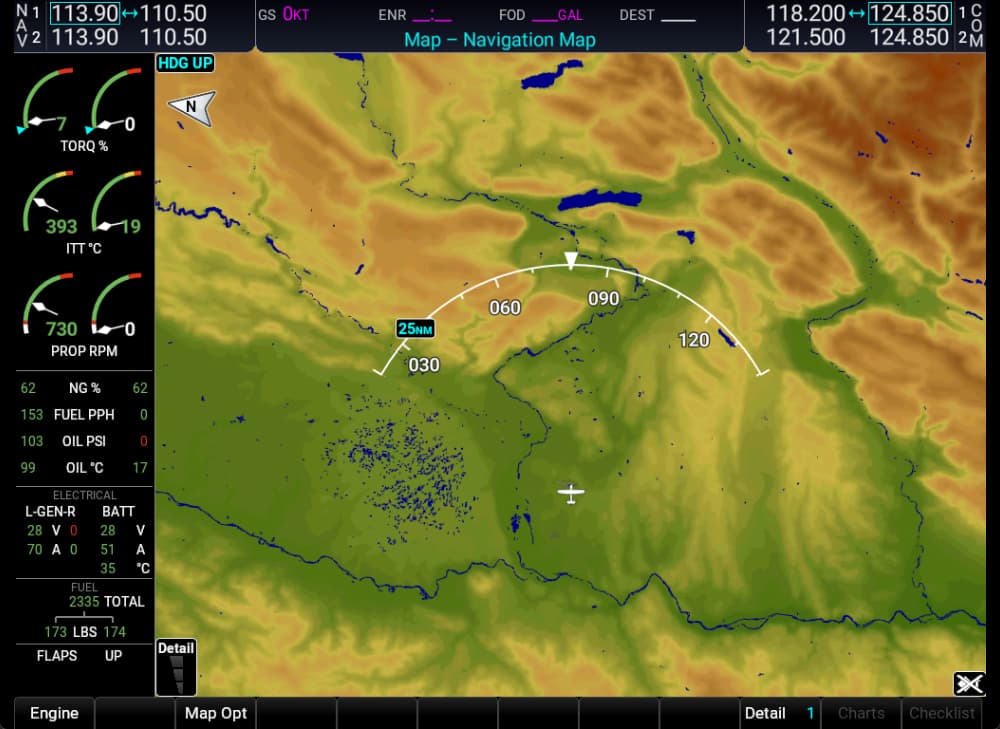
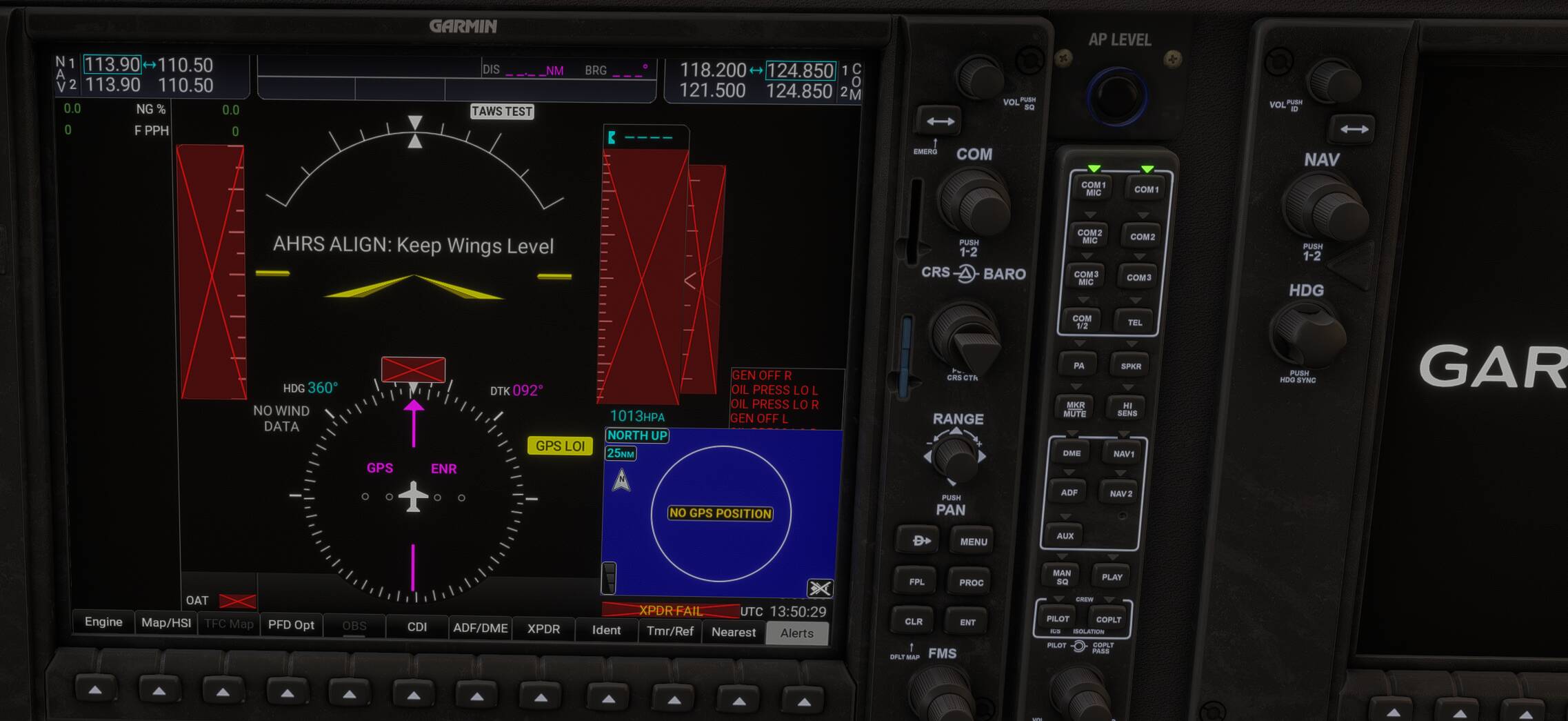
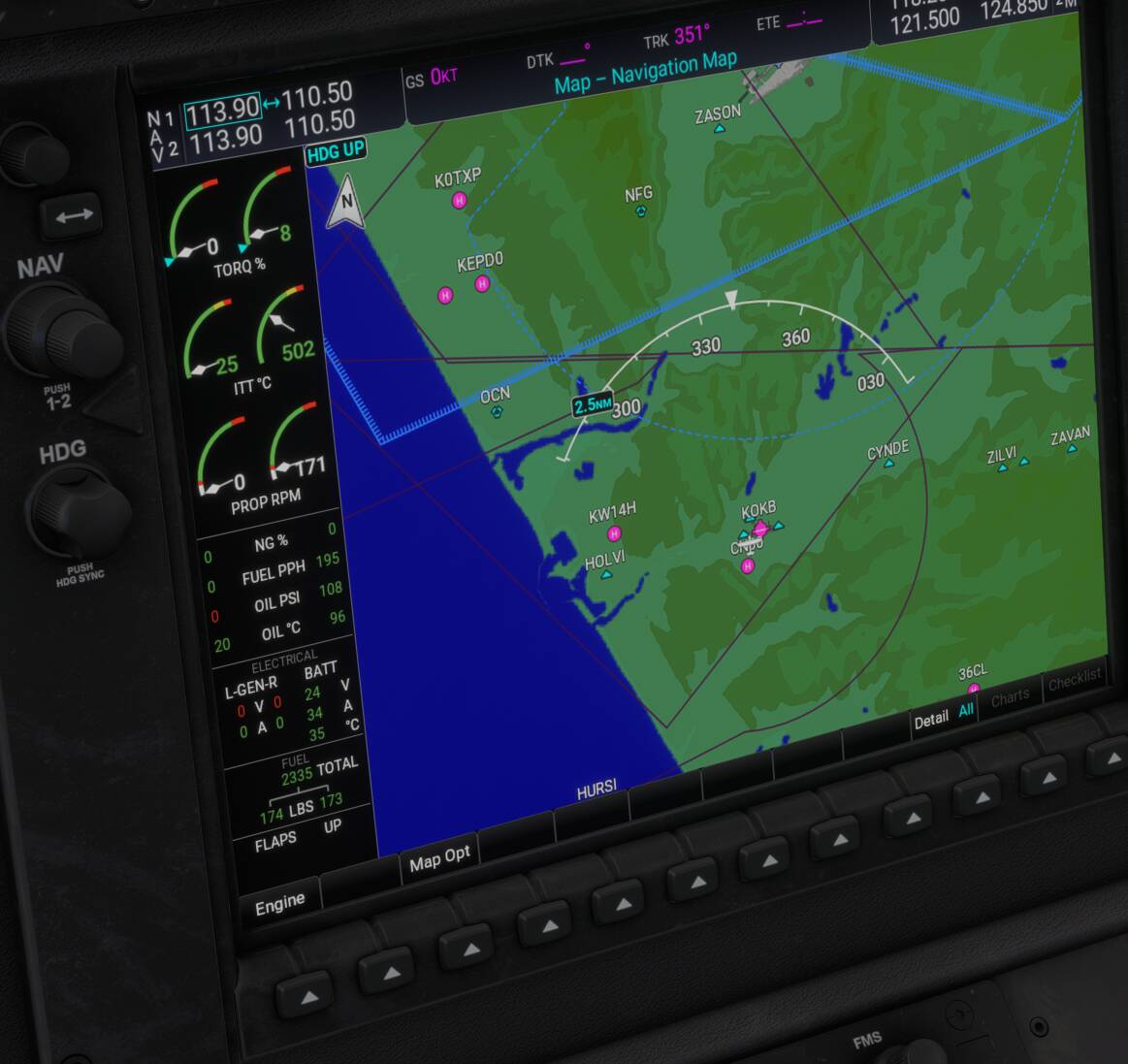
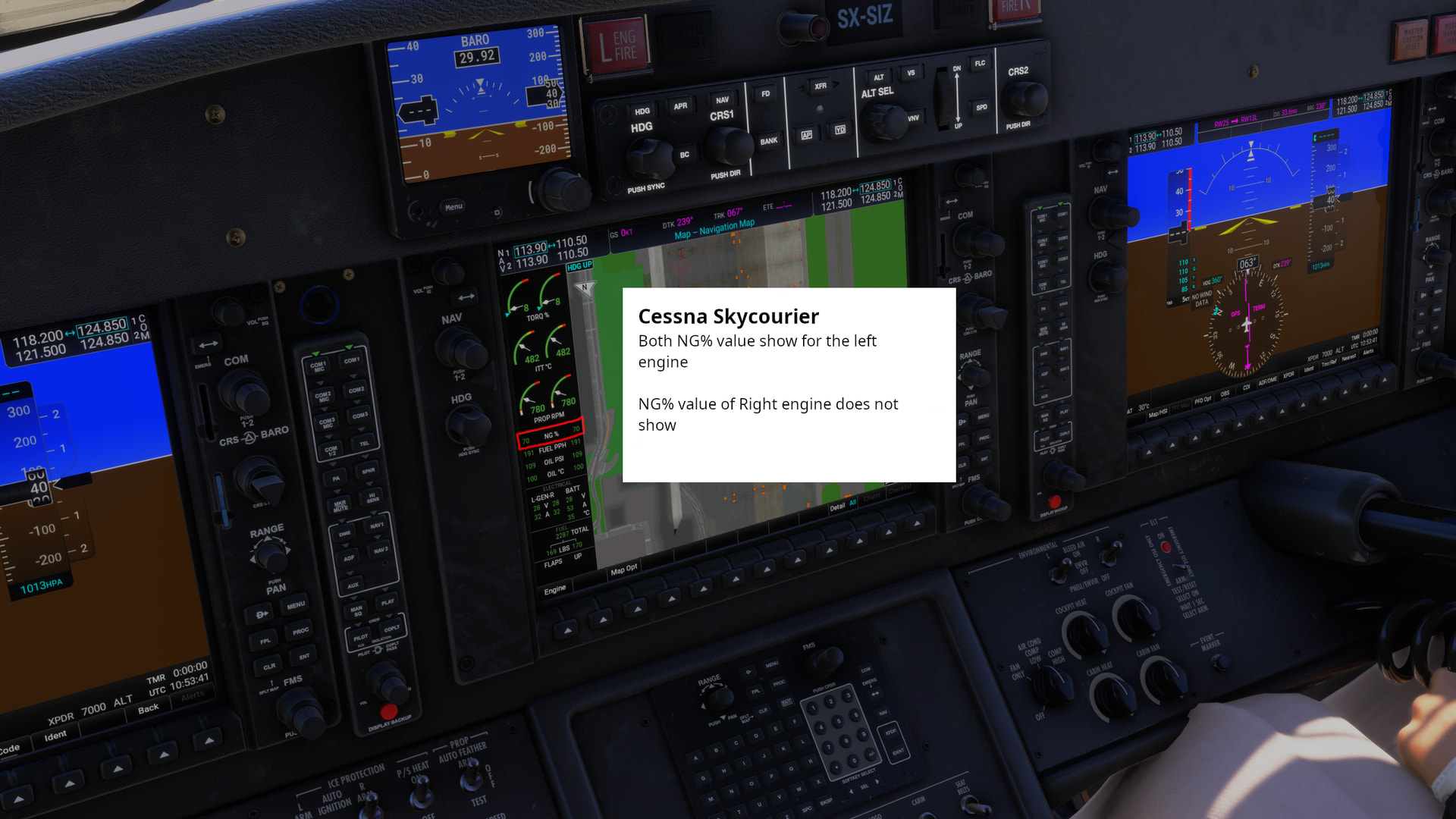
Garmin shows NG% left for both engines. When you start right engine NG% for that engine shows 0 (if it is the first engine you start), so it’s difficult to guess when to inject fuel. Then you start left engine and the same NG% shows for both engines.
FREQUENCY OF ISSUE
How often does this occur for you (Example: Just once, every time on sim load, intermittently)?
Every flight, career or free.
REPRODUCTION STEPS
Please list clear steps you took in order to help our test team reproduce the same issue:
Create a flight with the C408 and start right engine first.
Look at NG% in MFD
YOUR SETTINGS
If the issue still occurs with no mods and add-ons, please continue to report your issue. If not, please move this post to the User Support Hub.
What peripherals are you using, if relevant:
[PC Only] Are you using Developer Mode or have you made any changes to it?
[PC, MSFS 2020 Only] Are you using DX11 or DX12?
[PC Only] What GPU (Graphics Card) do you use?
[PC Only] What other relevant PC specs can you share?
MEDIA
Please add a screenshot or video of the issue occurring.
Confirmed too. I have no troubles assigning condition lever (using spad.next). Only bug remaining for me is the exceeding G-force penalty when starting a career mission
I can confirm that the G-Force bug is still there. Condition levers work fine from my Bravo. My sensation is that now the aircraft is a bit faster, but I’m not really sure.
When starting the aircraft with the MFD off, the engine displays on the PFD are displaying correct values, however, here the alignment issue that was fixed on the MFD still persists with the values sliding off to the right onto the main portion of the display.
Using the template below will greatly help the team reproduce the issue and ease the process of fixing it. Before posting, search for an existing report. If you are not sure it’s a bug, please first report in User Support Hub.
3 tags are required - add them in the tag section next to the title above:
This topic has now been updated from feedback-logged to bug-logged after successful internal reproductions. Please note that we do not provide estimated timelines for bug fixes to be released.
Thanks for helping us to identify this issue by creating a Bug Report.
Using the template below will greatly help the team reproduce the issue and ease the process of fixing it. Before posting, search for an existing report. If you are not sure it’s a bug, please first report in User Support Hub.
3 tags are required - add them in the tag section next to the title above:
Feel free to delete this quote section after adding your appropriate tags.
ISSUE DESCRIPTION
Description of the issue: Starting up the right engine first the NG% value stay NG%=0 but when you start the left engine both value are showing the left engine’s value.
It is possible that the value of the right motor is equal to the left_engine_variable.
Should be a easy fix by giving the correct variable
FREQUENCY OF ISSUE
How often does this occur for you: Its will always do (programming bug)
REPRODUCTION STEPS
Please list clear steps you took in order to help our test team reproduce the same issue:
cold and dark
Start the Cessna
when you start right engine first the 12.5% for fuel introduce will never show
when you start left, both value indicates the NG% (what has to how left side only)
YOUR SETTINGS
If the issue still occurs with no mods and add-ons, please continue to report your issue. If not, please move this post to the User Support Hub.
What peripherals are you using, if relevant:
[PC Only] Are you using Developer Mode or have you made any changes to it?
No
[PC, MSFS 2020 Only] Are you using DX11 or DX12?
Using high end PC with DX12 enabled settings ultra
[PC Only] What GPU (Graphics Card) do you use?
Dont matter for this bug / N-Vidia brand and drivers
[PC Only] What other relevant PC specs can you share?
AMD+Nvidia homebuild with 512GB memory
MEDIA
Please add a screenshot or video of the issue occurring.