I intend to restart Flight simming, but I have some very old joysticks that don’t work so well with MFS 2020.
I found several mapping pictures for the Extreme 3D Pro, who are a pain to implement as I don’t know the interface very well.
I also found an XML file for my Logitech Extreme 3D Pro in the simulator’s file and I was wondering if there are XML files ready to either copy or download to avoid the pain of mapping every button and axis. At least it should make a decent starting point. Even if the IDs were different, that would be easy to search and replace.
Anyway, before I spend an afternoon remapping my flight stick, I wanted to know all my options.
Thank you.
PS: Eventually, I’ll have to buy something more modern. Is there a good used market someplace for buying used peripherals?
Well, somehow, the game mapped all my buttons and axis all by itself. I don’t know how.
Today wasn’t the first time I tried to map the joystick, but I tried mapping it following a graphic someone uploaded someplace. Then suddenly, all the other buttons were mapped on their own while I was trying to map the POV.
Even crazier, one of the buttons doesn;t work at all, and that too was mapped, telling me it wasn’t me in a blackout that did it. Crazy.
Incidentally, I also tried mapping a old Logitech Attack 3. That didn’t map itself, but through it I discovered why I couldn’t fly: the aileron controls are essentially on/off switches. The elevators seem less jerky, but not by much, the ailerons make the plane uncontrollable.
What controls can I buy that will allow me to fly the same way I used to, in the good old days when the controls were mapped automatically and did not behave as momentary switches?
I have also the Extreme 3D Pro joystick and it works fine with MSFS2020. I mapped the keys just via the ingame joystick settings page (Options Menu > Control Options). One even can different profiles for different planes. So, for me no need to buy a modern joystickl. And I also don’t need an XML file.
Thank you. That’s good to know. I have to figure out why the axis behave like on/off switches. No wonder I cannot keep a plane in the air. It;s either level or full bank.
I may have to see if either something is wrong with my stick (possible, since one of the buttons in not working) or if I just messed up the settings somehow.
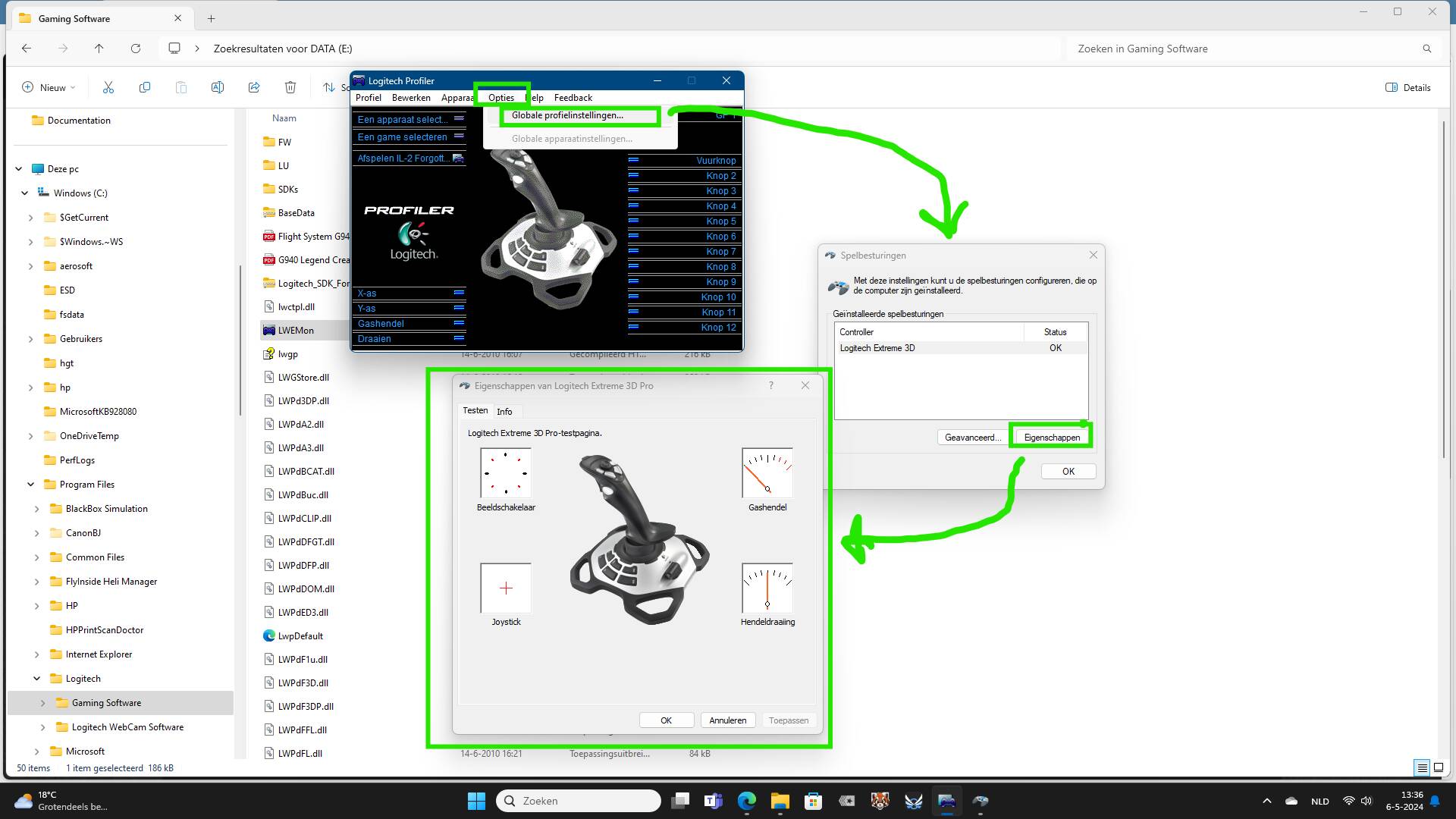
Perhaps you need to calibrate the joystick. That is possible ingame via the Control Options, but also in Windows. Just Google “calibrating logitech extreme 3d pro” and you’ll get tips and video’s with how to do it. And even some troubleshooting tips.
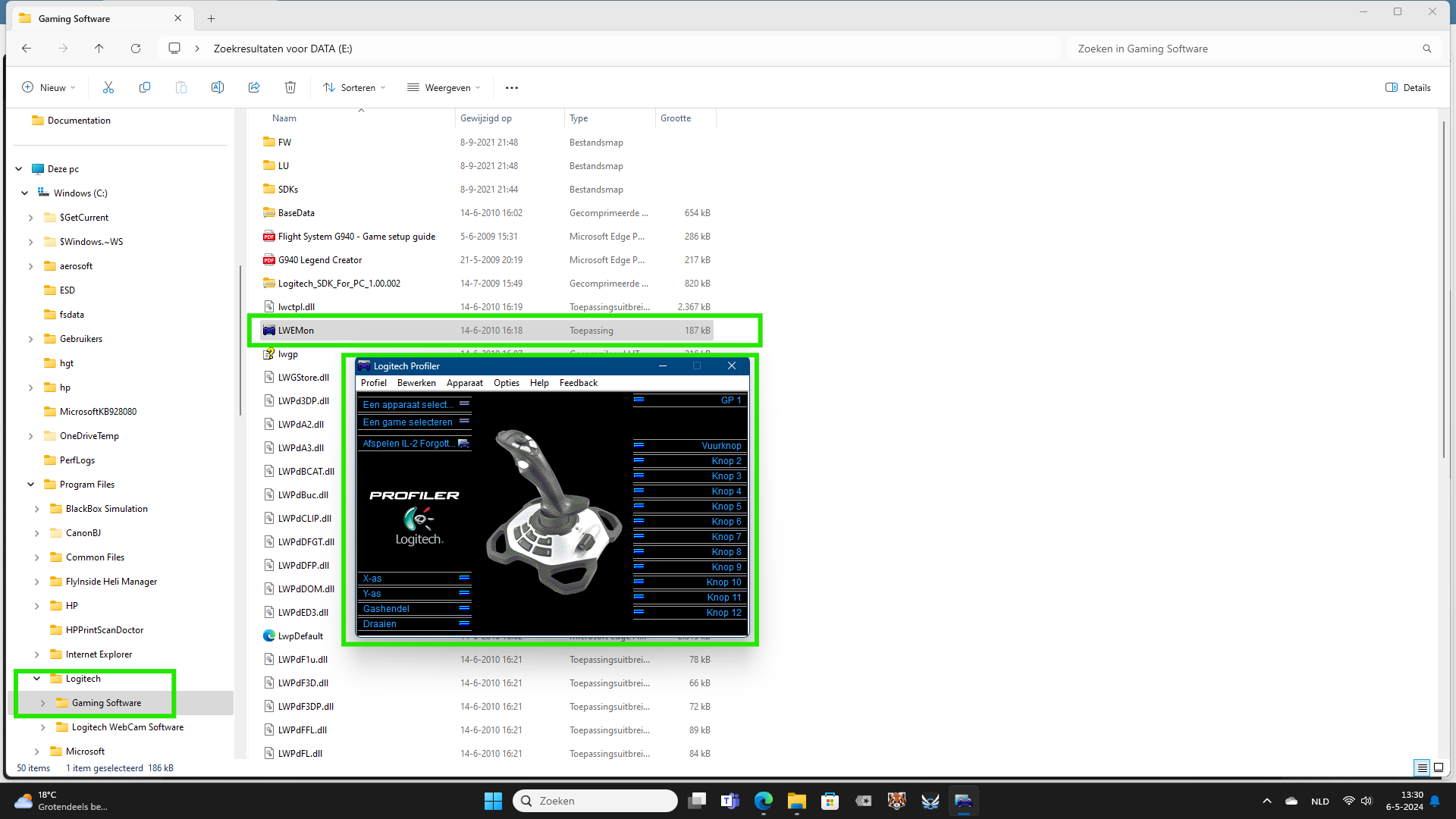
And if all is correct, you have the Logitech software for your joystick in (probably) the C: drive. There is an app in it and via that you can calibrate your joystick.
As a matter of fact, the last time I did need this way to calibrate my joystick for MSFS was 2 years ago. Since then, even after going from Windows 10 to Windows 11, I don’t need it for calibration. But checking if your buttons work, can be done in the calibration.
I also have the Logitech Extreme 3D Pro, bought a long time ago. I’ve not installed any Logitech software for it on my Windows 11 PC - I’m just using the default drivers - and it works fine. Without the Logitech software, the properties page looks a bit different, but you can still test & calibrate the device:
As @Dutch1957 says, just use the in-game options to configure as many profiles as you need.
1 Like