Hi all, I’m new to MSFS 24 so bare with me
So far I have had no issues with running the program, until I decided to do some training but no matter what I do I cannot access the certification page
I have been running the graphics at High end with really good grapics and as I have a decent graphic card with 32 gig of ram in the card & 64 in the MB.
So I have even turn the graphics settings within Flight Simulator down to low end, but I still can’t open certification and all I get is the on screen narrator saying " loading please wait".
Any help and ideas would be appreciated
Hi,
What machine are you using?
What peripherals are you using?
Please post pictures of your problem.
Try these –
Click on your gamertag (Must be on the Mainscreen)
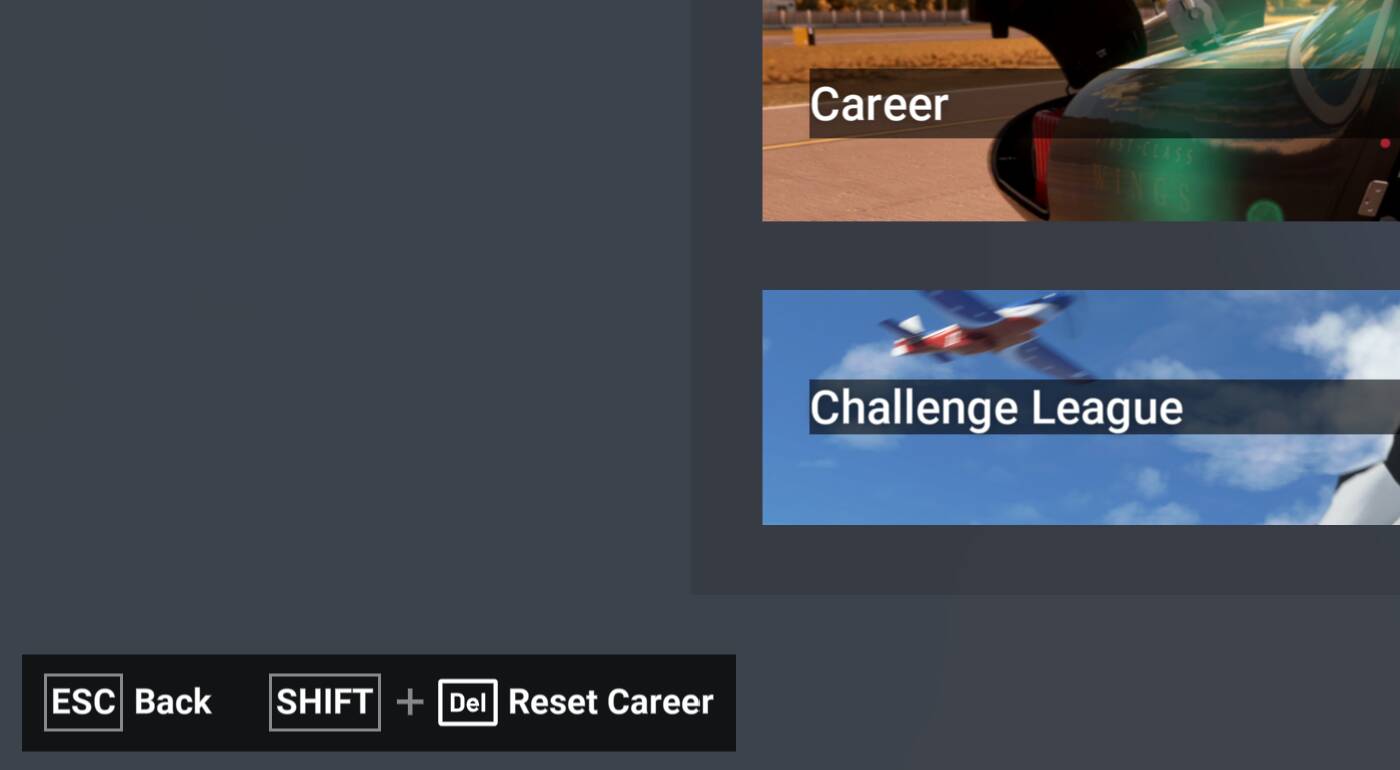
Then see at the bottom left hand side of the screen - reset Career
Check all of your data matches/syncs in the game with the XBOX app, like accounts and email etc
Check you have verified age if in UK
Otherwise try uninstalling and re-installing the game
Uninstalling and re-installing the XBOX App
Many thanks for getting back, i will try what you suggest and then post the peripherals im using
I dont know if this has anything to do with it…
It appears for what ever reason all tne training module scores from within flight training in activities have reverted back to zero
Sorry to open it all over again, Fuzzy, how did you solve that problem? I tried everything, and still, if I reset the career mode, it’s unable to load the certifications again, Its impossible to play like that
Hi, in tbe end i wiped the complete program from the pc and reinstalled it.
And now everything works as it should.
Back tracking i have narrowed the issue down to a posible seenery update…but cant be sure