ISSUE DESCRIPTION
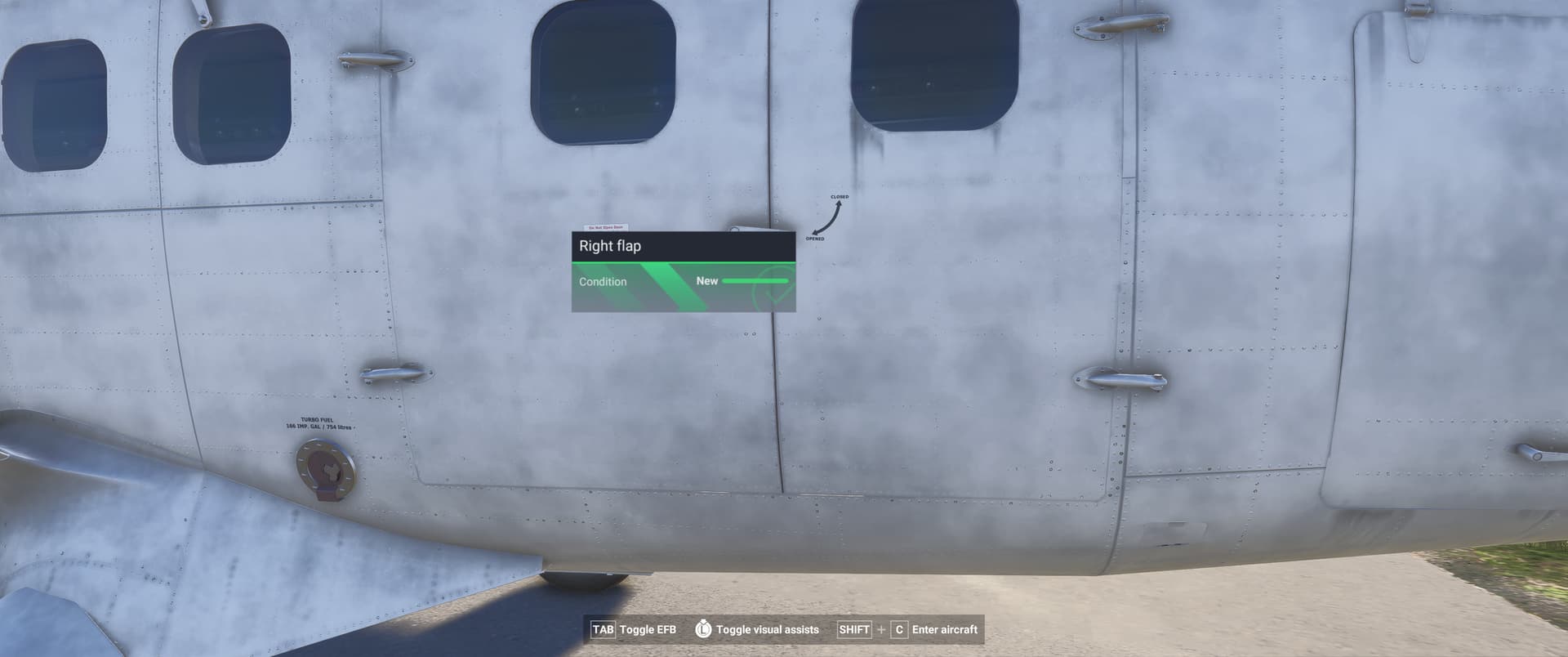
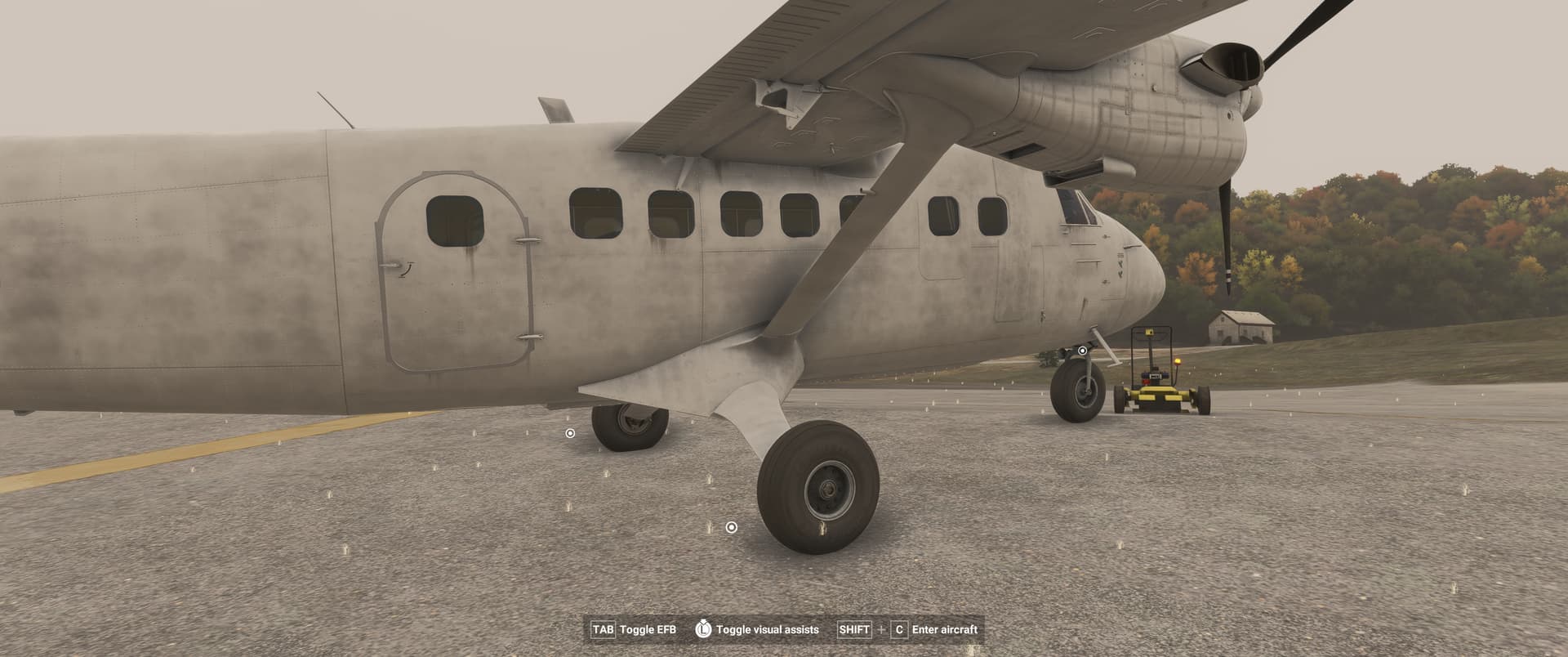
Since Sim Update 3, in walk around mode. The ‘pilot’ cannot open any door when clicking on a door from the outside. This was not a problem in Sim Update 2.
FREQUENCY OF ISSUE
Everytime.
REPRODUCTION STEPS
Please list clear steps you took in order to help our test team reproduce the same issue:
-
When sitting in the pilots seat at any airport gate. Enter Shift-C to exit the aircraft.
-
Walk to the door and click the door handle
-
Door will not open.
YOUR SETTINGS
If the issue still occurs with no mods and add-ons, please continue to report your issue. If not, please move this post to the User Support Hub.
What peripherals are you using, if relevant:
[PC Only] Are you using Developer Mode or have you made any changes to it?
No
[PC, MSFS 2020 Only] Are you using DX11 or DX12?
Sim Update 3 does not have a DX11 or DX12 selection in Settings→General→Graphics
[PC Only] What GPU (Graphics Card) do you use?
NVidia GeForce RTX 5090
[PC Only] What other relevant PC specs can you share?
Nvidia GeForce Game Ready Driver 581.08 Aug 19, 2025
Windows 11, Intel(R) Core™ Ultra 9 285K