Hi,
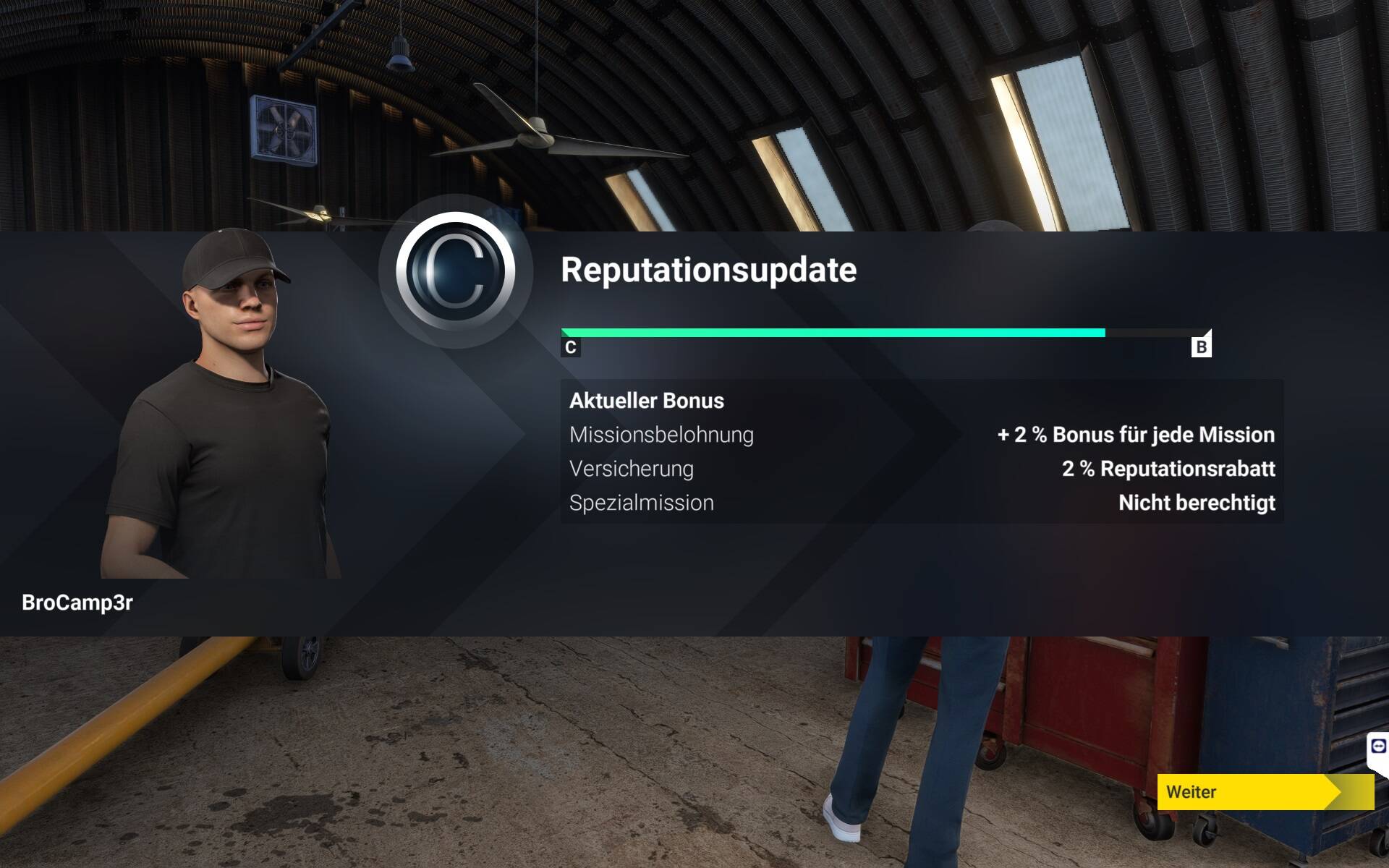
today another try: Carrer Mode, C172 Sightseeing, loading plane and after boarding and roll on the runway, another CTD.
next i load the same in free flight mode and start again the flight.
Steam PC Version
Hi,
today another try: Carrer Mode, C172 Sightseeing, loading plane and after boarding and roll on the runway, another CTD.
next i load the same in free flight mode and start again the flight.
Steam PC Version
Same here PC - Steam and Microsoft Store Version.
Loading Stuck @Headquater tryed reinstall no solution yet.
Since the update today , everytime I hit career mode, I see my character and Cessna and that’s it before it crashes . Happens every single time
Good luck and thank you!
Same issue on XSX with the gamepass version, even tried reinstalling the sim.
Only started one company with a Cessna 172 plane.
Exactly the same here. Was running fine before the update
Aye it went kapoot after their patch.
I had the same issue and wasn’t able to restart and got stuck at 58%, so I decided to uninstall and reinstall the game.
Absolutely Huge Huge Huge Bonus Feature of 2024!!! This fixed the issue for me and I can fully login and fly.

Huge Huge Huge. shocking, and almost unbelievable!
*** It took me at least 12 hours over several days to accomplish a reinstallation in 2020 with all my addons.
I am now completely sold on buying everything (I’m interested in) from the marketplace going forth. 

Note: I still keep 2020 and DCS current and on standby for Microsoft/Xbox internet or services disruptions - which I expect to be frequent.
**** Update 10 minutes after initial post: Issue not fixed, after logging out and attmepting to log in again 15 minutes later, I am stuck at the 58% again. At least I know I have a clean installation. 
same here also on the xbox series x getting the sim crashing when i hit career mode …was fine yesterday before the small update happened
Same problem for me
Same, after the patch I’m unable to load/continue the career mode will result in CTD each time on pc.
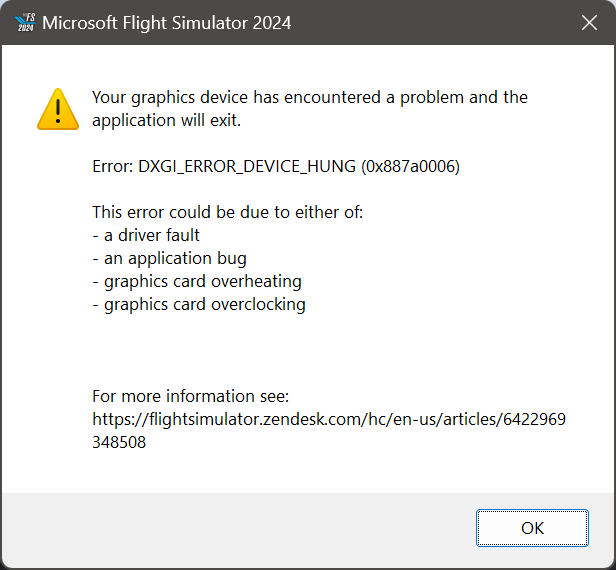
Different issue to the one on this thread. Did you go to the link it gave you in the error? This error is usually fixable.

Description of the issue:
[PC Only] Did you remove all your community mods/add-ons? If yes, are you still experiencing the issue?
Yes, all community/addons have been removed.
I’ve already uninstalled all and reinstall a fresh version of MSFS24, the problem remains the same.
Everytime
When I’m lauching the “Career Mode”, after the “headquarter” splash screen, it arrives on the Hangar screen, and then it crashes and go back on windows desktop after few seconds.
[PC Only] Are you using Developer Mode or have you made any changes to it?
No
[PC Only] Many issues may be due to an outdated graphics card. Please state your Graphics Card Driver Manufacturer (NVIDIA, Intel, AMD) and Version:
I’m using the last Nvidia Drivers in date.
I’ve already voted for the XBOX crash problem, but I’ve created this topic for the PC edition because the problem exists for this version also.
PLEASE VOTE to move up this topic and make it an important thing to fix.
this is also the case on the xbox series x here
All drivers are up to date, all reinstalled, no community mods no changes.
I am in Australia, playing on the SE Asia server
The region of Europe.
Same issue here. Somewhere in level 60+ and since update it CTD when opening career page. Im in south east asia and not running any mods etc. have one airplane and one company. platform is PC/Steam. please fix ASAP
Same issue. I am level ~48, have one flightseeing company and one 172. I tried moving my folder in AppData and disabling XMP with no effect.
same problem since this morning
LVL 103 , 2 compagny and 2 planes (c172 and grand caravane) , all certificates