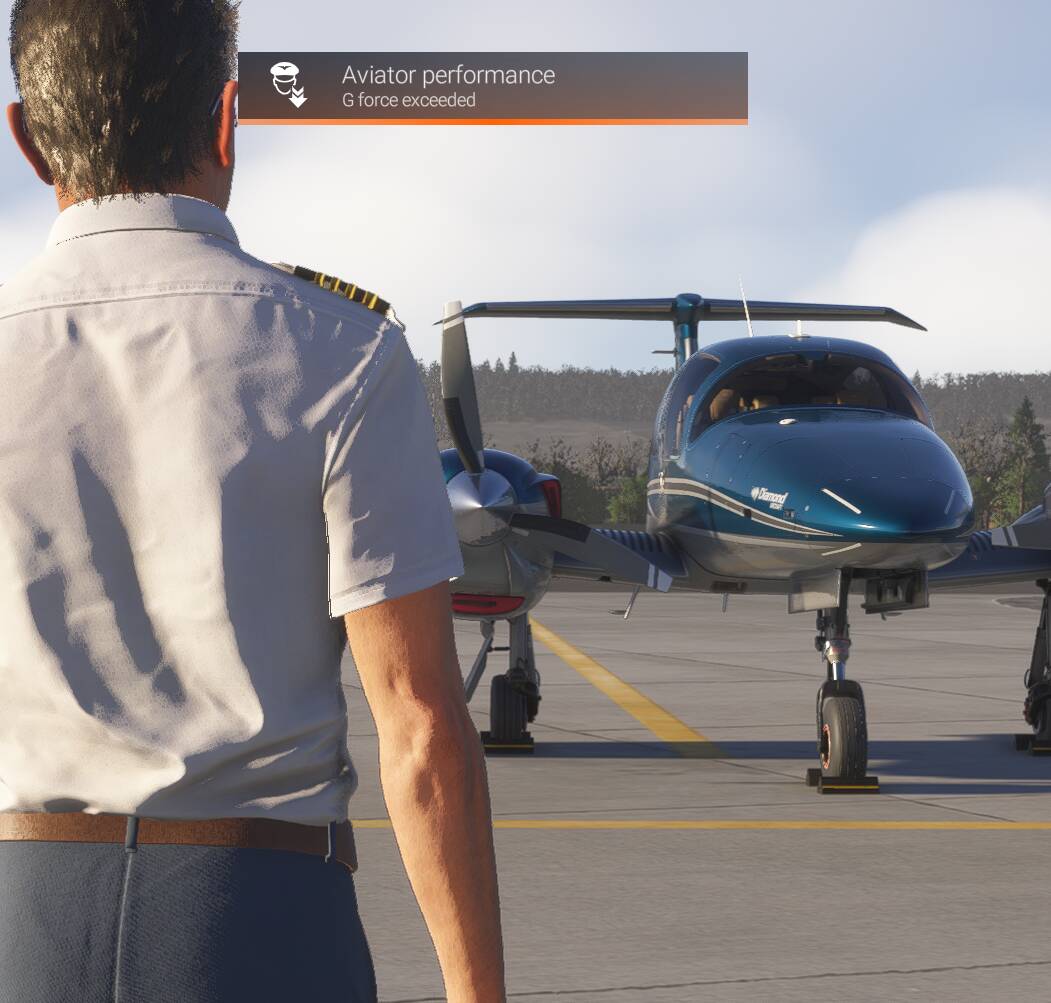
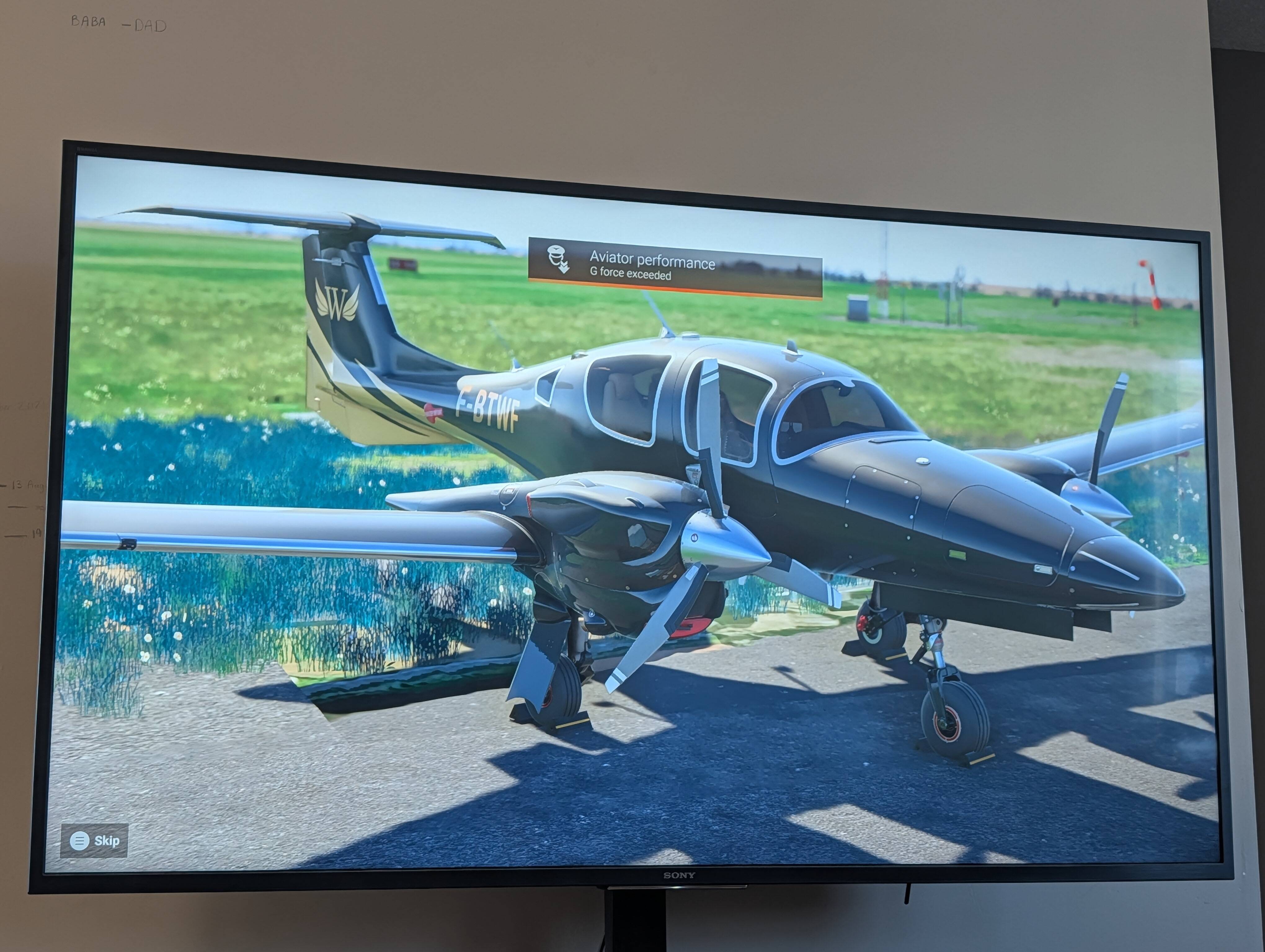
Career missions start with "Aviator performance: G force exceeded"

Do you have the same issue if you follow the OP’s steps to reproduce it?
• Yes

Provide extra information to complete the original description of the issue:
• ALL career missions with the Cessna 408 Skycourier load with Aviator Performance: G Force exceeded before I am even in the aircraft. This costs alot of credits in repairs.

If relevant, provide additional screenshots/video:

Do you have the same issue if you follow the OP’s steps to reproduce it?
• Yes. Walking up to the 408 and DA40 in career mode.

Provide extra information to complete the original description of the issue:
• On Xbox

If relevant, provide additional screenshots/video:

Do you have the same issue if you follow the OP’s steps to reproduce it?
•Yes

Provide extra information to complete the original description of the issue:
•Every mission same fault.with this plane.(PC User) Deductions at end of mission

If relevant, provide additional screenshots/video:

I get this all the time when I paly in Career, which I don’t normally anymore. I have noticed that it may be how the sim loads the planes. Almost every time the planes load, they seem to be dropped to the Earth through some portal at 1000 feet per second. You can see this in Free Flight on the load screen.

Yes, this is still an issue and occurs on every flight in career mode with this aircraft.

Please fix! I stopped playing for more than a year because of these career mode bugs, and they persist.

If this is referring to the C408 Sky Courier then I think the issue will be resolved in SU4 as it currently appears resolved in the beta builds. I’ve done a few Career flights with the 408 in SU4 beta and never once experienced this bug.

Same with DA62 and charter missions.

Issue still persists almost a year later. I was thinking about buying this plane, but not until this is fixed.

One year later, still the same bug…

(Diamond DA-42)

career feels like playing minesweeper, atleast gives me good old memories.

I have the same problem. Every mission in this plane starts with a ding on the pilot. This invalidates a lot of medium cargo missions and further limits and already small list.

This is just one of many bugs and problems with the game and career mode. It’s disgusting how immature this software is given how long it has been on the market.
ISSUE DESCRIPTION

Right at the beginning of a career mission, I get the message/penalty “Aviator performance G force exceeded” even before inspecting the plane.

FREQUENCY OF ISSUE

Every mission

REPRODUCTION STEPS

Please list clear steps you took in order to help our test team reproduce the same issue:

  1. Select career mode in xbox

  2. Select missions for “Employee”

  3. Filter missions to aircraft “Diamond Aircraft DA62”

  4. Select any mission

  5. Accept the mission

YOUR SETTINGS

If the issue still occurs with no mods and add-ons, please continue to report your issue. If not, please move this post to the User Support Hub.

What peripherals are you using, if relevant:

[PC Only] Are you using Developer Mode or have you made any changes to it?

[PC, MSFS 2020 Only] Are you using DX11 or DX12?

[PC Only] What GPU (Graphics Card) do you use?

[PC Only] What other relevant PC specs can you share?

MEDIA

Please add a screenshot or video of the issue occurring.

I elaborated on this one in March of 2025 with the 408 Cessna, still a problem.