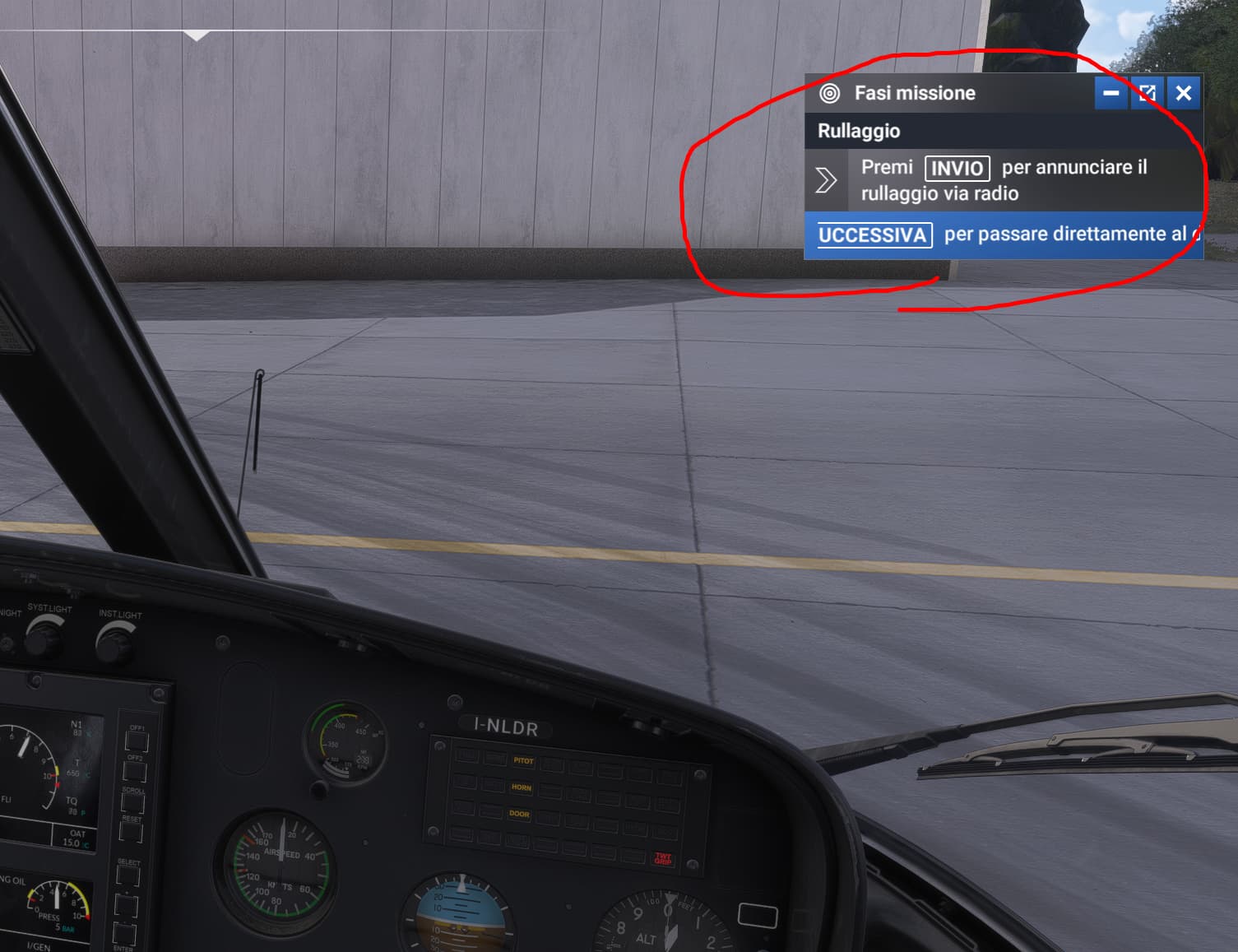
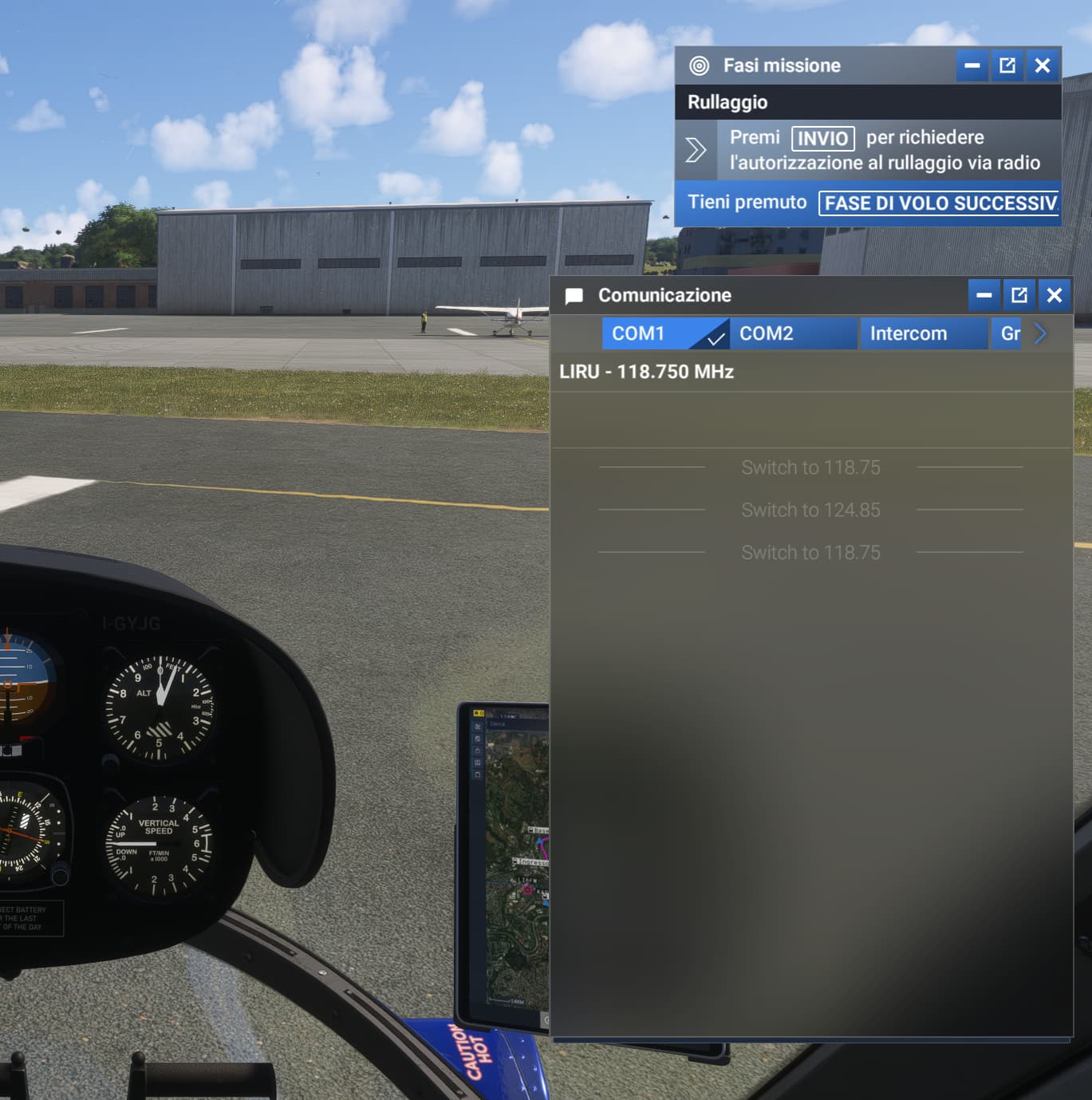
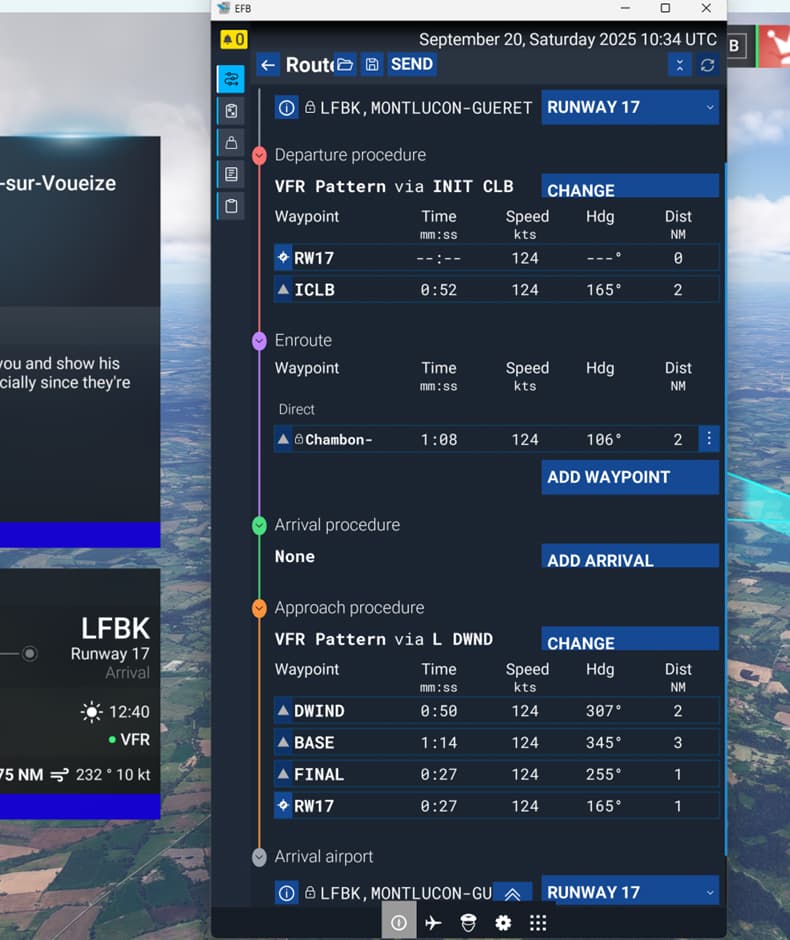
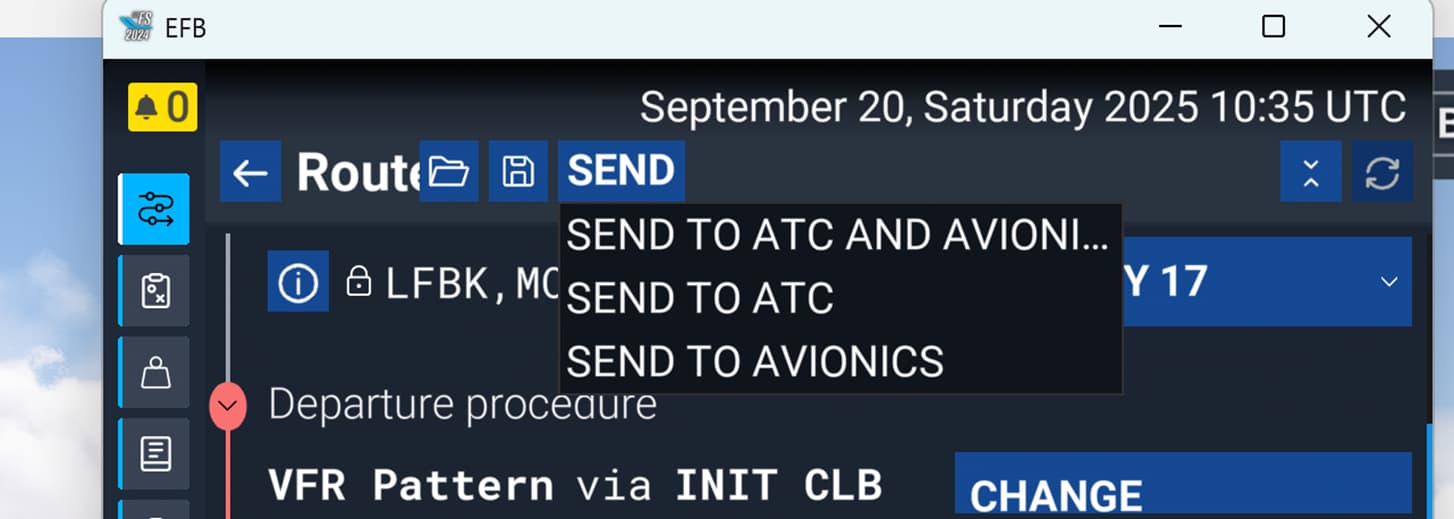
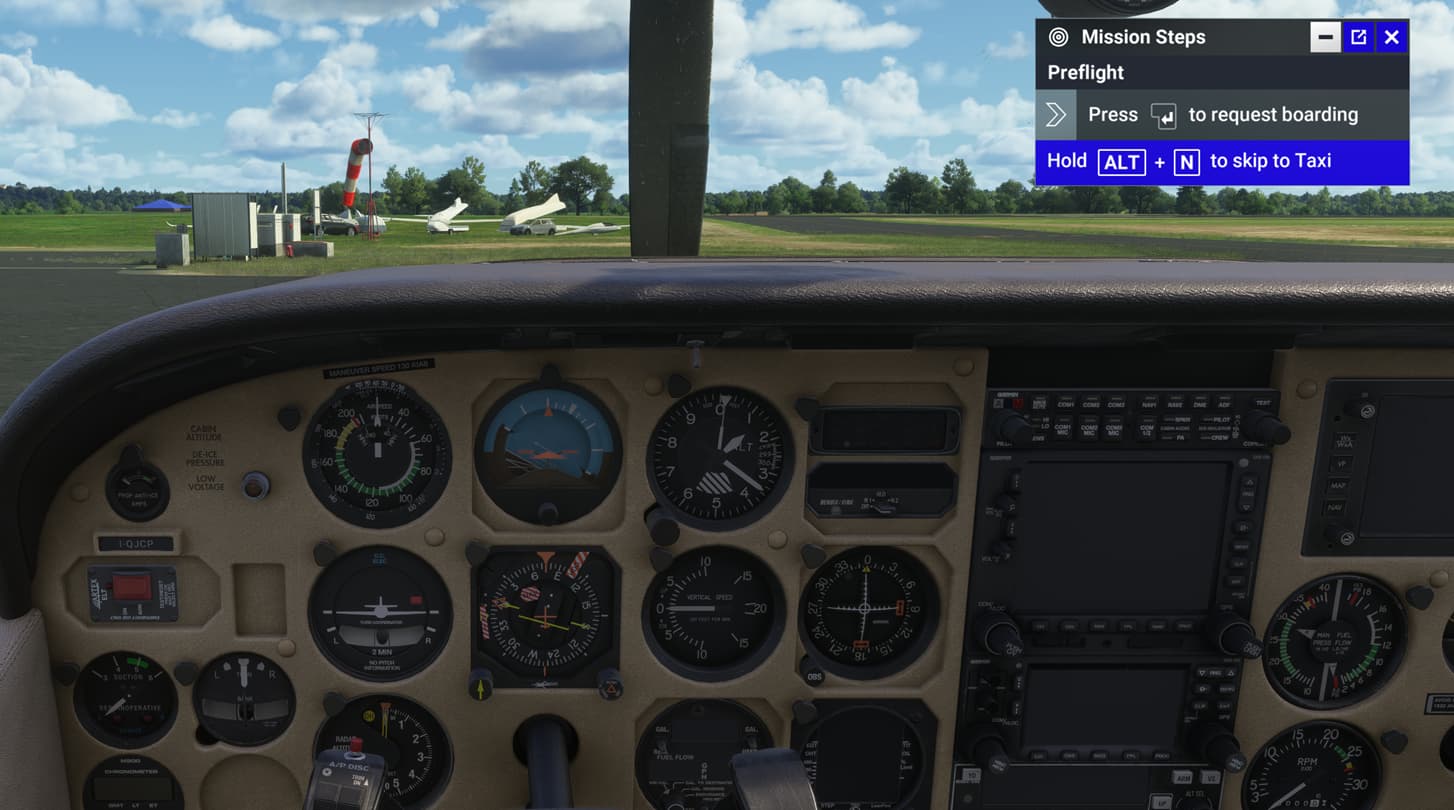
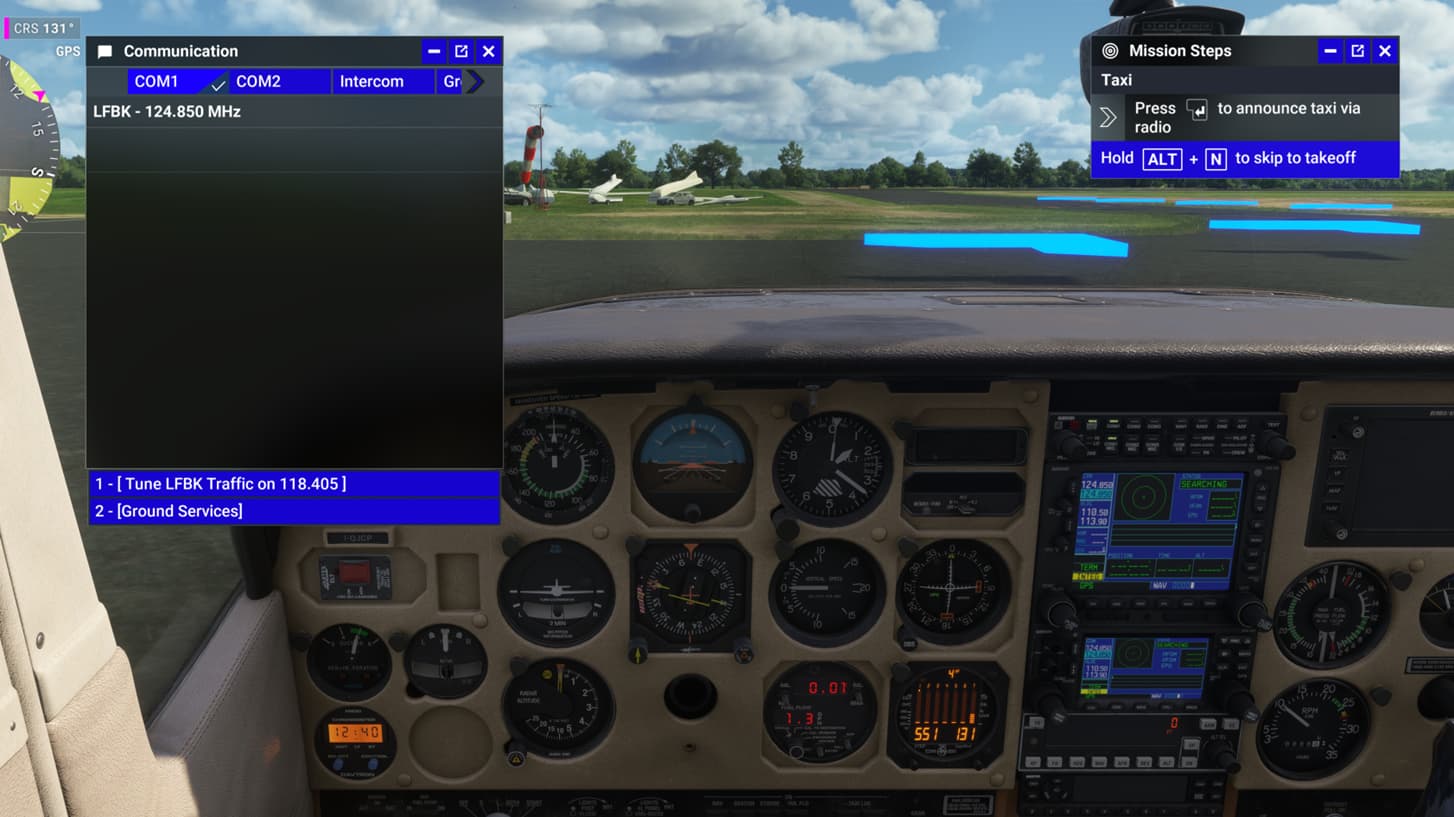
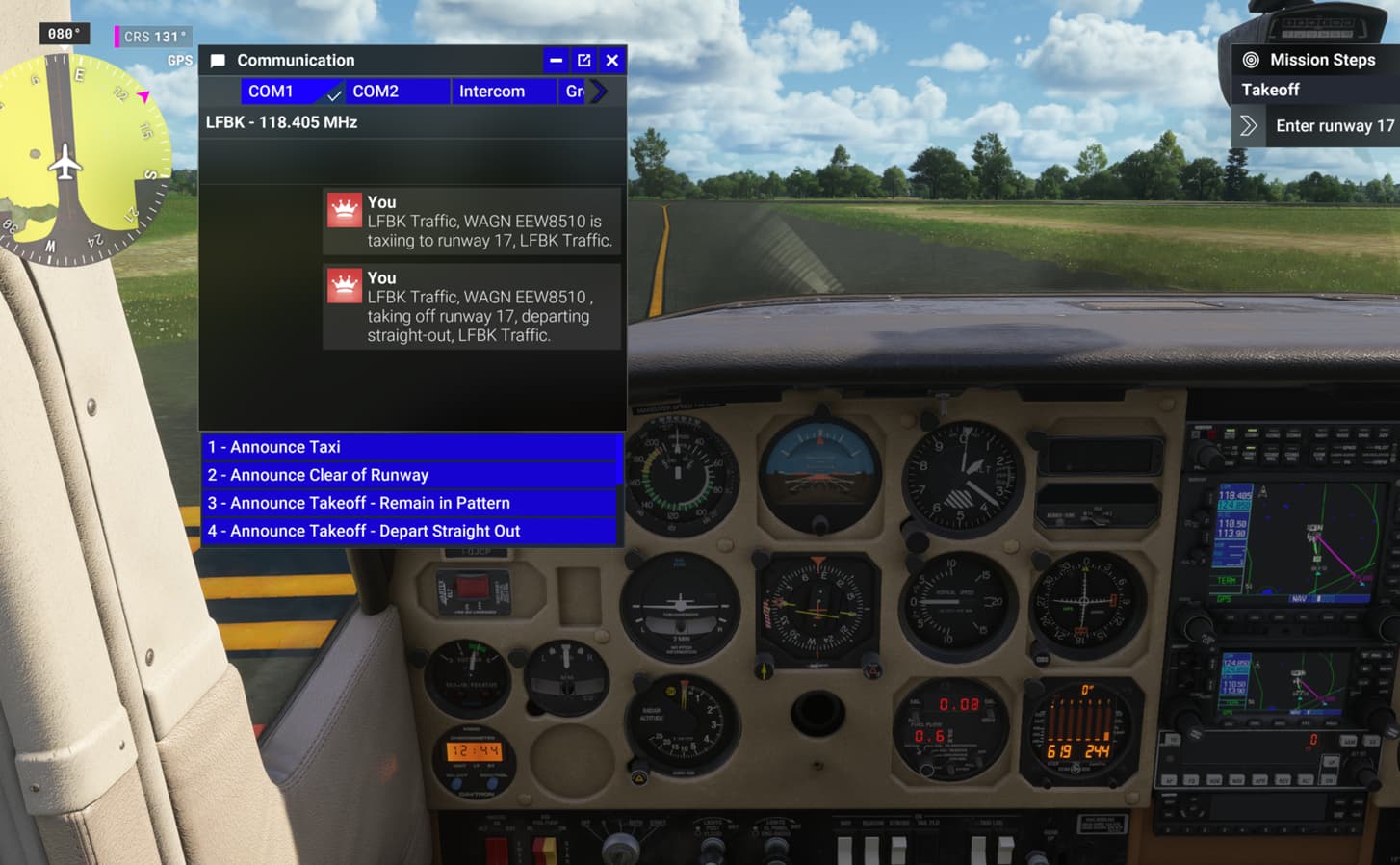
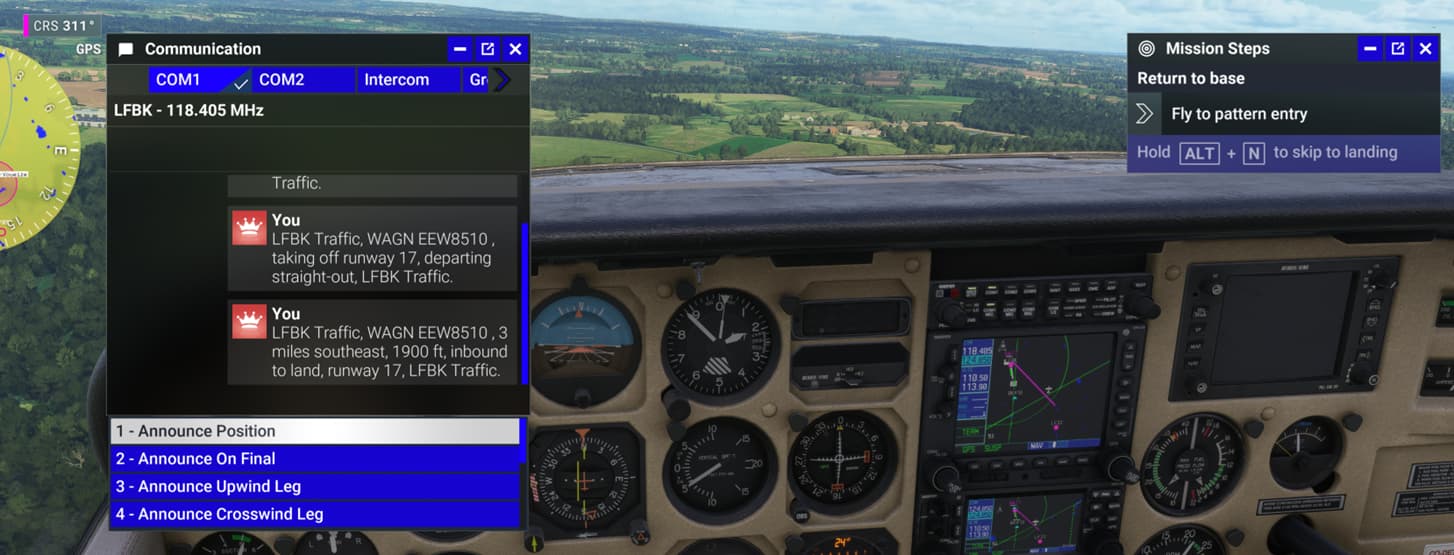
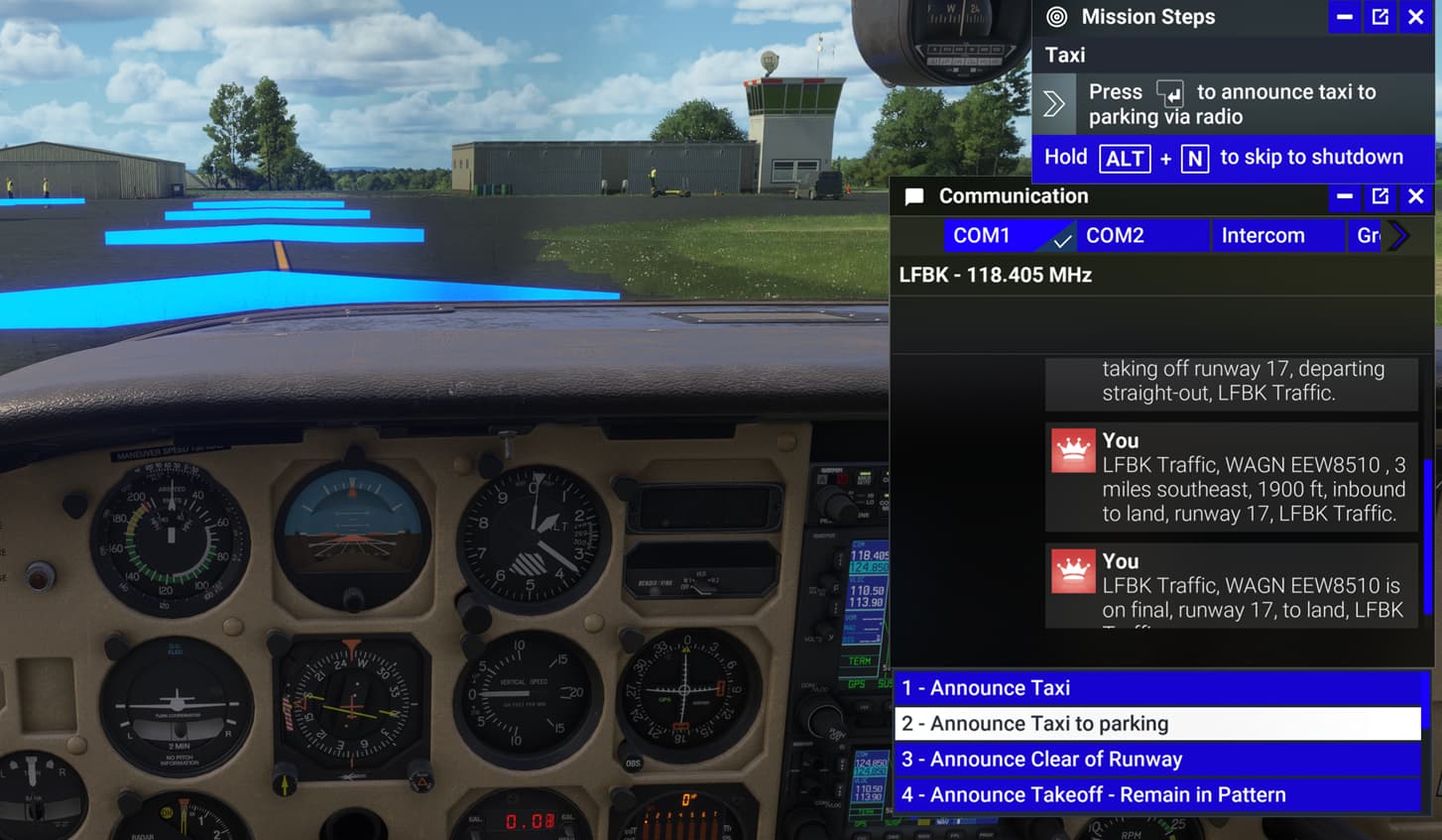
Highlight the menu bar at the top and pick the communication box which usually gives an option to taxi as well. This seems to work better with this ATC drop down menu
ADDITIONAL INFORMATION:
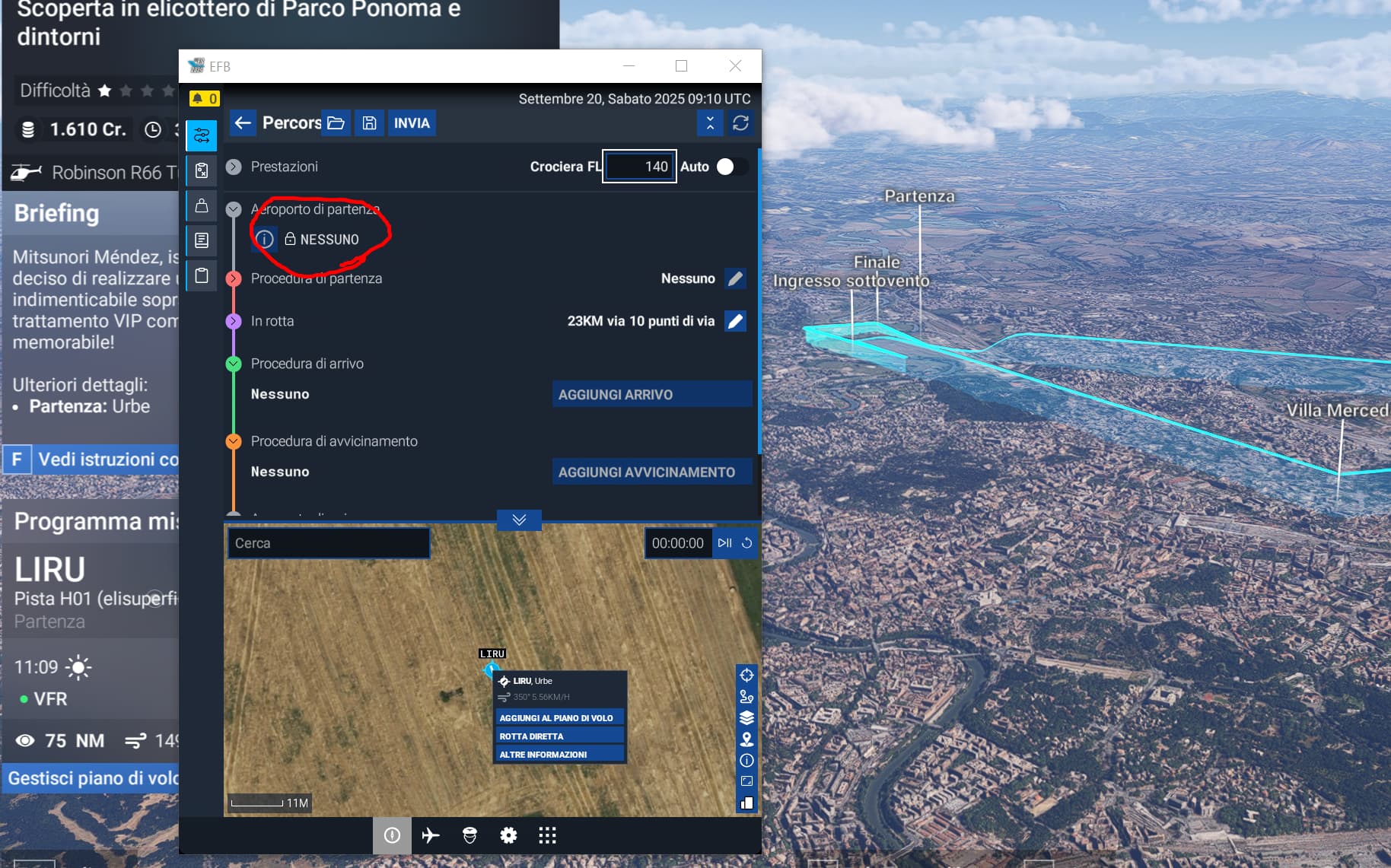
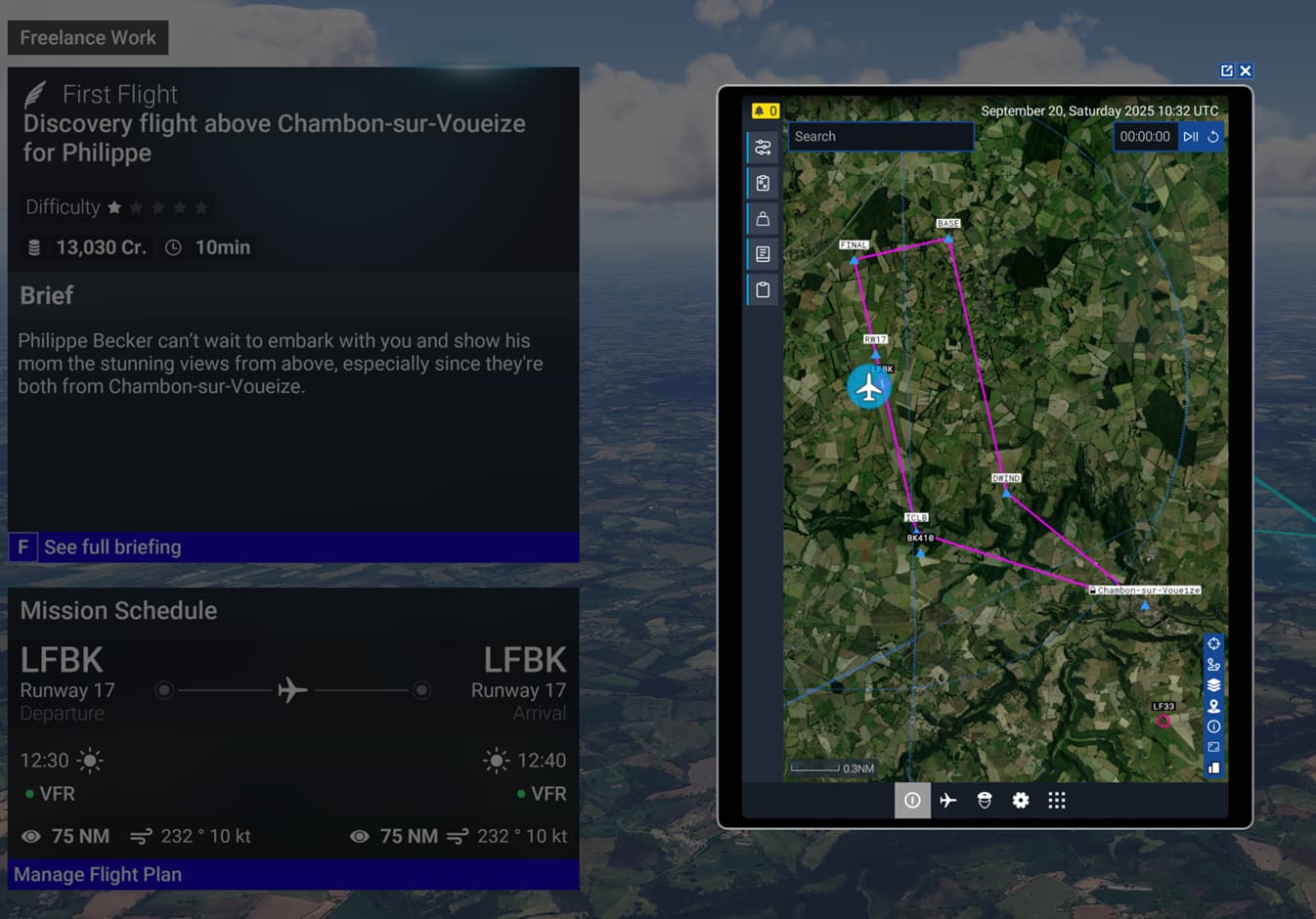
I noticed that when i try a mission using any airplane, the flyplan has his own departure airport.
Different is when i try to fly with an helicopter where i can see only the route but not any departure airport.
That explains why i can’t contact tower or ground for the clearence? maybe because the mission code request the steep to contact the relative departure airport “that is not listed” has bug.
Here 2 screens. First one a try with helicopter and a second one with any plane
Oh, if there is no departure airport then there is no ATC to give permission to take off. It is strange they make a mission like this.
I did a mission to show you with pictures. If you do not get any of these I think you should try to ree-install the sim, it might fix it. Otherwise ask Zendesk.
It seems like the problem isn’t a general glitch but is affecting only a few people. I’ve tried many airports, and the helicopter flight plan always misses the departure. It all started when I tried to land at an airport. It all started there because it wouldn’t let me contact the tower for landing, and subsequently I can no longer find missions with an assigned departure airport.
I thank you for chiming in and sharing all those screenshots, but I don’t think I’ll reinstall the sim just for this. Reinstalling is a delicate process when you’ve set various peripheral parameters and achieved good graphical compromises. From experience with simulators, I know that even a fresh install, even if it solves some problems, can cause others or make the experience even more unstable.
I hope it resolves itself with the release of SU4.
Same issue, only affects flights that start/end at helipads (heli/multi rotor missions). You can’t tune to the tower frequency because you’re not taking off from the airport, but from a custom made waypoint at that airport.
If you do manage to take off, at the destination airport you’ll have ATC sequencing issues and low FPS after landing.
With this many votes it will never get fixed or noticed.