CDT :Free Flight crash at various Airport 1.6.33 msfs 2024

ISSUE DESCRIPTION

Description of the issue:

Starting a Free flight from NZCH, or EDDF, or EGLL, or LEMD, or EHAM, or KLAX, or LPTT FS2024 crshes.

Just Zooming in at least EGLL, EDDF or NZCH is enough to CDT

FREQUENCY OF ISSUE

I have this problem since at least 1.6.21- I reported this in SU4 Beta . Problem not solved.

REPRODUCTION STEPS

  1. Select Free flight

  2. Departure from any of above Airports to any destination

  3. Press start flight

  4. CDT

[PC ONLY] FAULT BUCKET ID

Fault bucket 1837668282064592540, type 5

YOUR SETTINGS

CPU AMD

GPU AMD

32GB Ram

Windows 25H2 - 7462

Did re-install Windows, run SFC and DISM, update STORE and Windows, Test RAM

AsoboReport-Crash.txt (23.9 KB)

MEDIA

Please add a screenshot or video of the issue occurring.

Seems the CDT is related to StreamedPackages.

I have disabled them and now there is no CDT at Departure from EHAM, or EDDF, or LPPT, or EGLL, or NZCH.

But still CDT at KLAX, LEMD.

I have deleted the StreamedPackges Folder. Did not help.

I delete the CloudSaves, did not help.

Any suggestions?

Thanks.

I have changed the Quality from Low-End to Midle and disable some things like Fauna, Grass,See Trafic and other things as always have done with SU3 and now there is CDT at departure from EDDF,

Seems that there is something else going on with Graphics quality besides the Streamed Packages,

Meanwhile I have changed to Low End again, but changed the Texture Resolution to Medium and Anti-Alias to 2x (it is off by default).

I enabled all Streamed Packages and no CDT at EHAM, EDDF,LPPT, EGLL, NZCH.

Still CDT at KLAX and LEMD,

AMD published yesterday a new Chip Set driver, that I have also installed.

But I do not think that did the trick, I think the Texture Resolution and the ANti-Alias setting did help.

No crash here at EGLL. Some stuttering music when loading in but its fine after that.

That’s me, highlighted.

Crash to desktop after the 1 gig update today. Game will not run.

Fault bucket 1548270025820894626, type 5

PACO572

CDT were returning back, I must play with Disabled Streamed Packages.

AsoboReport-Crash_1_6_34.txt (29.2 KB)

Meanwhile, there is a new FS2024 update 1.6.34 but that did not solved this CDT issue.

Good News: Update brings an improvment in FPS from 30 to 38 FPS.

I have no more time to continue investigate the issue.

I encourage people with CDT to submit a Ticket at the Site

https://flightsimulator.zendesk.com/hc/en-us/requests/new

Submit along the AsoboCrash.txt report. You find it under Windows Event Viewer>Windows Logs>Application look into Event 1001 there is the link to the AsoboCrash.txt.

The more people submit a Ticket, I think better the chance the issus will take attention to it,

If I am wrong , a moderator will correct me.

I want to share my findings to people with this issue, Disabling Photogrammetriy is solving the issue of CDT at several Airports.

This issue was introduced at least with 1.6.21, probably with 1.6.13.

Almost 1 year I had no CDT at all.

Does not fix the issue with Buffalo area. Three flights attempted from KORD to KBUF - every single time it crashes within a few miles of the airport. Tried with / without photogrammetry with no success. I am in the same boat - maybe 5 CTD since launch - then 3 in one night at one location.

Empty community folder, default aircraft, no mods.

did further testing. Crashes when loading into the airport, or approaching the airport. Sim hard freezes, no event is generated in Event Viewer.

  • Not related to weather (Tested live, preset, and changed the seasons)
  • Not related to photogrammetry (tried both on and off)
  • The lower in altitude you are, the closer you can get before it crashes.
  • Tested on TWO different PCs with exact same results.

So spawning in to KBUF causes a CTD? Is this Asobo default or a custom scenery?

No custom 3rd party scenery of any kind (As in my community folder is empty). Tried with World update 9 (which had Buffalo included) enabled and disabled, same result for both options on both systems.

The issue is scenery related in some way - if you load a few miles away facing away from KBUF , it loads fine but if you turn towards KBUF and you are within the load-in range, it will immediately freeze the sim.

tried several different default aircraft just in case it was somehow a combination of the location + aircraft - no difference.

EDIT: should note that both systems are vastly different in graphics settings

Systems are:

i7 12700k / 4700 TI Super / 64GB Ram @4k Ultra preset with render scaling @ 70%
i5 9400 / 1660 Super / 48GB Ram @ 1080p - low with a few medium settings

I just spawned in to KBUF without any issues.

I flew the drone about for a bit, facing all directions, and had no crashes.

2024 SU4 1.6.34.0

I did a flight starting and landing in KBUF, Airbus A320, no issues.

Did you try to disable all Streamed Packages?

If they disabled them all they wouldn’t have anything to fly. They stated that their Community folder(s) were empty.

If you go into the “My Library” page, and search for “KBUF”, it will identify any packages that contain this airport. I have none.

You should also be able to search for airports that were part of a world or city update. For example, SBRJ:

tried a few more gates, it will load as far as the swing down behind your aircraft , and as the camera approaches its final stopping point it will freeze.

cleared my cache, and the freeze now occurs as soon as you depart the “Menu” , before the camera swings down.

I am not the only one having the issue, a lot of FS hub users are finding the problem because Leg 1 of the Around The World in 80 Legs achievement (just released) is KORD to KBUF .

Ok after crashing the sim a dozen more times it is solved.

First tired loading cold and dark at at a random point on the ground near KBUF, crashed.

Tried an airport fairly close to KBUF (KBQR) , that was fine. But to the south of KBUF, 9G0 would crash.

Next i tried the free cam. From KBQR I could go to the free cam and fly it over to KBUF no problem, no crash.

So next, went to slew mode and tried to move the aircraft over. hard freeze again. So that confirmed it had to do with the plane location, not the camera location, and ruled out all regular scenery.

on a hunch turned on dev mode, just to see what was happening in the console. Each time it froze, the console showed Trains: North America from the marketplace attempting to creating a train.

Disabled it in the streamed packages, and loads no problem now. From what i can see, there is a node somewhere very close to KBUF for generating trains, and loading a train there will cause an immediate sim crash.

SO if you are having this problem, disable Trains: North America.

1 Like

Thanks for the explanation, and a possible tool for future diagnosis. Having the console open when you do the thing that breaks the sim might help others in future. In the case of a crash one might need to make a video recording of the session, unless there is a way to export the console to disk in realtime.
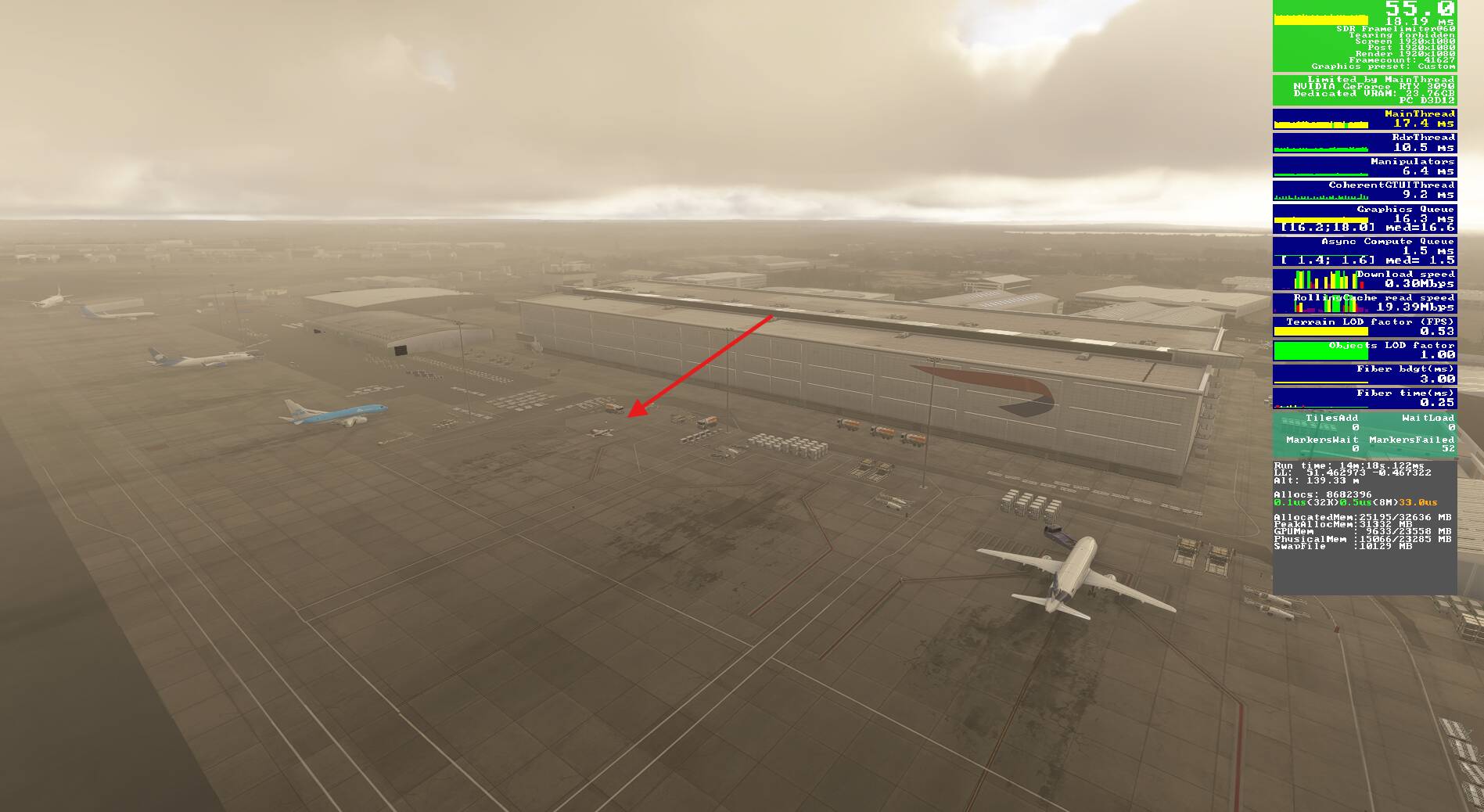
Yeah normally the console doesn’t provide much info, but since it was freezing the screen in this crash - made it a lot easier

Also contacted the dev to let them know - hopefully it is an easy fix

1 Like