Hello everyone,
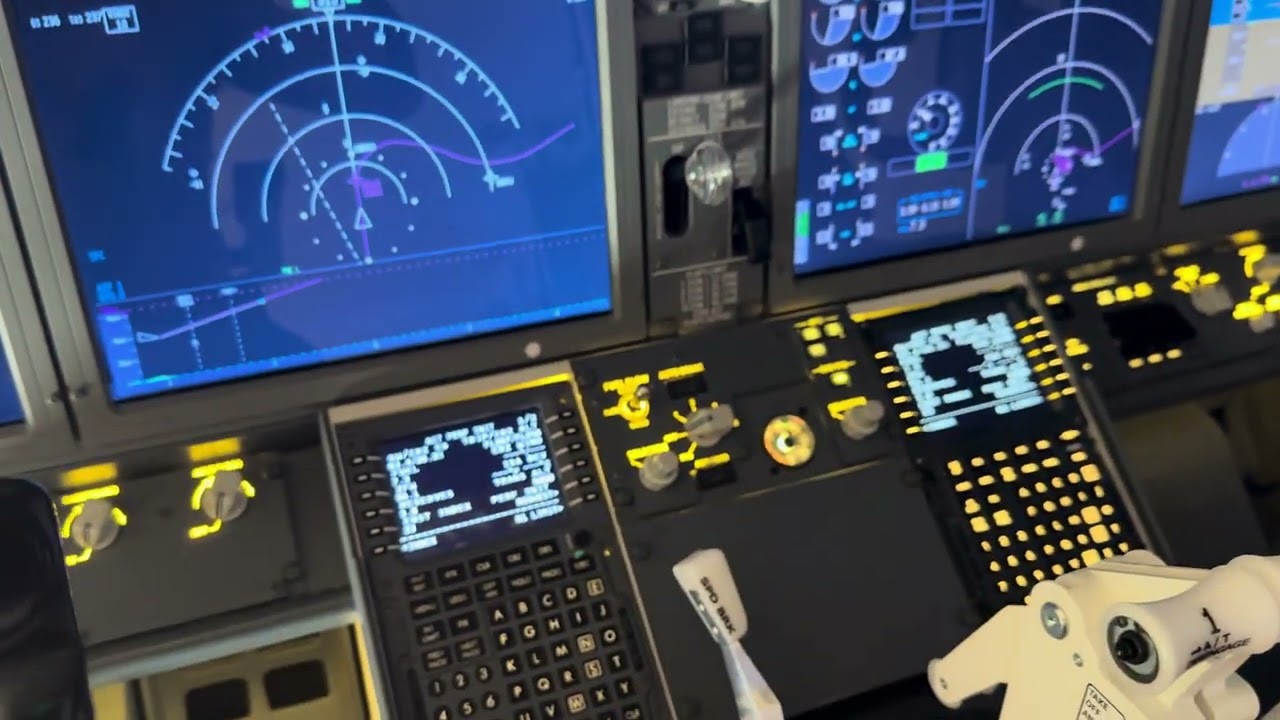
I am running a full physical cockpit setup of a Boeing 737 MAX using ProSim, with all instruments in hardware (no virtual cockpit visible). My visual setup consists of a single large flat screen (77”), positioned very close to the MIP.
I’ve encountered a fundamental limitation related to viewpoint alignment:
In a real aircraft, both the Captain and the First Officer, when looking straight ahead, perceive the runway centerline aligned with their own forward view. However, in the simulator, there is only one fixed camera position. If I center the camera geometrically (middle of the cockpit), neither seat has a realistic forward perspective.
Additionally, when I align the camera with the physical centerline of the cockpit (so the runway is perfectly centered on the screen), the result is still not realistic: when the pilot looks straight ahead, he is not seeing the end of the runway, but rather looking slightly toward the sides of the runway. This breaks the natural forward perspective that you would expect in a real aircraft.
-
If I align the view for the Captain → it looks correct for the left seat, but wrong for the right seat
-
If I align for the First Officer → same issue in reverse
-
If I center the camera → both perspectives become unrealistic
This becomes especially noticeable during approach and landing.
I understand that multi-projector or curved screen setups can solve this, but in a single flat-screen environment this is not possible.
My question / feature request:
Would it be possible for Microsoft Flight Simulator 2024 to implement a special camera/view mode designed for physical cockpits, for example:
-
A “dual-seat corrected view” that projects the runway centerline correctly for both seats
-
Or a perspective-adjusted (non-linear) view optimized for flat screens
-
Or even the ability to dynamically shift or blend viewpoints depending on seating position
This would be extremely valuable for users running hardware cockpits without virtual panels.
Has anyone found a workaround for this? Or is this something the developers have considered?
Thanks in advance.
here is a link of my cockpit if you want to see